

Soil Work Yield Bonus v 1.2.0.3

Soil Work Yield Bonus v 1.2.0.3
Soil Work Yield Bonus gives a small, realistic yield bonus for good soil preparation — applied exactly where you worked the ground.
How it works
– Preparing a seedbed stamps a yield bonus on the soil, tracked per cell wherever the tool works. There is no coverage requirement: work a strip and harvest that strip to get the bonus for it — any amount of a field counts.
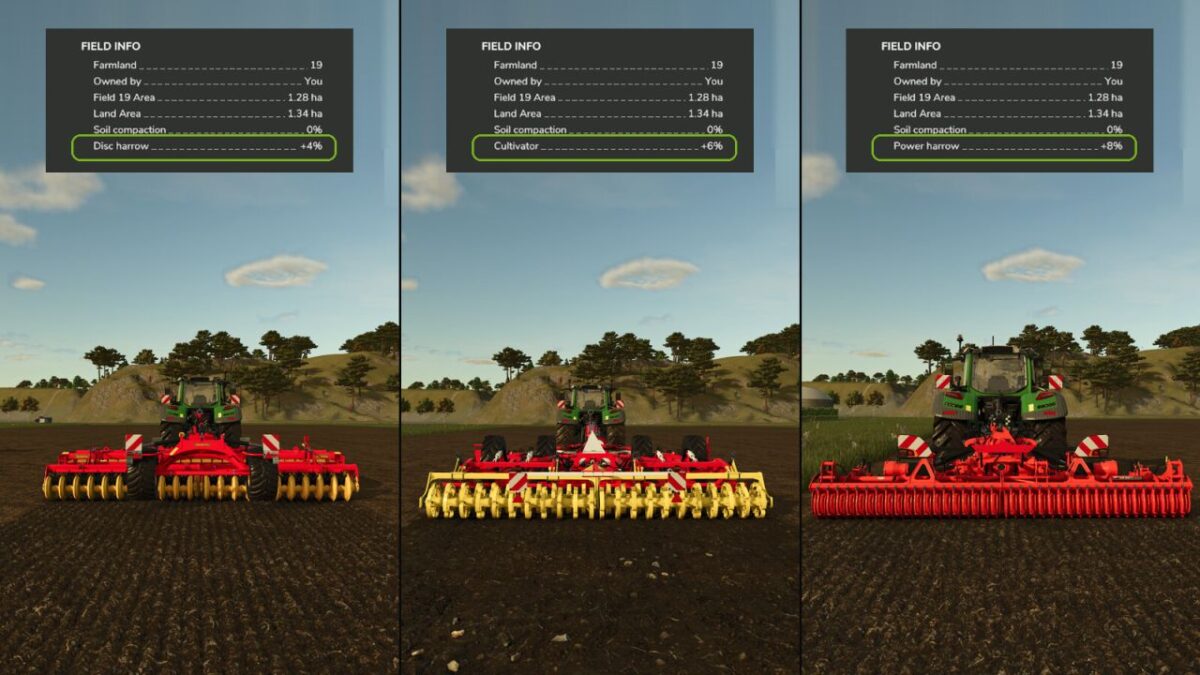
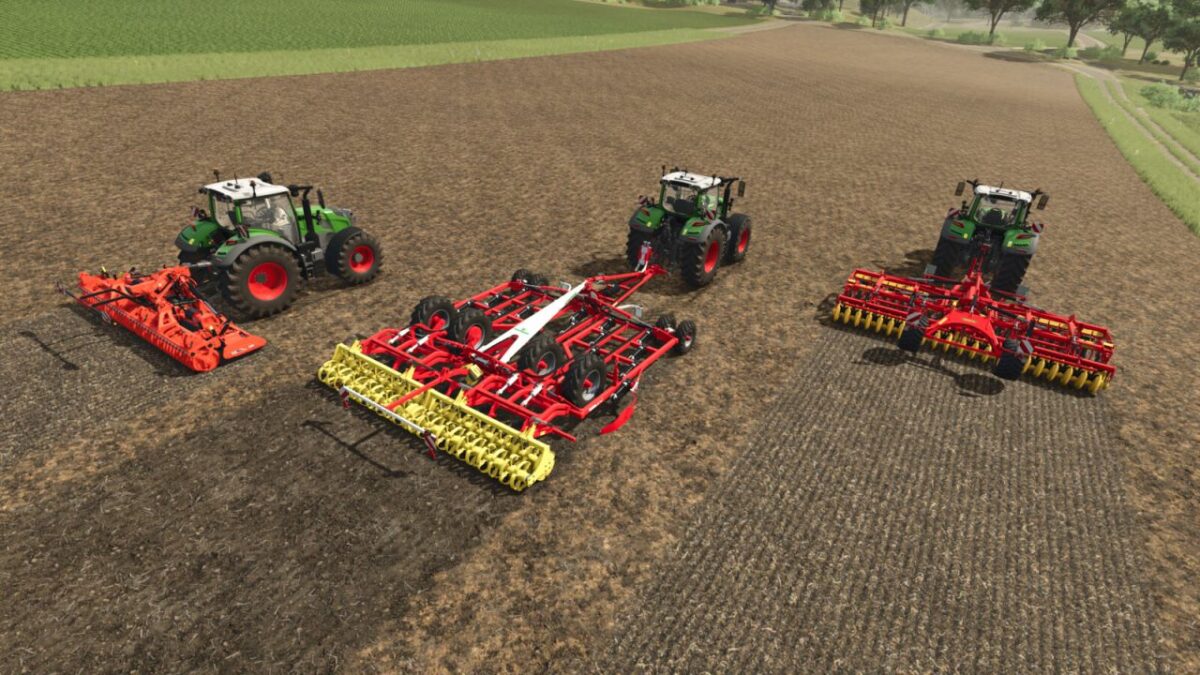
– The bonus depends on the tool: disc harrow +4%, cultivator +6% (or +4% working shallow), power harrow +8%. The last tool over a spot decides its bonus.
– The bonus is added to crops at harvest and to grass when it is mown, then spent there, so it rewards fresh soil work before each crop or grass cut.
See it
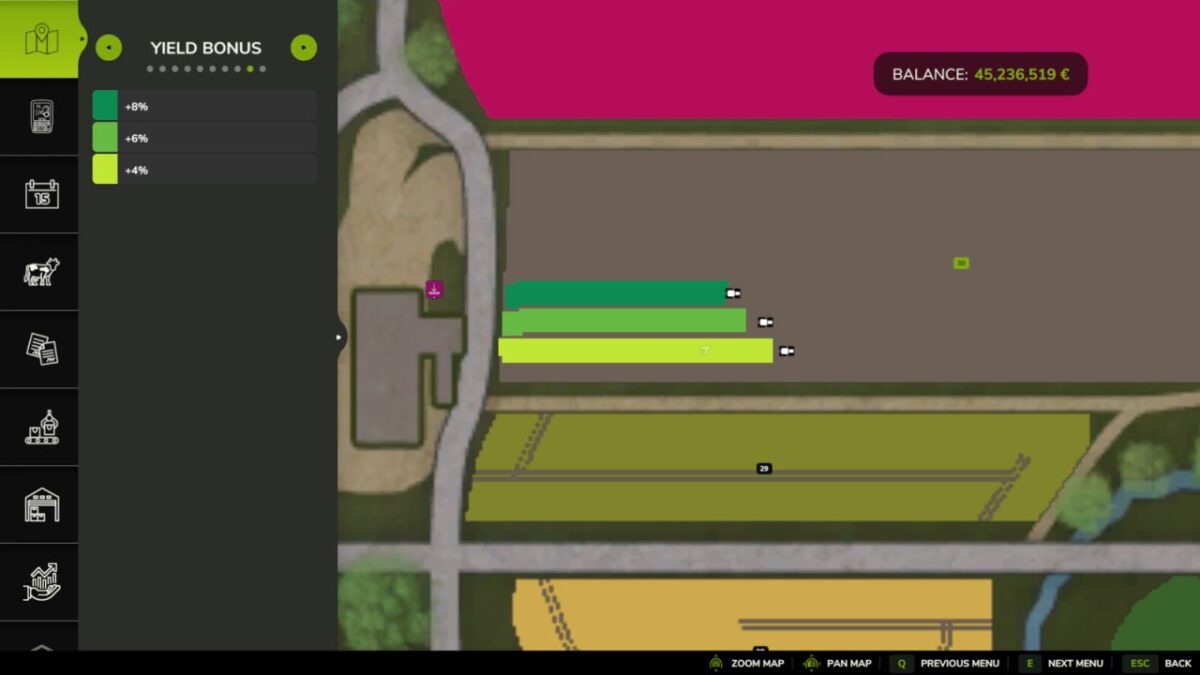
– A “Yield Bonus” page on the in-game map shows exactly where you worked, shaded from pale (weaker bonus) to deep green (stronger).
– The tool and its bonus under you are shown in the standard field information panel.
Version 1.2.0.3:
* Production release cleanup: removed temporary yield diagnostics and native overlay telemetry