

Wildenberg Map v 1.0.0.1

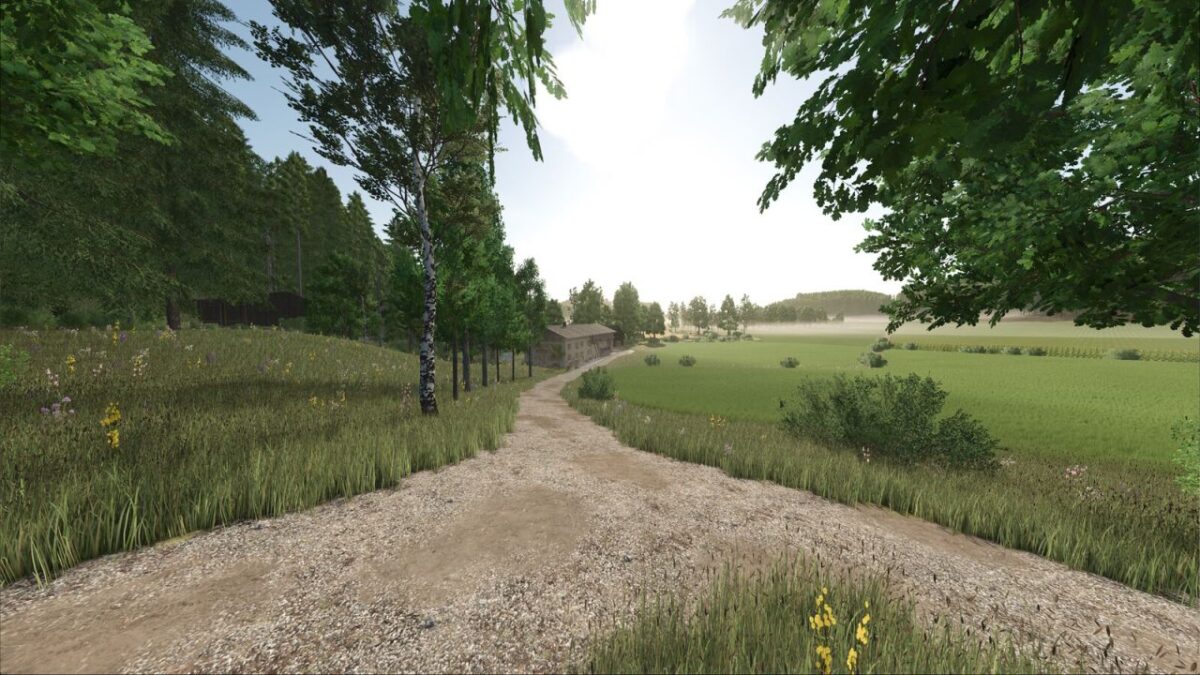
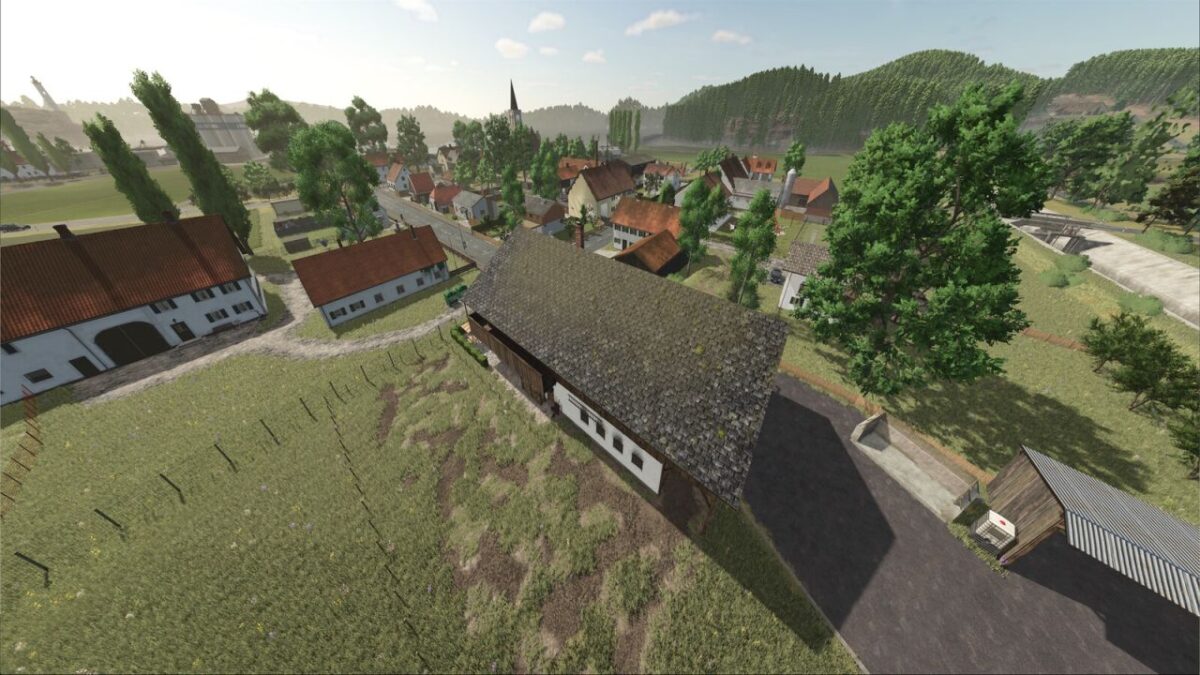
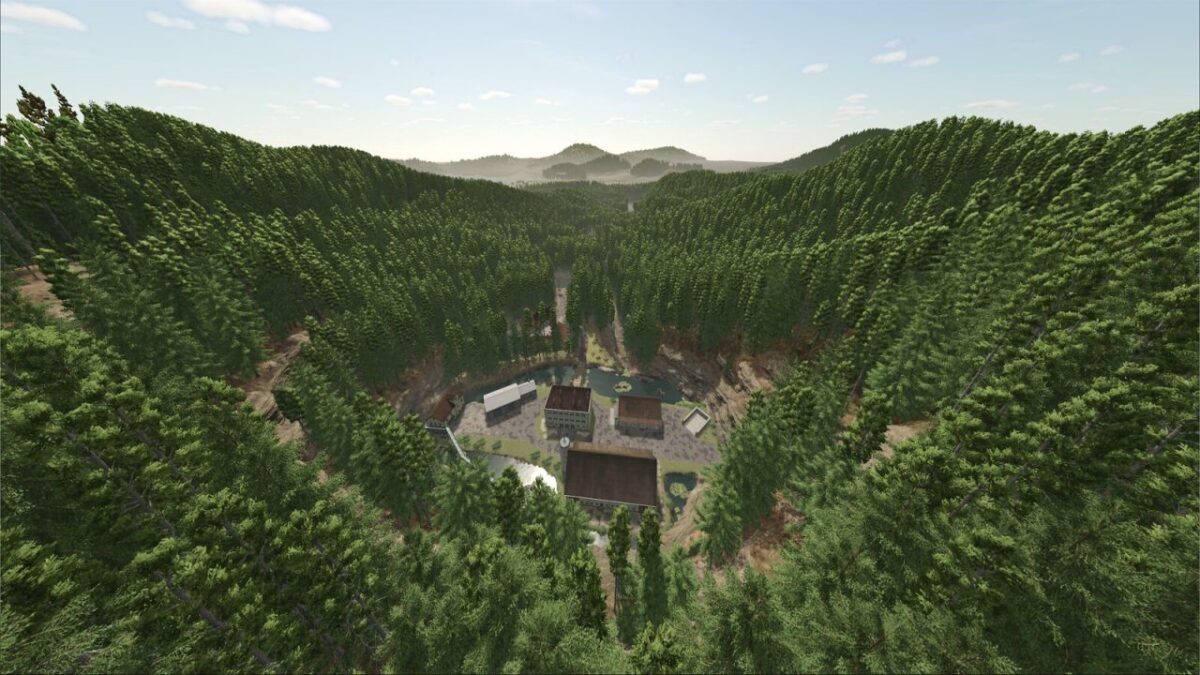
Wildenberg Map v 1.0.0.1
Distributed across the map are:
5 farms
1 farmstead that you can purchase for 0,$ but you’ll need to clean it up afterward, which isn’t cheap
1 small farm plot in the forest
1 expansion plot with a sheep and goat barn
1 smaller, vacant building plot outside of Wildenberg and 1 larger, fully developed building plot in Wildenberg for your own development or expansion
2 outdoor bunker silos. Potatoes and sugar beet pulp can also be added to the concrete-block silos; these are likewise converted into chaff.
The decorations on the farms can be sold individually or in groups, depending on their layout, just like the buildings themselves.
The decorations on the farms can be sold individually or as a whole, depending on how they’re arranged, just like the buildings themselves.
The starting area is located a little outside the town and is divided into two parts separated by a stream, but don’t worry, they are connected by a bridge.
Animal Shelters:
Starting Farm: Cow Shed and Chicken Coop
Large Cow Farm: One regular cow shed and a separate cow shed next to it for expansion
Farm in the Valley: Pigsty
Small Farm in the Village: Cow Shed
Large Farm in the Village: Cow Shed
Small Merchant Farm: Pigsty and Chicken Coop
Outlying Farm: Two cow sheds
In the Village: Sheep and goat barn for free expansion
There are:
18 meadows with a total area of 31.01 ha, ranging from 0.16 ha to 5.06 ha
32 fields with a total area of 60.04 ha, ranging from 0.45 ha to 6.38 ha
45 forest areas
Multi-soil angles with 32 angles
New pallets: IBC silage additive, pallet equipment storage and cocoa butter
The map includes multi-crop farming with the following additional crops:
Rye
Triticale
Spelt
Humusactive
Mustard
Silage Corn
Green Rye
Vetch Rye
and my own creations Reproduction grass, which is mowed or threshed as in the original game
Modified meadow grass
Spring wheat
Winter wheat
Spring barley
Winter barley
Production, sales, and purchase stations:
Dairy
Sugar factory
Sawmill
Grain mill
Furniture workshop
Can factory
Spinning mill
Bakery
Seed production
Restaurant
2 gas stations
2 harbor receiving points
Depot
Biogas plant
Animal dealer
Vehicle dealer
Quarry
Farm shop in the valley
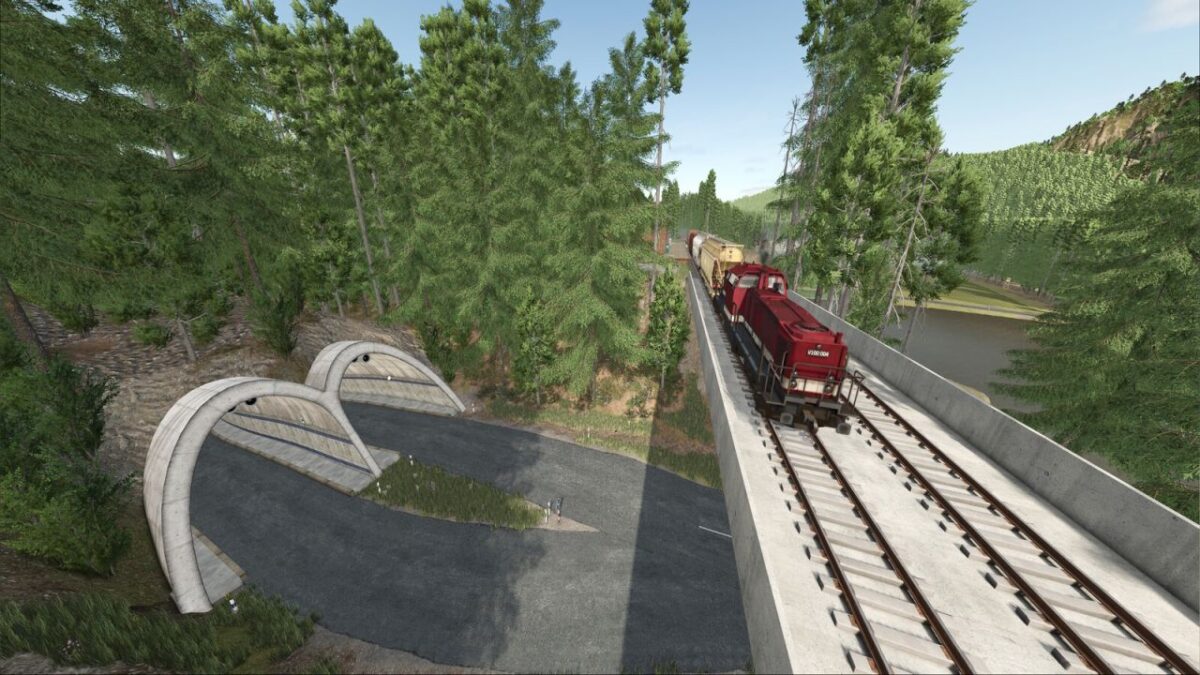
To transport your goods and merchandise, or to send them on to another region and sell them, there is also a train line with two loading bays.
In the shop, you will find a wheel chock for using and securing your vehicles.
In the building menu, you can place a Euro pallet yourself to store your equipment, and a traffic mirror to place on your farmland, which displays information just like in the original game.
Version 1.0.0.1:
* Fixed the train sell point
* Smoothed out a bump in the road near the BGA (requires a new save game)
* Added cows and pigs at the animal dealer
* Added opening hours sign at the warehouse
* Added PDA icon for the animal dealer
* Fixed minor issues
* Small farm in the village: bales can now be loaded into the cow barn
* Fixed the shop gate opening times when starting a new save game