

Placeable Sell Prices v 1.3.3.0

Placeable Sell Prices v 1.3.3.0
Placeable Sell Prices adjusts the sell values of owned, sellable placeable buildings in Farming Simulator 25.
The mod supports dedicated servers and multiplayer. Settings are stored on the server and synchronized with connected clients, ensuring that all players use the same sell values. The configuration remains active after a server restart.
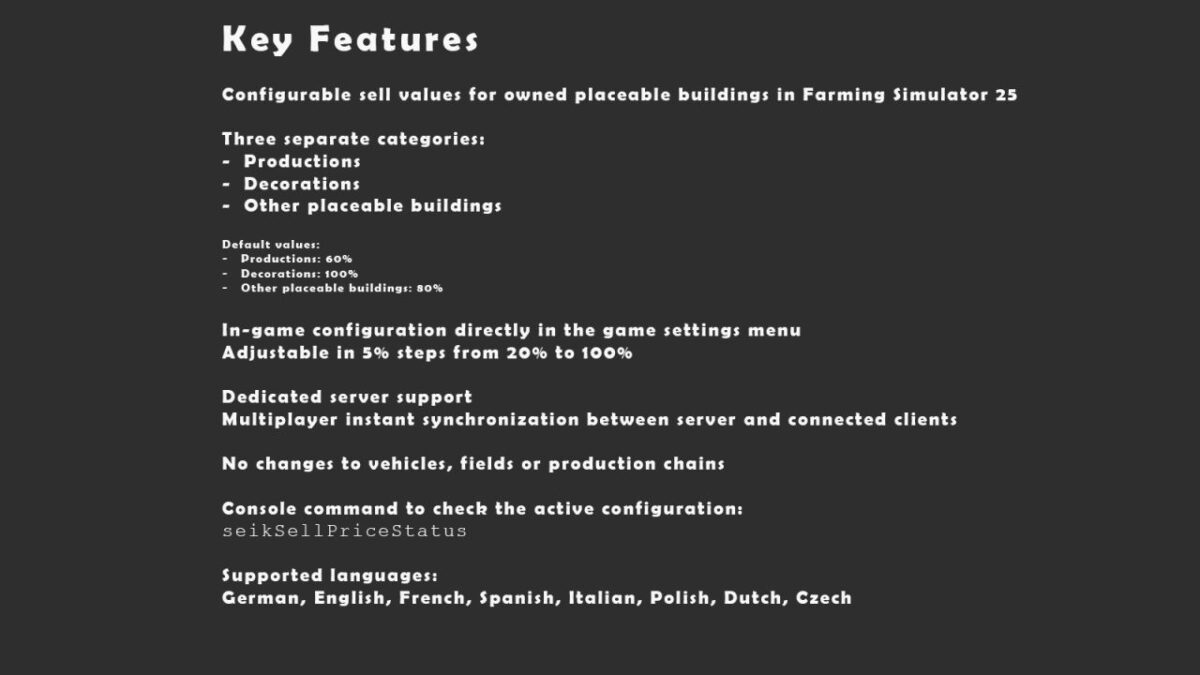
The mod uses three separate categories:
– Productions
– Decorations
– Other placeable buildings
Default values:
– Productions: 60%
– Decorations: 100%
– Other placeable buildings: 80%
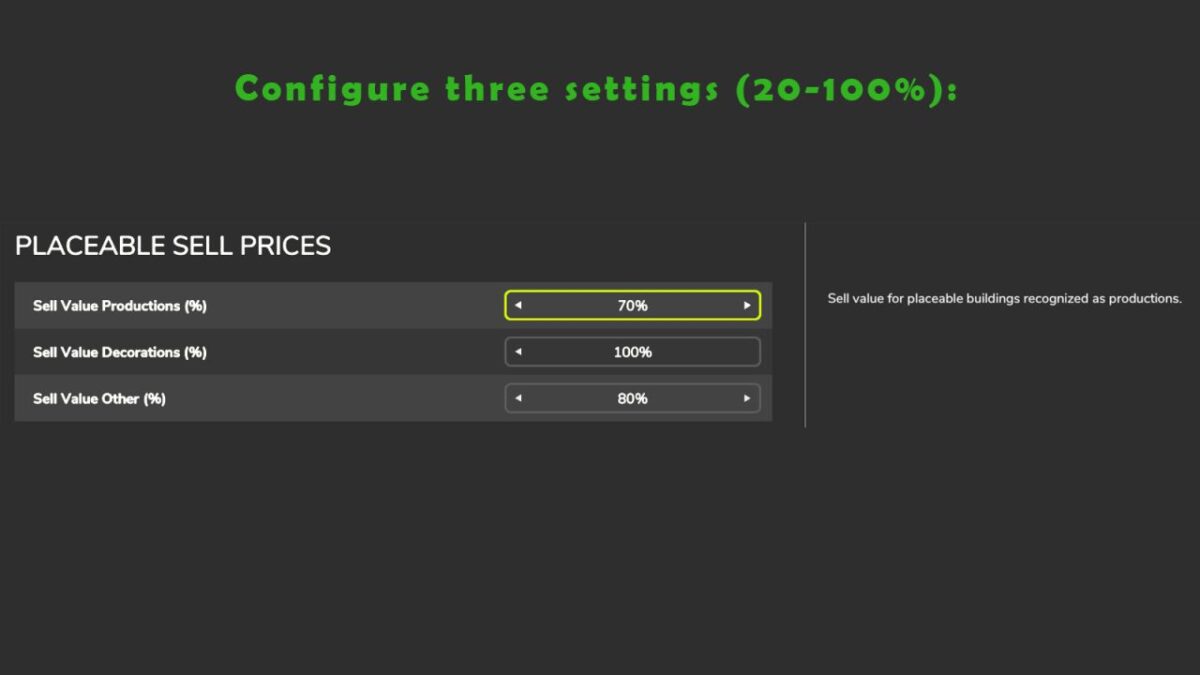
All values can be changed directly in the game settings menu in 5% increments from 20% to 100%.
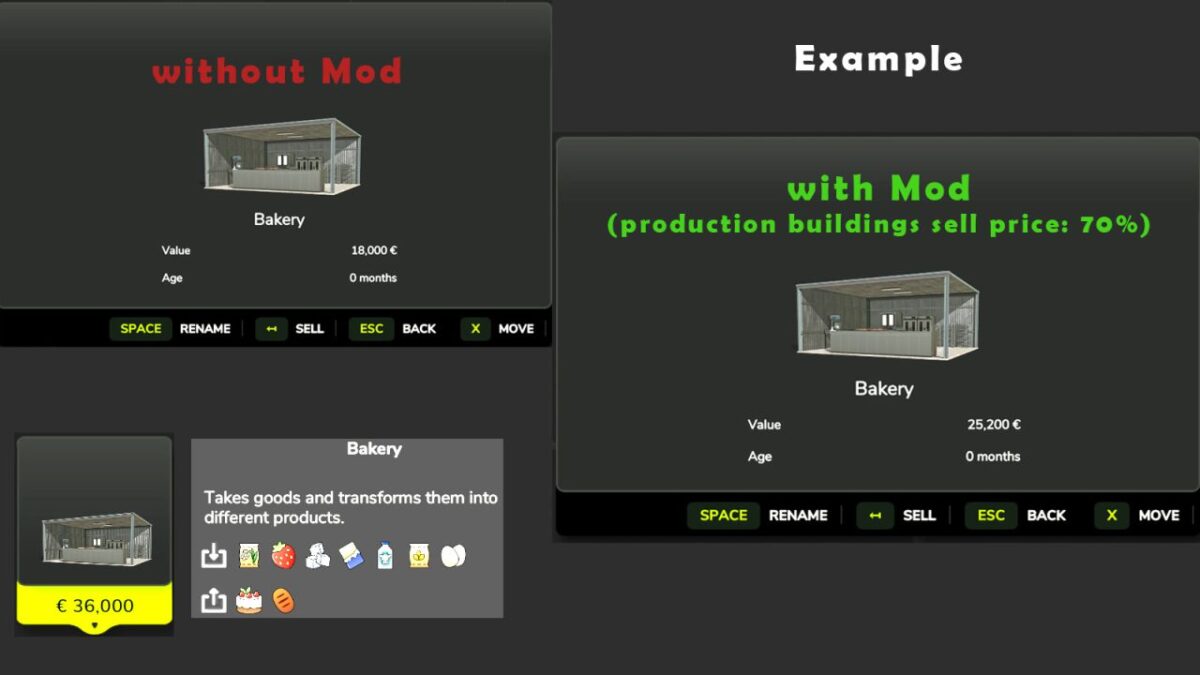
Example:
With Productions set to 80%, Decorations to 70% and Other placeable buildings to 60%:
– A bakery with a base value of €36,000 sells for €28,800
– A light with a base value of €100 sells for €70
– A shed with a base value of €10,000 sells for €6,000
Features:
– Separate sell values for productions, decorations and other placeable buildings
– Direct configuration through the in-game settings menu
– Adjustable from 20% to 100% in 5% increments (only admin)
– Dedicated server support
– Multiplayer synchronization
– Server-side configuration saving
– No age, grace-period or tracking system
– No changes to vehicles, fields or production chains
Console command:
seikSellPriceStatus
This command displays the active version, the configured sell values and the number of patched placeables.
Note:
This mod was originally created for our own personal use. However, it has since reached a stable state and works reliably in our multiplayer sessions. We have come to appreciate it so much that we no longer want to play without it.
For this reason, we would like to make it available to other players as well, so they can decide for themselves whether it is useful for their own games.