

Auto Center Camera v 1.0

Auto Center Camera v 1.0
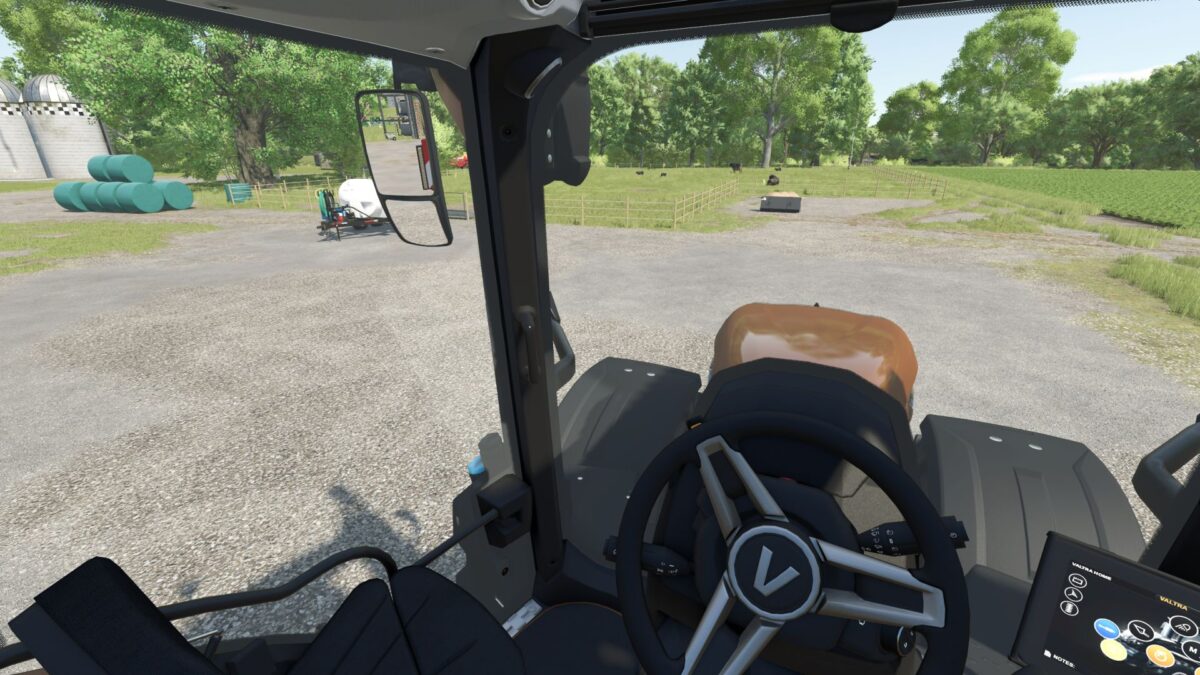
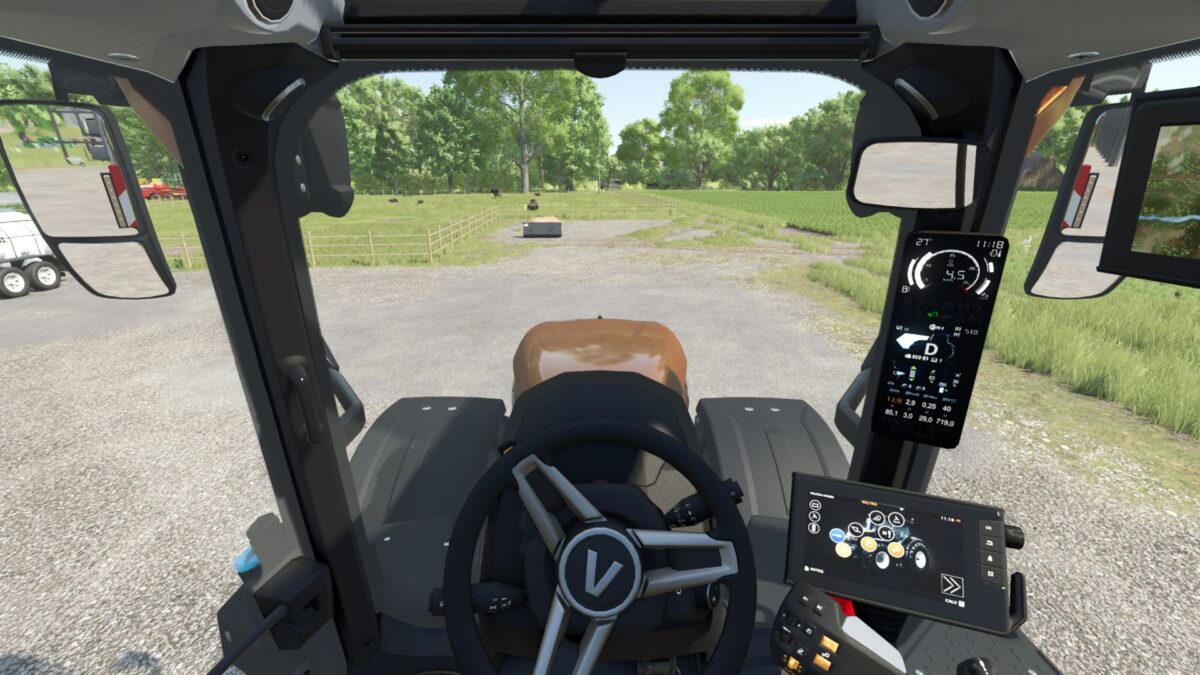
Ever turn your camera to check an implement, admire your perfectly straight fieldwork, or stare dramatically into the distance then forget which way the tractor is actually going?
Auto Center Camera returns your vehicle camera to the forward position after you stop looking around. No snapping, no wrestling with the mouse, and no accidentally driving into a tree because your camera was still watching the baler.
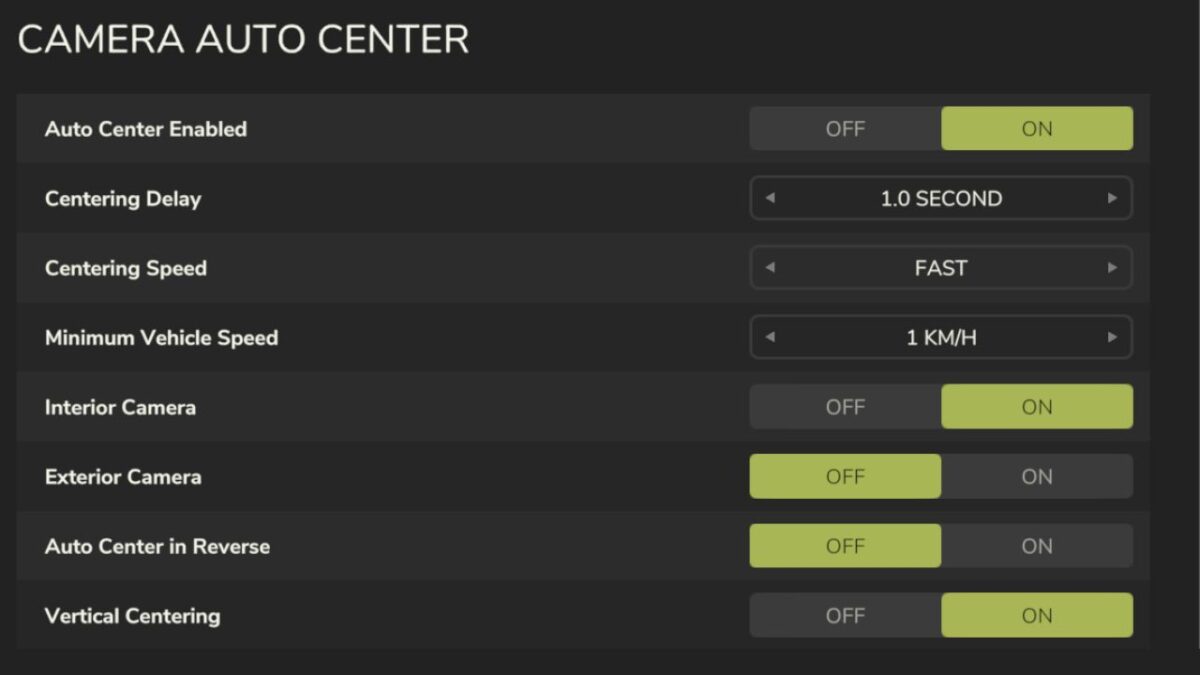
The delay, centering speed, minimum vehicle speed, interior and exterior camera behavior, reverse centering, and vertical centering can all be adjusted through the in-game settings menu.
Features
Smooth automatic camera centering
Adjustable delay and centering speed
Interior and exterior camera support
Optional centering while reversing
Page Up toggles the mod on or off (can be configured)
Helps you look forward, even when your farming decisions are questionable