

John Deere 8RX with ExactRate Tanks v 1.0

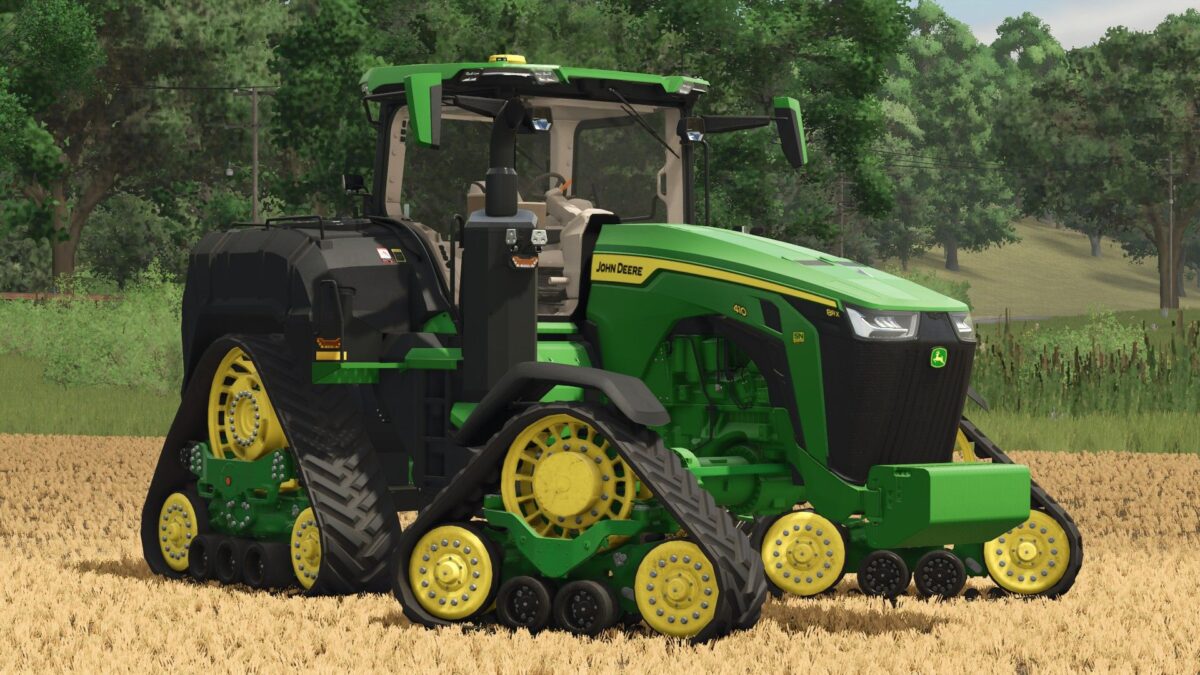
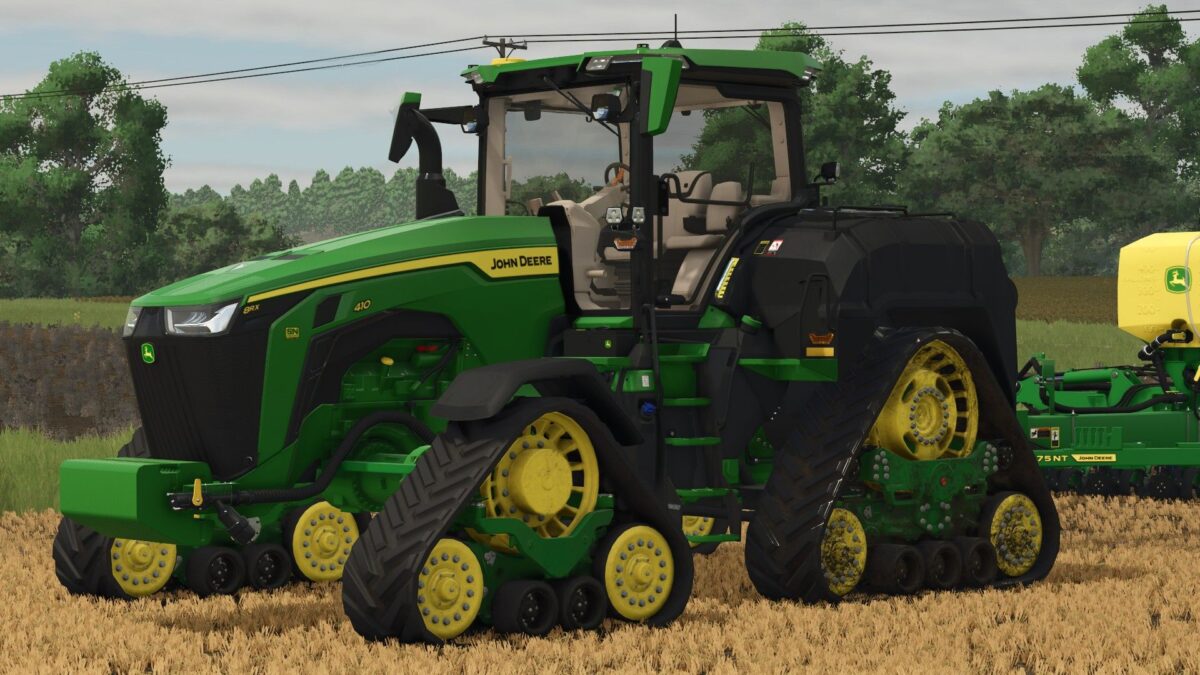
John Deere 8RX with ExactRate Tanks v 1.0
About the mod:
Available Models: 8RX 310, 8RX 340, 8RX 410
Front weight configurations
Engine configurations of 310 hp – 410 hp
Track configurations
Rear SMV sign configurations
Worklight configurations
Dealer decal configurations
You have to buy the ExactRate Tanks separately in the shop and then drive through and attach them to the tractor.
The 2022 John Deere 1775NT planter by JHHG Modding works great with this mod, and the liquid hose on the planter connects to the liquid hose on the tractor.
Credits:
SiiD Modding, JHHG, RWRModding