

Farm Reputation v 1.0

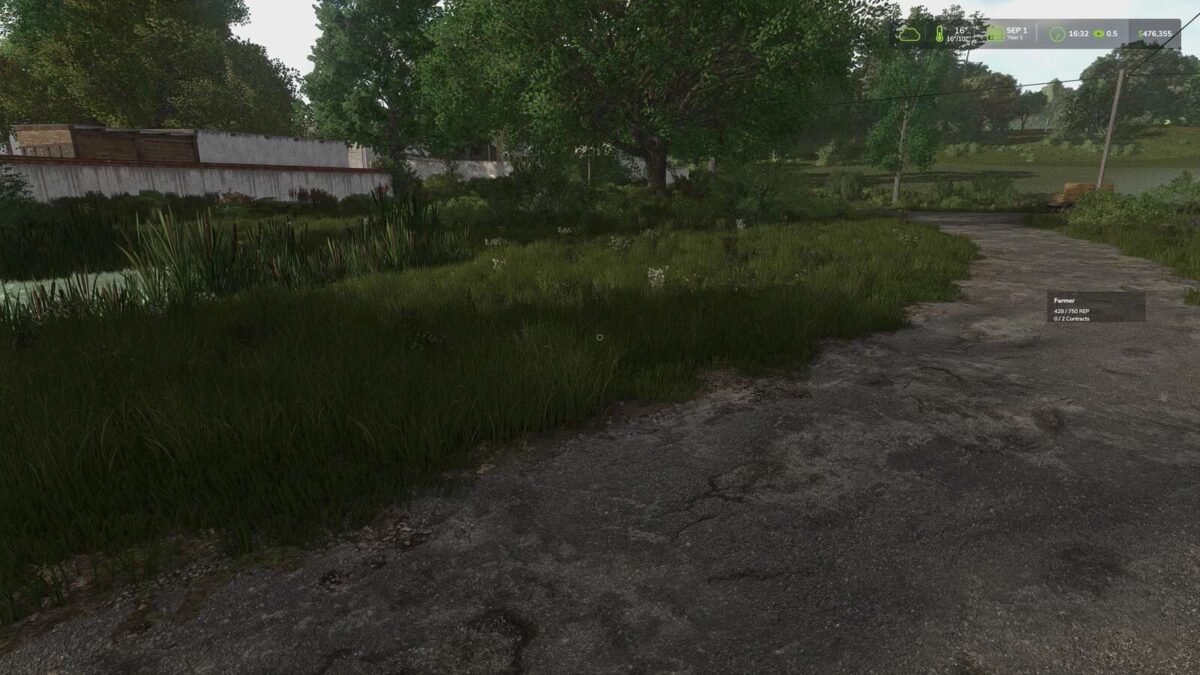
Farm Reputation v 1.0
Farm Reputation extends Farming Simulator 25 and Better Contracts with a complete reputation and career progression system, adding long-term progression and a more realistic contract experience.
Develop your reputation both as a farmer and as a reliable contractor to unlock better opportunities throughout your career.
Features:
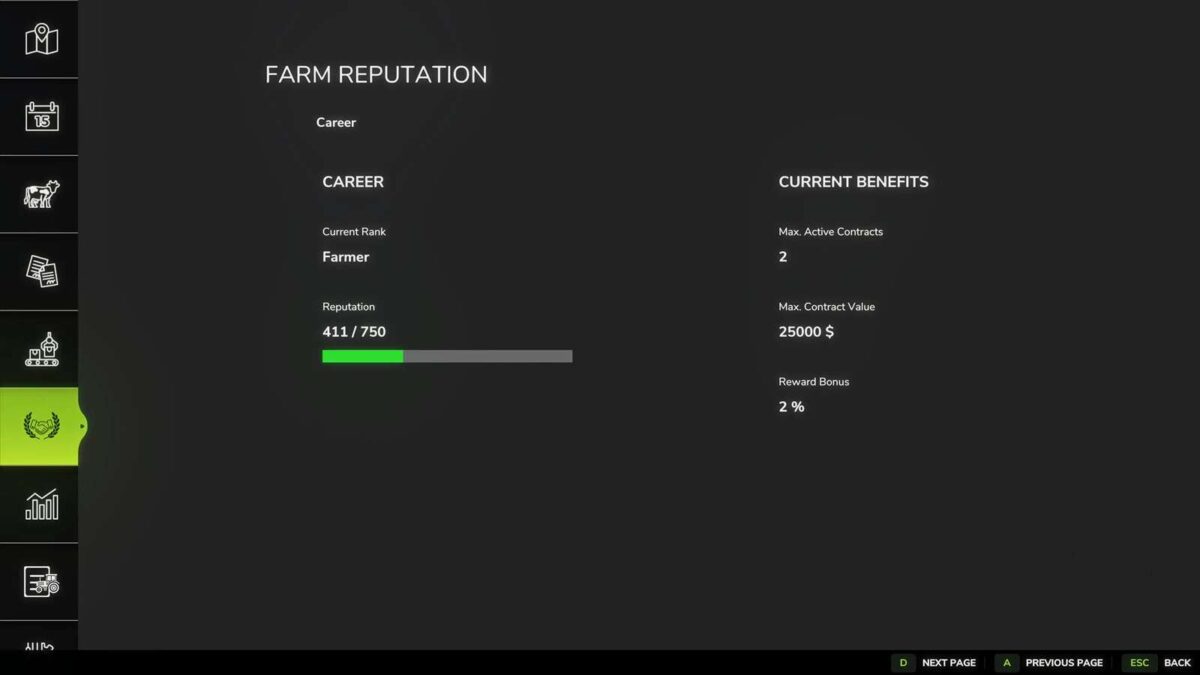
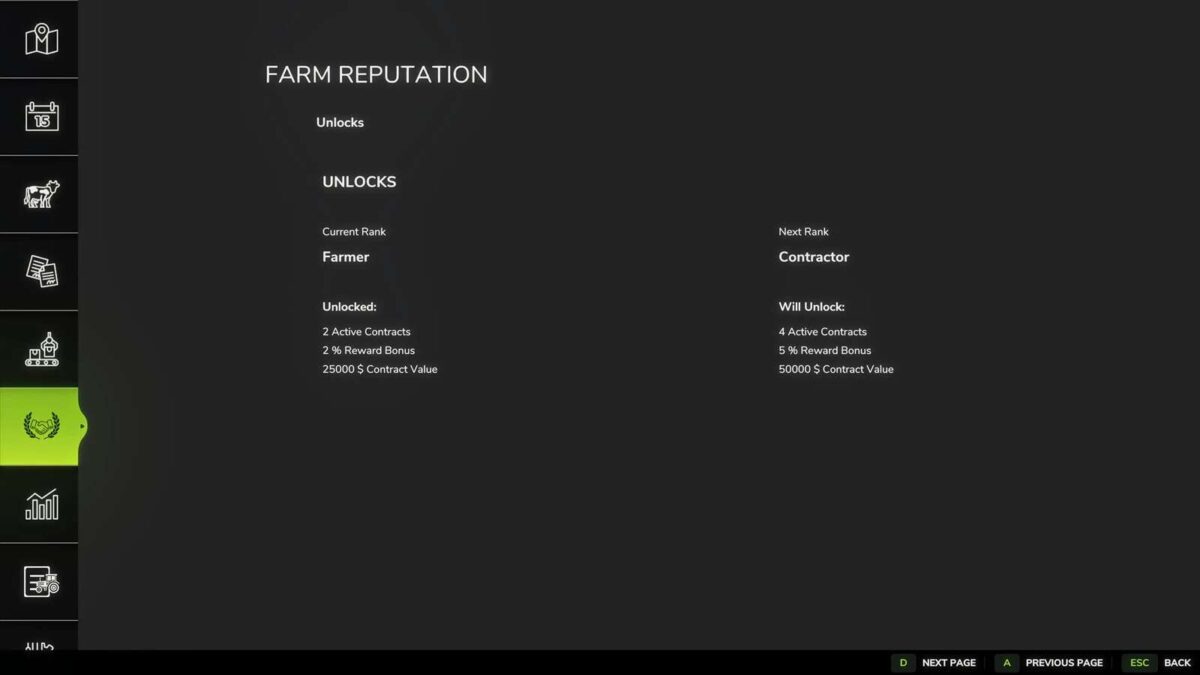
Complete career progression with multiple ranks
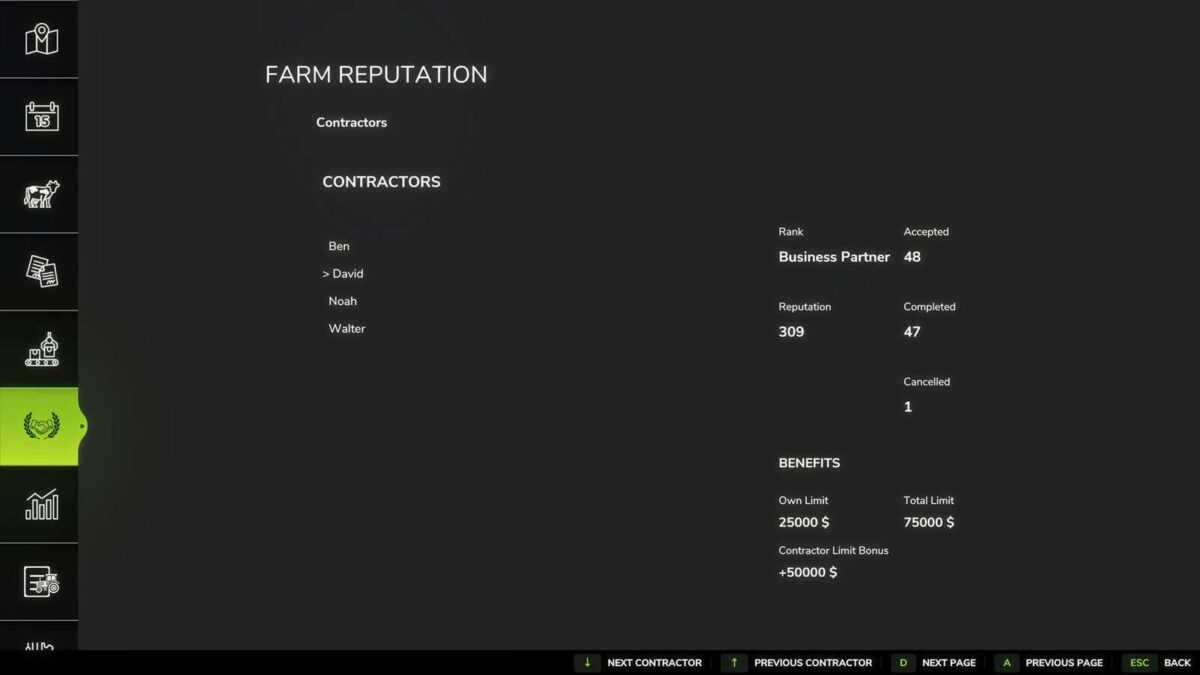
Individual reputation for every contractor
Contractor-specific contract value bonuses
Farm reputation system with long-term progression
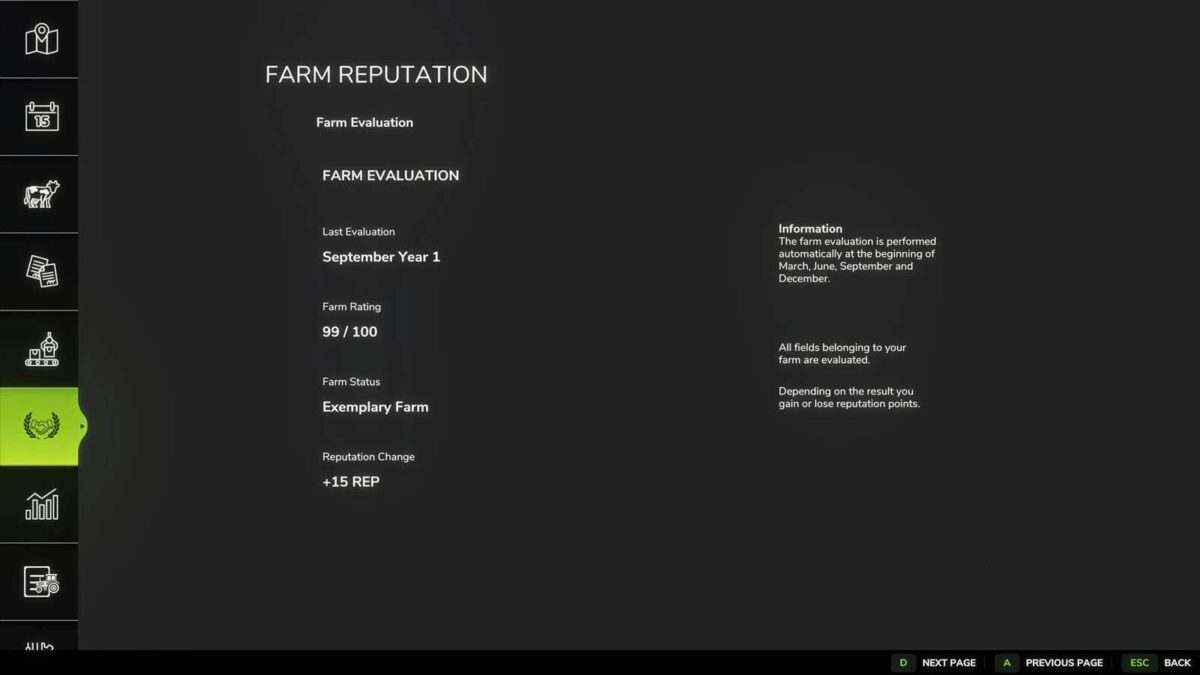
Quarterly farm evaluations
Field analysis
Unlock new rewards as your reputation grows
Increase the number of active contracts
Unlock higher maximum contract values
Earn additional contract payment bonuses
How it works:
Earn reputation by successfully completing contracts.
Earn additional reputation through positive quarterly farm evaluations.
Lose reputation by cancelling contracts or receiving poor farm evaluations.
Every contractor has an individual reputation.
Higher contractor reputation unlocks higher contract value limits for that specific contractor.
Your career rank determines your base contract limits, reward bonuses and the maximum number of active contracts.
Farm evaluations are based on weed management, stone management, fertilization, liming and plowing.
Controls:
F9 – Move the reputation HUD
A – Previous page
D – Next page
Arrow Up – Select previous contractor
Arrow Down – Select next contractor
Requirements:
Better Contracts
Compatibility:
Multiplayer supported
Existing save games supported