

Massey Ferguson 9S Patriotic v 2.2

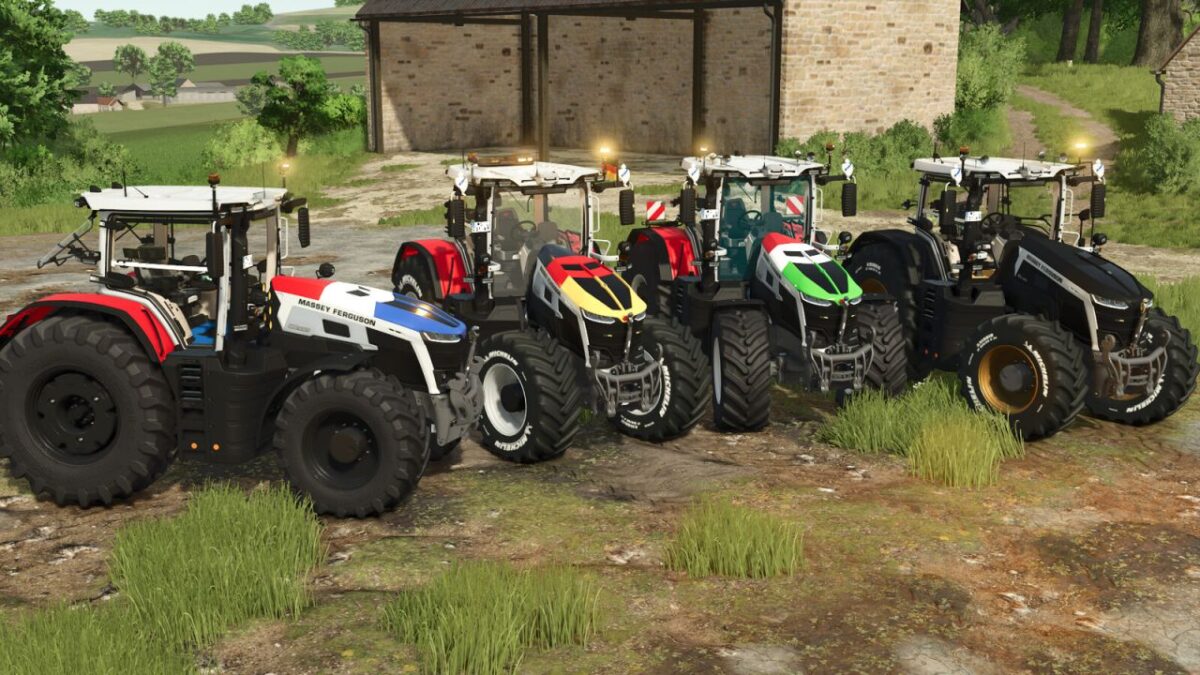
Massey Ferguson 9S Patriotic v 2.2
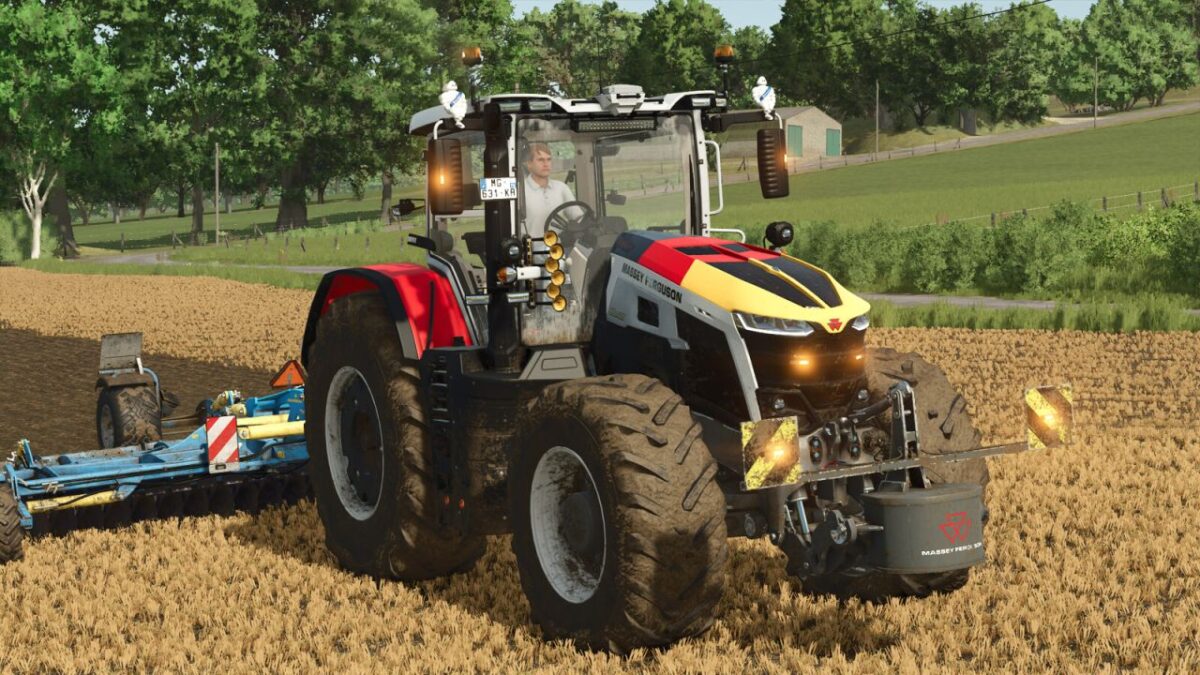
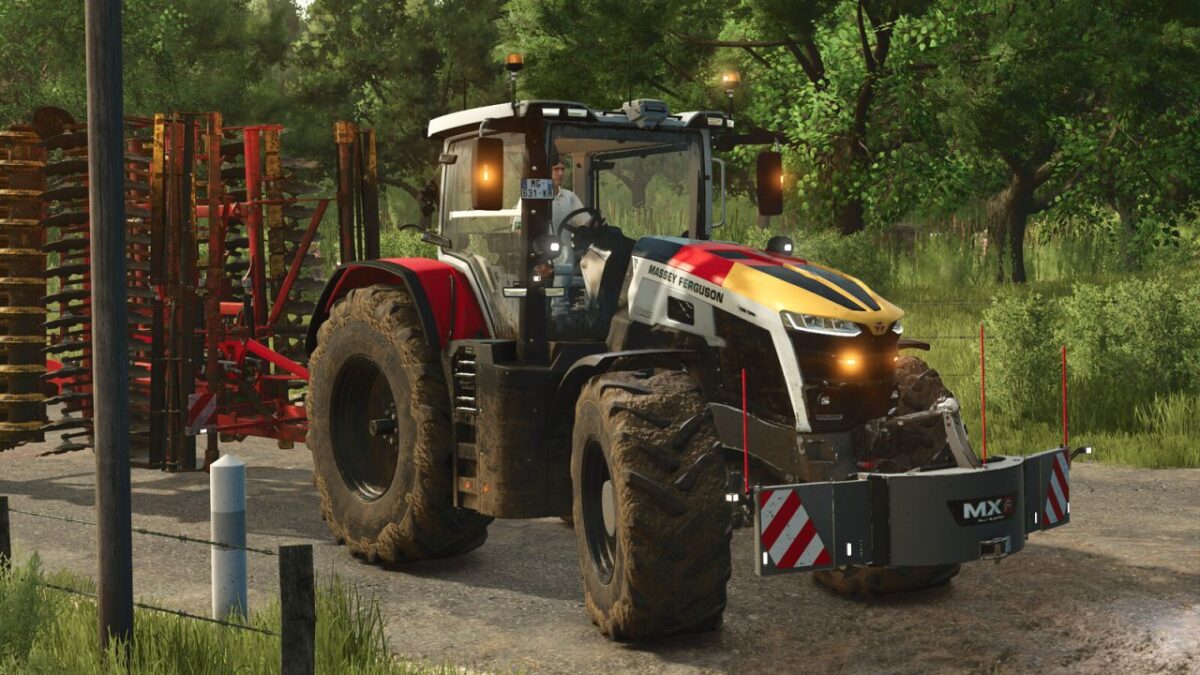
Discover the Massey Ferguson 9S Patriotic, a customized version of the famous tractor combining performance, international style and many configuration options. Customize your machine according to your preferences with various visual variants and available equipment.
Available configurations:
– US or EU version
– Wheel selection
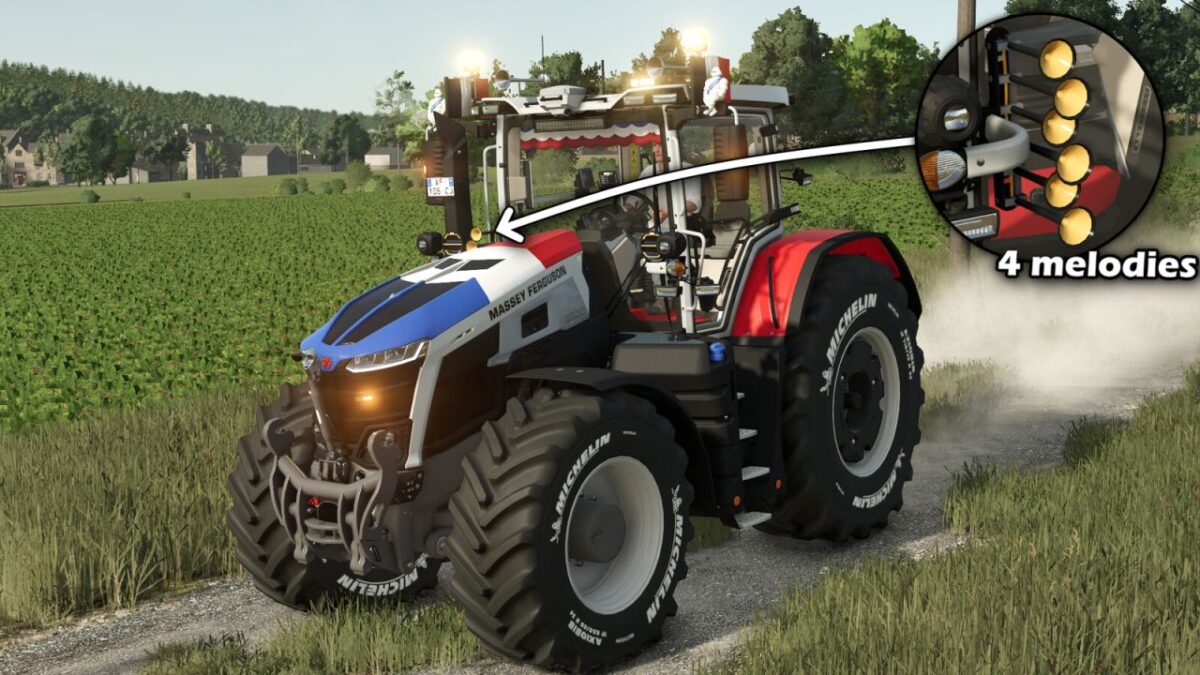
– Hood flag (France, Germany, Italia, Belgium or none)
– LED flash (mirror, grille, both or none)
– Phone inside the cabin (yes/no)
– 50 km/h stickers (yes/no)
– Rim color
– Tractor color (use only without a flag to keep accurate colors)
– Mirror flags with configuration (none / left / right / both). Available countries: France, Belgium, Germany, Canada, Italy, United States and Brazil.
– Roof-mounted horns with configuration (with or without horn).
– Integrated LizardHorn system with an in-cab display allowing the selection of up to 5 different melodies.
– LED light bar with configuration (yes / no).
– Floor mat with color configuration.
– Beacon configuration (rotating or flashing).
– Michelin figure with configuration (yes / no).
– Hub color configuration.
– Tractor window tint configuration (gray / black / blue).
– Interactive Control buttons at the front and rear to raise/lower and fold/unfold implements.
– Cab-mounted light bar with configuration (yes / no).
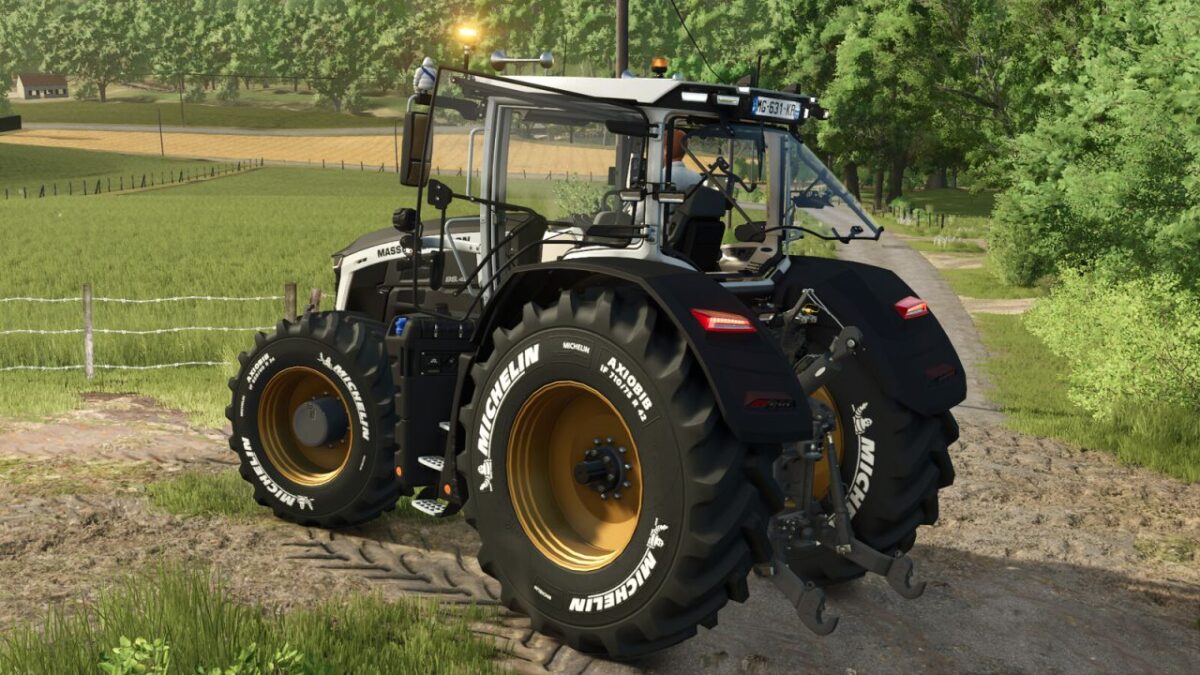
– Michelin tires with white lettering.
– Configurable fenders (yes / no).
– The LizardHorn system includes a display inside the cab. Once enabled, the horn melody can be played using the same key as the vehicle cover function.
– The desired melody (0 to 4) can be selected using the mouse or joystick. A marker is displayed on the LizardHorn screen inside the cab to indicate the currently selected melody.
Controls to change melodies:
PS5: R1 + L1 + R3 > move the right joystick from left to right.
Xbox: RB + LB + R3 > move the right joystick from left to right.
PC: Left mouse button + right mouse button > move the mouse from left to right.
Additional modifications:
– Interactive Control/mouse control installed
– Improved LED beacons
– Revised tractor physics
– Camera on the control terminal (Mercedes-Benz DLC is required)
Enjoy a unique and fully customizable Massey Ferguson 9S, ready to represent the colors of nations on your farms!
Massey Ferguson 9S Patriotic:
– Category: Large tractors
– Price: 259,000$
– Power: 285–425 hp
– Top speed: 53 km/h
Version 2.2:
* Added a tricolor banner configuration with 3 color variants
* Added 2 additional light configurations
* The rear camera can now be used by console players (Mercedes-Benz DLC required)
* Added a tire configuration with Michelin lettering and wheel weights
* Fixed English and German translations in the configurations