

Gorenc Soiler Disc Harrows Pack v 1.0

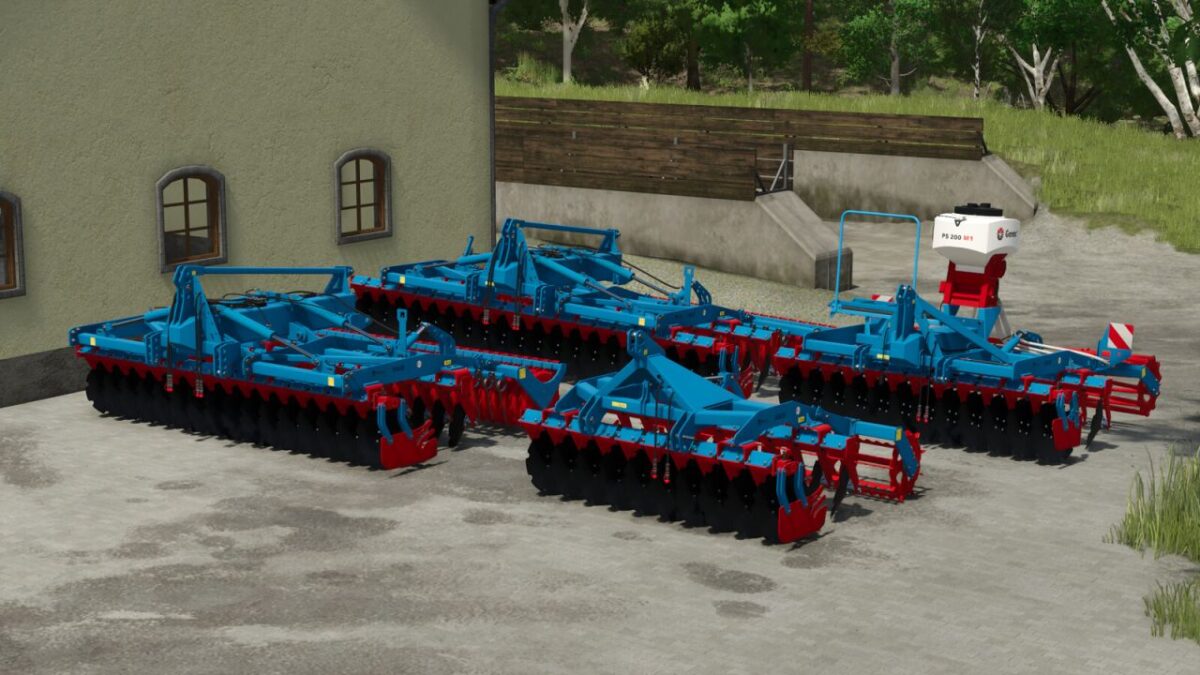
Gorenc Soiler Disc Harrows Pack v 1.0
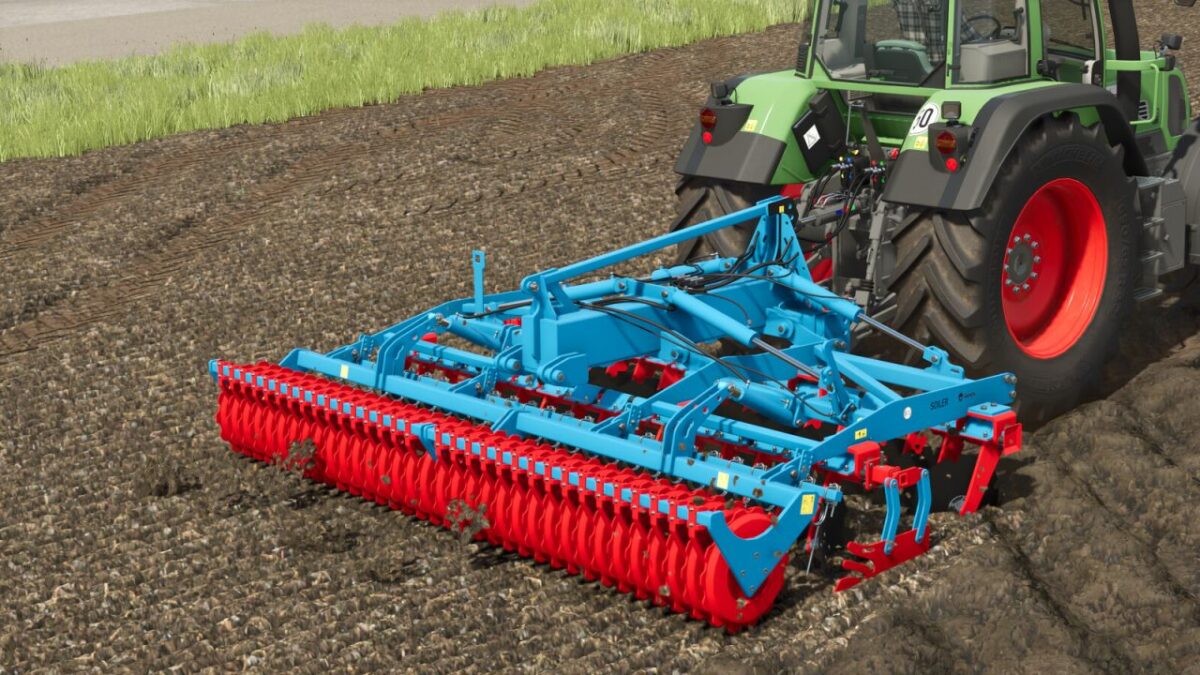
The Gorenc Soiler is a high performance disc harrow designed for shallow stubble cultivation and efficient seedbed preparation.
Its two row disc system, combined with a rear roller, cuts crop residues, breaks up clods, aerates the soil, and creates an ideal seedbed in a single pass with working depths of up to 15 cm.
Soiler 250
– Category: Disc Harrows
– Price: 8400 $
– Weight: 965-1400 kg
– Required power: 70 hp
– Working width: 2.5 m
– Working speed: 15 kph
Soiler 300
– Category: Disc Harrows
– Price: 12000 $
– Weight: 1557-1990 kg
– Required power: 120 hp
– Working width: 3 m
– Working speed: 15 kph
Soiler 400
– Category: Disc Harrows
– Price: 25500 $
– Weight: 2000-3180 kg
– Required power: 140 hp
– Working width: 4 m
– Working speed: 15 kph
Soiler 500
– Category: Disc Harrows
– Price: 29600 $
– Weight: 2275-3555 kg
– Required power: 170 hp
– Working width: 5 m
– Working speed: 15 kph
Configurations:
Roller configuration
Soiler 300: Optional seeder attachment configuration