

Realistic Weather Lite v 1.3

Realistic Weather Lite v 1.3
This mod is inspired by the original concept created by Arrow, further developed and optimized to deliver a smooth and immersive weather experience.
HOW THE MOD WORKS (Features)
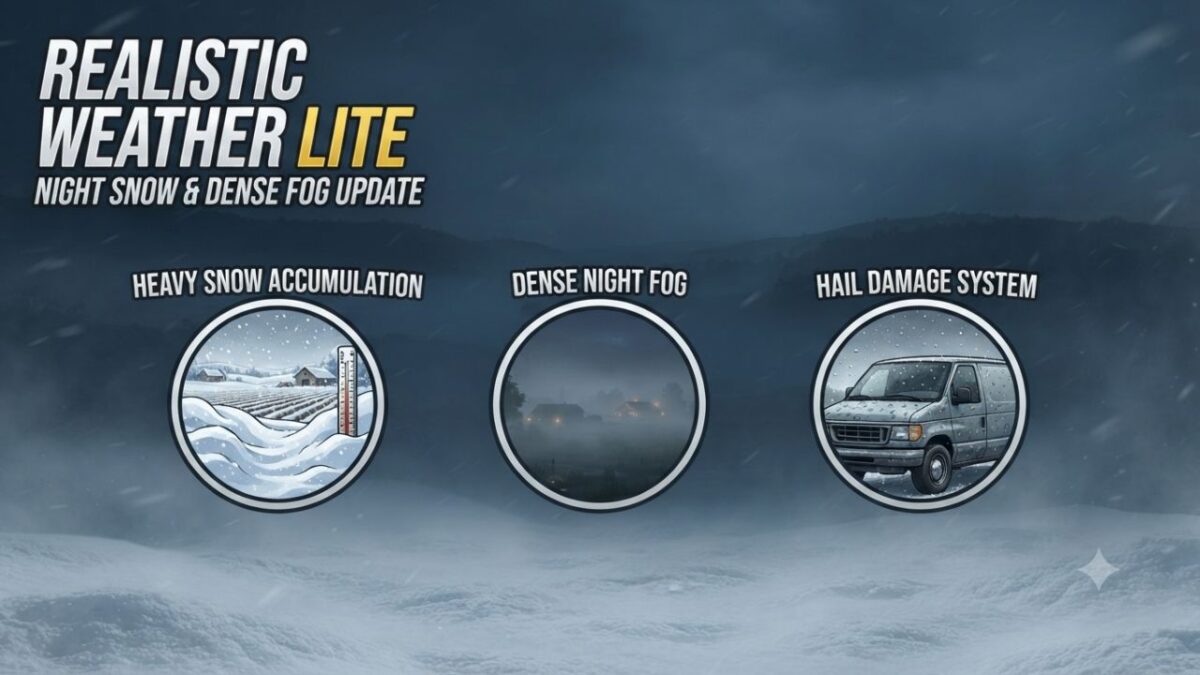
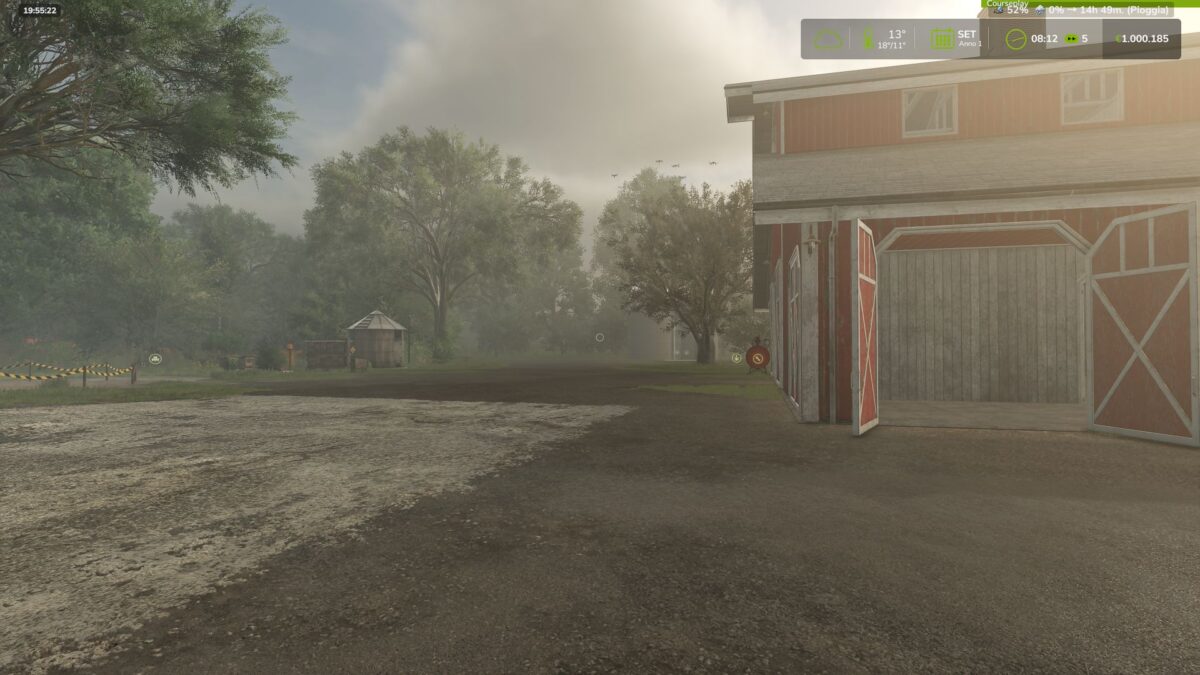
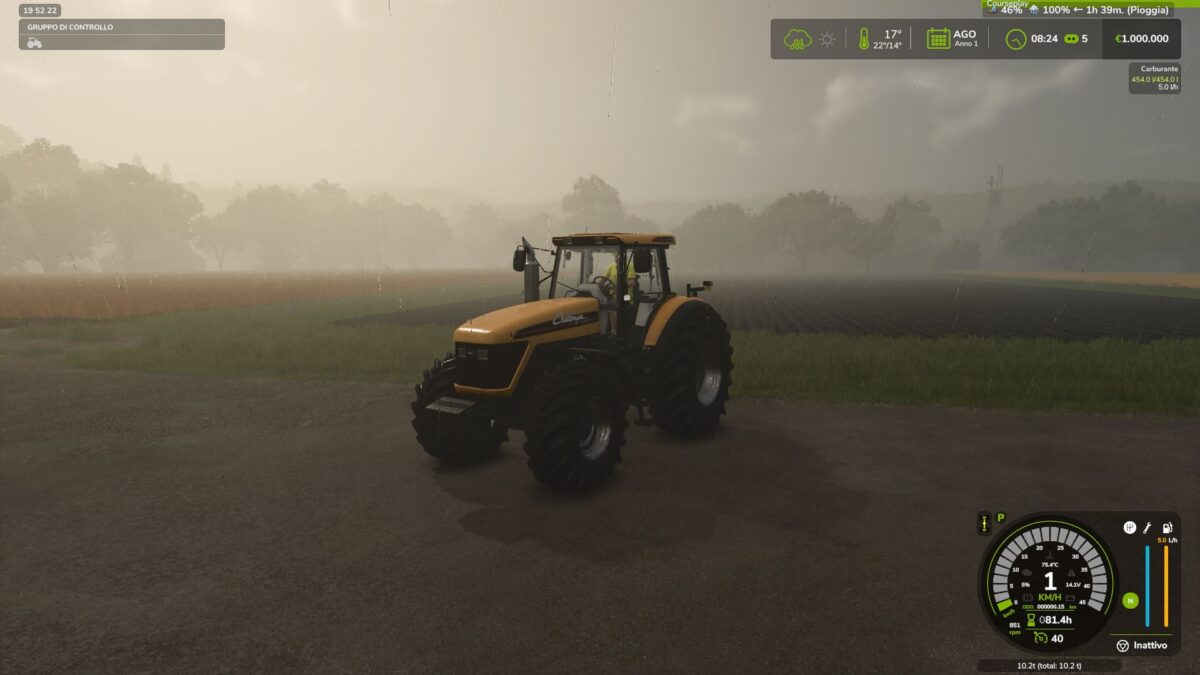
Dense & Dynamic Fog: Very thick and rare fog, generated randomly during rain, snow, or cold winter mornings, with a density and height much higher than the base game.
Atmospheric Transitions: Climatic changes and realistic effects during bad weather.
Advanced Snow Accumulation: Detailed management of snow depth on the ground and random blizzards with significant snowdrifts.
Hail & Vehicle Damage: Hailstorms cause wear and visual damage to uncovered vehicles (fully compatible with advanced damage management mods like Advanced Damage System).
Version 1.3:
* Added realistic traction loss specifically when driving on snow. To maintain good control and performance, it is now recommended to use dual tires, twin wheels, or tracked vehicles (crawlers), giving a meaningful purpose to your equipment choices in winter conditions
* Restored native base game fog/weather presets while keeping our custom dense fog system fully functional and active on top of them
* Optimized overall Lua code performance and stability
* Added and verified full translations across supported languages