Field Wizard – Field Ready to Harvest in 1s v 1.0
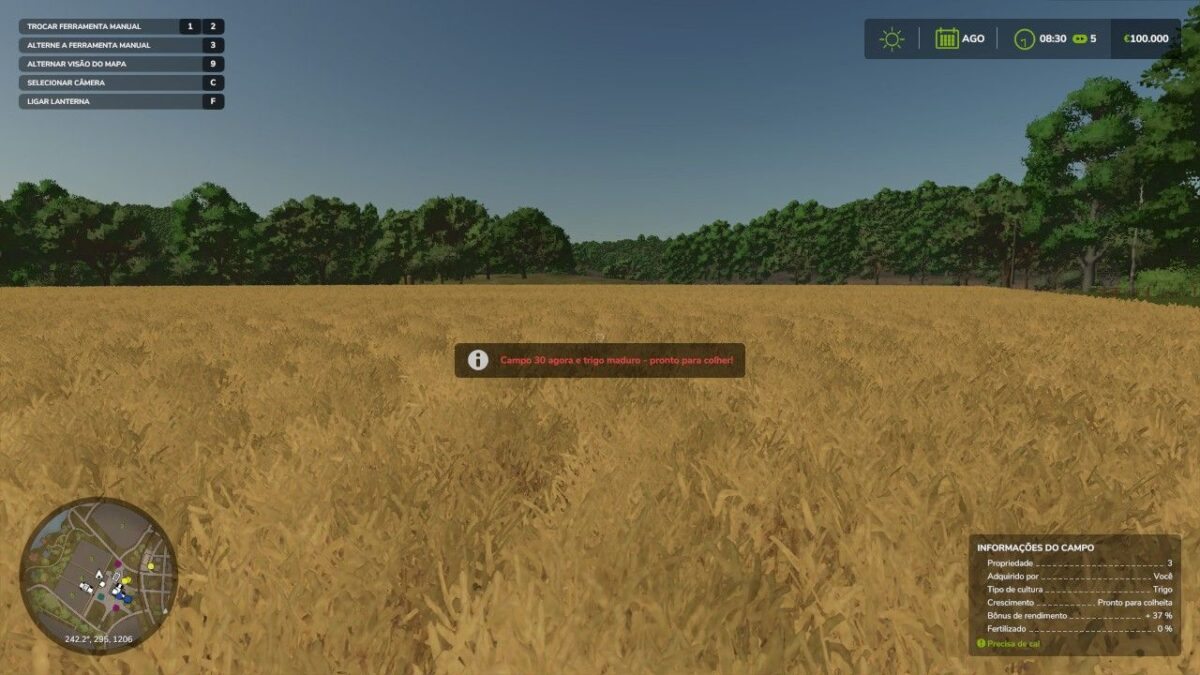
No more waiting for the plantation to grow. Stand in any field (on foot or in a vehicle) and press LCtrl + LAlt + H: the entire field instantly becomes ripe wheat, ready to harvest — no menus, no console, right away.
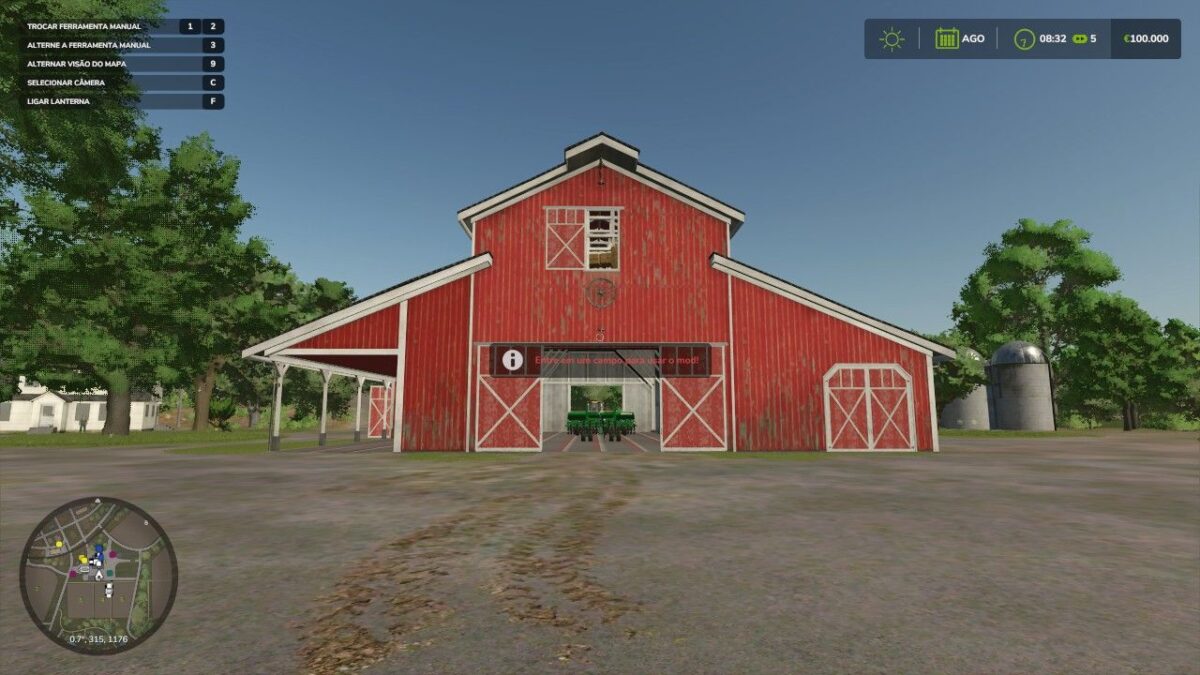
The mod automatically detects the field where you are and warns you in Portuguese if you are outside a field.
Great for testing machines, learning the game, creating content, or skipping the slow parts.
Any map, singleplayer, save safe, configurable shortcut.
PXMODDING
How do I install Farming Simulator mods?
Find a mod that you like and want to download first. Then, on your PC, download a mod. Mods are typically in.zip format. However, it is sometimes in.rar format. If the mod file is in.zip format, no additional actions are required. If a file is in.rar format, you must unarchive it using software such as WinRar or Zip7. Windows 10 users do not need to use archive software; Win10 includes an unarchive feature.
The next step is to locate the mods folder on your computer. It is typically found in Documents/My Games/Farming Simulator [Your FS game version, e.g. 2022]. Open the "mods" folder and place the downloaded.zip archive or unarchived.rar file there.
The final step. Have fun with Farming Simulator mods!