

Factory Profit Calculator v 1.0.0.1

Factory Profit Calculator v 1.0.0.1
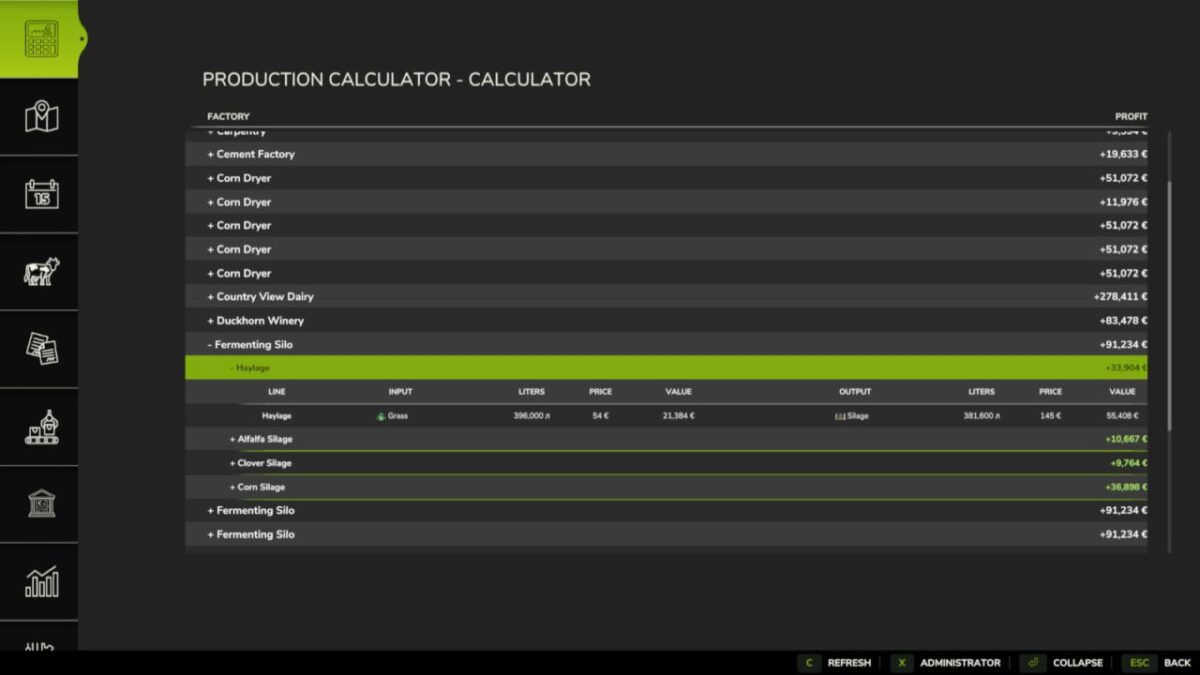
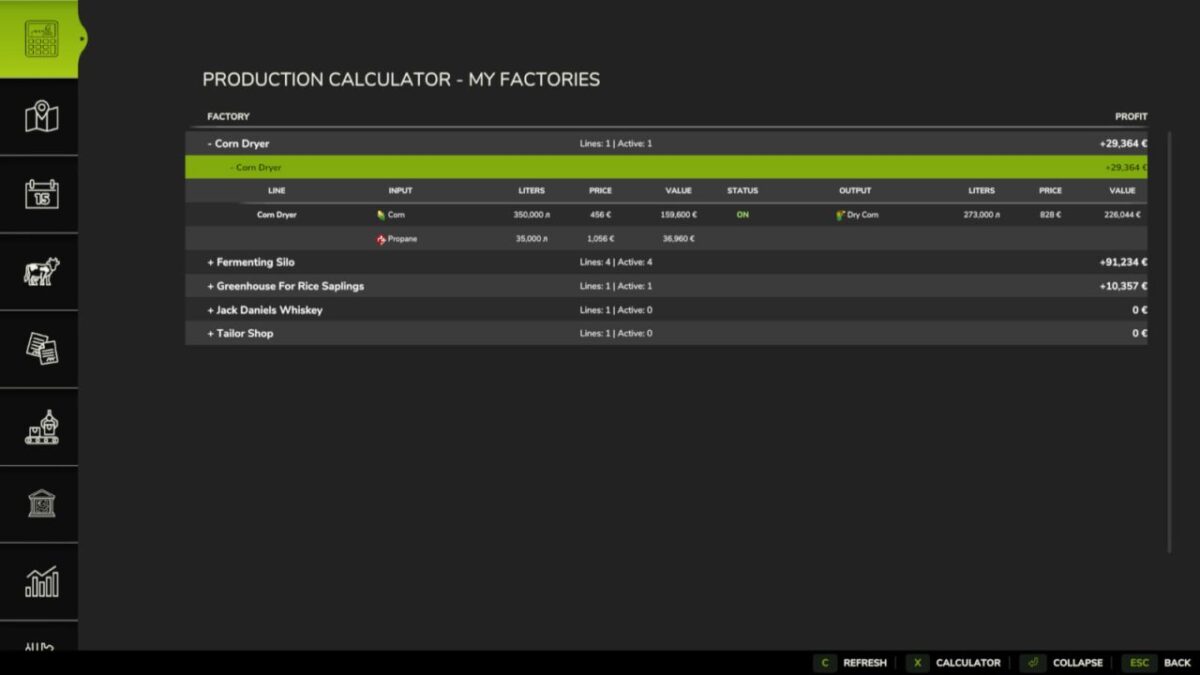
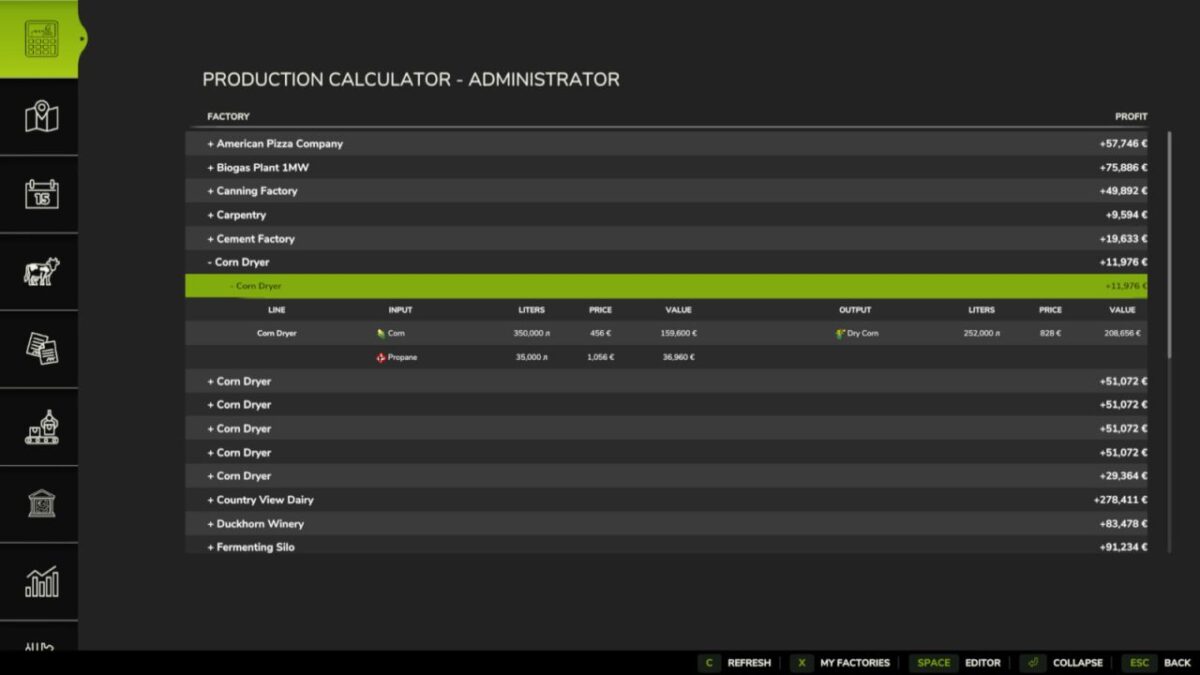
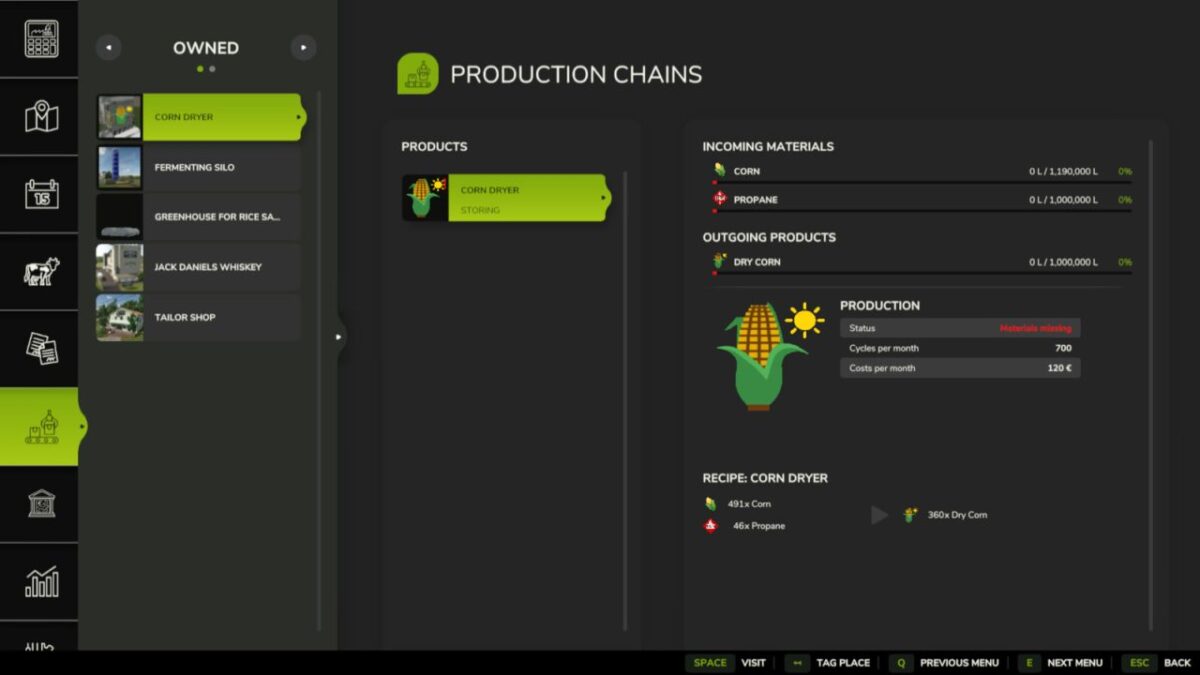
Factory Profit Calculator adds a production calculator and an administrator editor to the in-game menu.
The calculator shows every factory and production line, including inputs, outputs, monthly volumes, best sale prices, total costs and expected profit. Production lines can be expanded separately and use the game fill type icons.
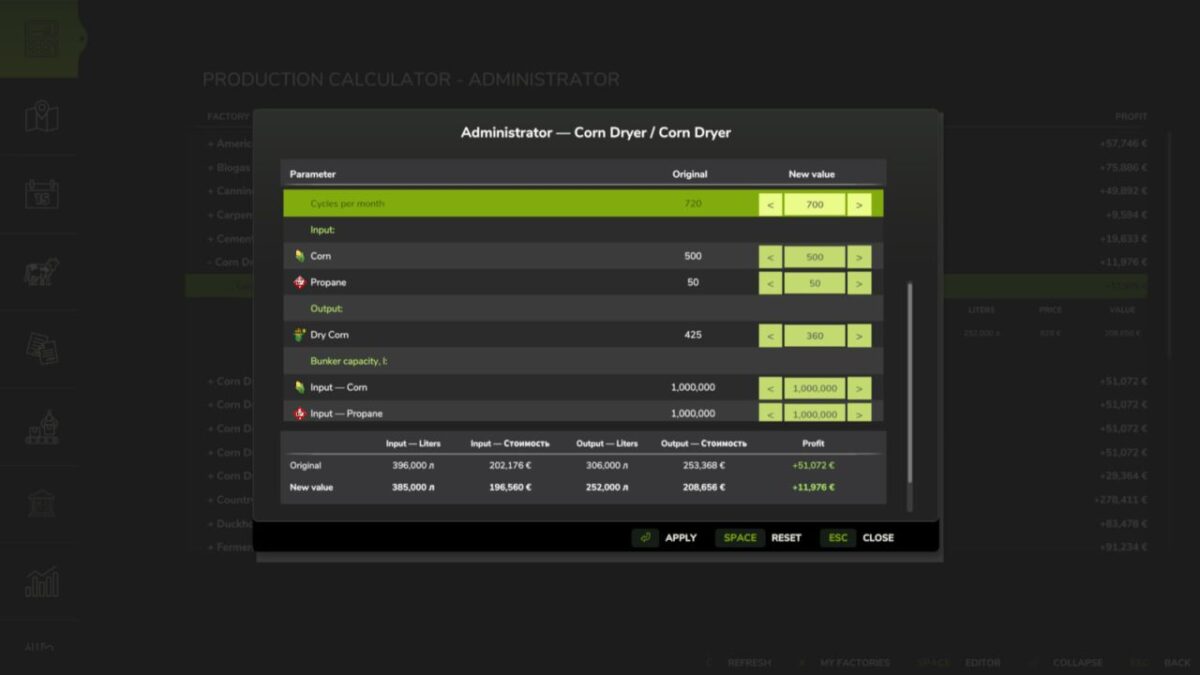
The administrator editor allows an authorized player to change:
– Production cycles per month.
– Input amounts for each recipe.
– Output amounts for each recipe.
– Exact input and output storage capacities.
Click a value field, enter the required number and press Enter to confirm it. Use Apply to save the edited recipe, Reset to restore the original recipe and Esc to close the window.
Changes are stored separately for each savegame and are restored automatically when the map is loaded. The original factory and map files are not modified. Modded production points and multiplayer synchronization are supported.
Version 1.0.0.1:
* Input costs now use the lowest available purchase price from buying stations on the current map
* If an input product cannot be purchased on the map, the previous market based estimate is used
* Changed the visual design of the administrator editor