

RealSilo – Realistic Silo Compartments v 1.0

RealSilo – Realistic Silo Compartments v 1.0
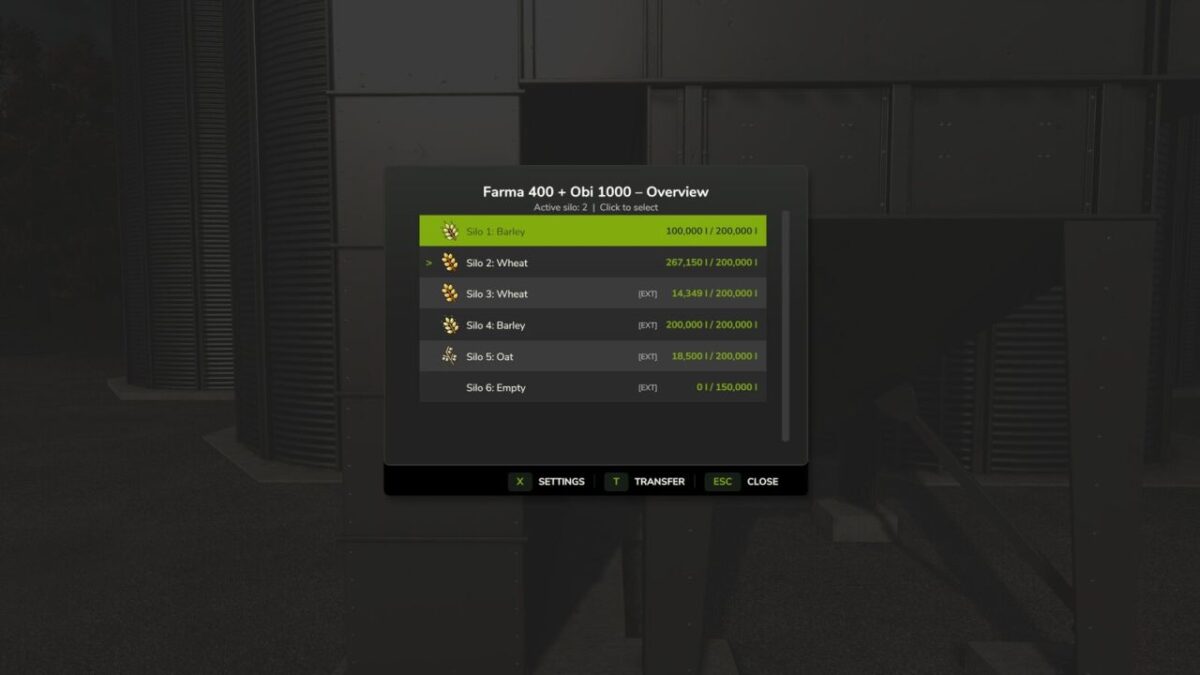
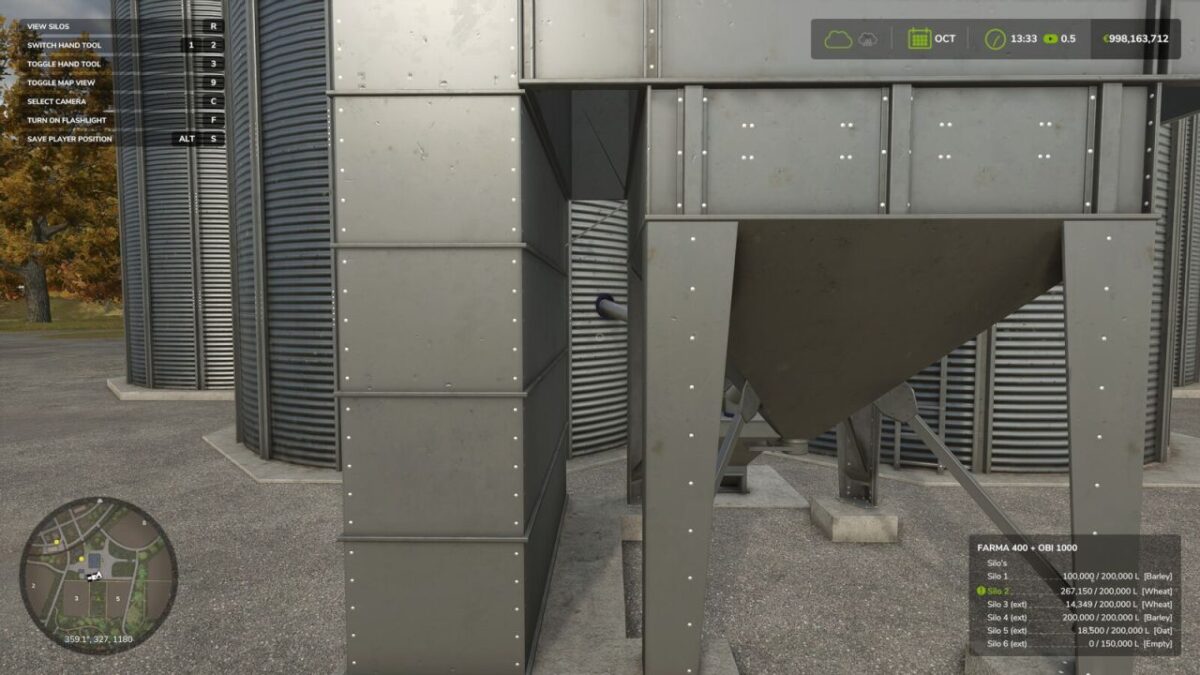
RealSilo divides your silos into separate compartments, each for one type of product.
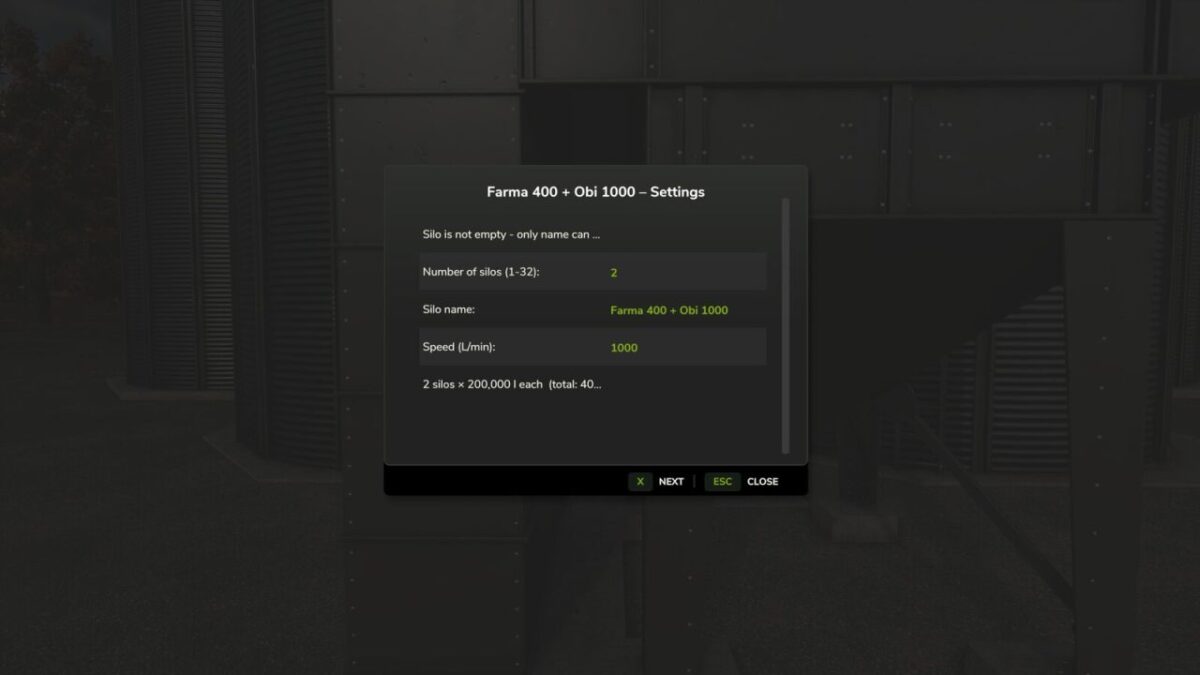
Instead of mixing everything into one large storage, you decide how many compartments a silo gets and how much each one can hold.
How it works:
– Go to an existing silo or place a new one, you can now configure the silo. In multiplayer the admin must do this.
– Grain that was already in a silo before the mod was activated is preserved and distributed across compartments as soon as you configure the silo for the first time.
– Select the active compartment from the overview. Only the active compartment can now receive or unload grain.
– Use the Transfer function to move grain between compartments at an adjustable speed.
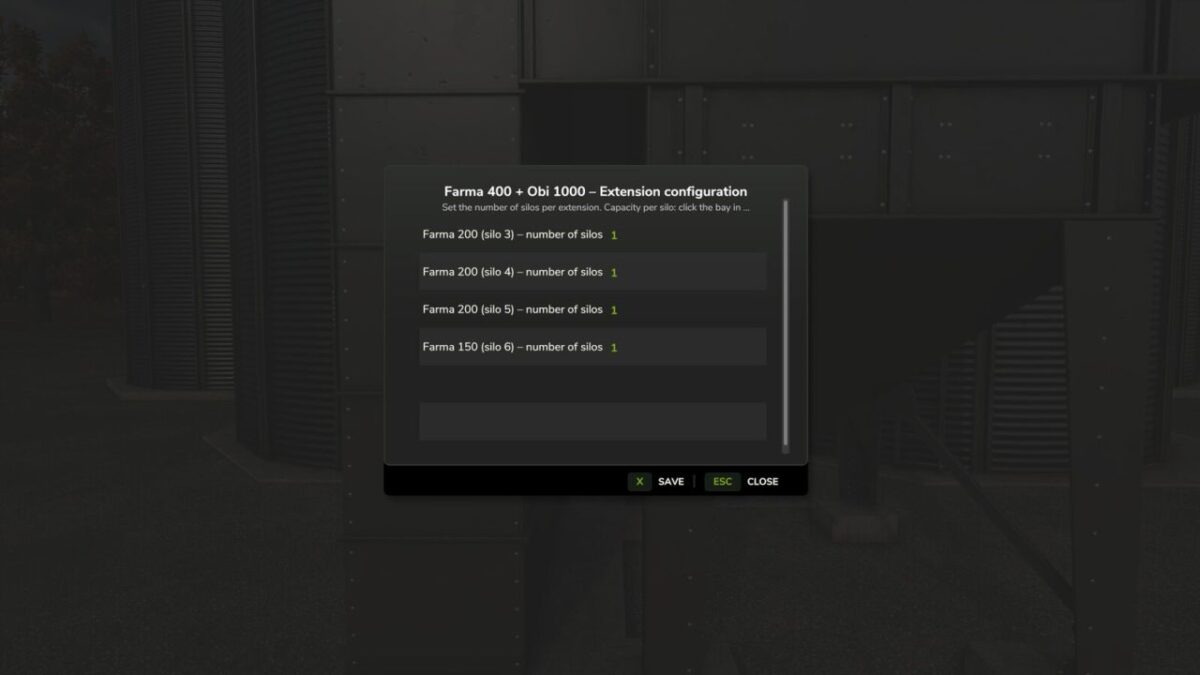
– Silo extensions are supported and appear as extra compartments in the same menu, these can also be configured.
– In multiplayer only the admin (logged in via the multiplayer menu) can change the silo settings. Other players can use the silo normally and view the compartment overview.