

Dynamic Molehills v 1.0


Dynamic Molehills v 1.0
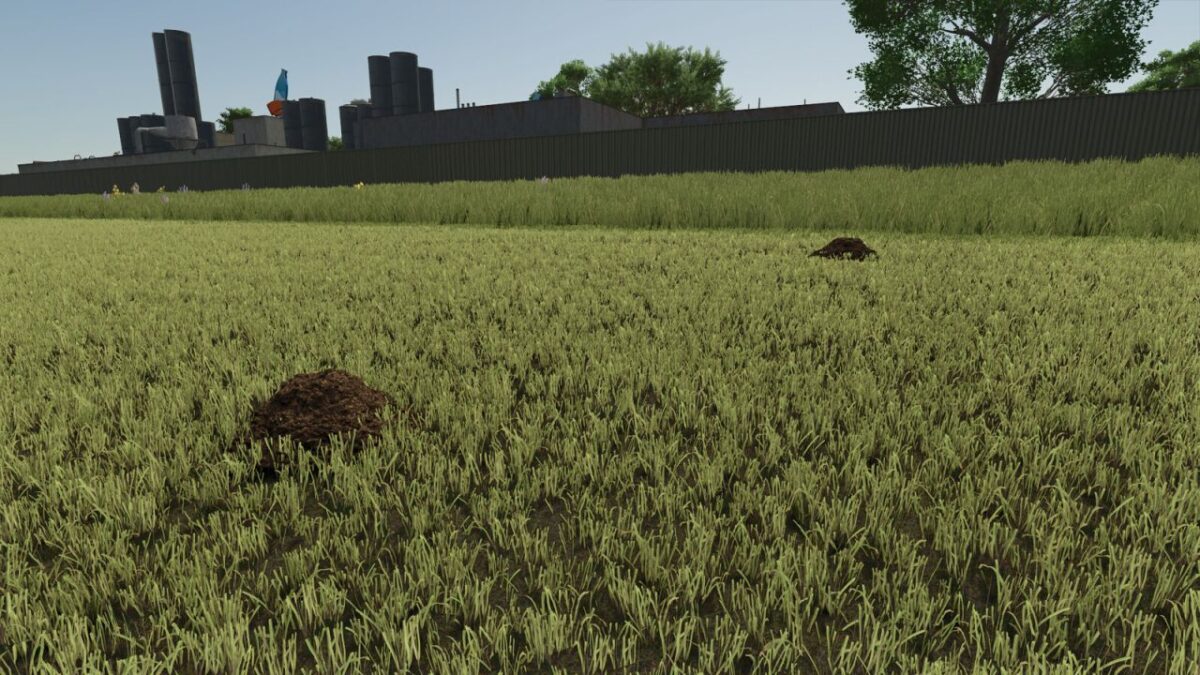
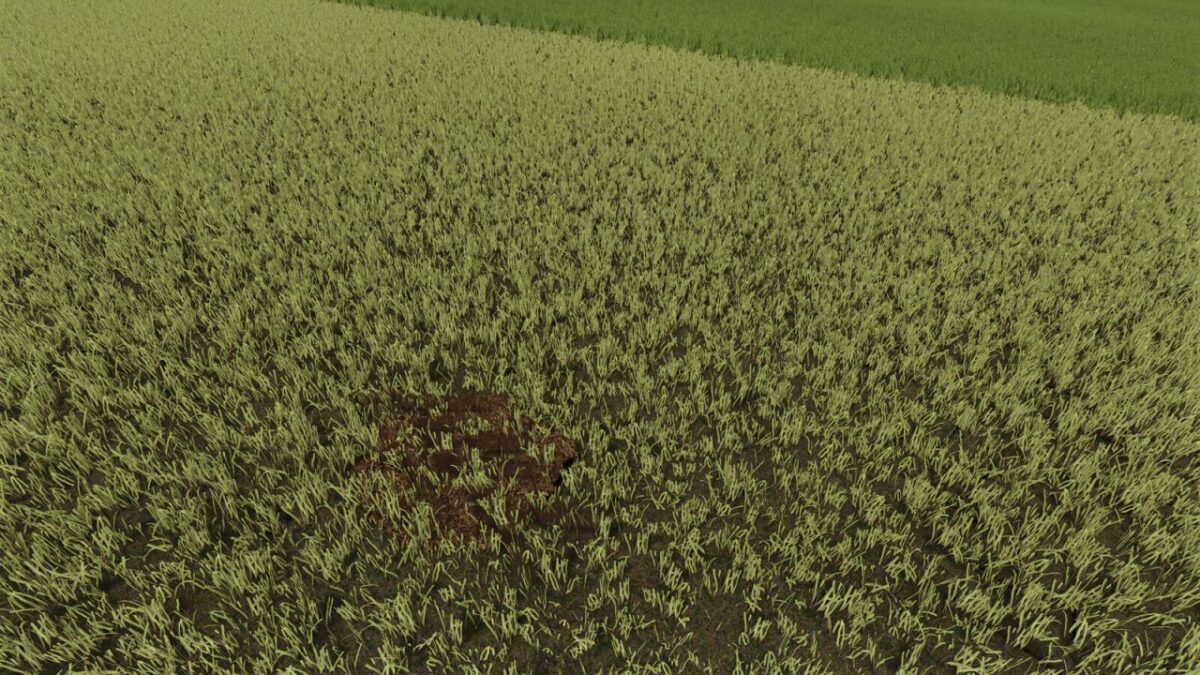
Dynamic molehills in meadows in three sizes, with seasonal regrowth and moisture from rain and hail.
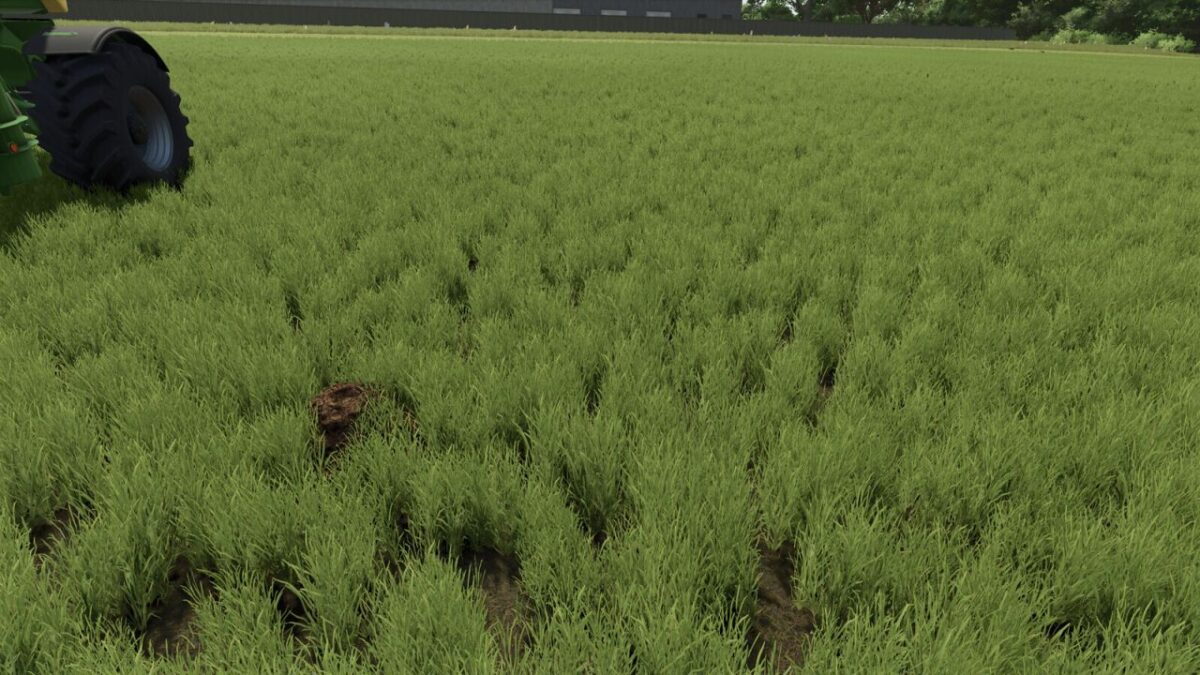
Tires and grassland rollers flatten the piles; Mowers and assisted tillage equipment remove whole and flattened piles.
Density, winter activity, precipitation wetness, performance mode, multiplayer synchronization and saving in the save game are adjustable.
Features:
– Three pile sizes with natural seasonal regrowth on grassy areas.
– Adjustable initial density, maximum density, regrowth rate, maximum number and grass area selection.
– Winter activity and precipitation wetness from rain and hail.
– Tires compact molehills, permanently flattening them without clearing them.
– Grassland rollers can only flatten molehills without changing the grass or soil status.
– Mowers remove whole and flattened piles; flat piles do not cause additional wear.
– Supported mulchers, grassland harrows, cultivators, disc harrows, subsoilers, power harrows, plows, seeders and stone collectors remove molehills.
– The Performance Profiles Fast, Balanced and Gentle, with Balanced as standard.
– Permanent storage of settings and heap states in the save game.
– Multiplayer synchronization of settings and heap states.