Used Sales Time Left v 1.0.1.0
About the mod:
In the used vehicle sale shop you will find great deals on used equipment. But how long do you have until those deals expire?
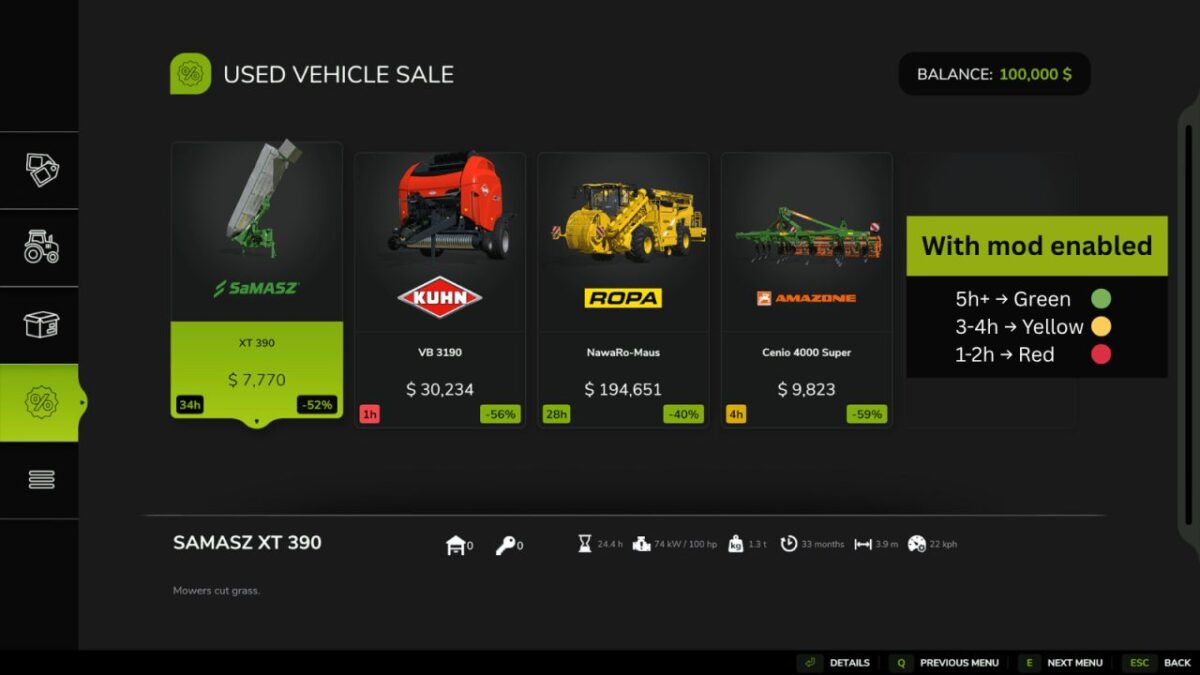
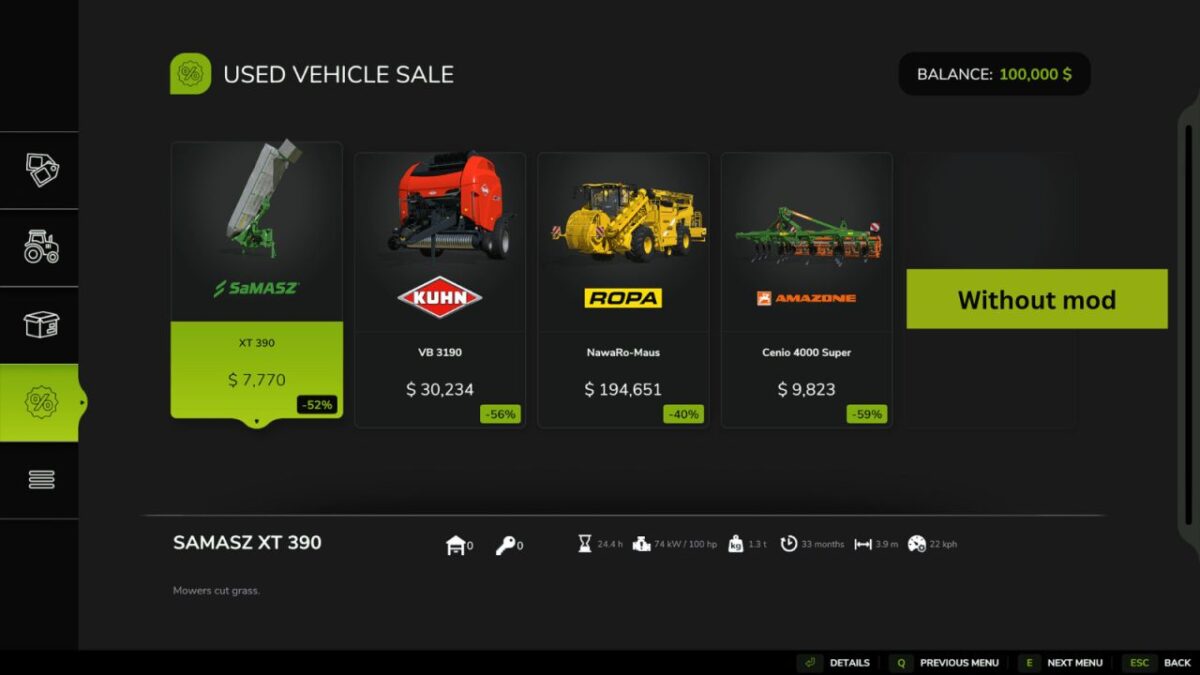
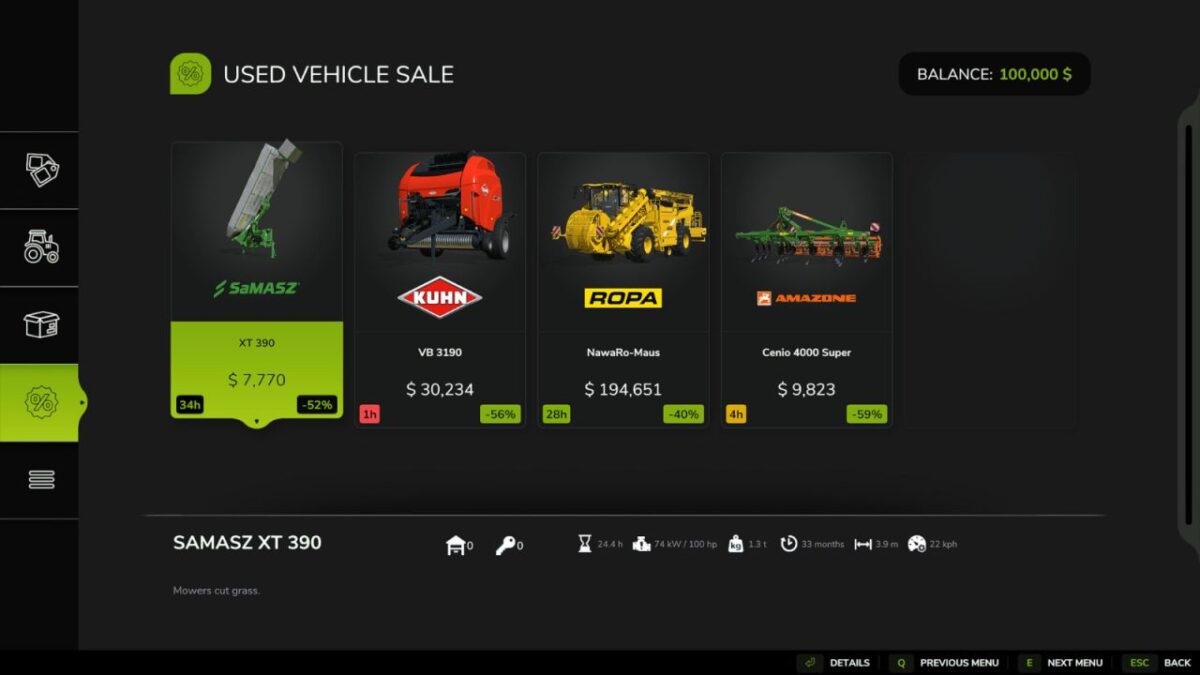
This mod shows you for each deal, how long you have until it expires (in in-game hours), in a simple, clear, color coded way.
The color changes based on the hours left.
5 hours and up -> Green
3 hours and up -> Yellow
1 hour and up -> Red
Version 1.0.1.0:
* Time left is now capped at 100 hours, anything above shows as “100h+”
* Fixed the time left not showing for multiplayer clients on dedicated servers
Credits:
Retofel
How to install FS17 mods?
Firstly find a mod which you like and want to download. Then download a mod to your PC. Mods are usually in .zip format file. But sometimes it can be in .rar. If a mod file is a .zip format no needed additional actions. If a file is in .rar, then you must unarchive mod with software like WinRar or Zip7. Windows 10 users no need to use software for archives, Win10 itself has a feature to unarchive files.
The next step is to find mods folder in your PC. Usually, it is in Documents/My Games/Farming Simulator 17/2017. Open the "mods" folder and put downloaded .zip archive or unarchived .rar file to this folder.
Last step. Enjoy of FS17 mods!