

Dynamic Mission Rewards v 1.0

Dynamic Mission Rewards v 1.0
About the mod:
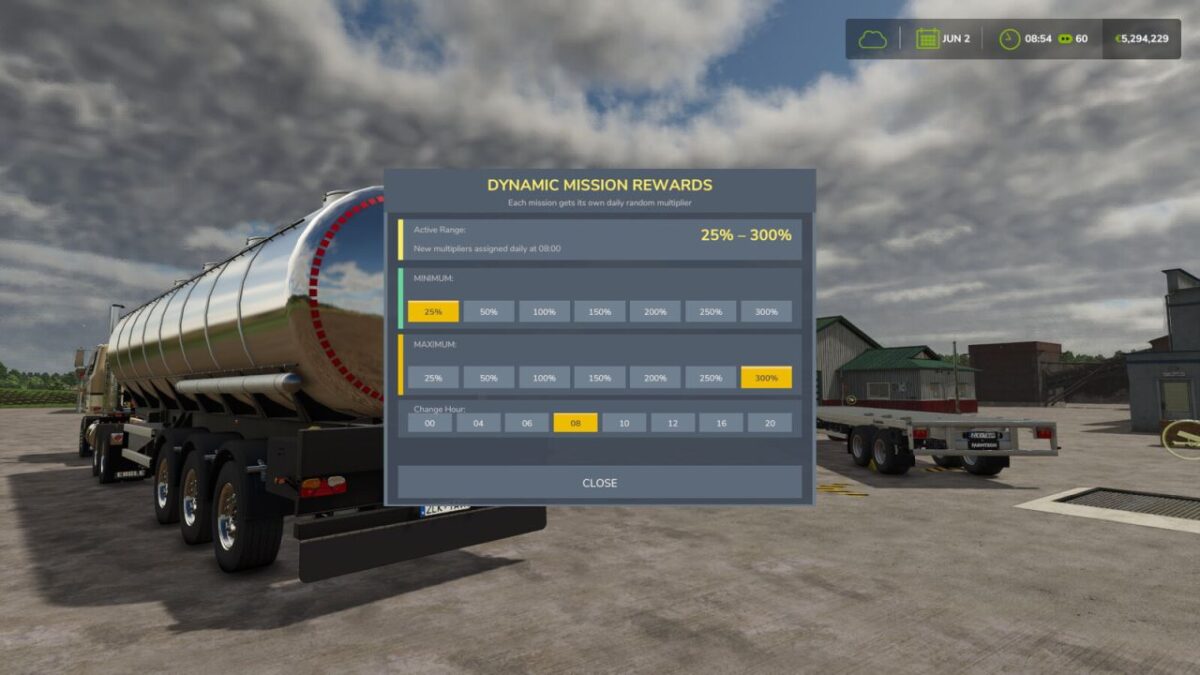
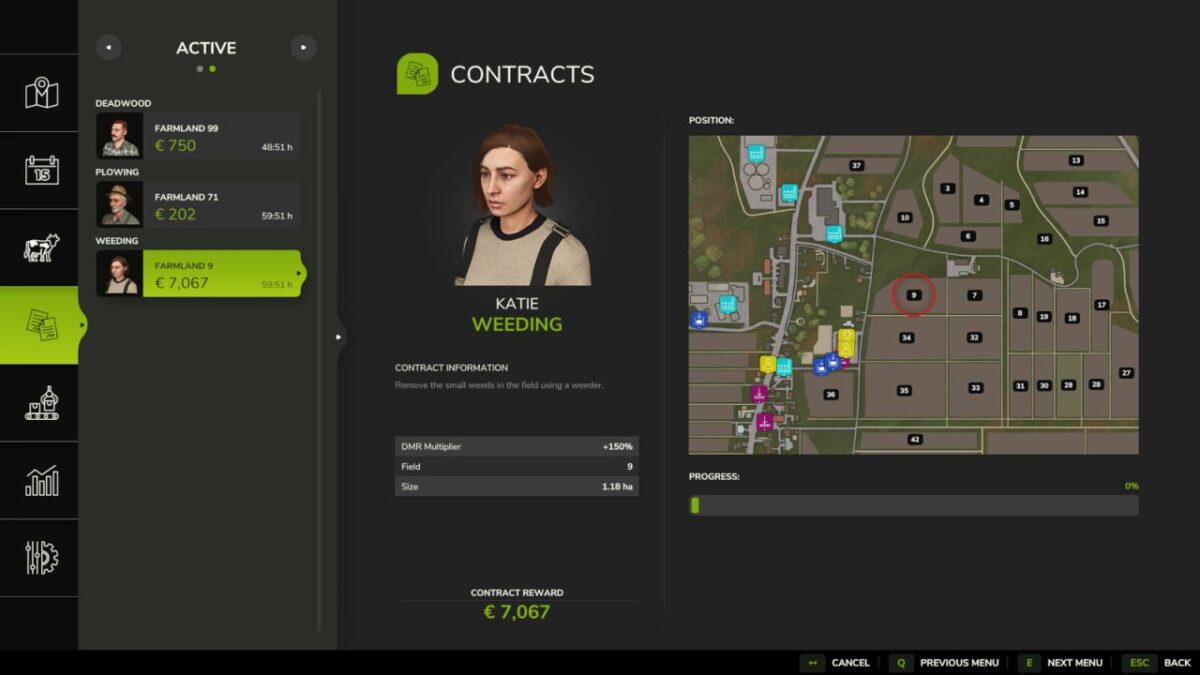
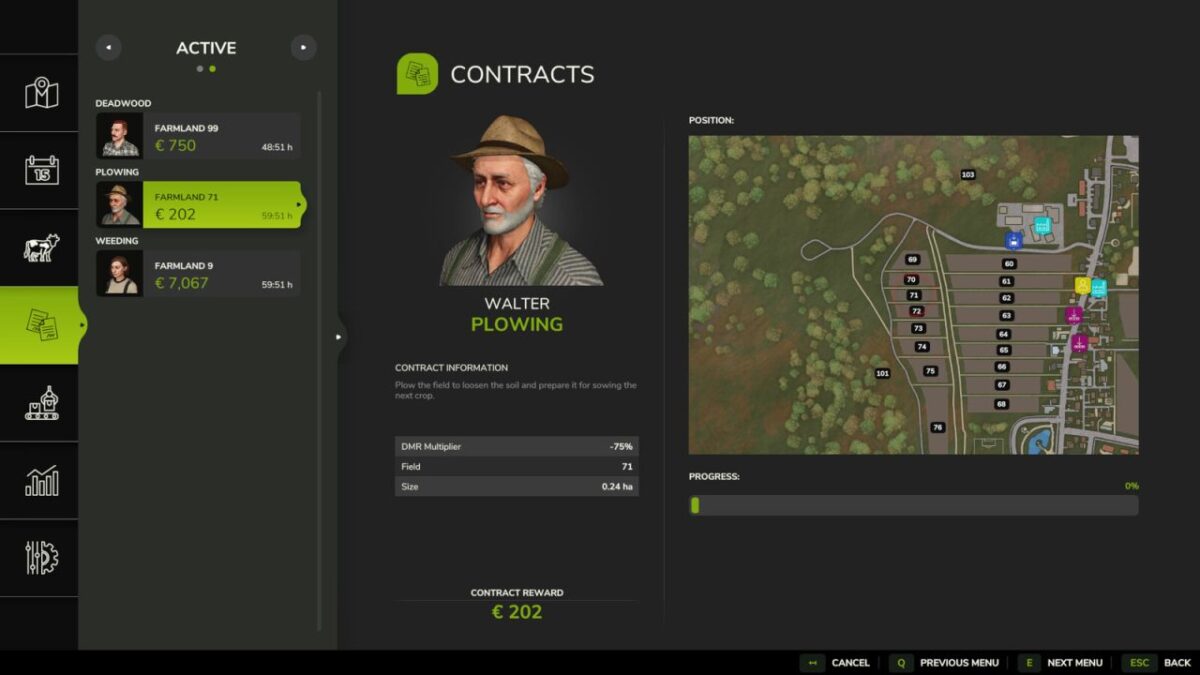
Daily random mission reward multiplier (25–300%). Each mission receives its own individual daily reward multiplier.
Range: 25% (-75%) to 300% (+200%). At 100% the reward stays unchanged (+0%).
The multiplier is shown in the mission details for available missions only.
Accepted missions keep their multiplier and are no longer changed.
This makes mission rewards more dynamic, turning initially unattractive missions into lucrative ones.
You have full control over the range within which the missions are modified and you can adjust this daily.
Set Min/Max range via ingame UI.
Open/close with configurable key (default: Left Shift + M)
Console: dmrToggle
Credits:
(KaiGo Modding) emproLoop