

Case 580N & 580 Super N Backhoe Loaders v 1.0.0.7

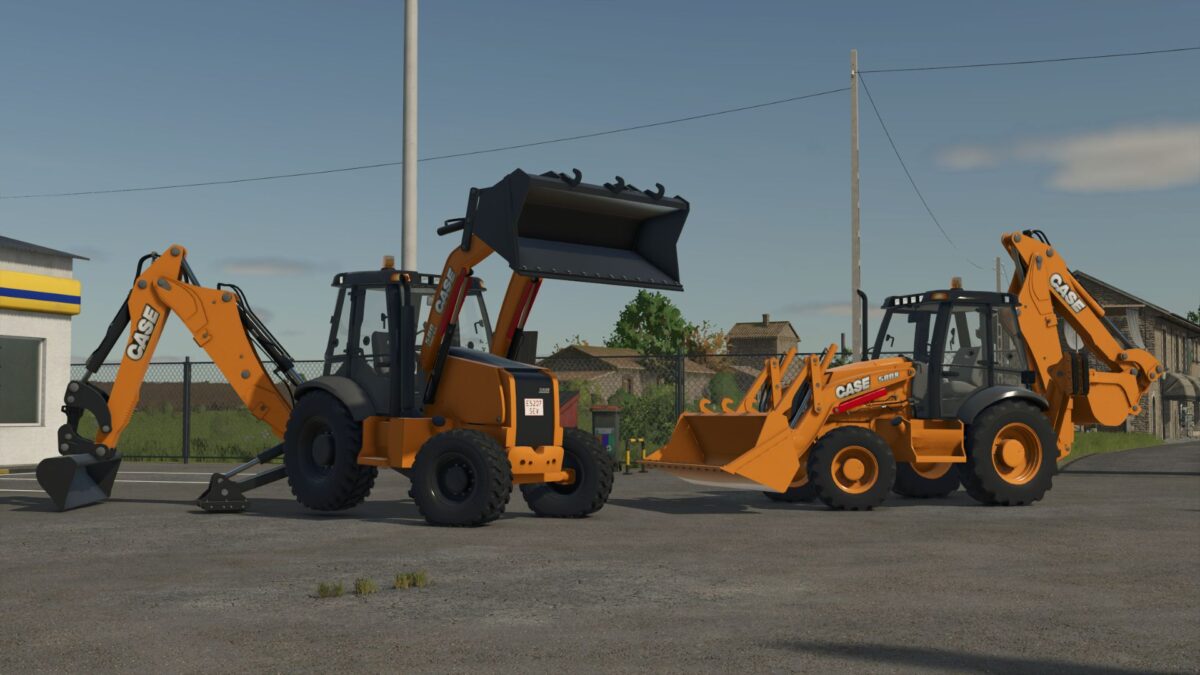
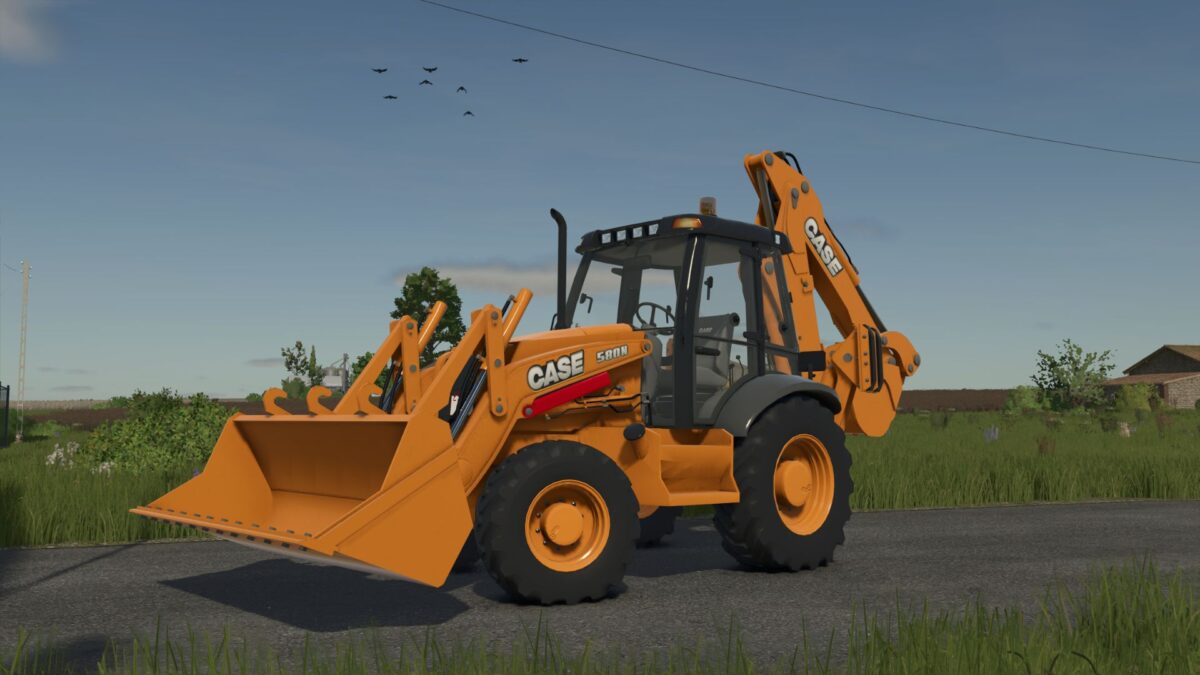
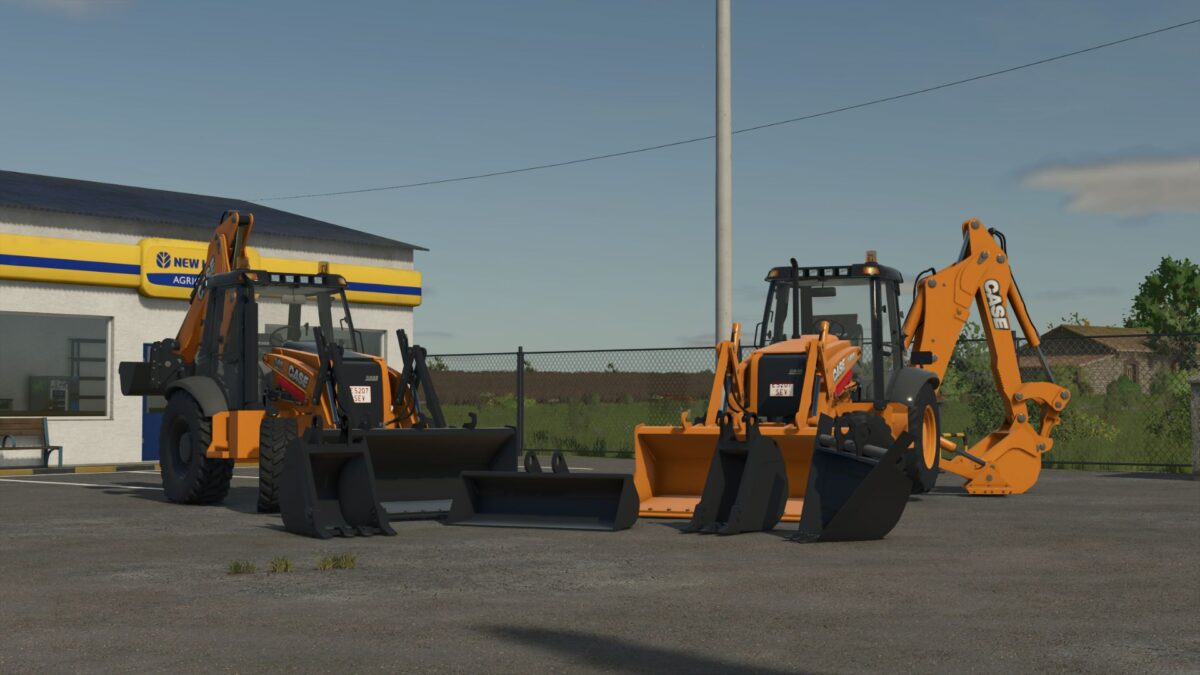
Case 580N & 580 Super N Backhoe Loaders v 1.0.0.7
About the mod:
Case 580N
Power: ~100 HP
Operating weight: ~7.5 tons
Reliable and versatile machine designed for everyday construction and utility work
Case 580 Super N
Power: ~120 HP
Operating weight: ~8.2 tons
Enhanced hydraulic system and lifting capacity for more demanding and precise operations
Both machines feature realistic hydraulic behavior, detailed animations, and authentic sound design to enhance immersion. Their compact size allows them to operate efficiently in tight spaces while still delivering strong digging and loading performance.
Version 1.0.0.7:
* Corrected Warnings in the Console
Credits:
SeviModding