

Volvo Riedler Pack v 2.0

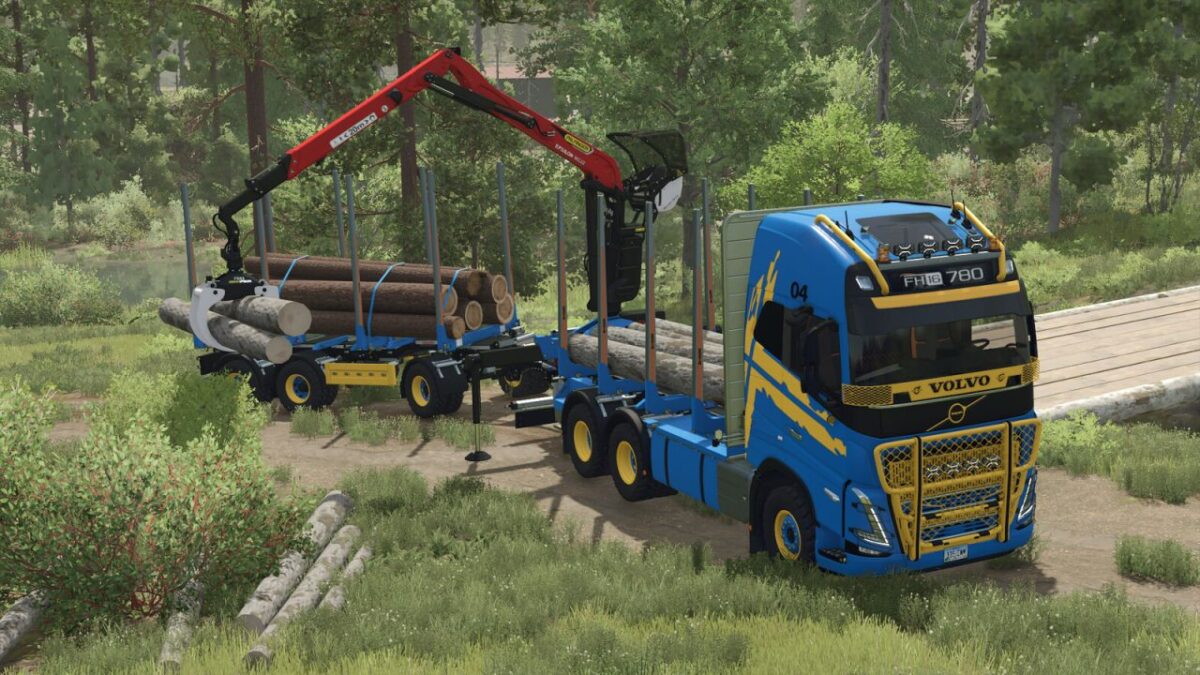
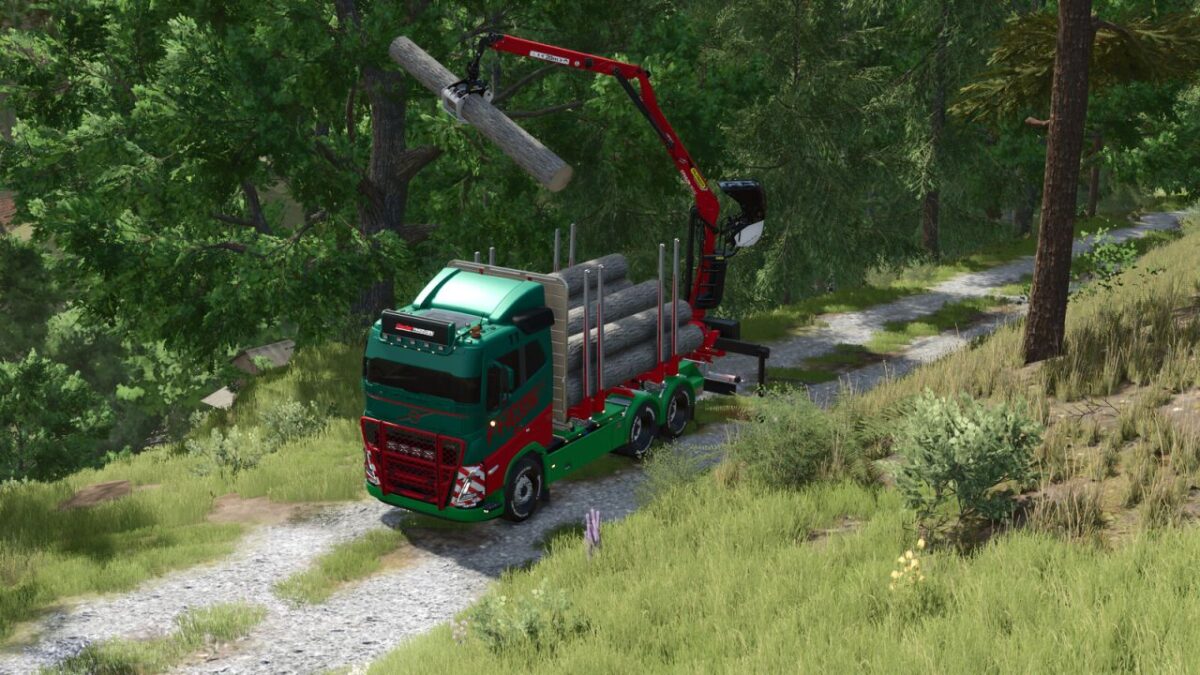
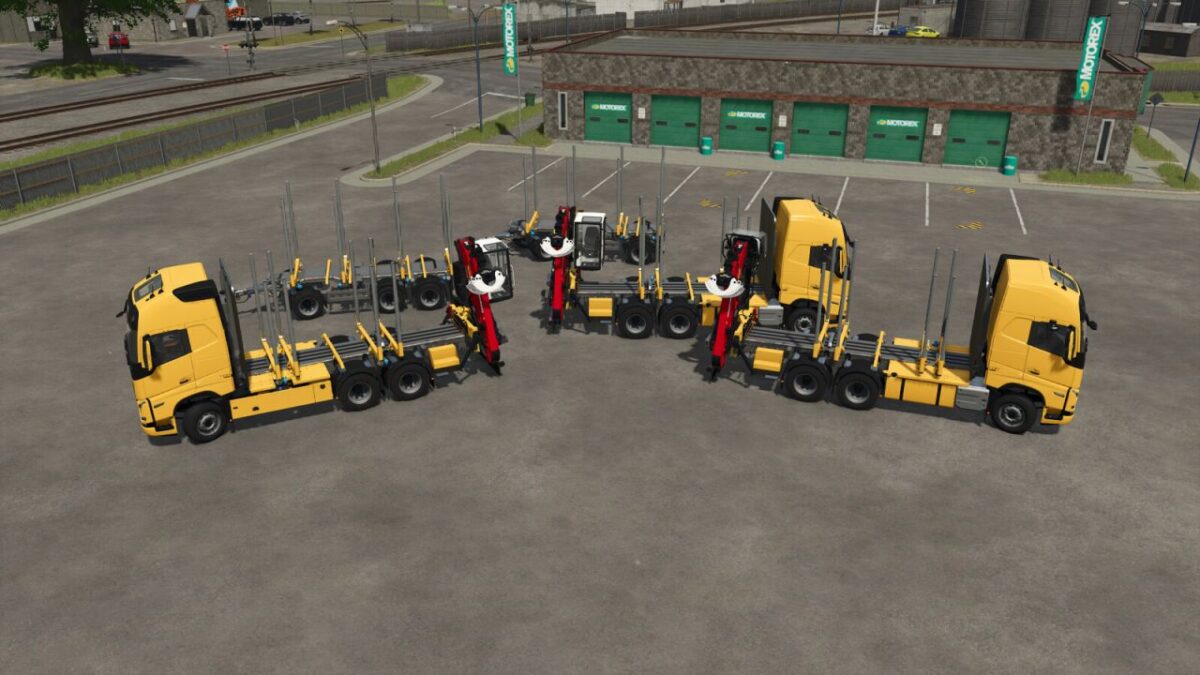
Volvo Riedler Pack v 2.0
Riedler FH16 RUL-HKR
Categories: Trucks, Wood Transport
Price: $220,000
Power: 600 hp
Riedler FH16 RUL-HKR EPS Short
Categories: Trucks, Wood Transport
Price: $240,000
Power: 600 hp
Riedler FH16 RUL-HKR EPS Long
Categories: Trucks, Wood Transport
Price: $240,000
Power: 600 hp
Riedler RUH220
Category: Wood Transport
Price: $50,000
Riedler RUH327
Category: Wood Transport
Price: $68,000
What has changed:
Own Custom tensionbelts, color-matched to vehicle manufacturers
Adaptation to new cabin design
Various failure corrections to the vehicles
Various shop options added
Added 2-axle trailer
Lift axles
Real GPS Ready
The 3-axle trailer can now be extended directly in the game, no longer in the shop.
The truck has a chainsaw holder as a configuration option on the crane.
Version 2.0:
* Grapple adjusted again
* 2 crane cameras added
* Lighting adjusted
* Crane movement angles adjusted
* Steering angle adjusted
* Adjustable Bunks made available for purchase
* Various adjustments
* 2 additional truck versions with EPS cab added
* Added purchasable reflectors to the supports
* Grapple, Seat Cover, Crane cabins, color options added
* Vehicle height adjusted
* Corrections made to the truck 3D model. Some components are now in their correct positions
* Fixed the fender color on the trailers
* Front gate: color and pattern selectable
* Sticker quality for vehicle wrapping improved