

Goeweil G-1 F125 Silver Edition 2025 v 1.1

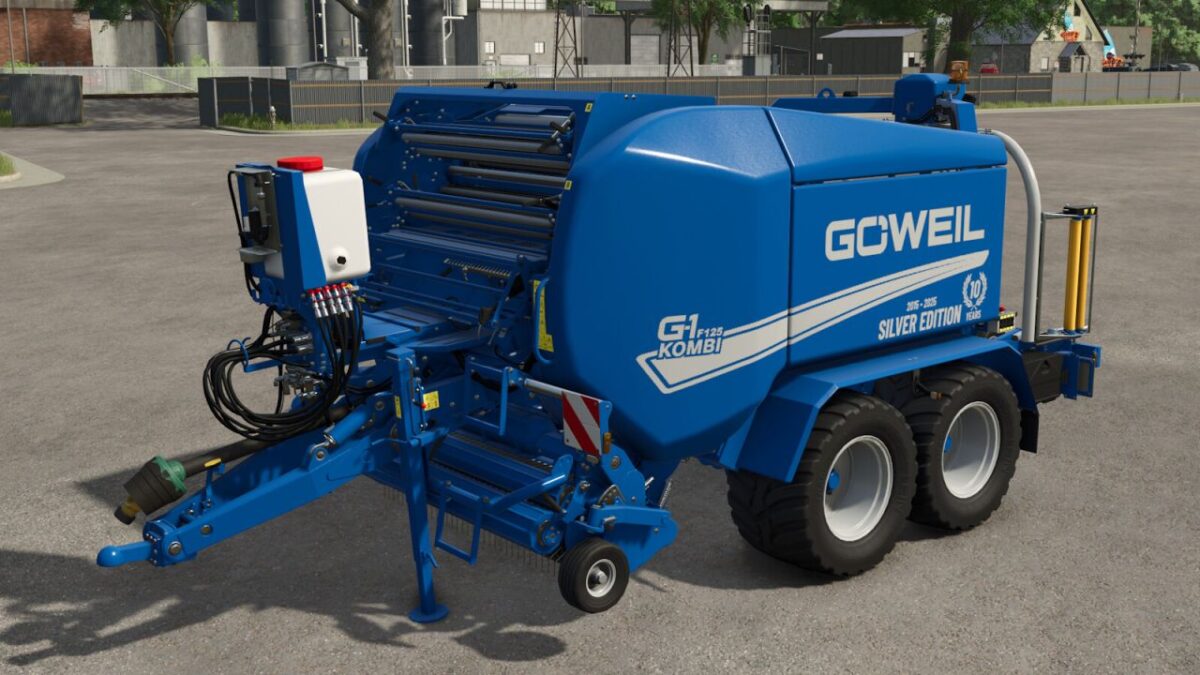
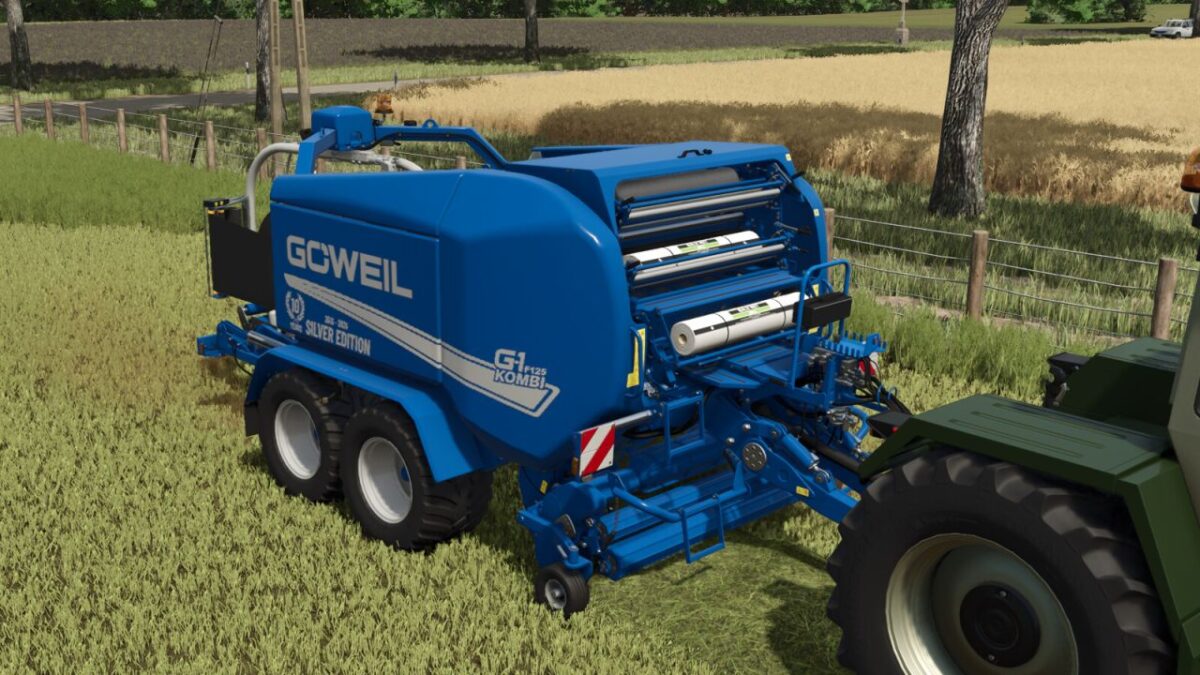
Goeweil G-1 F125 Silver Edition 2025 v 1.1
Special edition of the Göweil G-1 F125 Kombi in an exclusive silver design – inspired by the anniversary model celebrating 10 years of the G-1 series.
The GÖWEIL G-1 F125 Kombi – Silver Edition is a specially designed variant of the well known baler wrapper combination.
This mod was created in reference to the anniversary model that Göweil presents on the occasion of 10 years of the G-1 series.
Thanks to Göweil for providing reference material.
The machine combines a powerful round baler with an integrated wrapping unit, allowing baling and wrapping in one single workflow.
This ensures an efficient working process and is particularly suitable for larger farms and contracting operations.
The Silver Edition features an elegant metallic finish, revised material effects, and a cleanly integrated anniversary design.
Its visual concept is based on the real special edition that Göweil presents as part of the double anniversary (10 years G-1 series / 20 years LT-Master).
Shop category: Round Balers
Price: $112,500
Required power: 160hp
Working speed: 11mph
Version 1.1:
* Added G-1 F125 Silver Edition
* Installed camera system (MB DLC required)