

Mercedes Benz Logistic Truck v 1.0.0.2

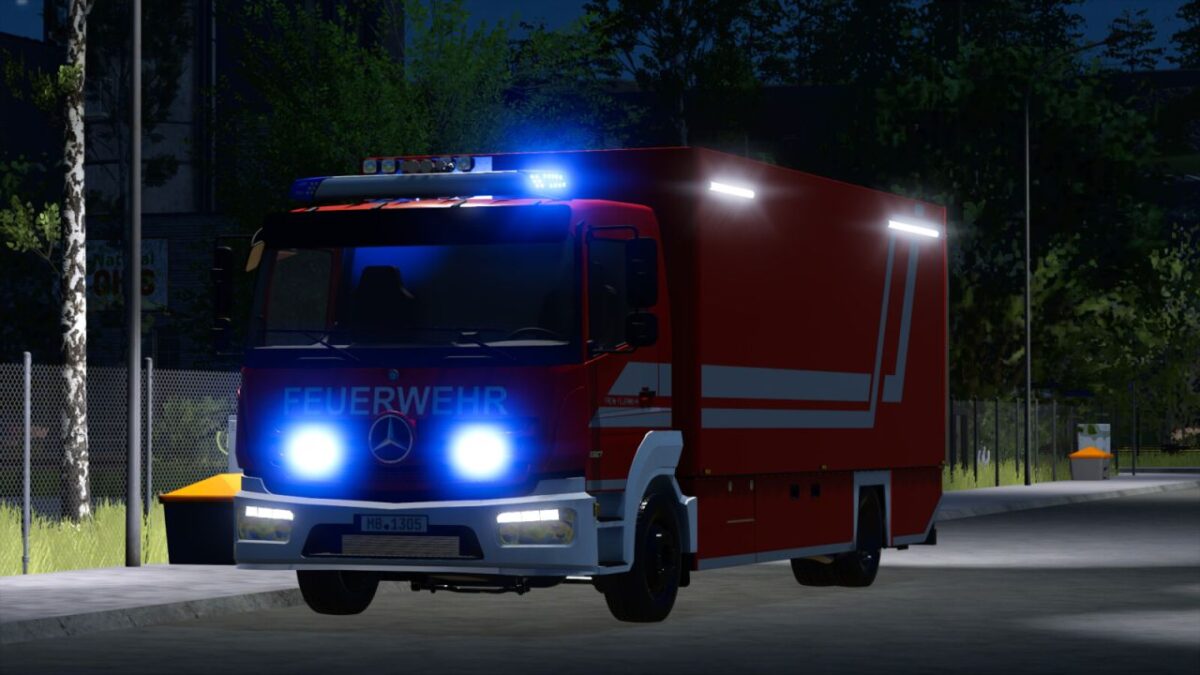
Mercedes Benz Logistic Truck v 1.0.0.2
About the mod:
Configurations:
Livery
Reflector color
Front bumper
Rim color
Blue lights
Radiator Color
Functions:
Horn switchable via “Open Cover”
Rear warning system switchable via “Turn On”
Tail lift and light mast animations via “Unfold”
Doors and compartments can be opened via Interactive Control
alternatively without IC using MouseControl
Technical Data
Maximum speed: 90 km/h
Price: 165,900$
Power: 240 kW (326 hp)
Category: Truck
Version 1.0.0.2:
* The inside of the body no longer gets wet
* Added vehicle variant: Breathing Protection Rescue Vehicle
* Changed bumper configuration to color choice
* Fixed minor errors
* Added Emergency Pack features
Credits:
T3mok Modding