Clean Water Farm Map v 1.0

FS25 mods

Clean Water Farm Map v 1.0

1 Star2 Stars3 Stars4 Stars5 Stars
About mod:

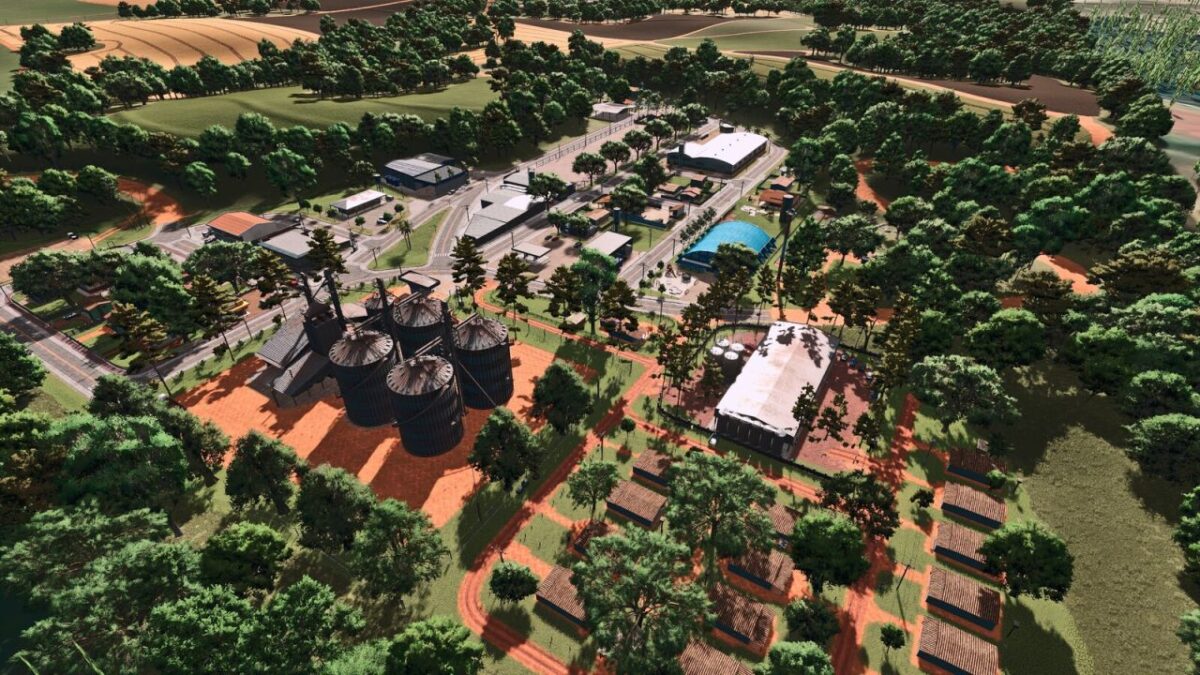
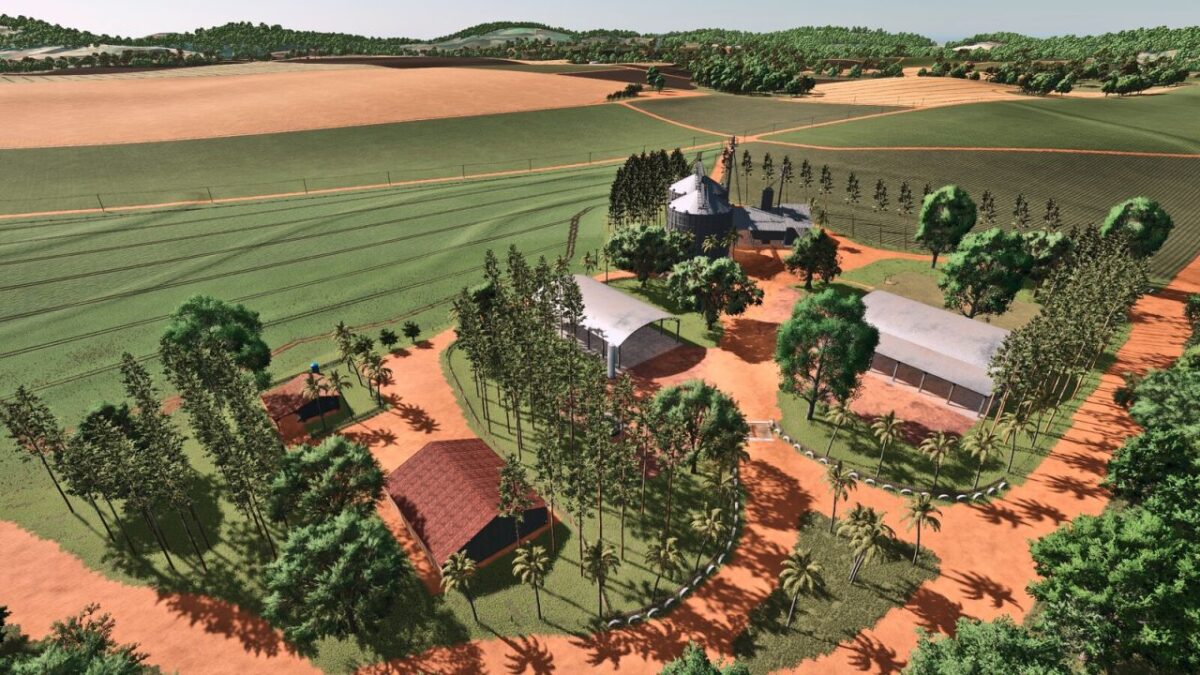
– The main farm headquarters has been recreated with a high level of accuracy using a real PDA as reference
– Several buildings, sheds, structures and objects have been modeled to closely match the real location
– The map also features a fictional town inspired by Primavera do Leste, including grain selling points, silos, a farmers market, machinery dealership, the Industrial Triângulo facility, animal market, bale selling points and other production chains
– A fully functional sugar mill is included, where players can sell sugarcane, produce sugar and obtain by products such as vinasse and filter cake, which can be used to fertilize fields
– The map offers medium and large fields inspired by the agricultural landscape of Mato Grosso, varied terrain, rivers, purchasable land and areas to build your own farm headquarters
– Designed to provide an immersive and realistic farming experience, Fazenda Água Limpa combines authenticity, productivity and freedom, allowing every player to experience Brazilian agriculture

Credits:

Andrade ML / Renegados Modding / ML Studio

* By clicking [Download this mod from filehost] button you agree to leave this website. The link opens in the new tab. File is hosted in the external website. We are not responsible for the content of the external page and the possibility of free download of the file.

How do I install Farming Simulator mods?
Find a mod that you like and want to download first. Then, on your PC, download a mod. Mods are typically in.zip format. However, it is sometimes in.rar format. If the mod file is in.zip format, no additional actions are required. If a file is in.rar format, you must unarchive it using software such as WinRar or Zip7. Windows 10 users do not need to use archive software; Win10 includes an unarchive feature.

The next step is to locate the mods folder on your computer. It is typically found in Documents/My Games/Farming Simulator [Your FS game version, e.g. 2022]. Open the "mods" folder and place the downloaded.zip archive or unarchived.rar file there.

The final step. Have fun with Farming Simulator mods!

Leave a Reply

Your email address will not be published. Required fields are marked *