

Illschwang Map v 1.0

Illschwang Map v 1.0
About the mod:
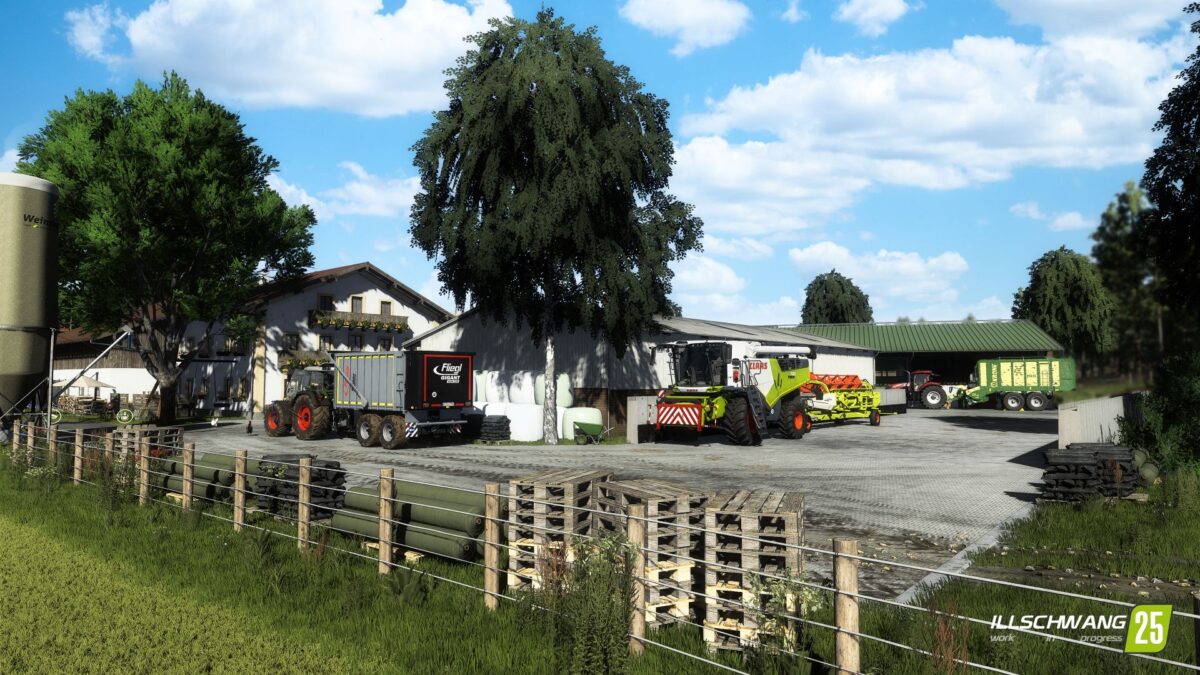
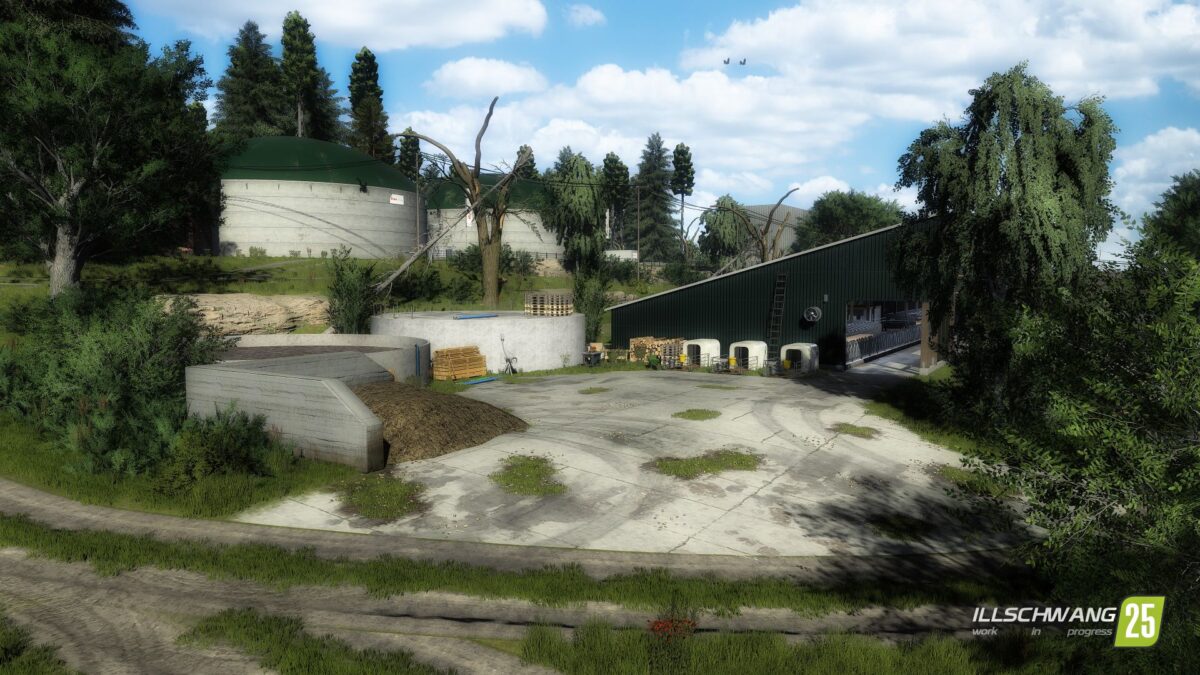
– 18 playable farms, biogas plants and contractor farms
– 255 original field sizes – from small farm plots to large scale cultivation areas.
– From fields that are 1ha to large ones of around 13ha
– A total of 500ha of arable land awaits you
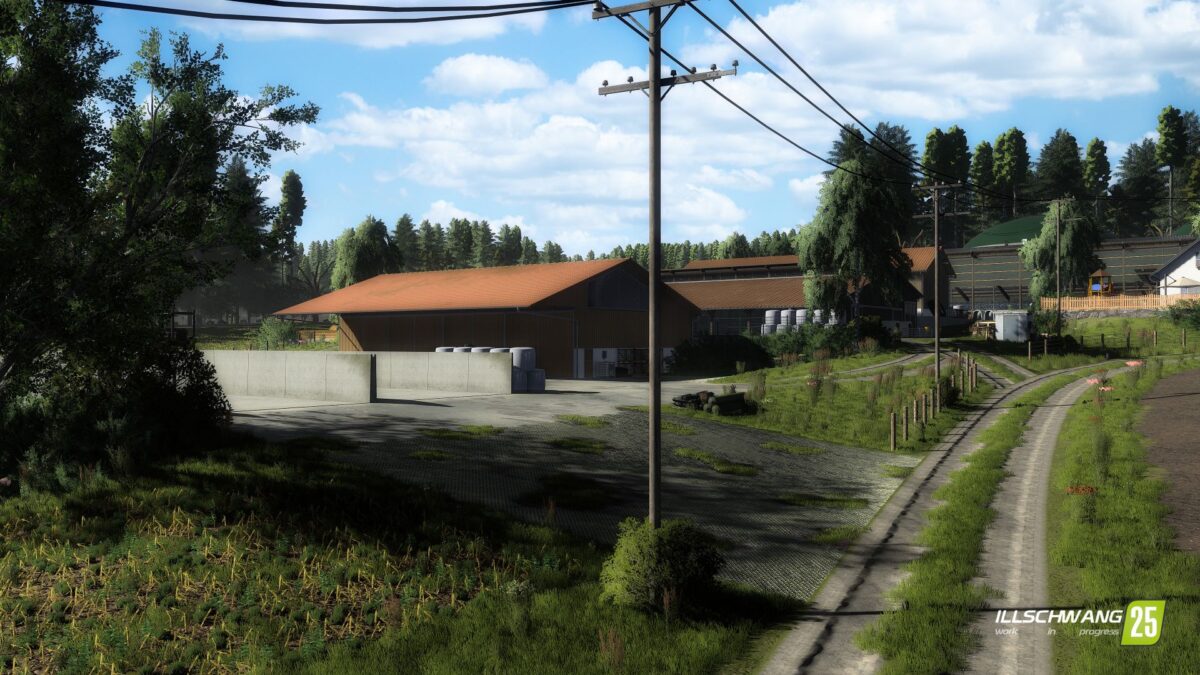
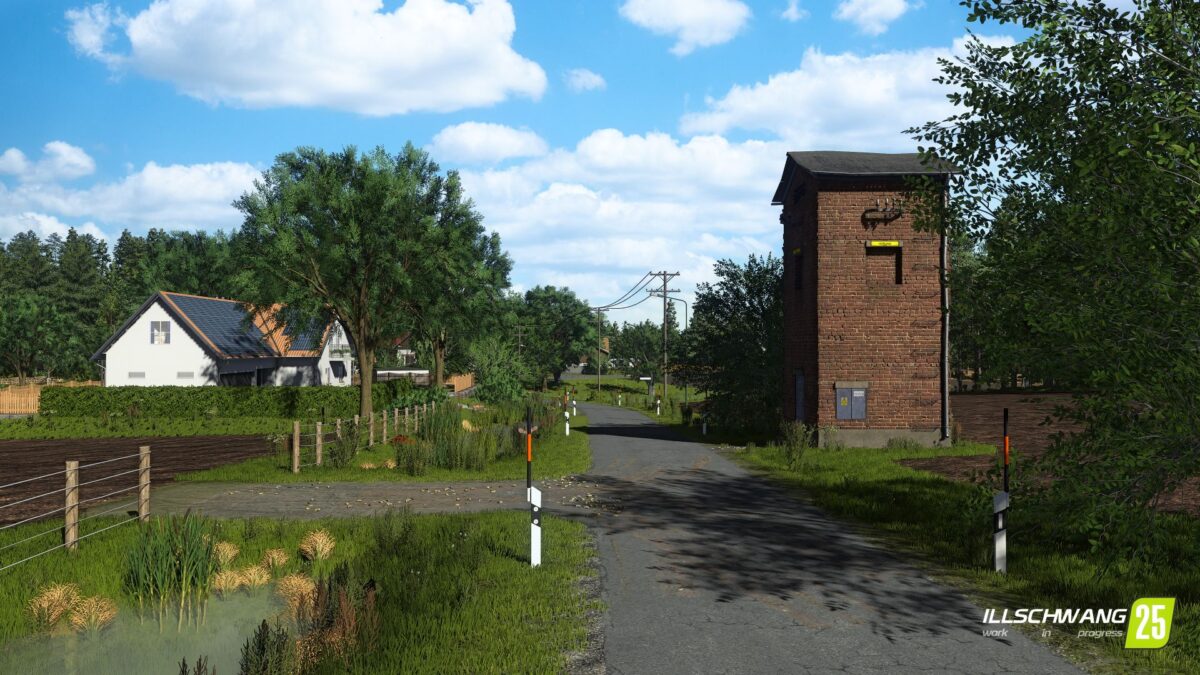
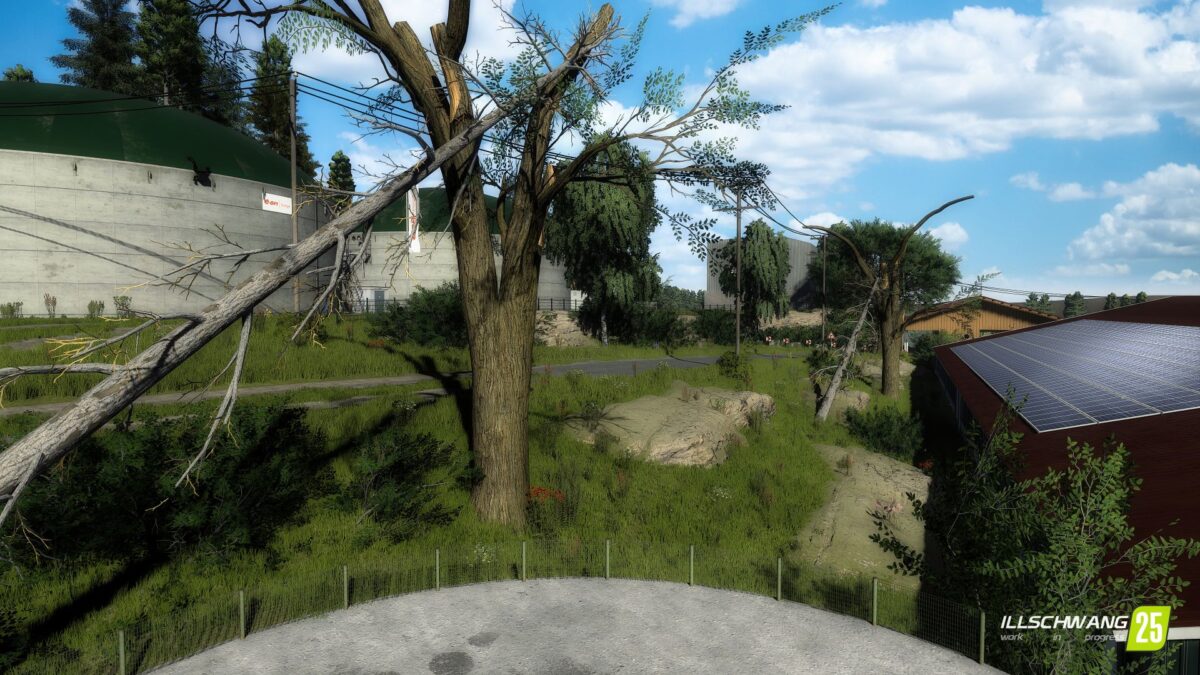
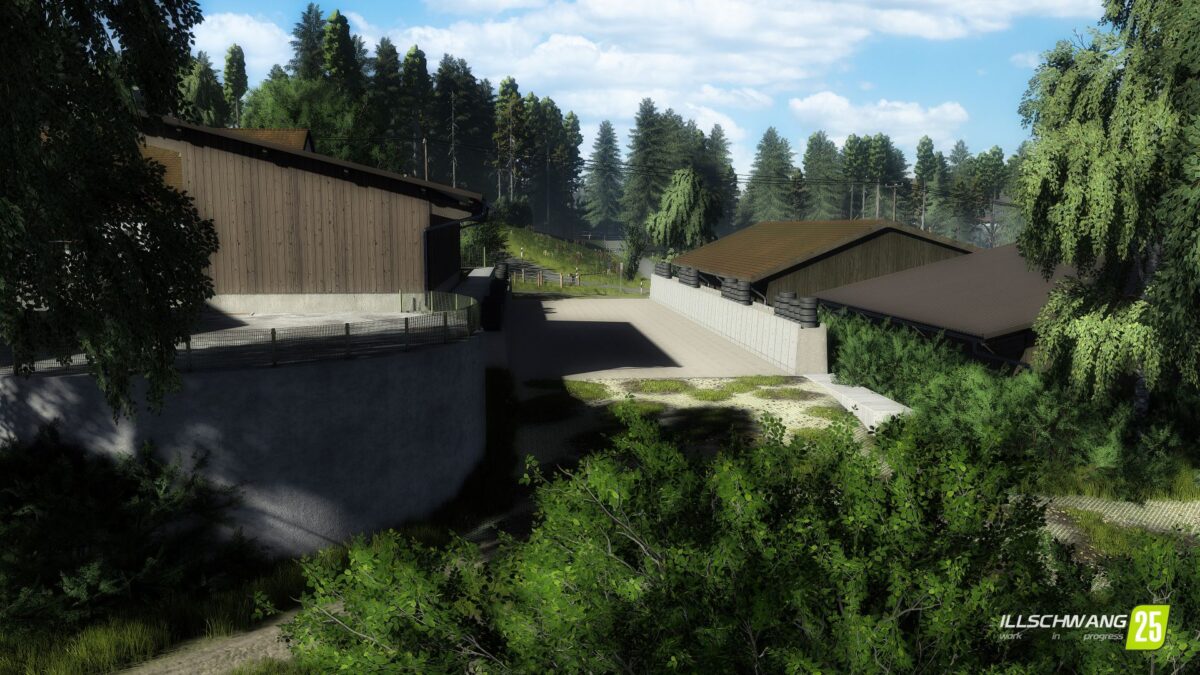
– 12 small villages, large forests and the flair of the Oberpflaz – an atmosphere that is recognizable
– Farms and industrial sites recreated almost 1:1 – choose from a total of 18 farms that are true to the original
– Whether cows, pigs, horses, or other animals: you make the choice
– Dynamic seasons & weather – work in harmony with wind, rain and nature
– Suitable for solo and multiplayer – from relaxed after work games to large community campaigns. Everyone will find their own home here
Credits:
CreativeAgrar