

Dynamic Molehills v 1.0.0.1

Dynamic Molehills v 1.0.0.1

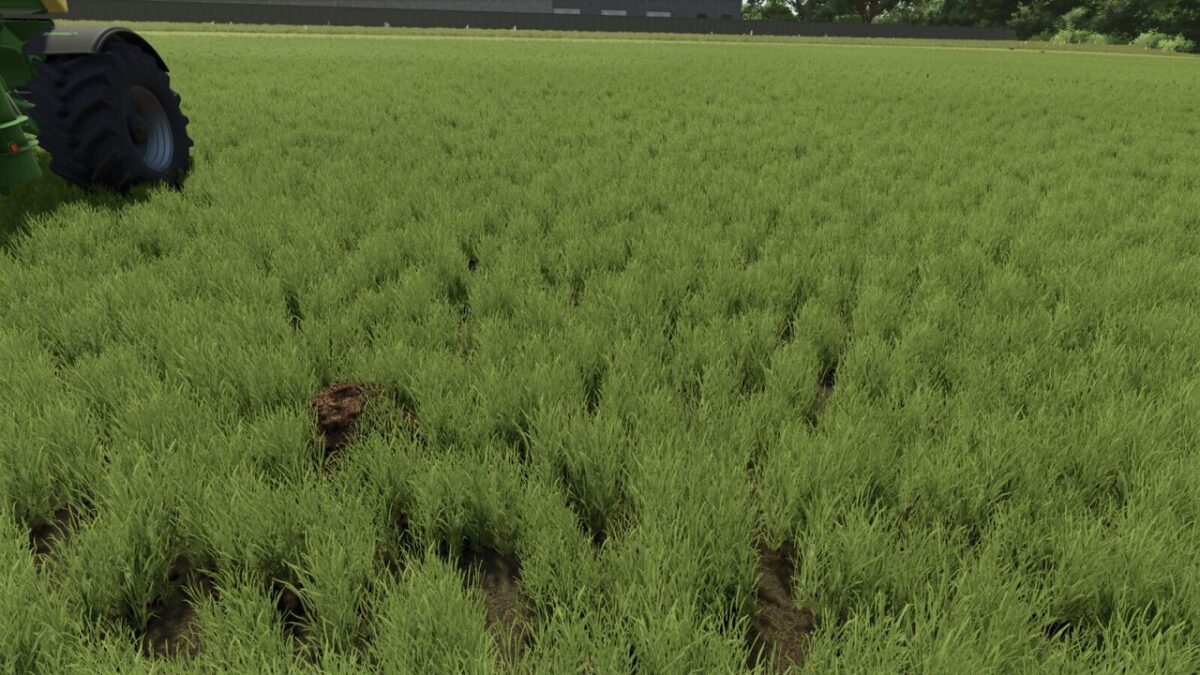
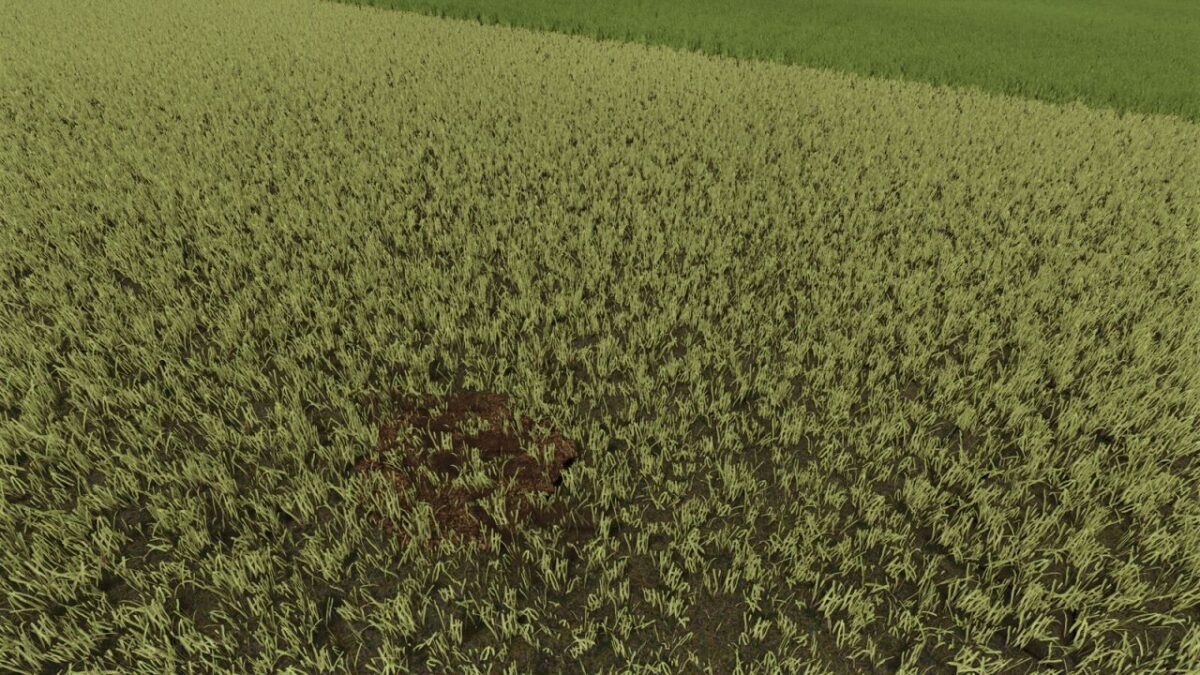
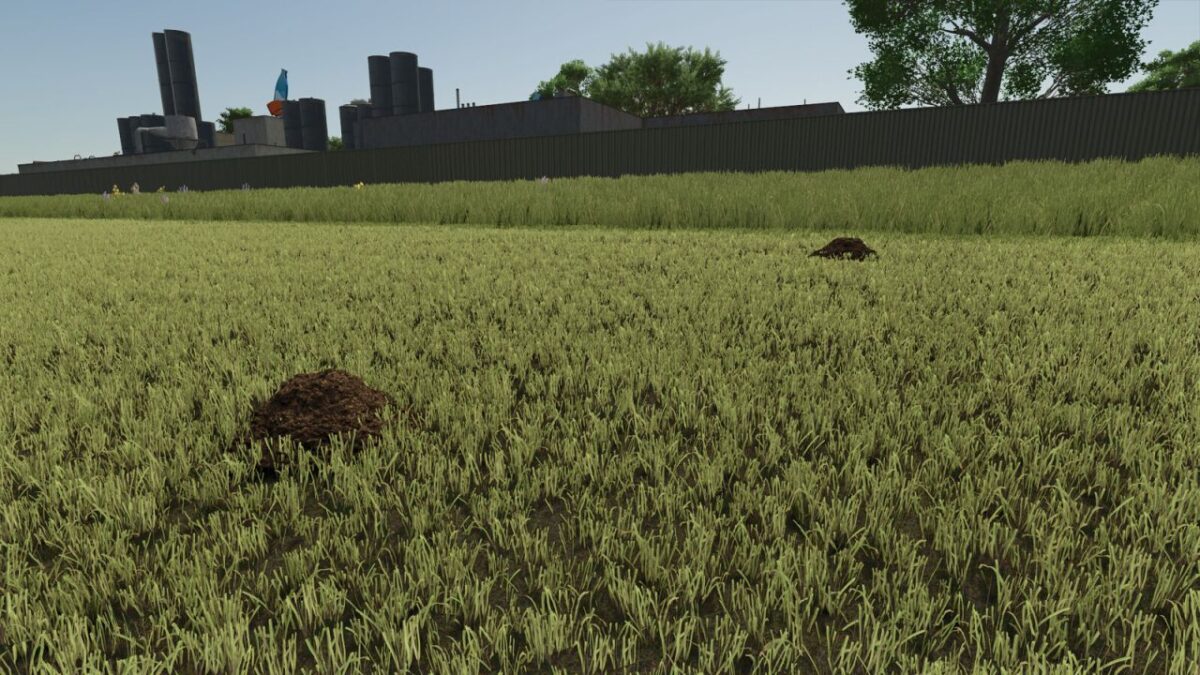
Dynamic molehills on grasslands in three sizes, with seasonal regrowth and moisture from rain and hail. Tires and grass rollers flatten the hills, while mowers and supported soil-working tools clear intact and flattened hills. Density, winter activity, precipitation wetness, performance mode, multiplayer synchronization and savegame persistence are configurable.
Functions:
Three molehill sizes with natural seasonal regrowth on grasslands.
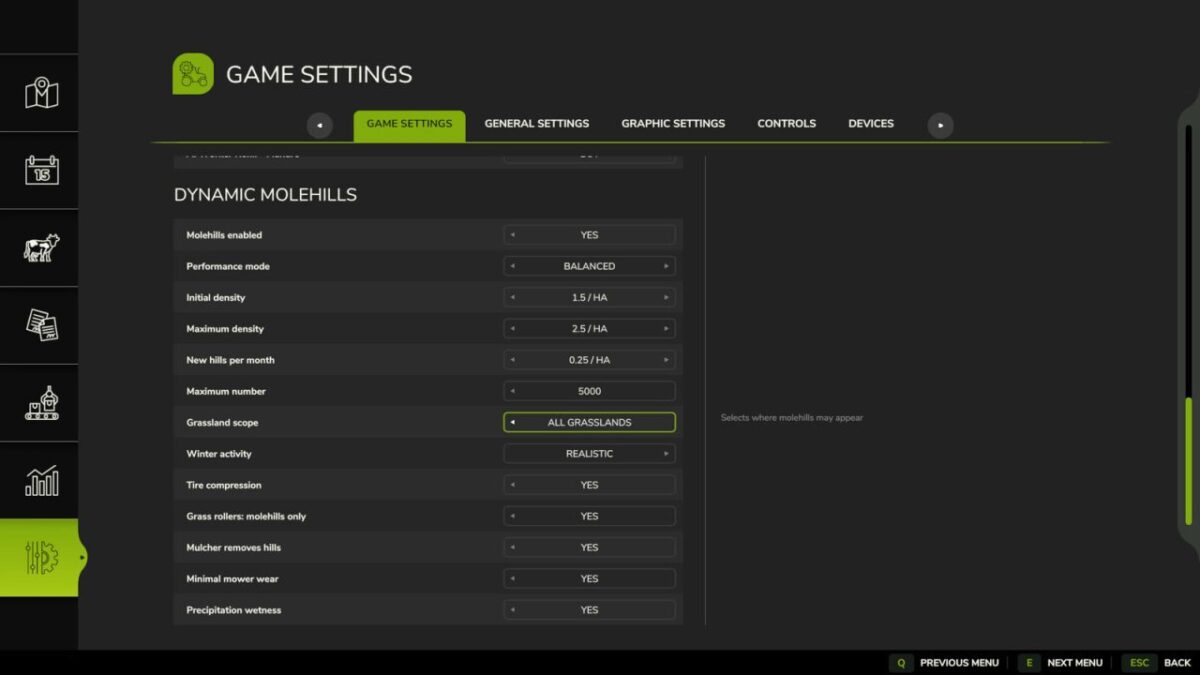
Adjustable initial density, density limit, regrowth, maximum number and grassland scope.
Winter activity and precipitation wetness from rain and hail.
Tires compress and permanently flatten molehills without deleting them.
Grass rollers can flatten only molehills without changing grass or field state.
Mowers clear intact and flattened molehills; flattened hills cause no additional wear.
Supported mulchers, grassland weeders and harrows, cultivators, disc harrows, subsoilers, power harrows, plows, sowing machines and stone pickers clear molehills.
Fast, Balanced and Gentle performance profiles, with Balanced as the default.
Persistent storage of settings and molehill states in the savegame.
Multiplayer synchronization for settings and molehill states.
Version 1.0.0.1:
* Fixed distorted single wheel tire impressions by preserving the actual contact position
* Tire profiles no longer inherit mound scaling and are rendered in world space
* All tire contacts now use the broad, flattened mound shape, ensuring that front and rear tires flatten consistently
Pat95
How do I install Farming Simulator mods?
Find a mod that you like and want to download first. Then, on your PC, download a mod. Mods are typically in.zip format. However, it is sometimes in.rar format. If the mod file is in.zip format, no additional actions are required. If a file is in.rar format, you must unarchive it using software such as WinRar or Zip7. Windows 10 users do not need to use archive software; Win10 includes an unarchive feature.
The next step is to locate the mods folder on your computer. It is typically found in Documents/My Games/Farming Simulator [Your FS game version, e.g. 2022]. Open the "mods" folder and place the downloaded.zip archive or unarchived.rar file there.
The final step. Have fun with Farming Simulator mods!