

Liebherr SC350T v 1.0

Liebherr SC350T v 1.0

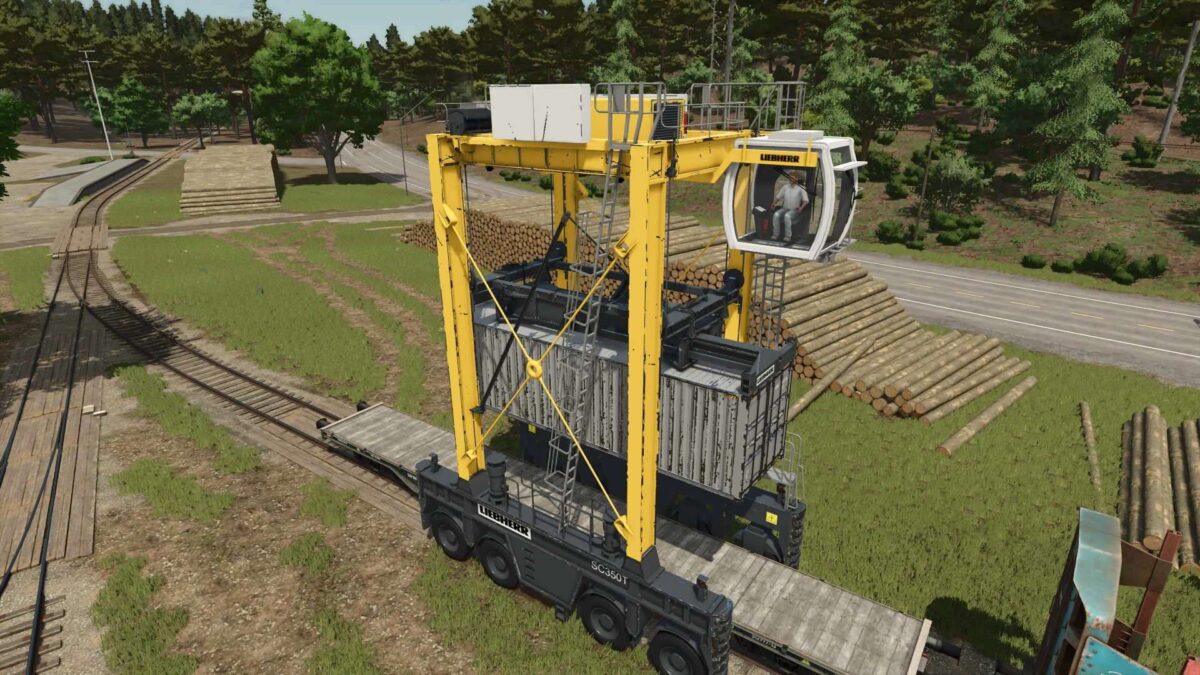
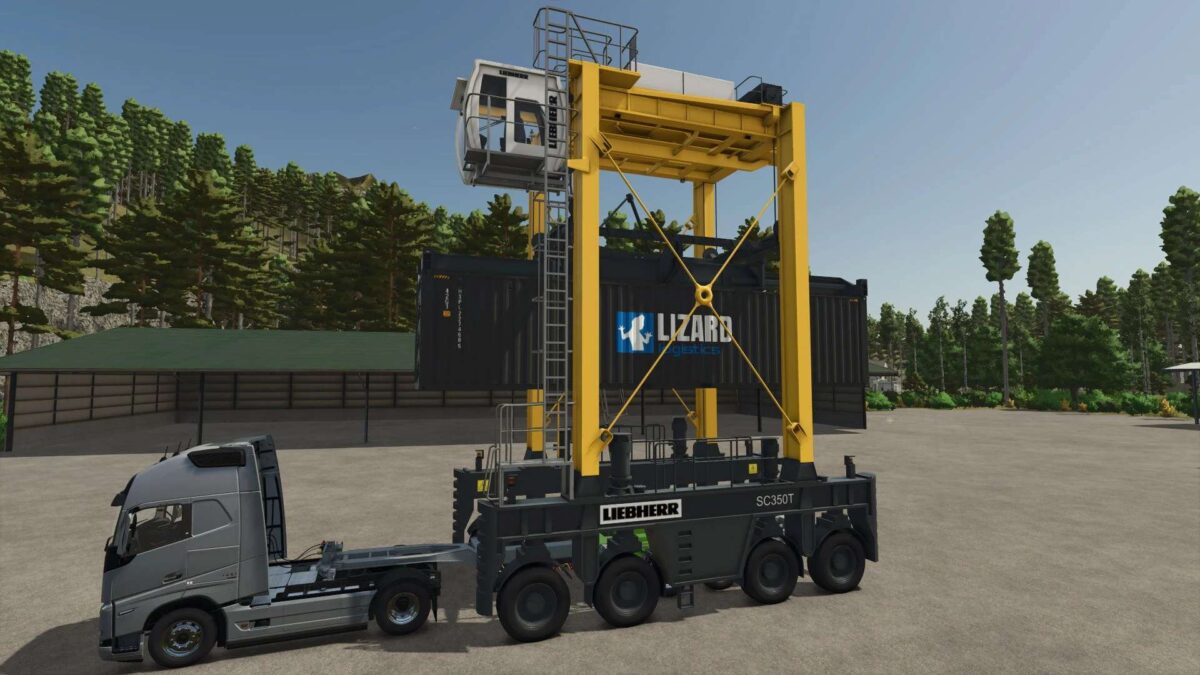
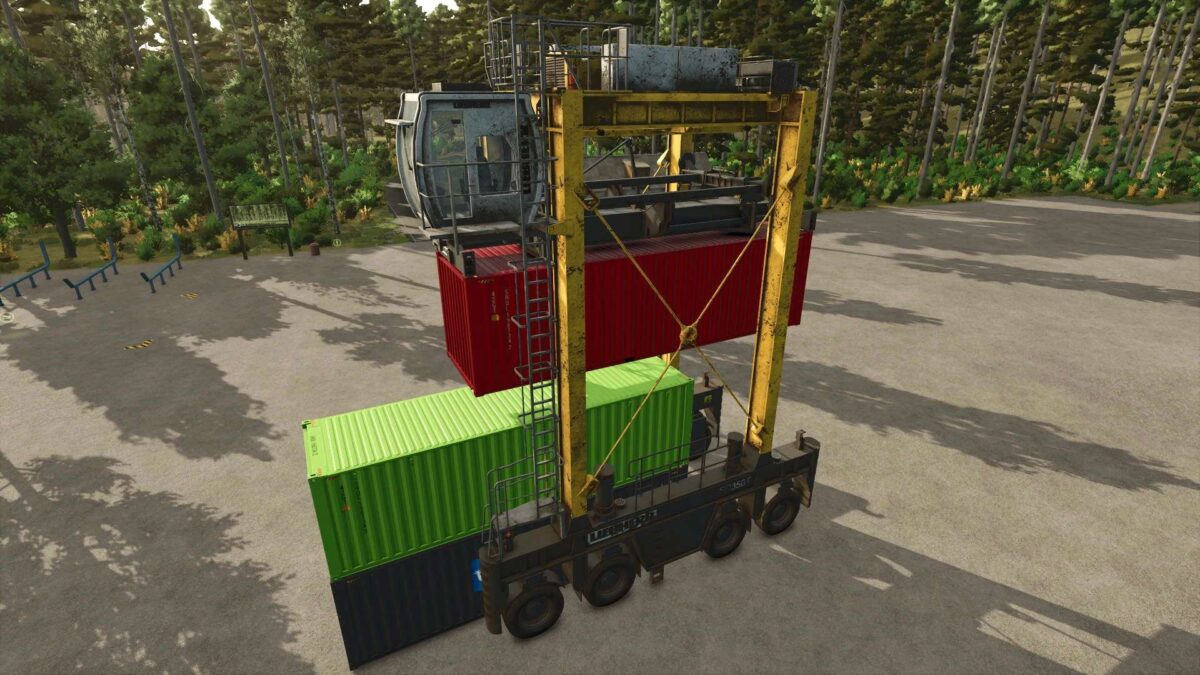
This machine can be used for loading and unloading shipping containers of different sizes.
Supported containers:
Basegame wood containers
Containers from Fliegl Shipping Container Pack mod (by HR Forst und Fahrzeugbau)
Shop category: Drivable miscellaneous
Price: $340,000
Power: 485 HP
Max. speed: 30 kph
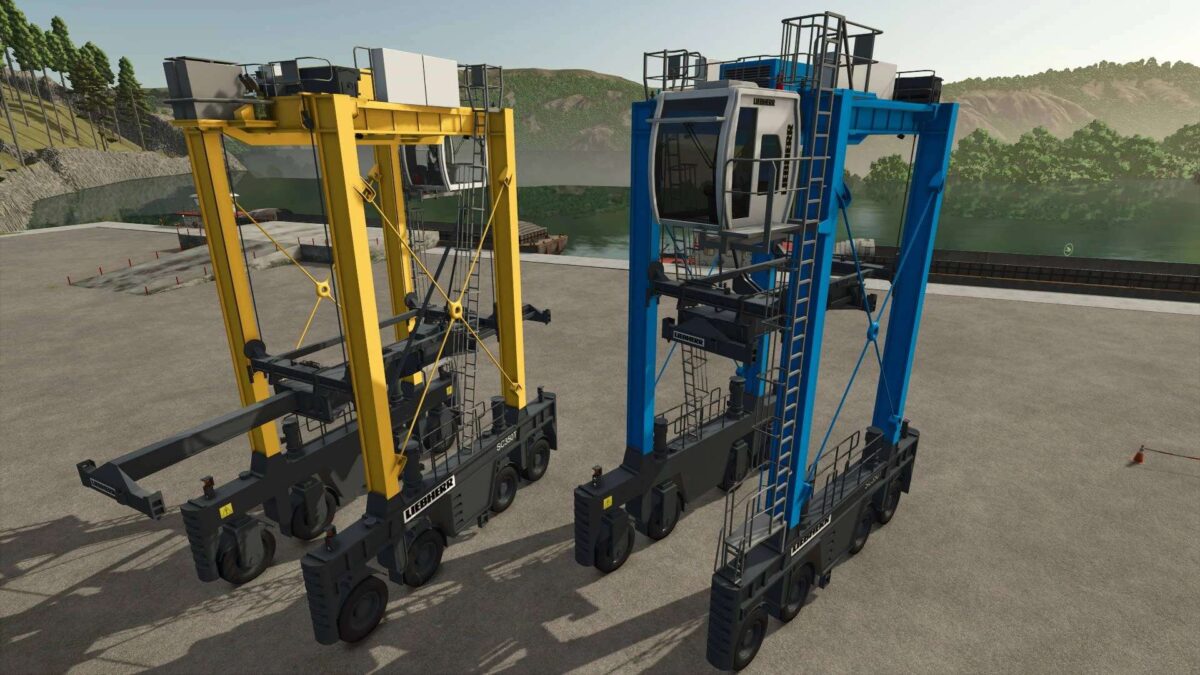
Stacking height: 3 containersColor configurations
Basegame containers ca be attached with IMPLEMENT_EXTRA4 (default key Z).
There is an option to move the interior camera forward for a better view of the ground when loading – IMPLEMENT_EXTRA3 (default key Y).
The interior dashboard (speed, rpm and gear) is displayed correctly only with this graphics settings: Object draw distance – min. 170 percent.
kenny456
How do I install Farming Simulator mods?
Find a mod that you like and want to download first. Then, on your PC, download a mod. Mods are typically in.zip format. However, it is sometimes in.rar format. If the mod file is in.zip format, no additional actions are required. If a file is in.rar format, you must unarchive it using software such as WinRar or Zip7. Windows 10 users do not need to use archive software; Win10 includes an unarchive feature.
The next step is to locate the mods folder on your computer. It is typically found in Documents/My Games/Farming Simulator [Your FS game version, e.g. 2022]. Open the "mods" folder and place the downloaded.zip archive or unarchived.rar file there.
The final step. Have fun with Farming Simulator mods!