Chevrolet Silverado SS v 1.0
About the mod:
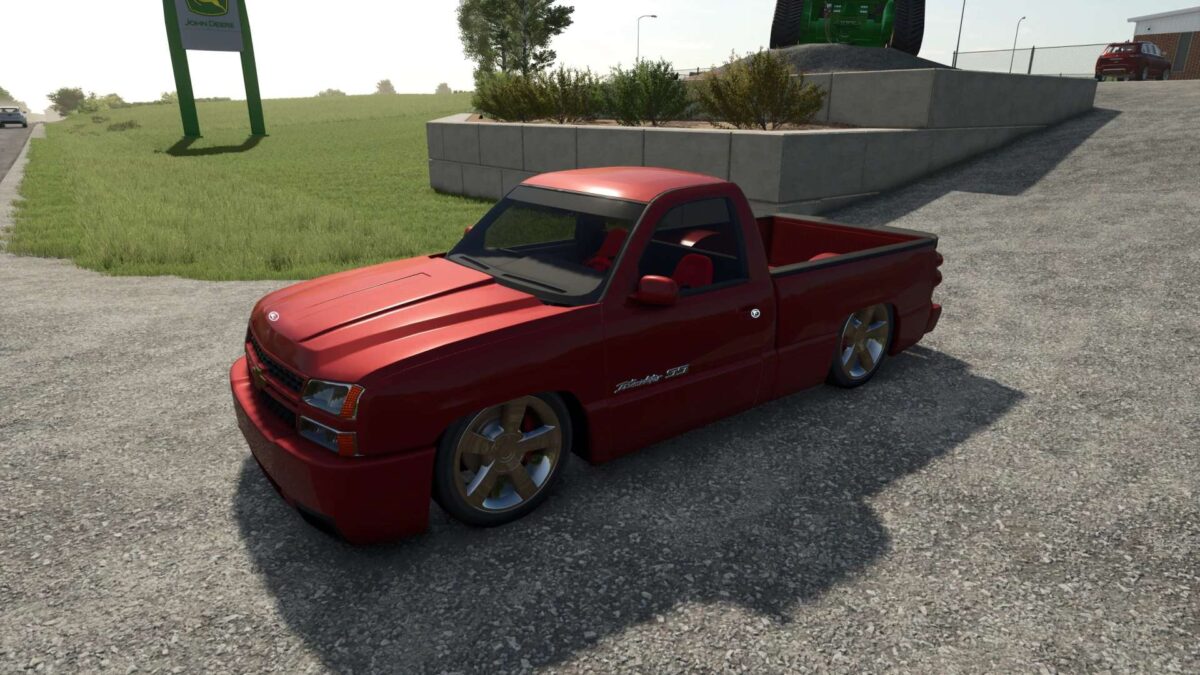
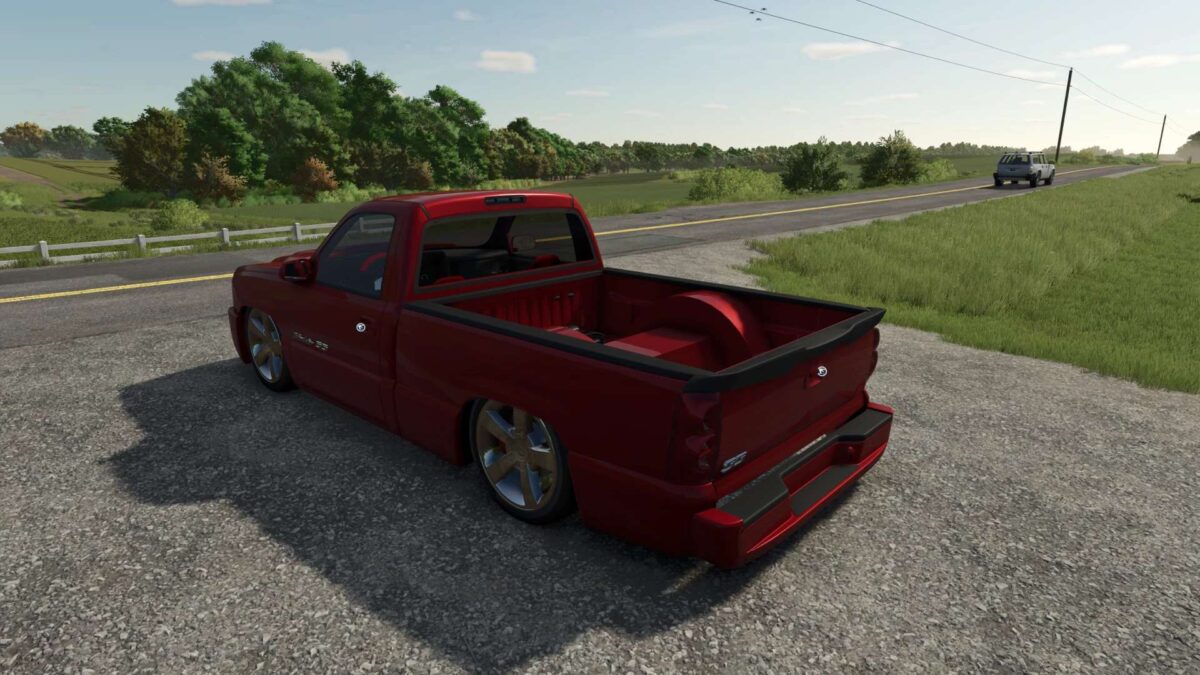
Glossy red body with smooth lines and aggressive front
Slammed suspension and wide rims for maximum style
Detailed interior with red accents
Realistic physics and authentic engine sound
Perfect for city cruising and custom car shows
Credits:
Louis-Joseph Chevrolet
[addtoany]
How to install FS19 mods?
Firstly find a mod which you like and want to download. Then download a mod to your PC. Mods are usually in .zip format file. But sometimes it can be in .rar. If a mod file is a .zip format no needed additional actions. If a file is in .rar, then you must unarchive mod with software like WinRar or Zip7. Windows 10 users no need to use software for archives, Win10 itself has a feature to unarchive files.
The next step is to find mods folder in your PC. Usually, it is in Documents/My Games/Farming Simulator 19/2019. Open the "mods" folder and put downloaded .zip archive or unarchived .rar file to this folder.
Last step. Enjoy of FS19 mods!