

Player Movement Fix v 1.0.0.1

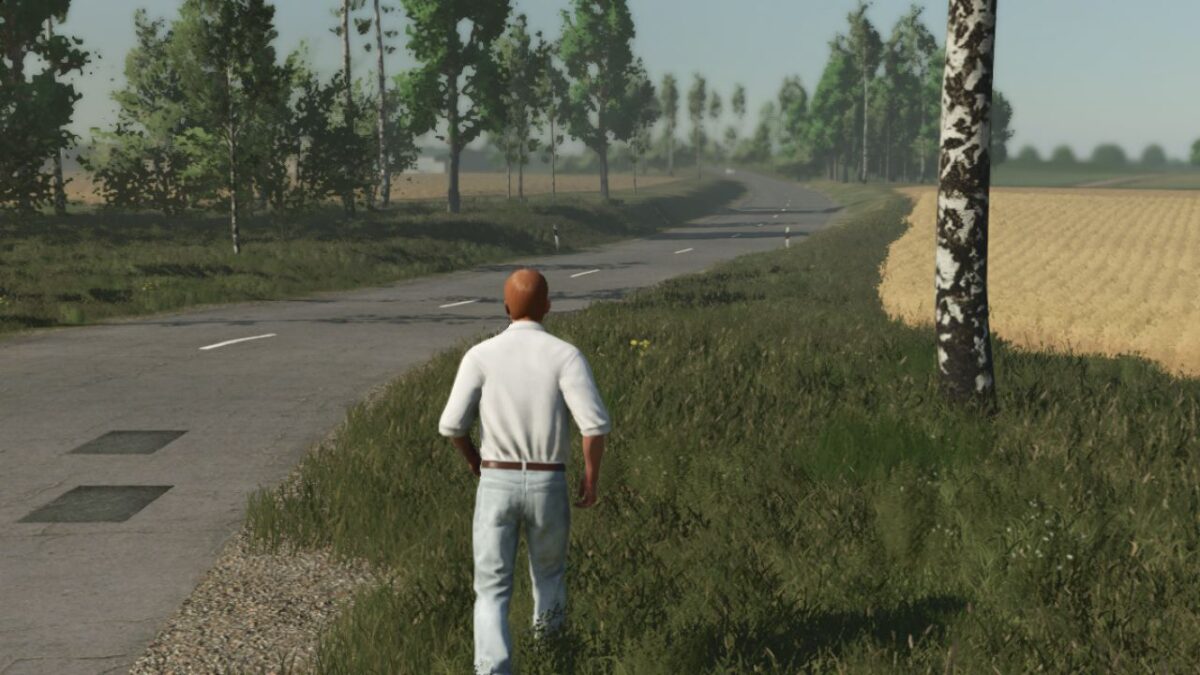
Player Movement Fix v 1.0.0.1
Player Movement Fix (FS22 Controls)
Are you annoyed by your character sliding around the farm as if walking on ice? Tired of the frustrating drifting and imprecise pedestrian controls? This mod is the perfect solution for you!
The Player Movement Fix completely overrides the slippery pedestrian physics built into Farming Simulator 25 and brings back the tight, reliable movement from Farming Simulator 22 (1:1). No more inertia—your character stops exactly when and where you release the key!
Key Features:
Drifting Eliminated: The annoying “ice skating” effect is completely gone.
Precise Turning: Smooth and immediate directional changes without unnecessary deceleration or stuttering.
Realistic Speeds:
Walking: 4 km/h
Running (Sprint): 8 km/h
Classic FS22 Feel: 100% identical, responsive, and precise character controls just like you are used to from the previous game.
Version 1.0.0.1:
* Farming simulator 22 13 km/h run speed fix