

Dynamic Engine Load v 1.0

Dynamic Engine Load v 1.0
About the mod:
Want your FS25 tractors to feel a bit more realistic?
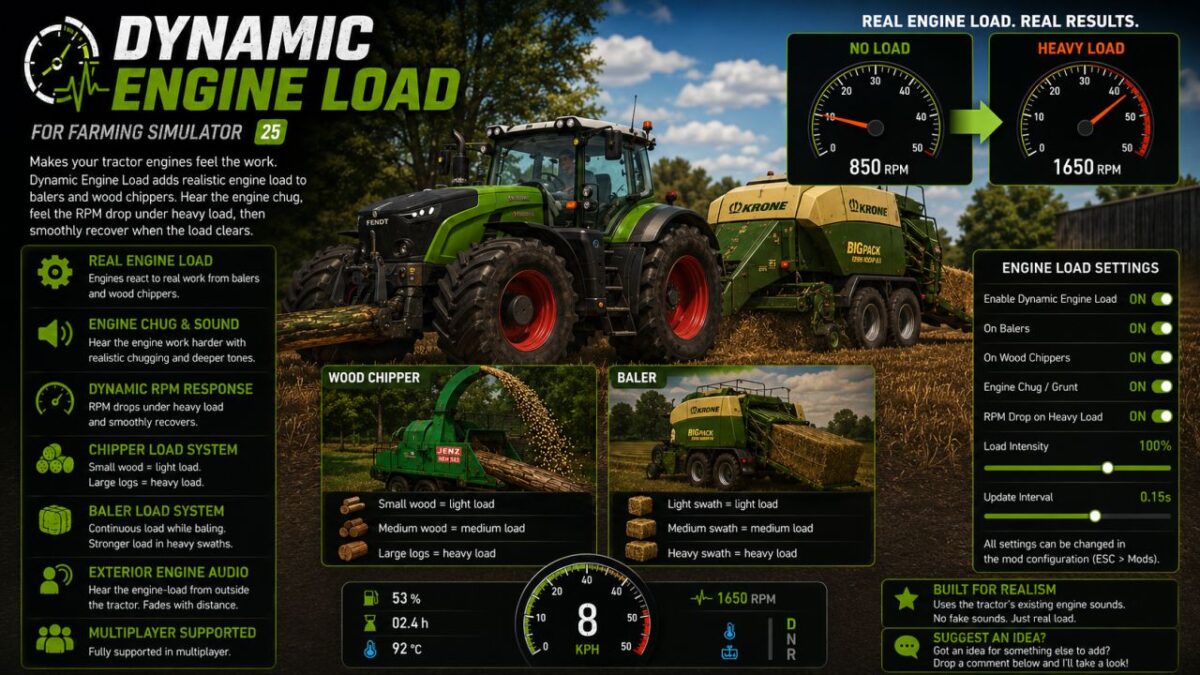
Dynamic Engine Load adds dynamic engine loading to balers and wood chippers. When the machine is working, the tractor engine works harder too. You’ll hear it chug and deepen, while the RPM drops slightly under heavier loads before recovering again.
Baler working? The engine stays under load while you’re baling.
Big log going through the chipper? You’ll hear and see the engine take the hit.
Features
Realistic load on balers and wood chippers
Engine chugging under load
Dynamic RPM drop
Smooth recovery when the load clears
Uses the tractor’s original FS25 engine sounds
Load can be heard outside the tractor
Adjustable settings
Multiplayer supported
Credits:
LM Modding Store