

Store Front Stable Options for Husbandry v 1.0

Store Front Stable Options for Husbandry v 1.0
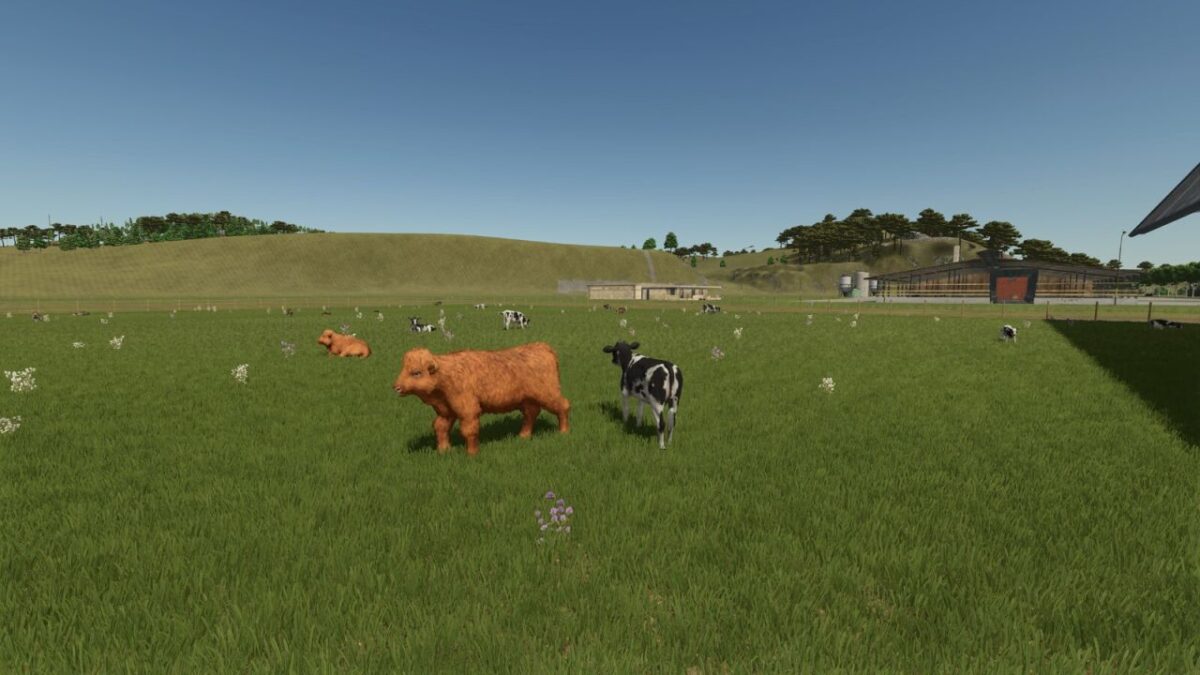
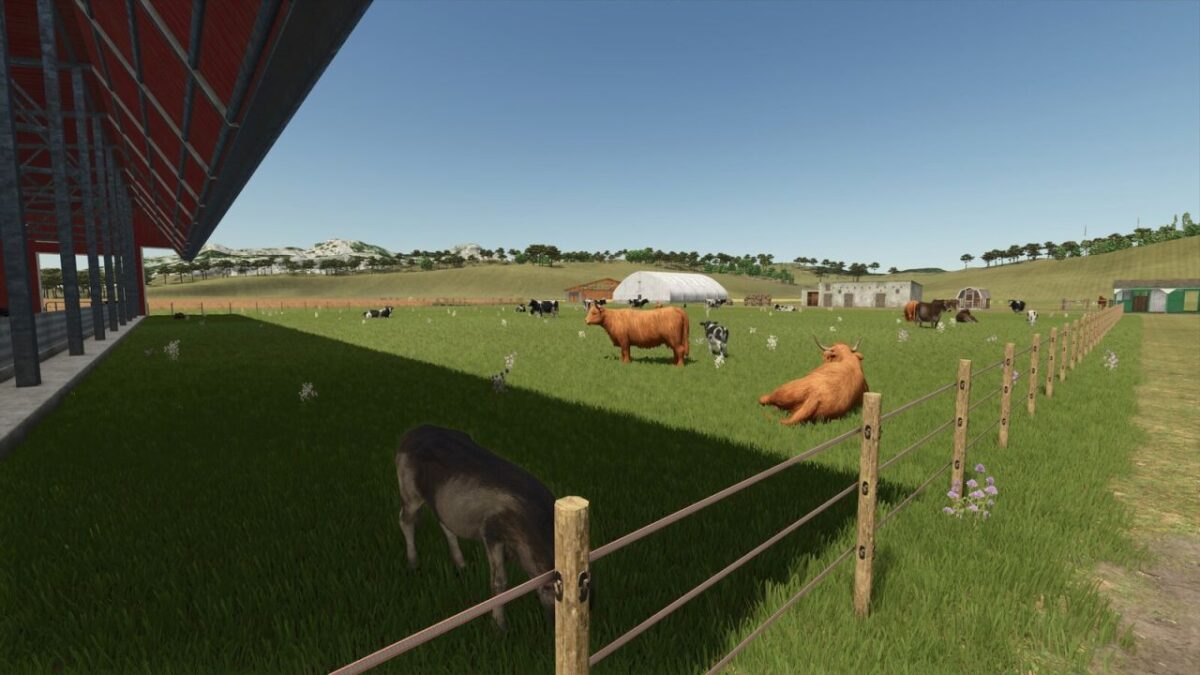
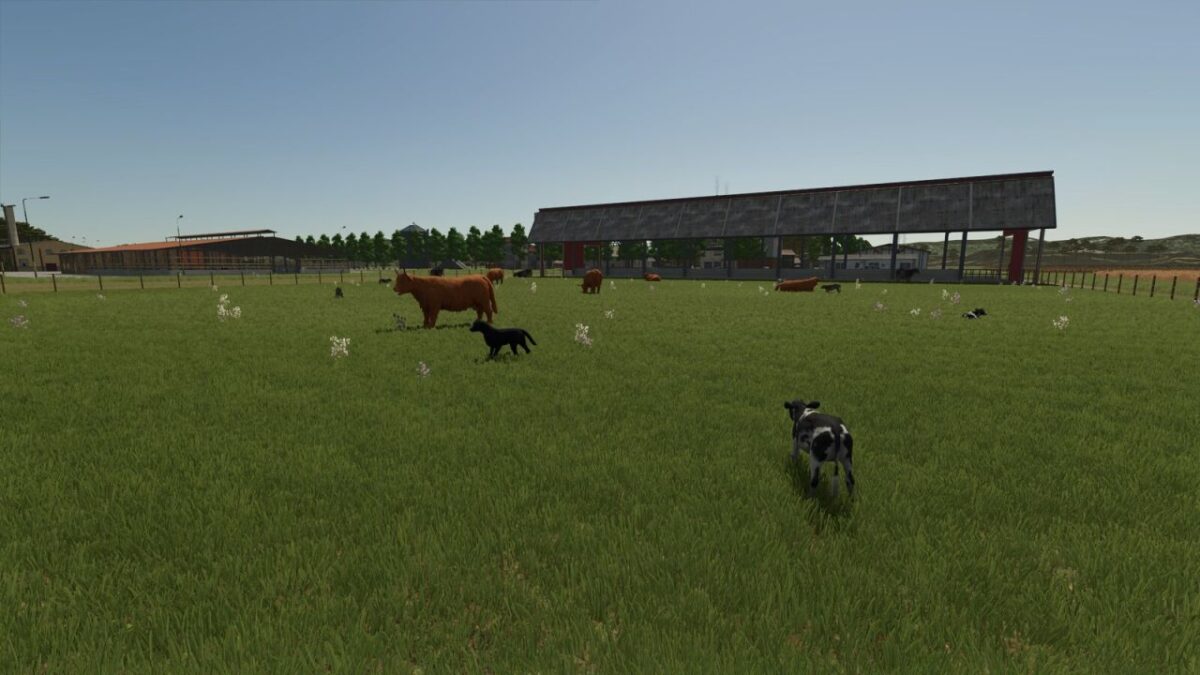
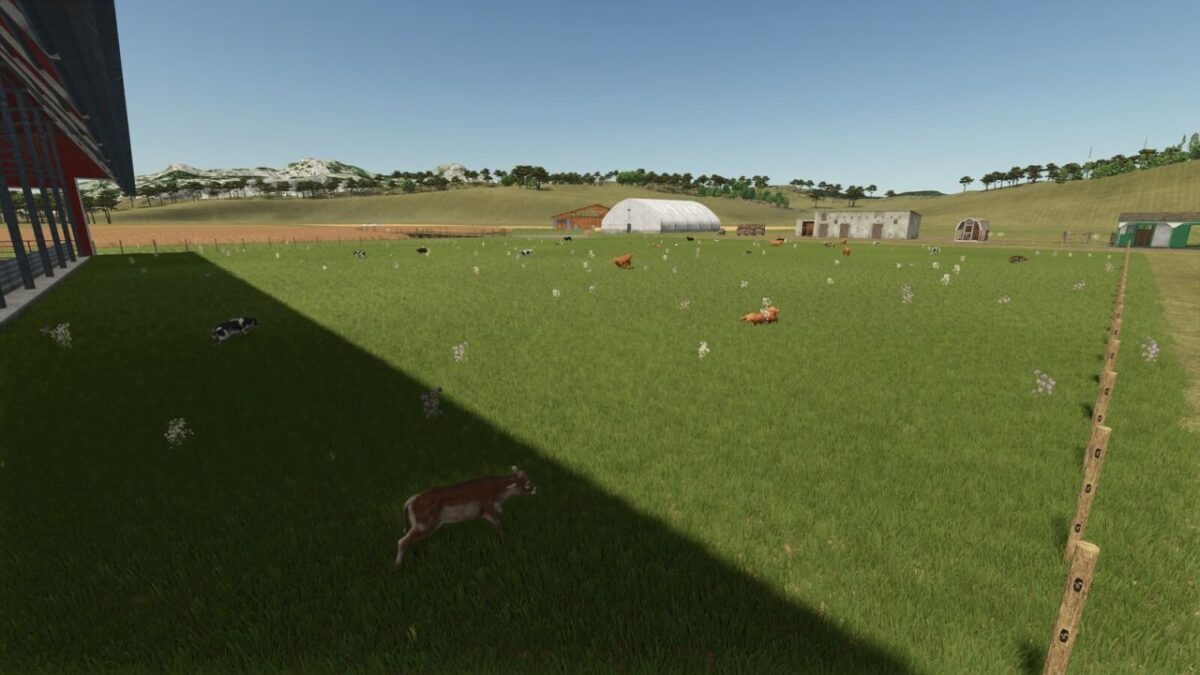
NEVER SUFFER RANDOM CALVES ON YOUR SHOWCASE PASTURE AGAIN!
Tired of your animals shamelessly revealing their TRUE age out on the pasture? Not anymore! With Storefront Stable, YOU decide – per stall, per breed – exactly which growth stage gets shown off outside. 50% calves and 50% stately adults? Only the tiny ones? Make an entire breed invisible? All possible, all included!
And the best part: breeding, aging, milk, wool and every other production, plus your real animal count, remain COMPLETELY UNTOUCHED. We only redecorate the shop window – the business running behind it stays exactly as it was.
One exception in our lineup: horses. They look equally majestic at every age, so there is simply nothing left to redecorate.
Not available in stores. Just open the animal screen at your stall, set the displayed breeds and growth stages, and you’re done.
Works with the following animal species:
Cows / Cattle
Pigs
Goats
Sheep
Chickens