

Climate Profiles v 1.0

Climate Profiles v 1.0
Climate profile simulator – works on every map.
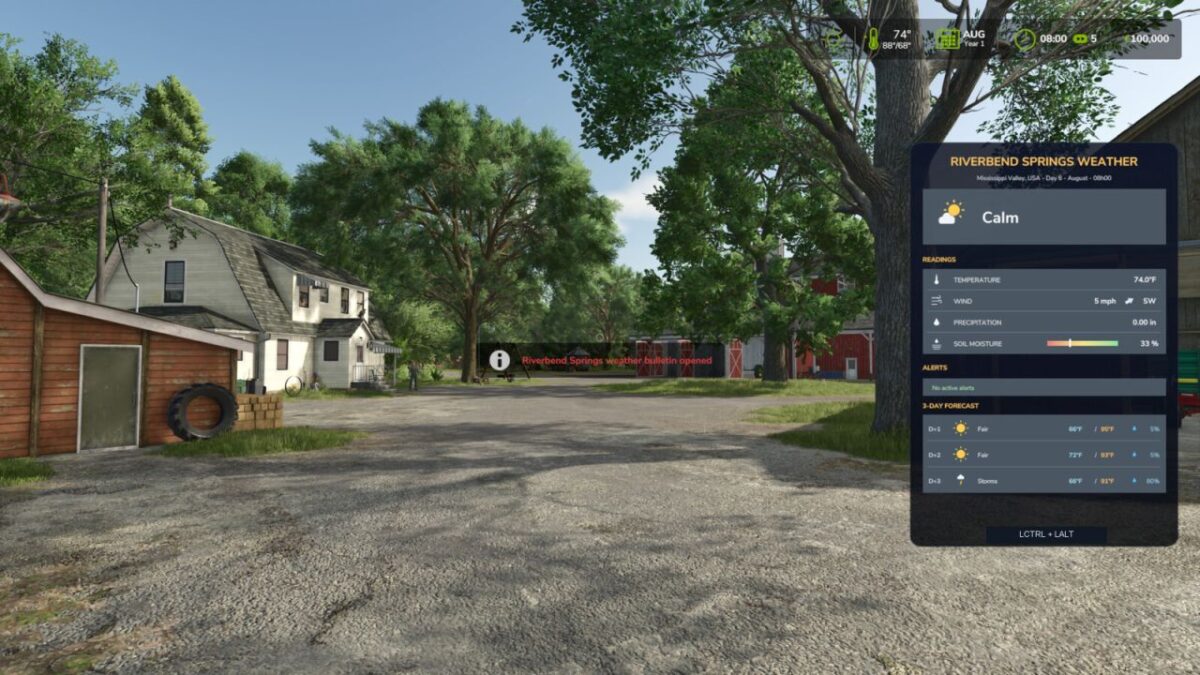
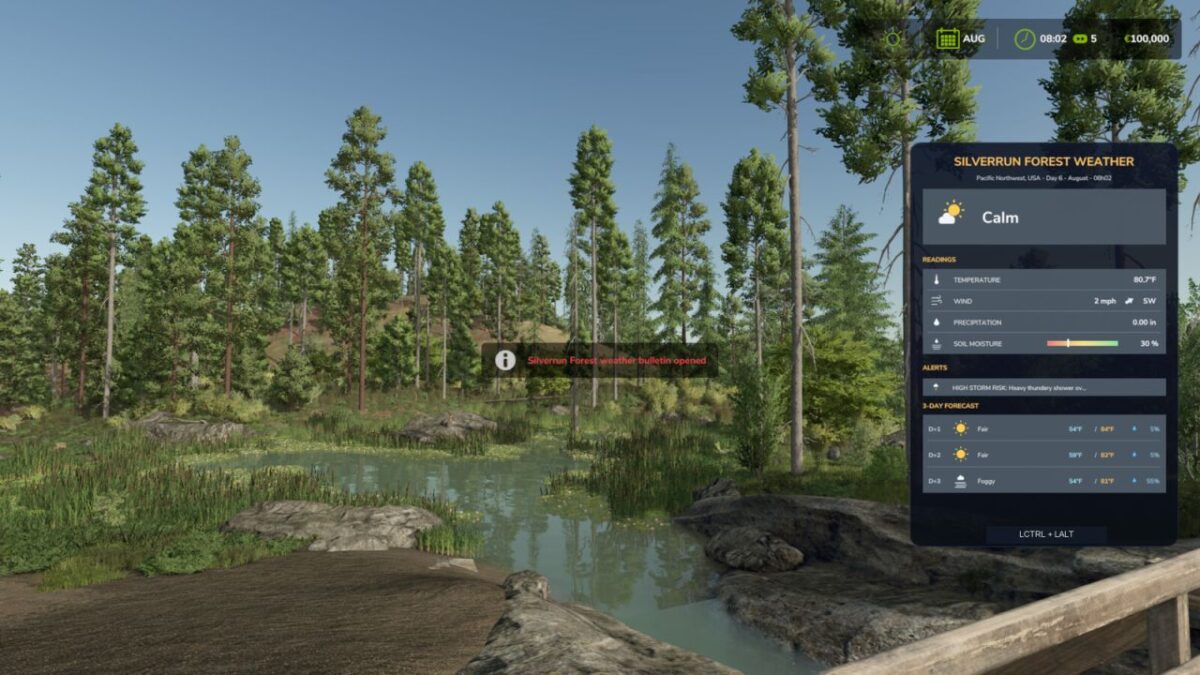
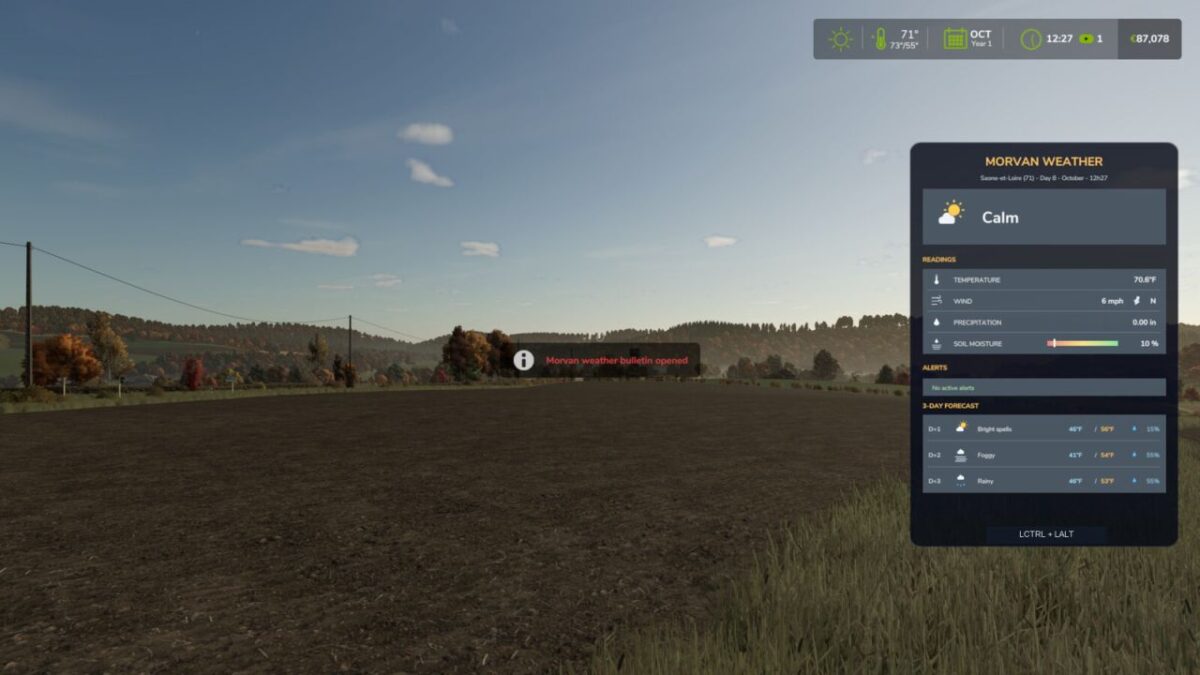
Open the weather bulletin HUD (LCTRL + LALT), pick a climate profile, and the mod applies realistic temperature, precipitation, snow and fog patterns to your savegame.
Includes 10 ready-made climate profile templates:
– Morvan uplands (semi-continental)
– Cotes-d’Armor (oceanic, Brittany)
– Calvados (oceanic, Normandy)
– Maine-et-Loire (temperate, Loire valley)
– Aude (mediterranean)
– Riverbend Springs (Mississippi Valley)
– Hutan Pantai (tropical Southeast Asia)
– Zielonka (Central Europe)
– HORSCH AgroVation (Central Bohemia)
– Silverrun Forest (Pacific Northwest)
Recommended maps, where the matching template is auto-detected: Le Mechet, Lanrelas, Vouilly Normandy, The Angevin Countryside, La Pomarede.
Official GIANTS maps are also auto-detected: Riverbend Springs, Hutan Pantai, Zielonka, HORSCH AgroVation and Silverrun Forest.
On any other map, simply choose the template that best fits the landscape.
Features:
– Realistic temperature, precipitation, snow and fog patterns per climate profile.
– Morning fog and summer storm notifications.
– Dynamic soil wetness and harvesting-risk warnings.
– Climate-based planting and harvesting calendars.
– 3-day weather bulletin HUD with icons: LCTRL + LALT.
– Respects game unit settings (Celsius/Fahrenheit, km/h/mph).
– Multiplayer supported.