

Hat Farm and Construction Pack v 1.0


Hat Farm and Construction Pack v 1.0
Bring popular farming, construction, tool, and trucking brands into your Farming Simulator 25 wardrobe!
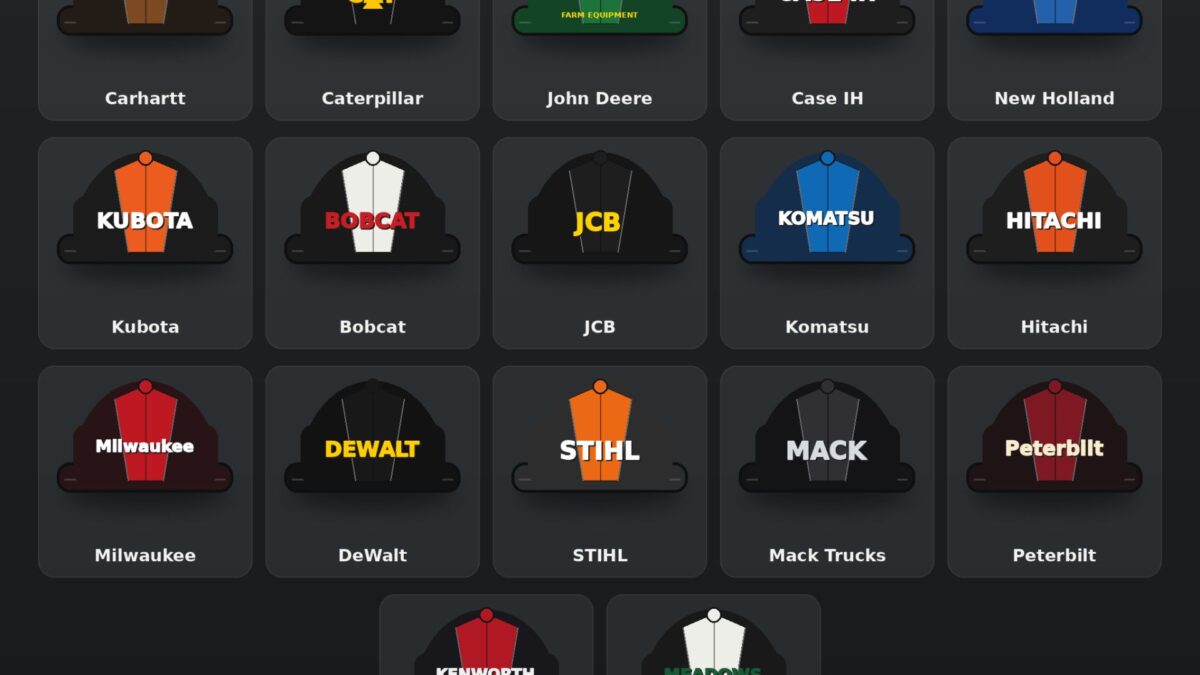
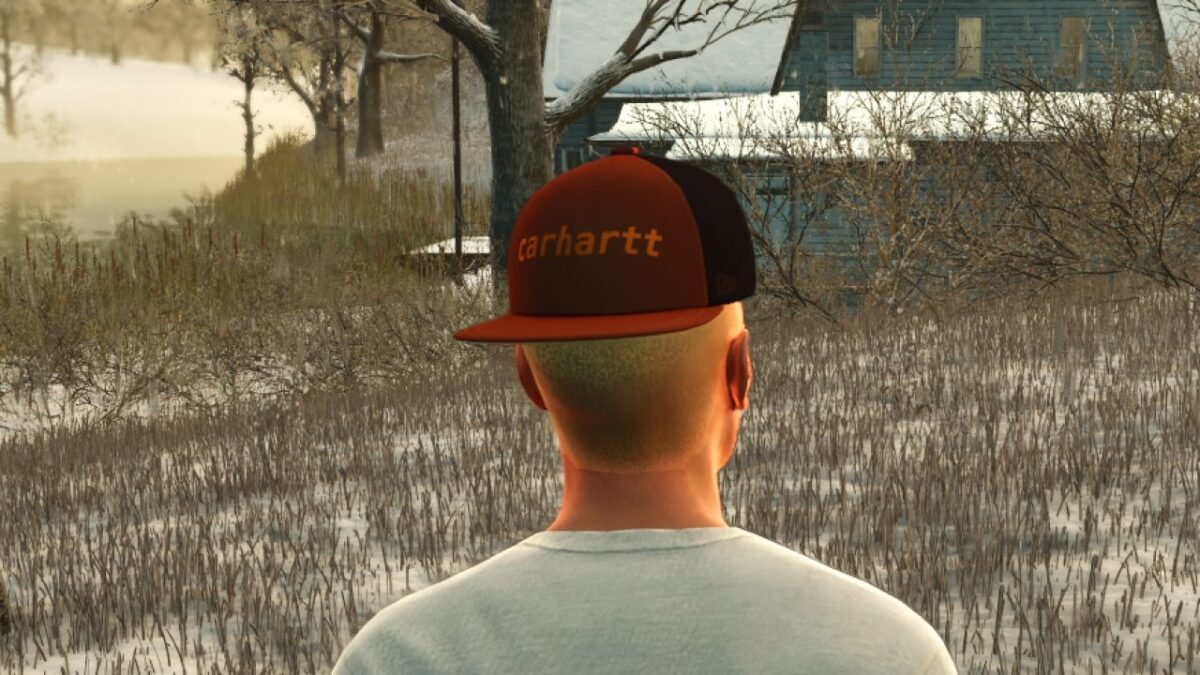
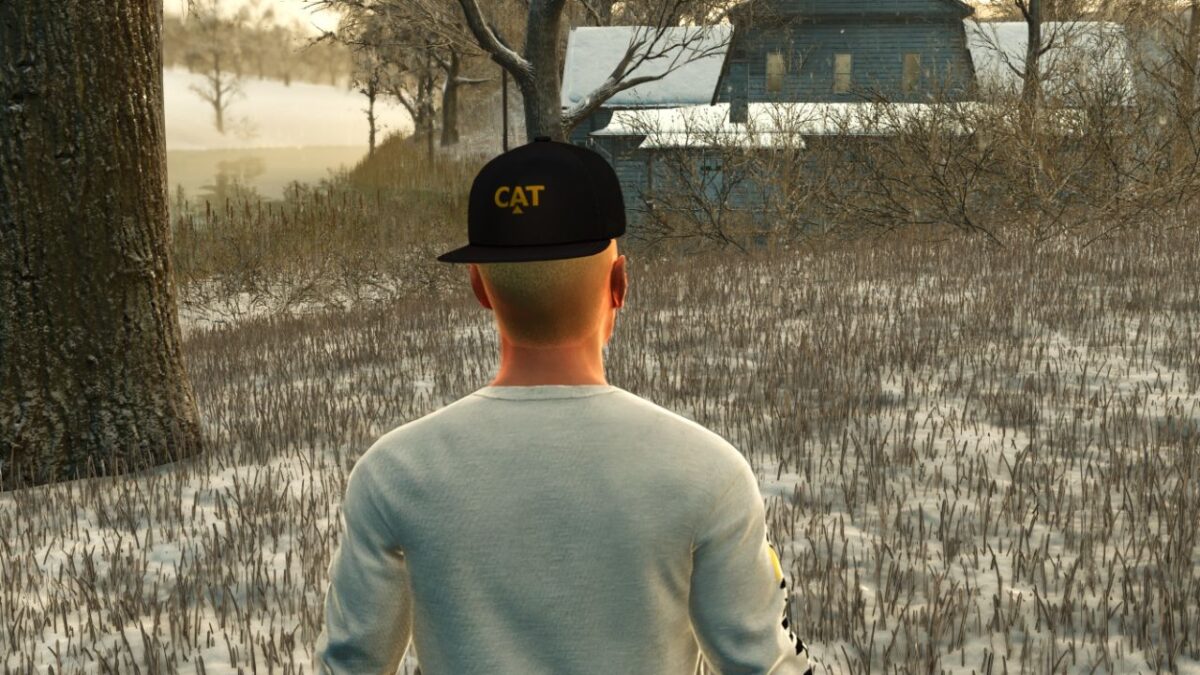
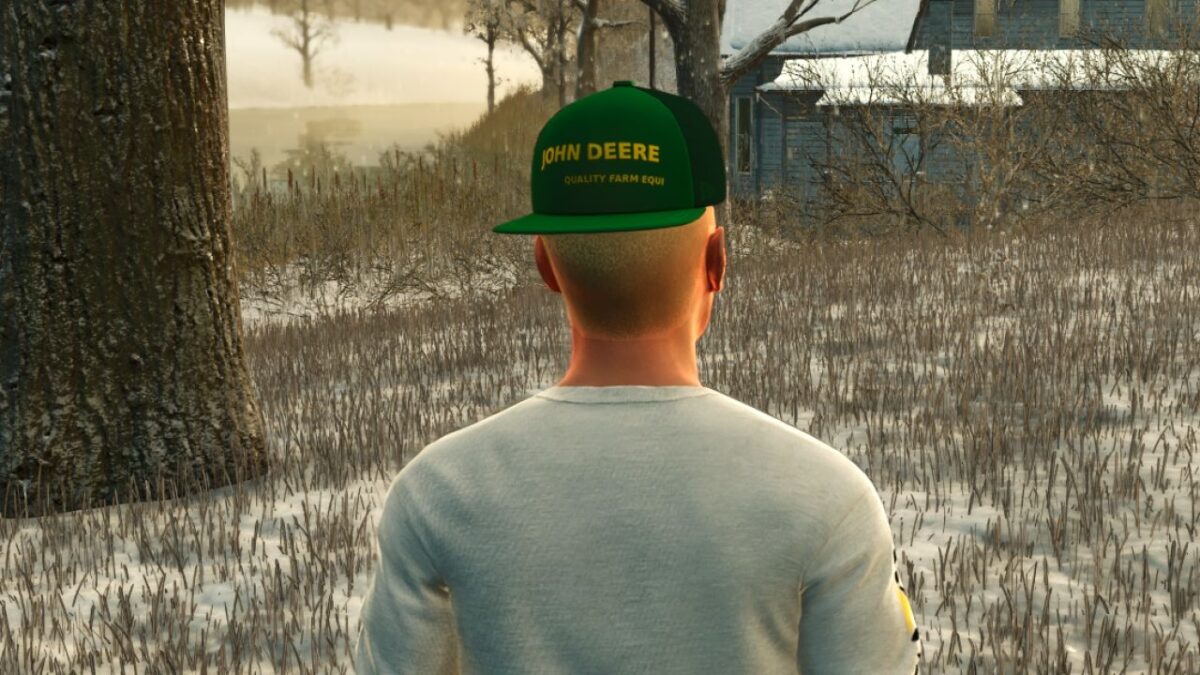
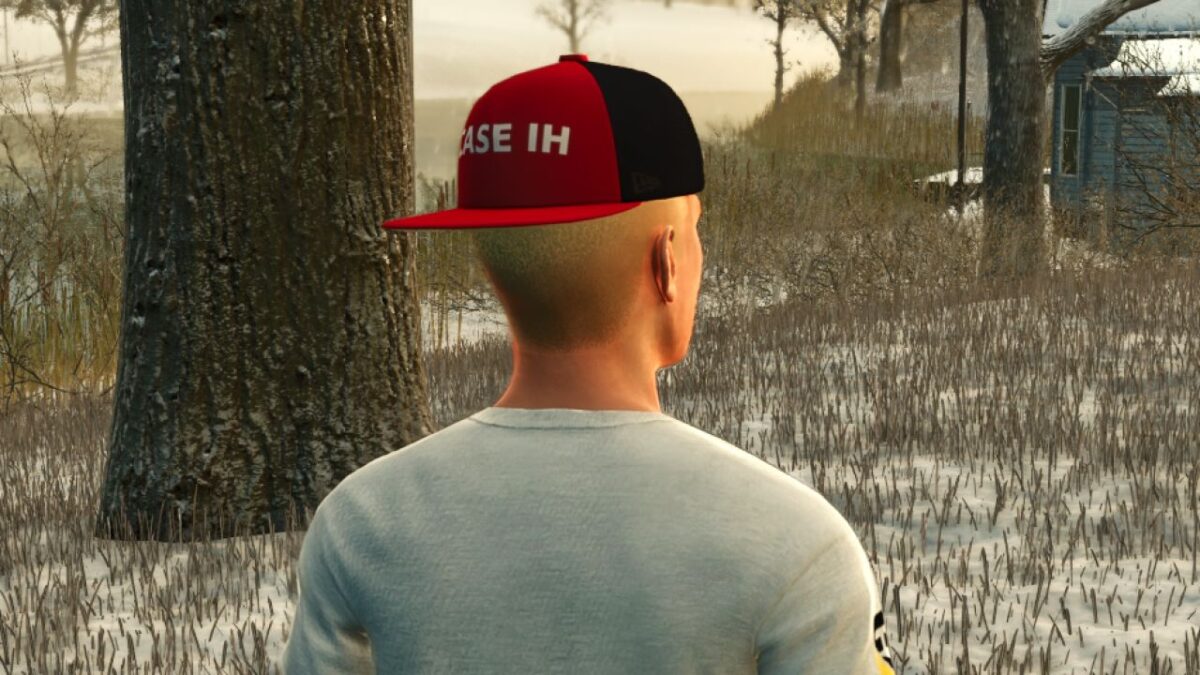
The Farm & Construction Backwards Flatbill Pack includes 17 custom hats, each featuring its own brand-inspired colors and design. Every hat is worn backward and is available for both male and female characters.
Included designs:
Carhartt
Caterpillar/CAT
John Deere
Case IH
New Holland
Kubota
Bobcat
JCB
Komatsu
Hitachi
Milwaukee
DeWalt
STIHL
Mack Trucks
Peterbilt
Kenworth
Meadows Hay & Ag
Features:
17 unique backwards flatbill hats
Male and female character support
Individual wardrobe selection images
Brand-matched colors and lettering
Multiplayer supported
Custom fitted FS25 hat model
Installation:
Download the ZIP file.
Place the ZIP directly into your Farming Simulator 2025 mods folder.
Make sure the Wardrobe Clothing Addon is installed and enabled.
Enable the hat pack when loading your save.
Find the hats in the character wardrobe under headgear.
Required Mod:
Wardrobe Clothing Addon by BMP