

Real Vehicle Monitor v 1.1

Real Vehicle Monitor v 1.1
Real Vehicle Monitor Features:
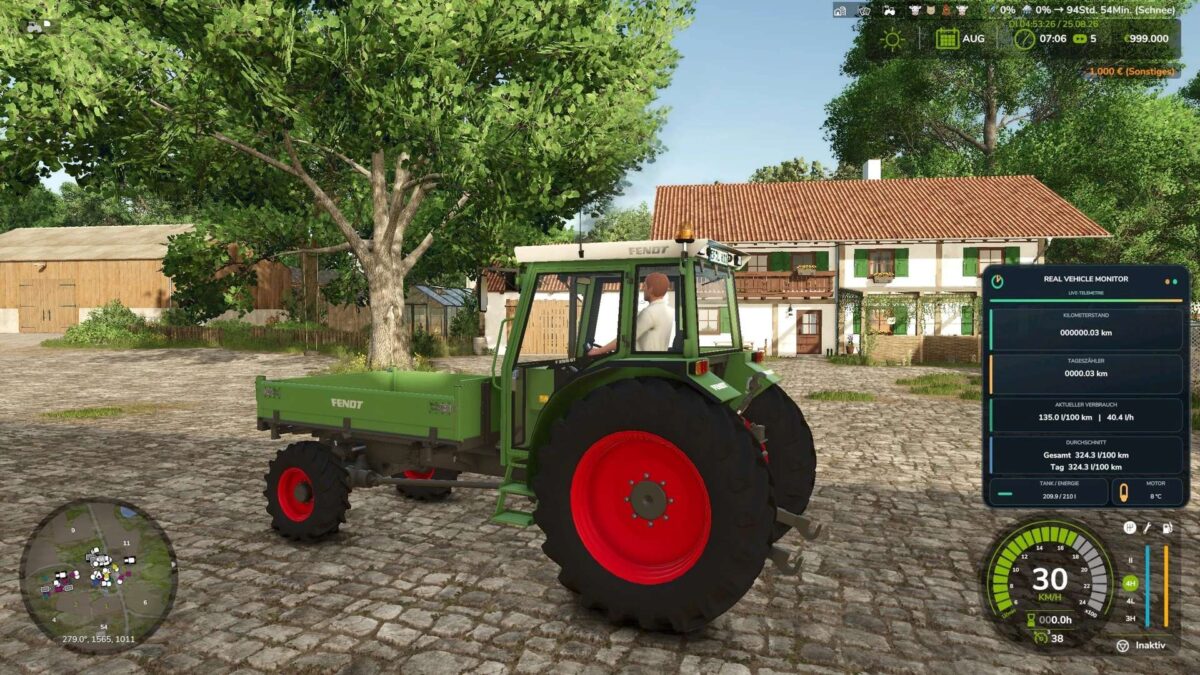
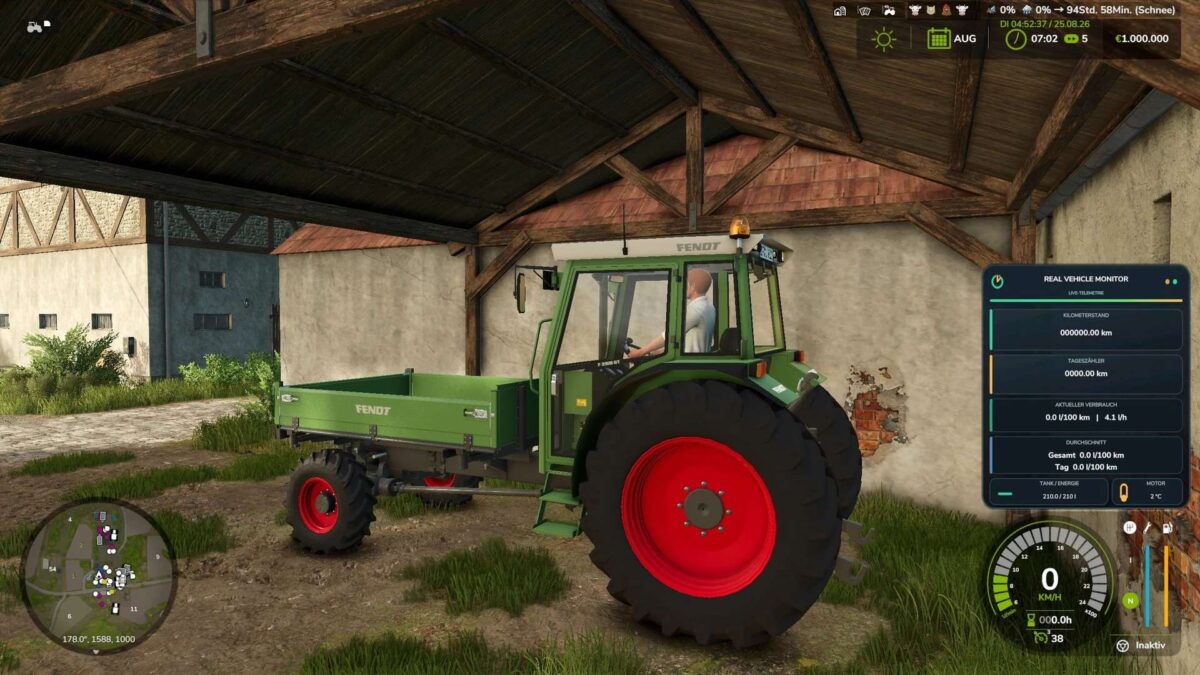
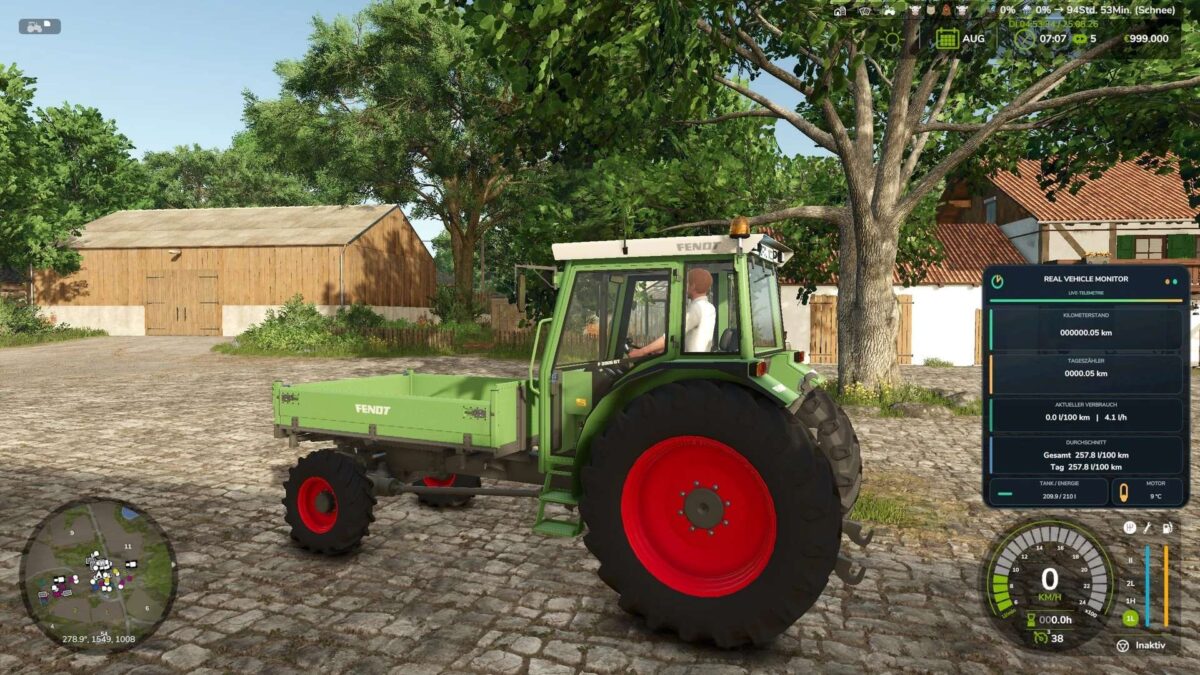
Permanently stored mileage
Resettable trip odometer
Current fuel consumption per hour and per 100 kilometers
Total and daily averages
Precise display of fuel or energy levels
Realistic engine temperature with warm-up and cool-down phases
Support for diesel, electric, and methane vehicles
Movable and scalable HUD
Display for individual vehicles or completely deactivated
Multiplayer and dedicated server support
Default key bindings:
Left Alt + R: Reset trip odometer
Left Alt + F: Switch average display
Left Alt + Num Lock 4/6/8/5: Move HUD
Left Ctrl + Num Lock Plus: Resize HUD
Left Ctrl + Num Lock Minus: Show or hide help text
Left Alt + V: Toggle display for current vehicle
Left Ctrl + Left Alt + V: Show or hide HUD completely or turn it off
The key bindings can be changed in the game settings.
Version 1.1:
* The Real Vehicle Monitor has been significantly expanded compared to the first version
* The original display of vehicle and telemetry data has evolved into a comprehensive vehicle management system
* Vehicles now require more attention regarding maintenance, temperature, technical condition, vehicle inspections, and insurance
* The Real Vehicle Monitor adds a modern and freely positionable vehicle data HUD to Farming Simulator 25
* The Real Vehicle Monitor displays important vehicle data clearly and in real time
* Odometer reading and trip odometer are saved for each vehicle and are retained even after saving and reloading the game