

New Apple Tree v 1.0

New Apple Tree v 1.0
Master the Orchard: Interactive Apple Tree Mod!
Tired of placeable trees that magically produce fruit while you sleep? Welcome to real orcharding! This isn’t just a decoration; it’s a living, breathing apple tree that demands your attention. No care? No apples. It’s that simple.
Grow & Care (January – May)
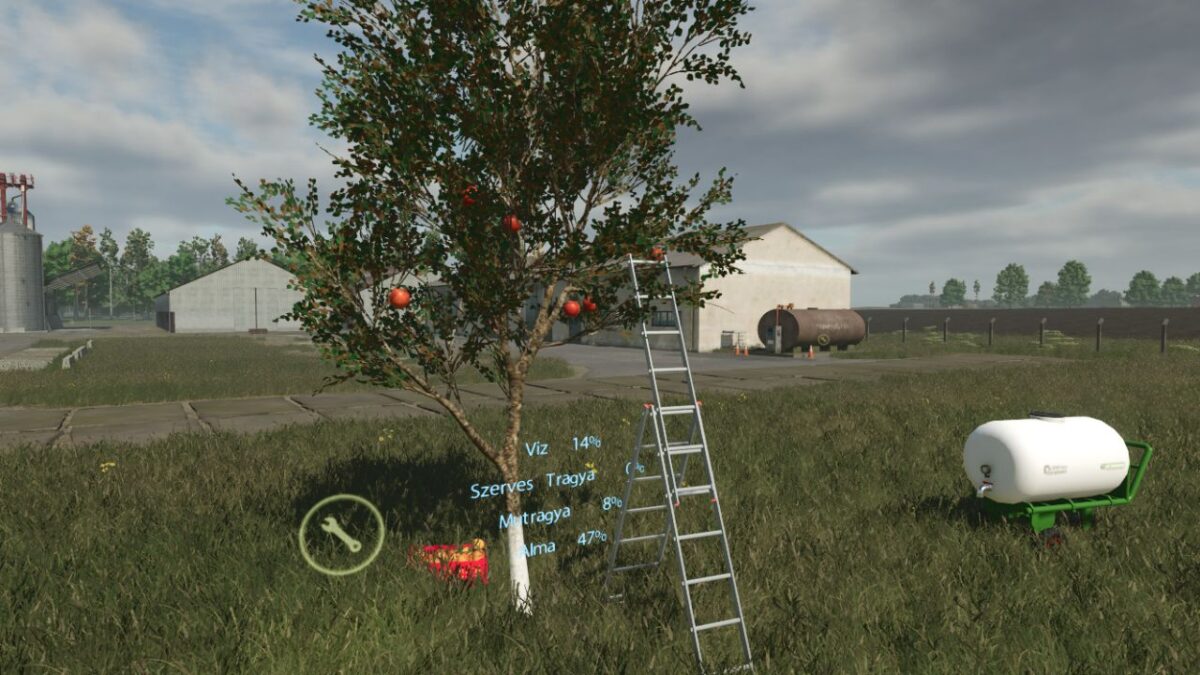
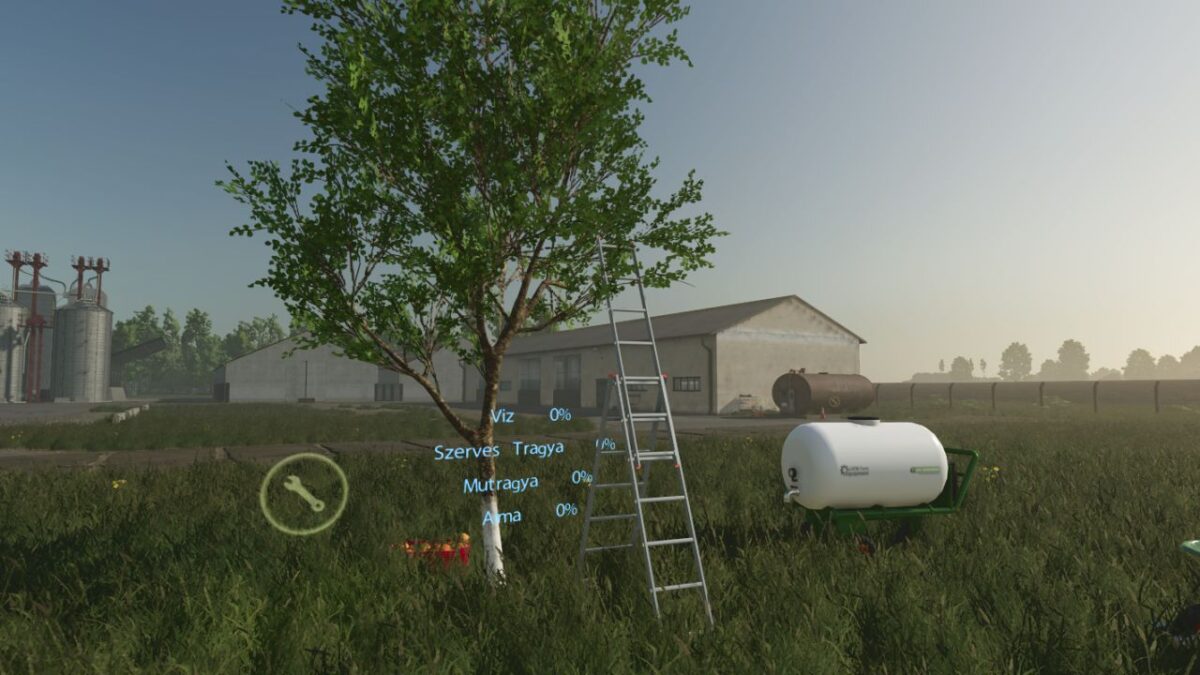
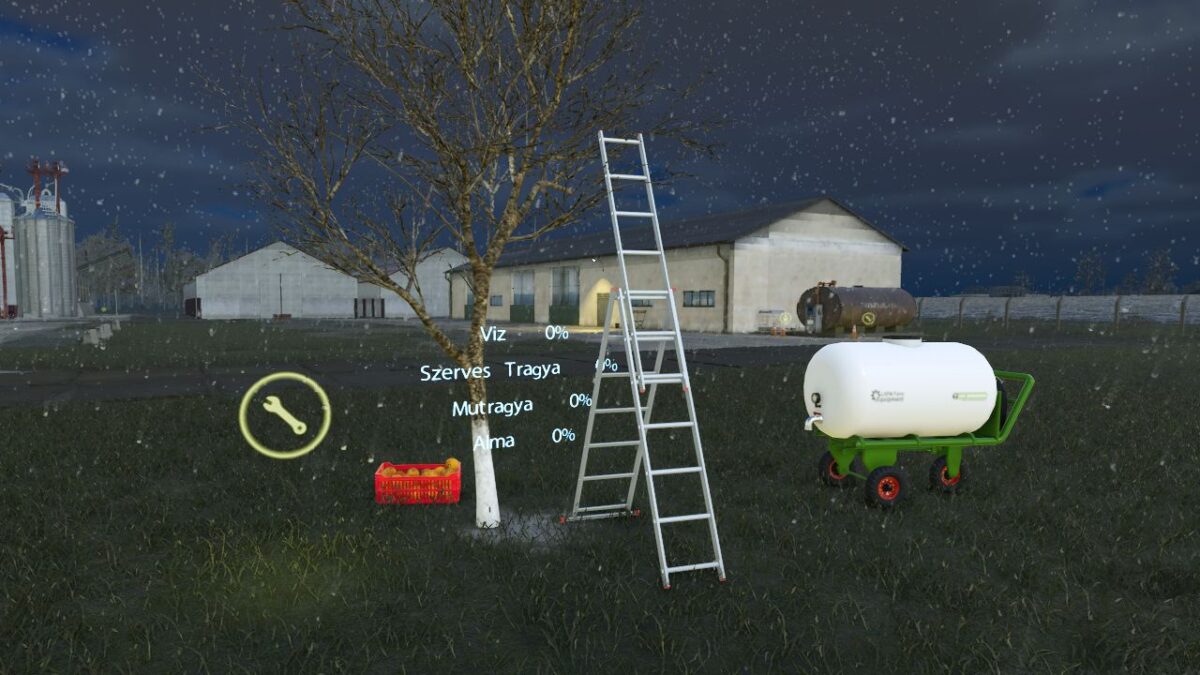
If you buy this tree, you become a full-time orchardist. If you ignore it, you’ll be staring at a 0% yield of barren twigs. But if you put in the work—providing water, organic manure, and mineral fertilizer—your yield bonus will skyrocket to 40%, 60%, or even a massive 100%!
Pay attention to the calendar: You only have from January to May to pamper your tree. Once the May blossoms hit, the growth phase locks in, and your yield is sealed!
The Harvest Mechanics
When harvest time comes, the apples will spawn in randomized but fixed positions across the branches.
Head to the store and buy the Apple Pruning Shears.
Buy an Apple Crate or Pallet.
Press [B] to attach the crate/pallet to your shears.
Get up close, aim, and [Left-Click] to snip and collect the apples!
Can’t reach the top branches? Bring a ladder to do it the professional way—or just channel your inner kangaroo, jump up, and clip them mid-air!
Profit!
Once your crates are overflowing with fresh, hand-picked apples, load them up and head to the local farmers’ market to sell your harvest for a solid average market price.
Do you have what it takes to grow the perfect 100% yield apple tree? Download now and get your hands dirty!
Apples can be harvested in September and October.