

High Resolution Texture of cut Sunflower v 1.1

High Resolution Texture of cut Sunflower v 1.1
About the mod:
Grew up in a farming village and have known all my life how the sunflower harvesting process works.
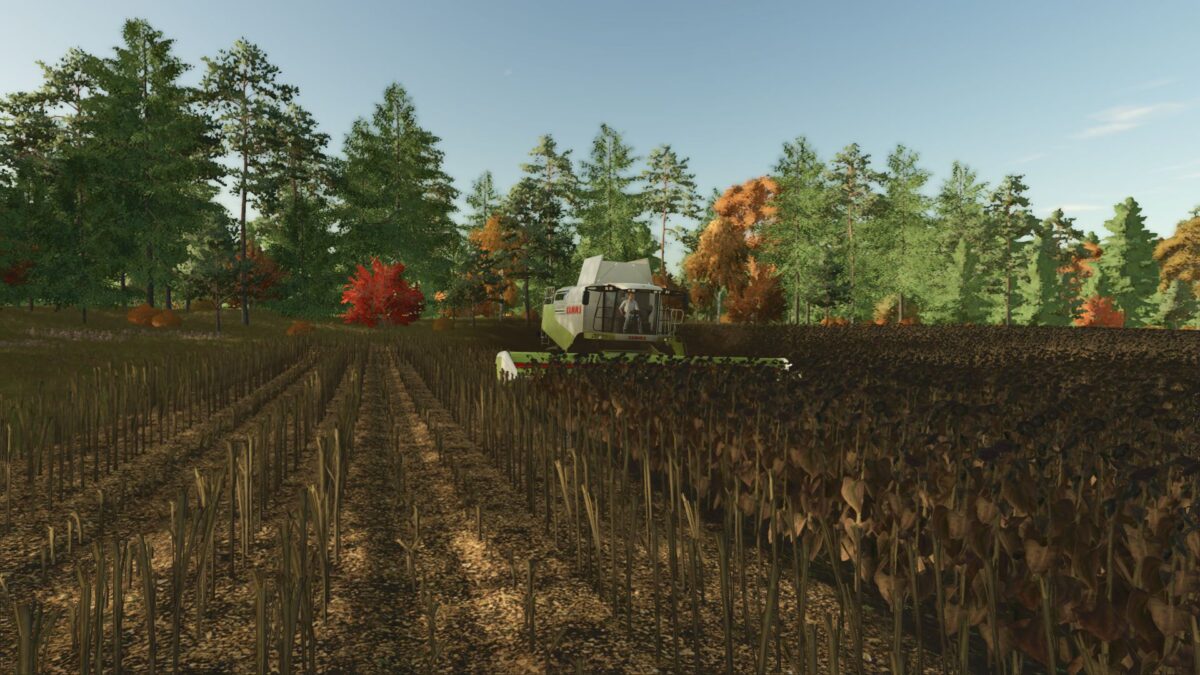
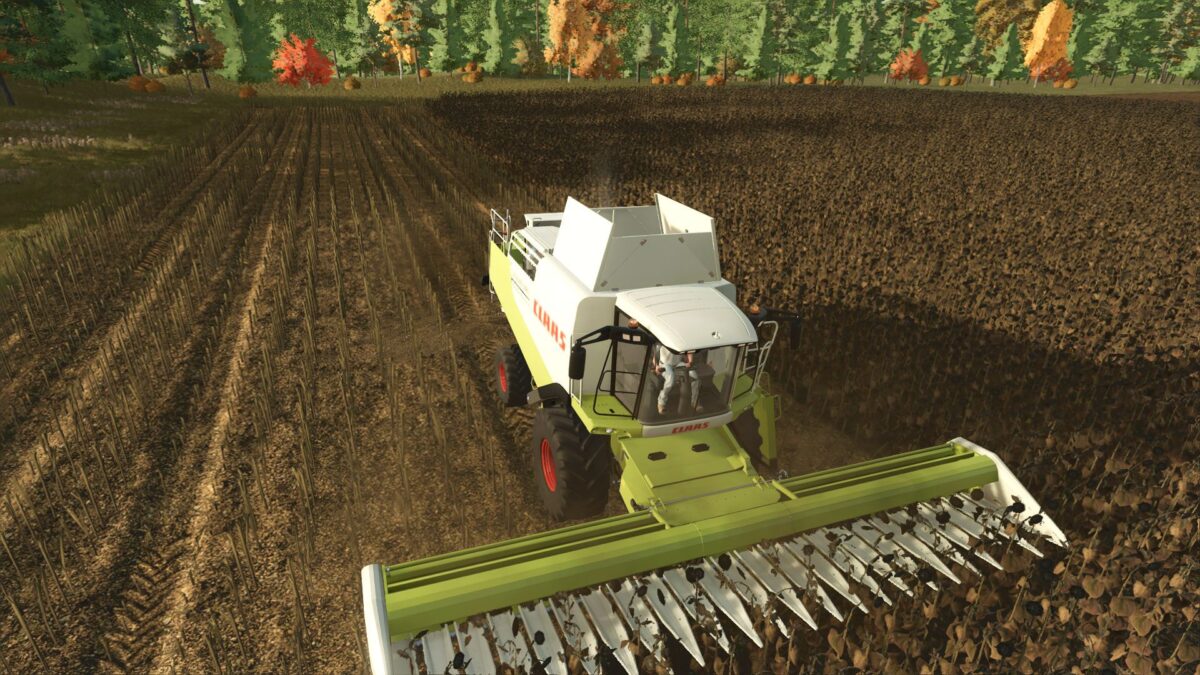
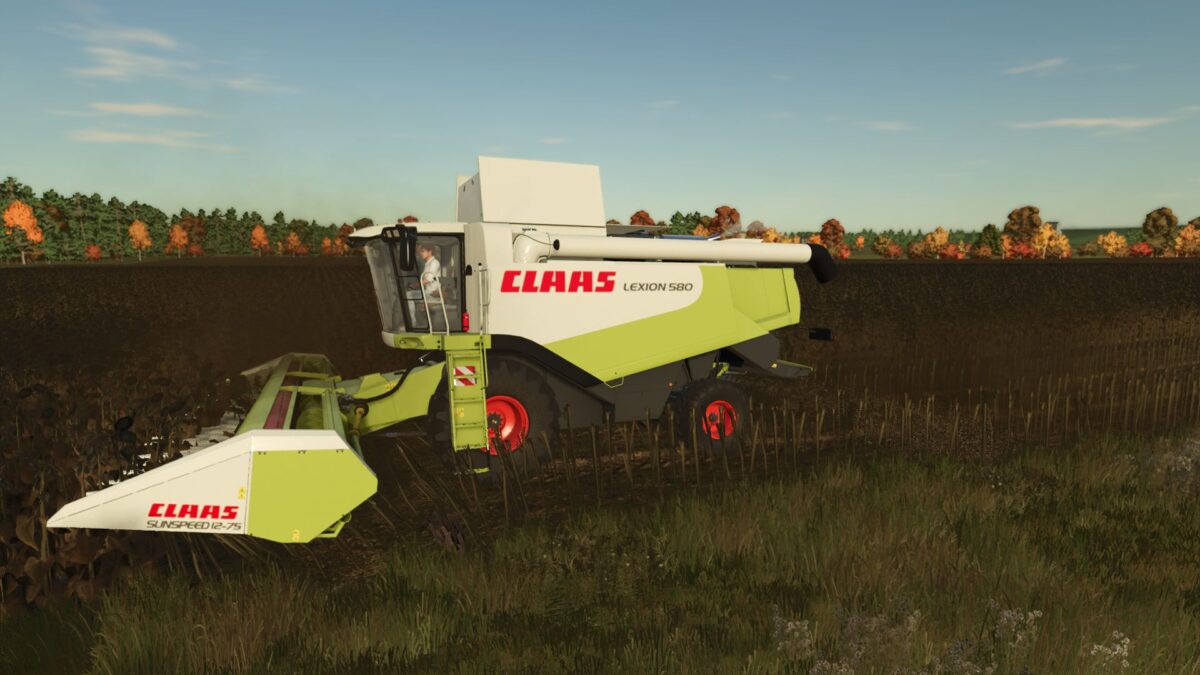
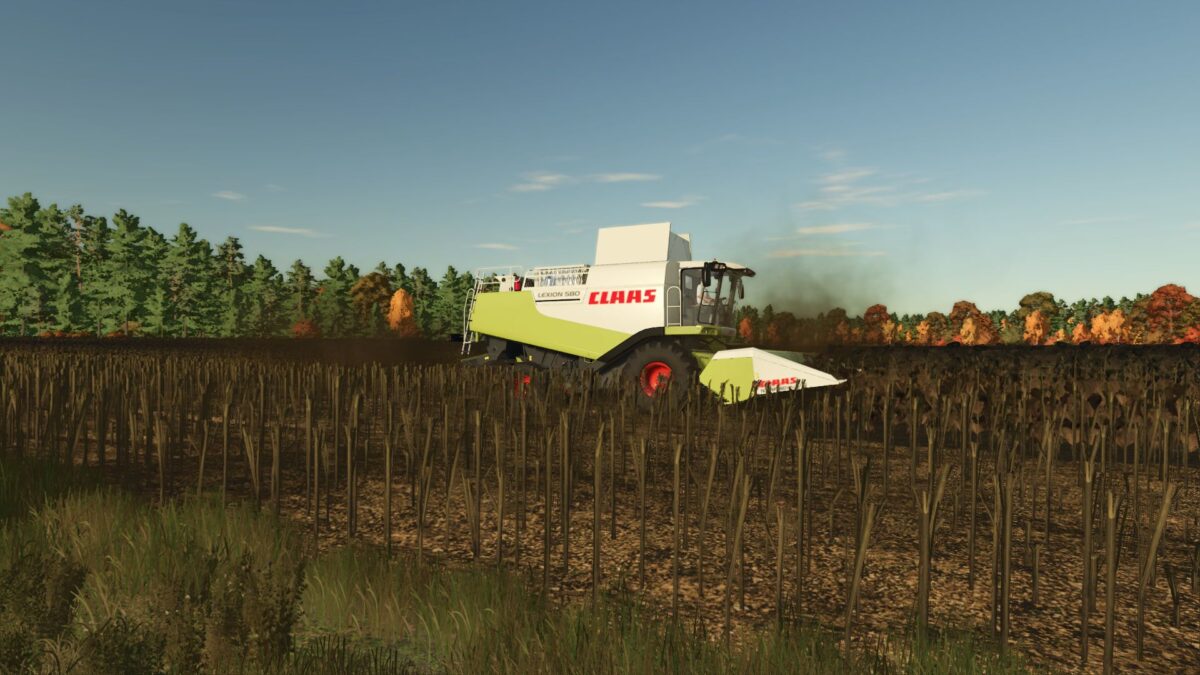
The texture of cut sunflowers in the game was not entirely realistic, so decided to modify it slightly to make it look more realistic.
The height of cut sunflowers is the same as in real life.
Added tracks on the cut sunflowers after machinery has passed over them.
After working on the texture, it now looks much more realistic.
Version 1.1:
* The texture is denser
* Now the distance between the plants is exactly the same as in real life
Credits:
mrEvgeniy