

Blender Addon Texture Bake Machine v 1.0.1.0

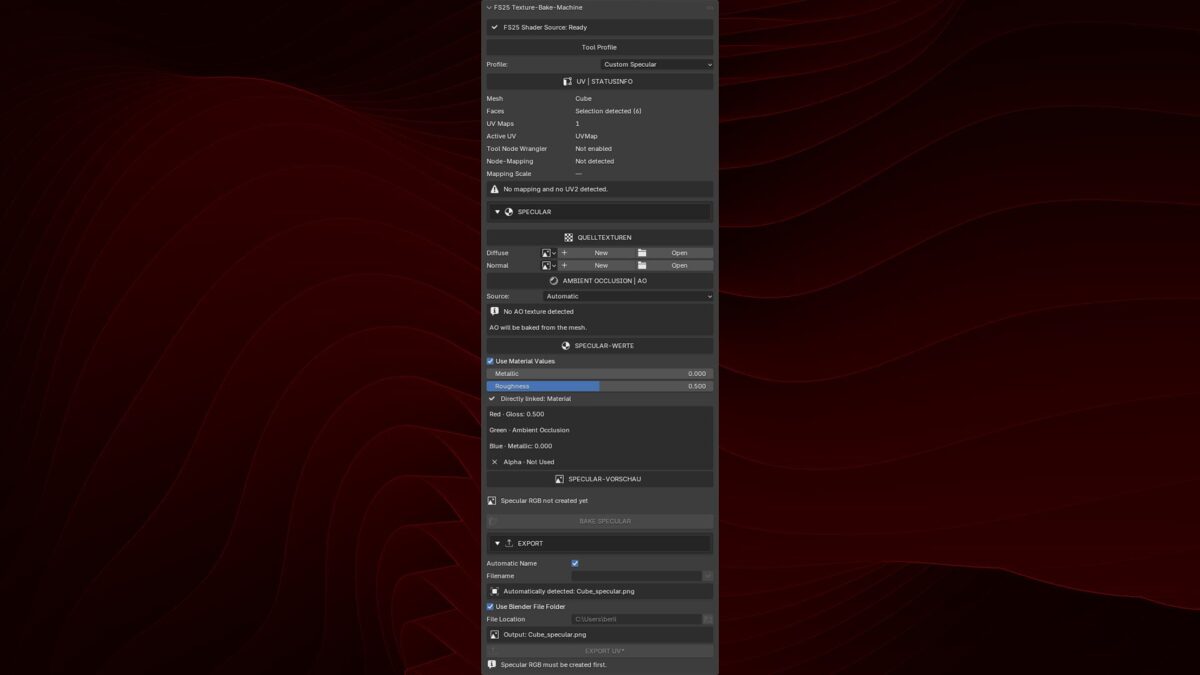
Blender Addon Texture Bake Machine v 1.0.1.0
A Blender addon for preparing and packing texture maps for GIANTS Farming Simulator 25 workflows. It combines recurring channel-packing and texture-atlas tasks in one compact Blender sidebar tool.
Tested with Blender 4.0.2, 4.5.9 LTS, 5.1.2, and 5.2.1 LTS.
Features
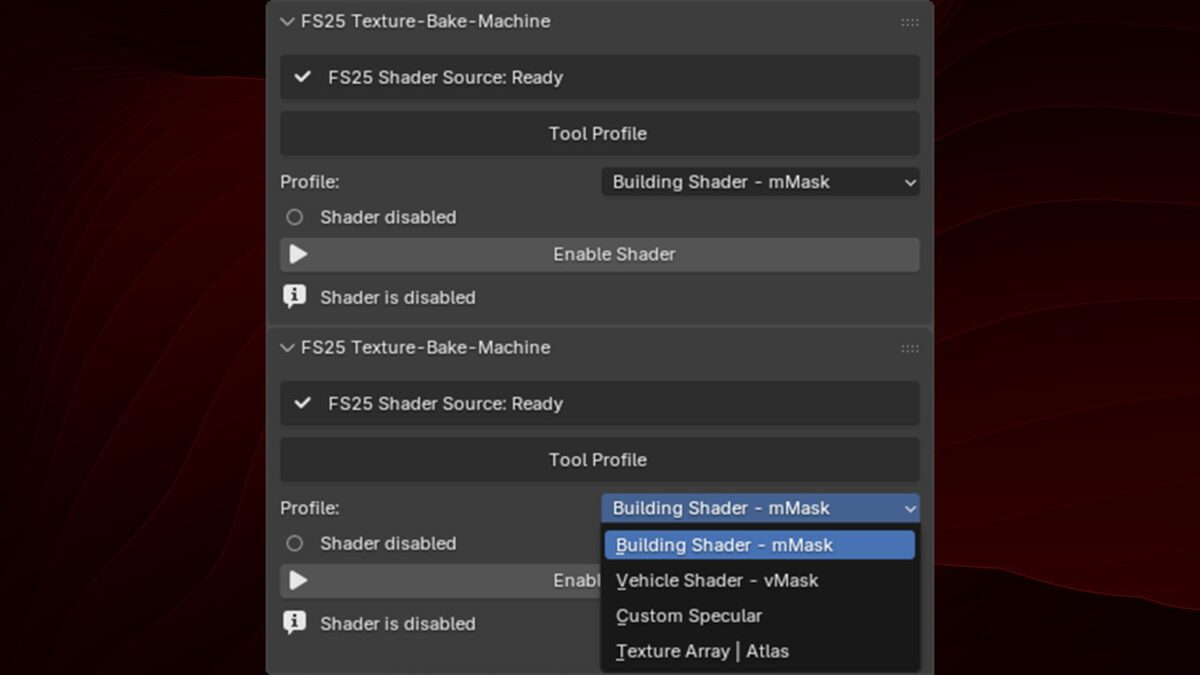
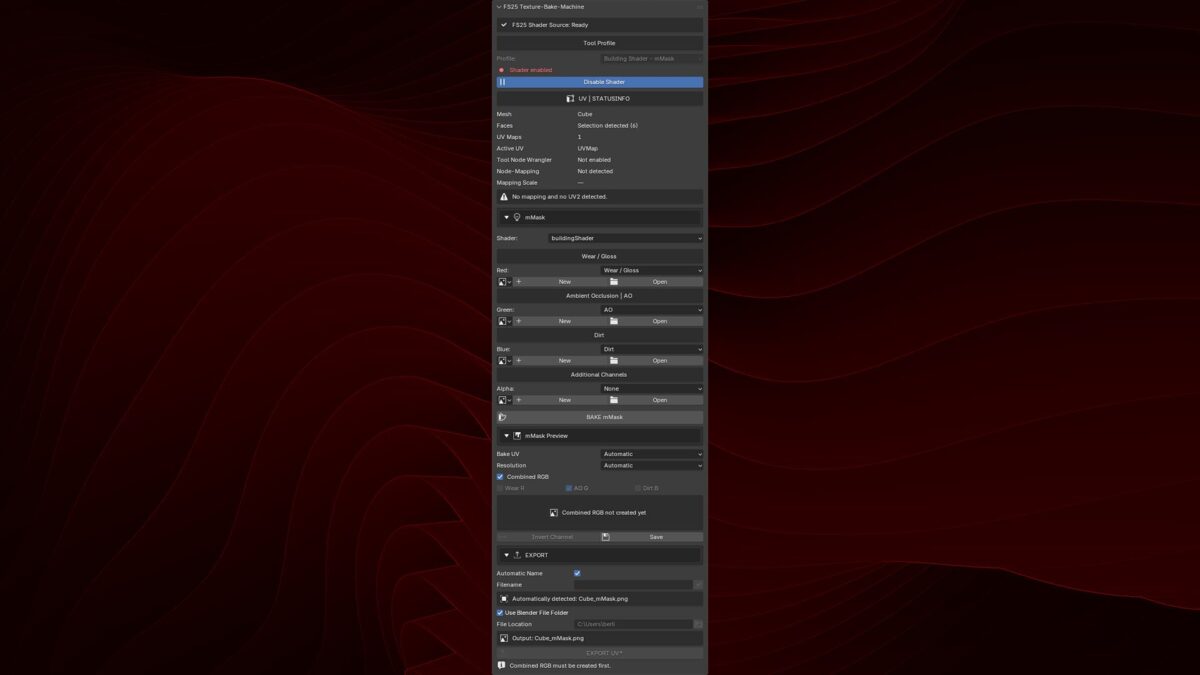
Building Shader mMask creation
Vehicle Shader vMask creation
Custom Specular channel packing
Automatic Ambient Occlusion baking
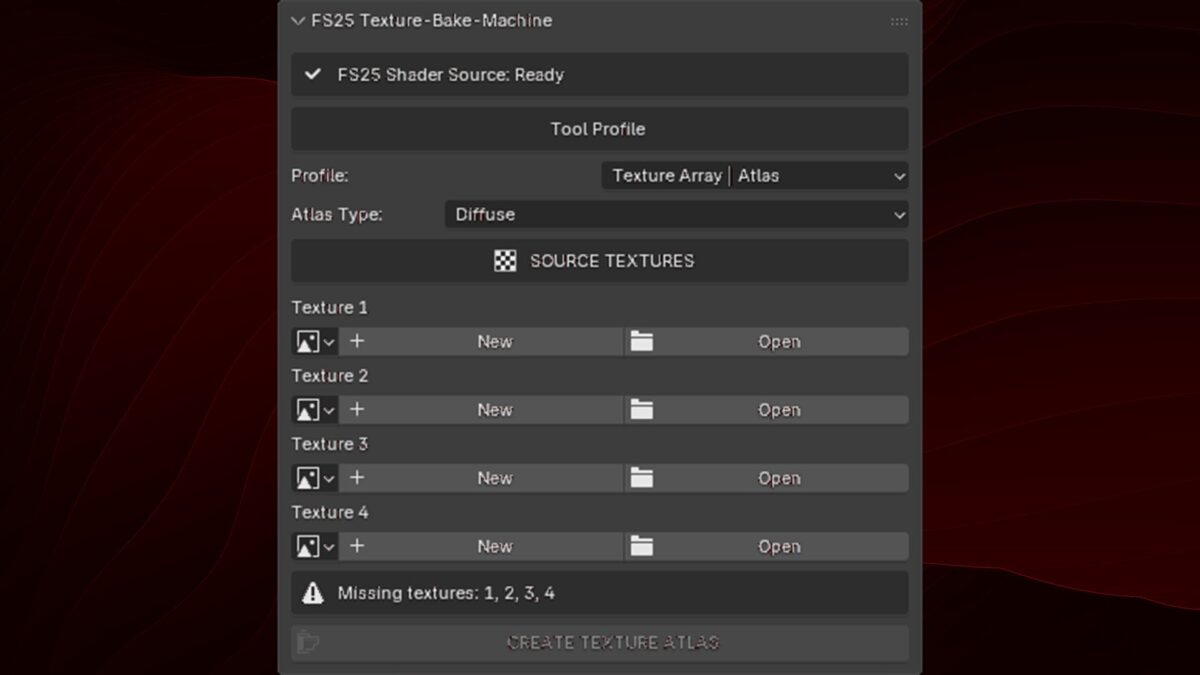
Texture Array | Atlas creation
Native Blender progress display
Automatic and custom PNG export names
English interface with German translation
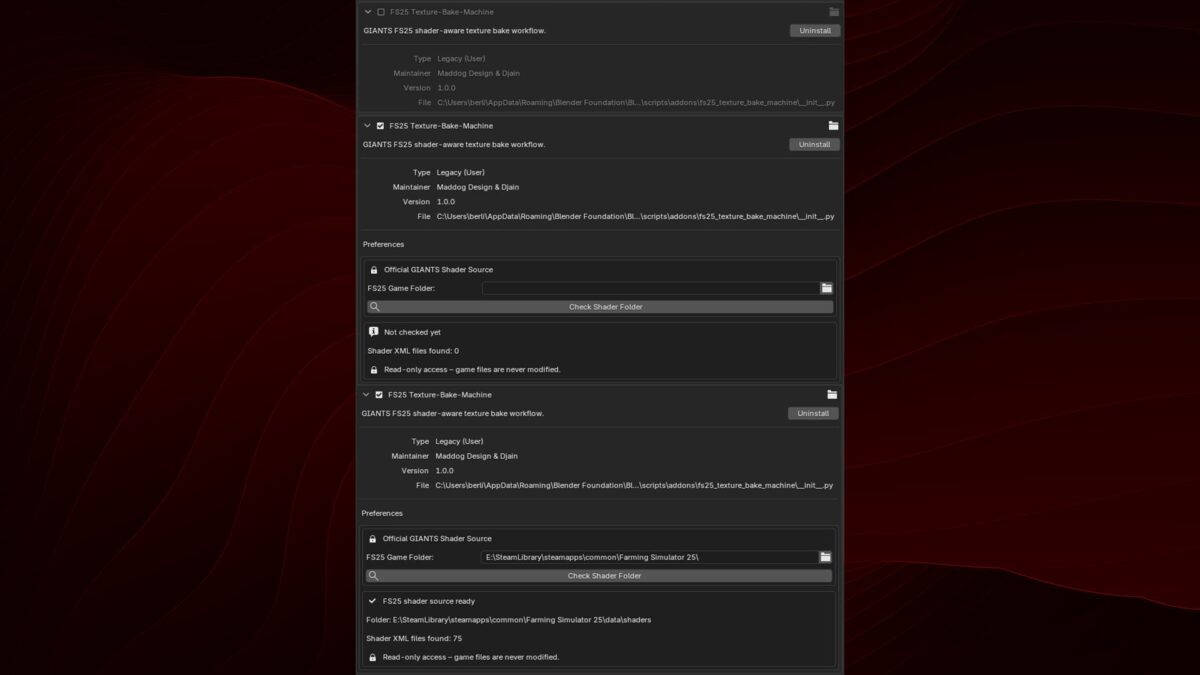
Readonly detection of official GIANTS shader files
Channel packing
mMask and vMask
Red: Wear / Gloss
Green: Ambient Occlusion
Blue: Dirt
Alpha: Optional additional channel
Custom Specular
Red: Gloss
Green: Ambient Occlusion
Blue: Metallic
Alpha: Not used
Compatibility
Tested with:
Blender 4.0.2
Blender 4.5.9 LTS
Blender 5.1.2
Blender 5.2.1 LTS
Version 1.0.1.0:
* Fix: Textures created via the add-on now have the correct color values
* New: All “New” buttons have been corrected accordingly
* New: The AO bake area indicates when Cycles needs to be activated
* New: The most important AO bake settings, including Margin Type, are available directly in the add-on
* New: “Save” has been changed to “Save Image”. An asterisk (*) indicates unsaved changes
* New: “BAKE AO” will only be released once an AO texture has been created or selected
* New: AO is baked directly into the selected texture and its existing resolution
* Improved: Newly created textures are more reliably enabled for Texture Paint