

Claas Axion 900 Series v 1.0

Claas Axion 900 Series v 1.0
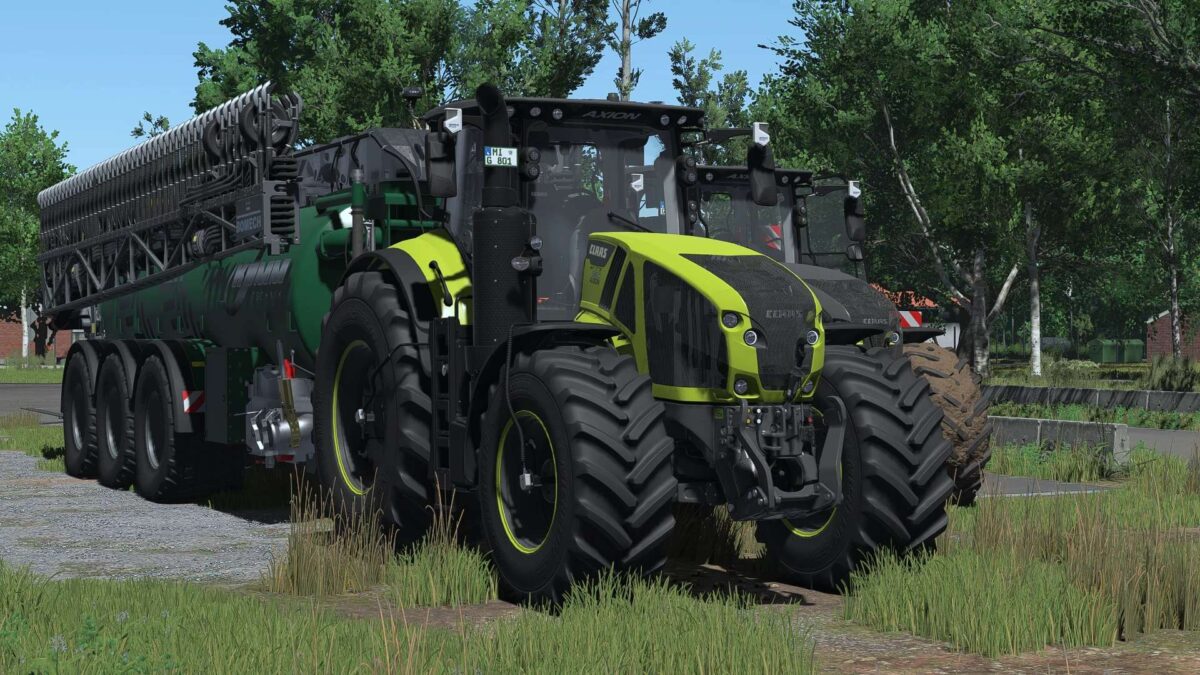
The CLAAS AXION 900 comes packed with details, configurations, and features. From various editions and engine options to tire pressure regulation (RDA), GPS, and numerous IC functions, a lot of work has gone into this tractor.
CLAAS AXION 900 – Big, powerful, and fully loaded!
The CLAAS AXION 900 comes packed with details, configurations, and features.
From various editions and engine options to tire pressure regulation (RDA), GPS, and numerous IC functions, a lot of work has gone into this tractor.
Technical Specifications
Price: €279,240
Power: 325–445 hp
Top speed: 50 km/h
Shop category: Large tractors
Versions
Original – original physics as in the base game
Adjusted physics – revised and more realistic vehicle physics
Editions
Standard Edition – free color choice
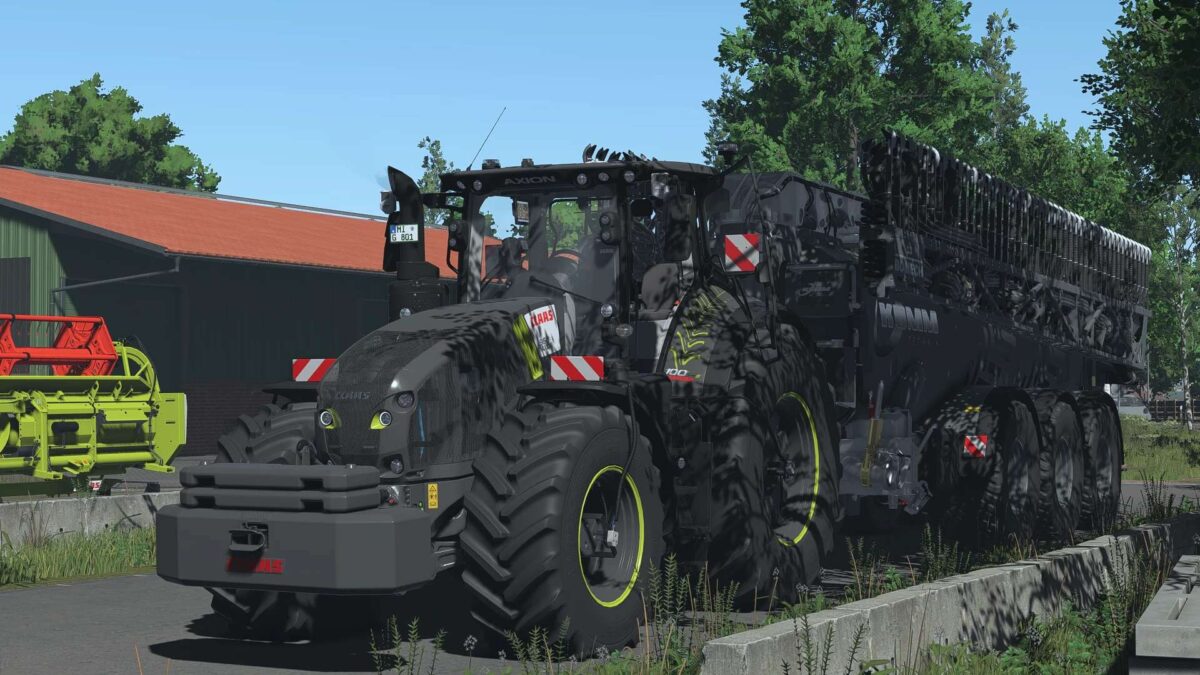
Night Edition
100 Years Special Edition
Engines
CLAAS AXION 920 – 325 hp
CLAAS AXION 930 – 355 hp
CLAAS AXION 940 – 385 hp
CLAAS AXION 950 – 410 hp
CLAAS AXION 960 – 445 hp
Authentic engine adjustments
Adjusted custom engine sound
Tires & CTIS
Trelleborg
650/65 R34 – 750/75 R46
710/60 R34 – 900/65 R46
710/60 R34 – 900/65 R46 + CTIS
Michelin
650/65 R34 – 750/75 R46
710/60 R34 – 900/65 R46
710/60 R34 – 900/65 R46 + CTIS
CTIS tire pressure regulation system with CTIS script
Dedicated PTG terminal
Fully animated CTIS system
Unfortunately, the base game does not offer other suitable tire sizes in the dimensions required for this tractor. Interactive Control
Exterior
Unlock & open hood
Unlock & open doors
Rear hitch controllable from left & right fenders
Raise & lower rear hitch
Rear PTO controllable
Raise & lower front hitch
Interior
Fold passenger seat
Fold armrest
Fold steering wheel
Open & close rear window
Lighting controls
Various IC functions for implements
Animations
Animated antenna
Animated drive lever
Animated sunblind
Sunblind controllable via IC
Dashboard startup animation
Lighting & Design
Daytime running lights
White
CLAAS Green
CLAAS Red
Beacons
Left
Right
Left & Right
Hood strobe lights
Color
Main color
Roof
Grille
Rim rings
Rim color
Additional configurations
Interior mirrors
Front
Rear
Front & Rear
Exhaust
Original
Original (large)
Original (silver)
Original (silver, large)
Fenders
Original
Wide
Steering wheel
Old generation
New generation
Floor mat
No mat
Standard
CLAAS logo
Night Edition logo
100 Years logo
Warning signs
Front
Rear
Front & Rear
Terminals & Cameras
Various terminal configurations
GPS terminal
Camera system
Display for console (without DBL)
Display for PC (with DBL)
Recommended Mods & Requirements
Here are the mods you can use for full functionality, or those that are recommended:
Dashboard Live
For advanced displays & a more realistic interior:
Dashboard Live Vanilla Vehicles
Dashboard Live
RDA Script
For additional functions and enhanced realism across various systems:
Tire Pressure Regulation System (RDA)
For all Interactive Control (IC) functions in the vehicle: Interactive Control
For enhanced realism during fieldwork & sensor usage: Precision Farming
What to expect
The CLAAS AXION 900 isn’t just your average standard tractor. Thanks to the wide range of configurations, you can customize your AXION exactly the way you want it for your farm.
Whether it’s the Standard, Night Edition, or 100 Years version; small or large tires; tire pressure regulation (RDA), GPS, cameras, various terminals, or the numerous Interactive Control functions—this machine is packed with features.
Have fun with the CLAAS AXION 900 and safe driving!