OZZ XR2 P7 (Prefab) v 1.0

FS25 mods

OZZ XR2 P7 (Prefab) v 1.0
About the mod:

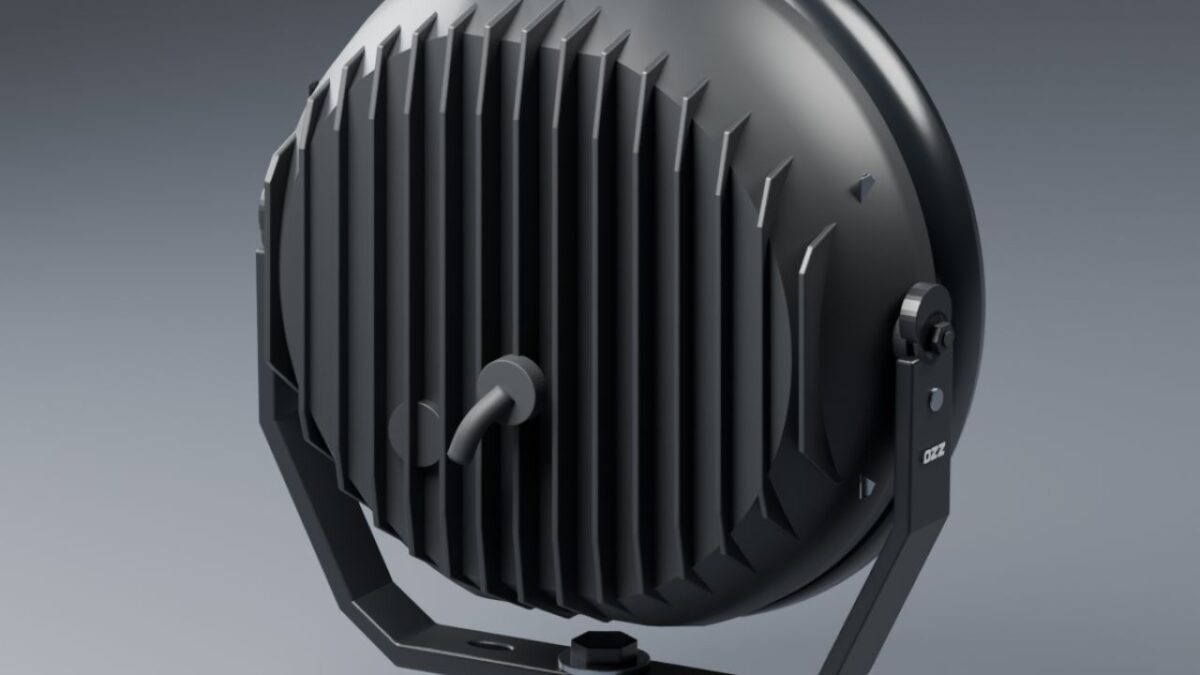
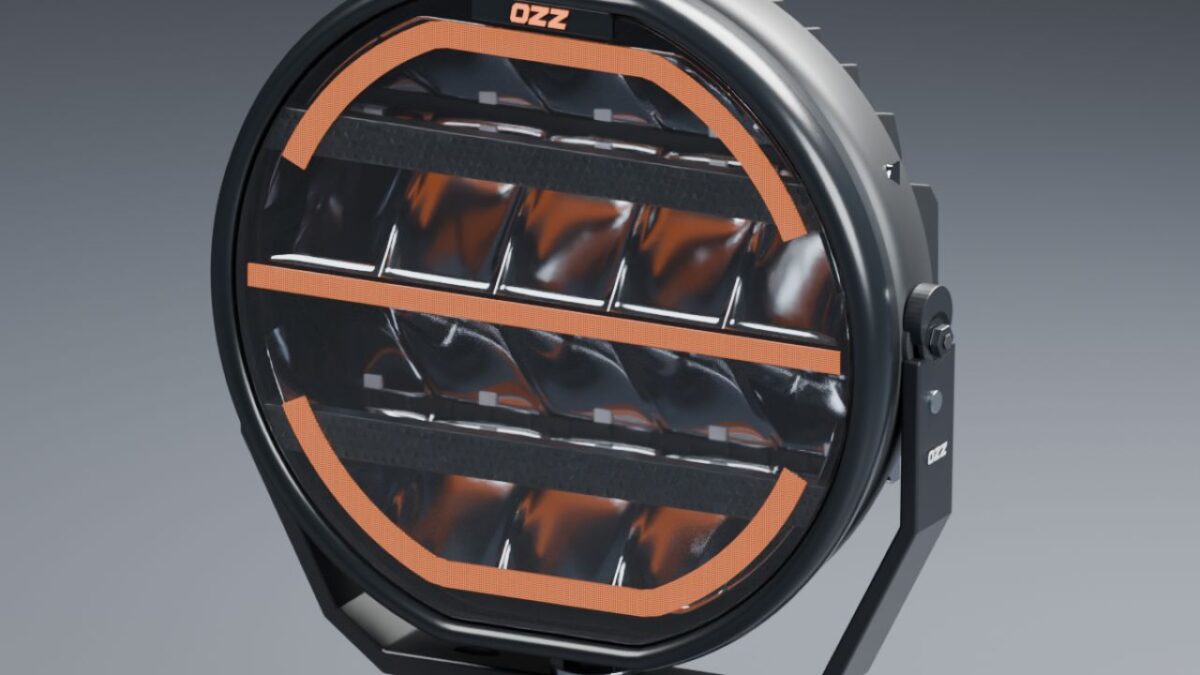
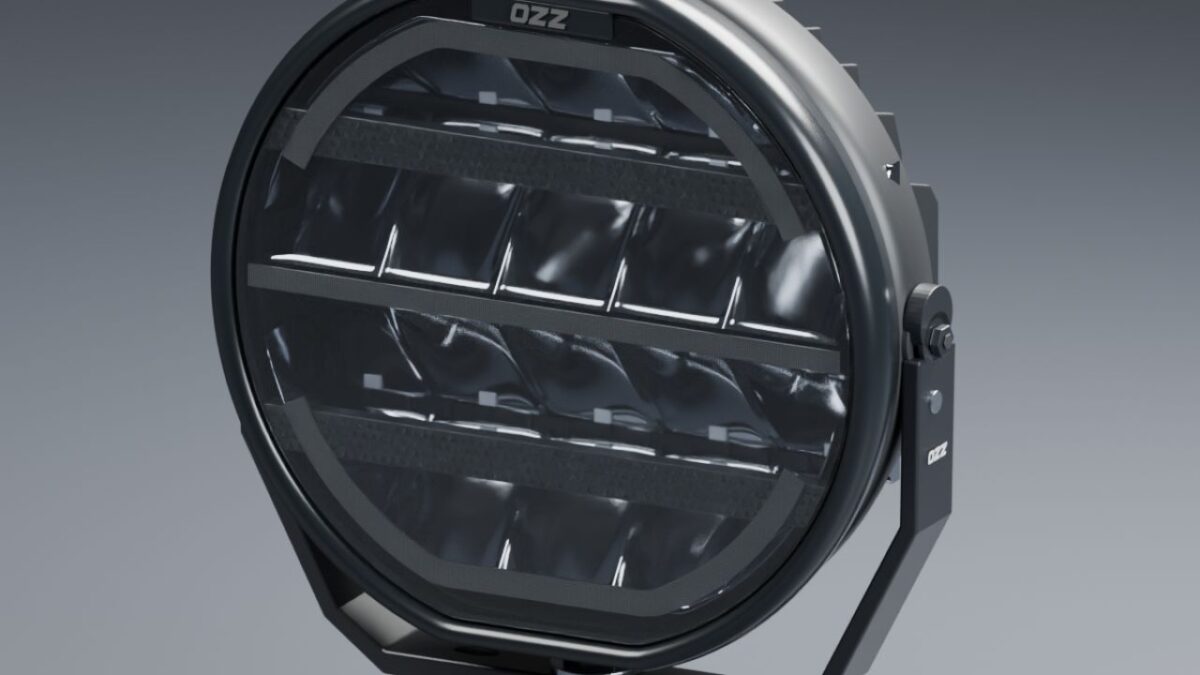
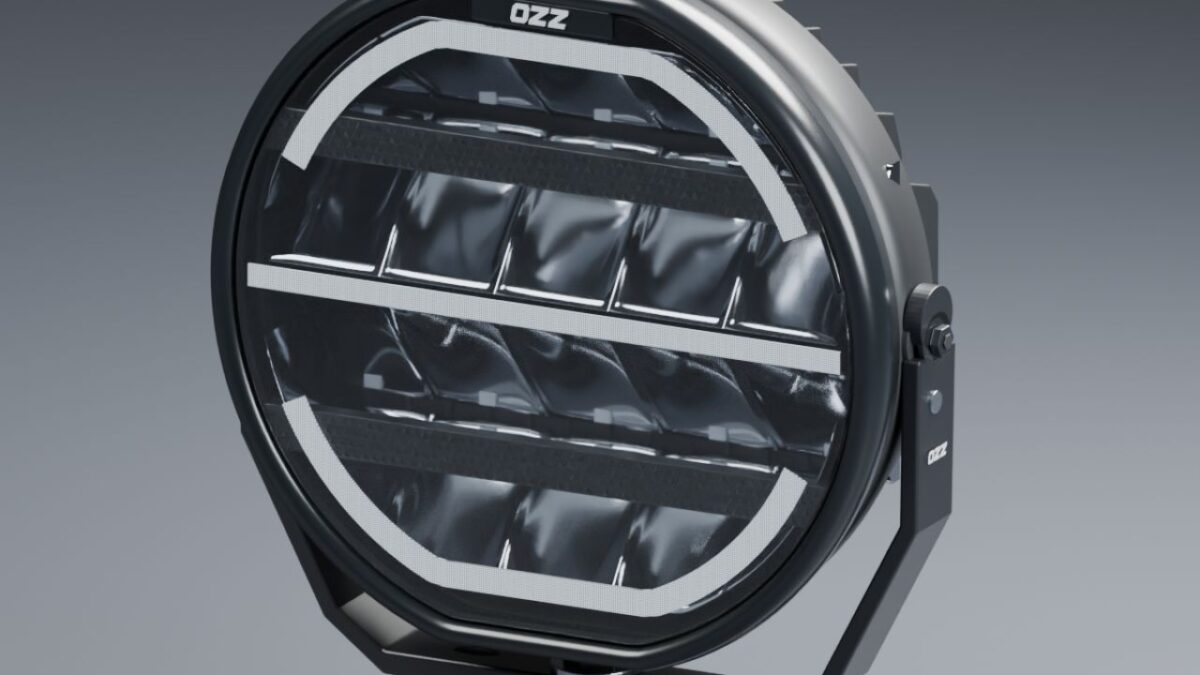
Detailed OZZ XR2 P7 driving light prefab for Farming Simulator 25, created by NorthernLight Modding.

Features:
Amber and white position light versions.
Illuminated OZZ logo matching the position lights.
Functional high beam with a separate light source.
Detailed reflectors, clear lens and cooling fins.
Modelled inner housing walls in both detail levels.
Adjustable lamp tilt with a separate mounting bracket.
Short black cable stub.

Includes I3D files, textures, editable Blender files, installation XML and instructions.
Uses steady position lighting. The animated startup sequence is not included.

This is a prefab for modders. It must be installed on a vehicle using GIANTS Editor and cannot be purchased separately in the in-game shop.

Credits:
NorthernLightModding

How to install FS17 mods?

Firstly find a mod which you like and want to download. Then download a mod to your PC. Mods are usually in .zip format file. But sometimes it can be in .rar. If a mod file is a .zip format no needed additional actions. If a file is in .rar, then you must unarchive mod with software like WinRar or Zip7. Windows 10 users no need to use software for archives, Win10 itself has a feature to unarchive files.

The next step is to find mods folder in your PC. Usually, it is in Documents/My Games/Farming Simulator 17/2017. Open the "mods" folder and put downloaded .zip archive or unarchived .rar file to this folder.

Last step. Enjoy of FS17 mods!

Leave a Reply

Your email address will not be published. Required fields are marked *