Linked Hydraulics v 1.0

FS25 mods

Linked Hydraulics v 1.0
About the mod:

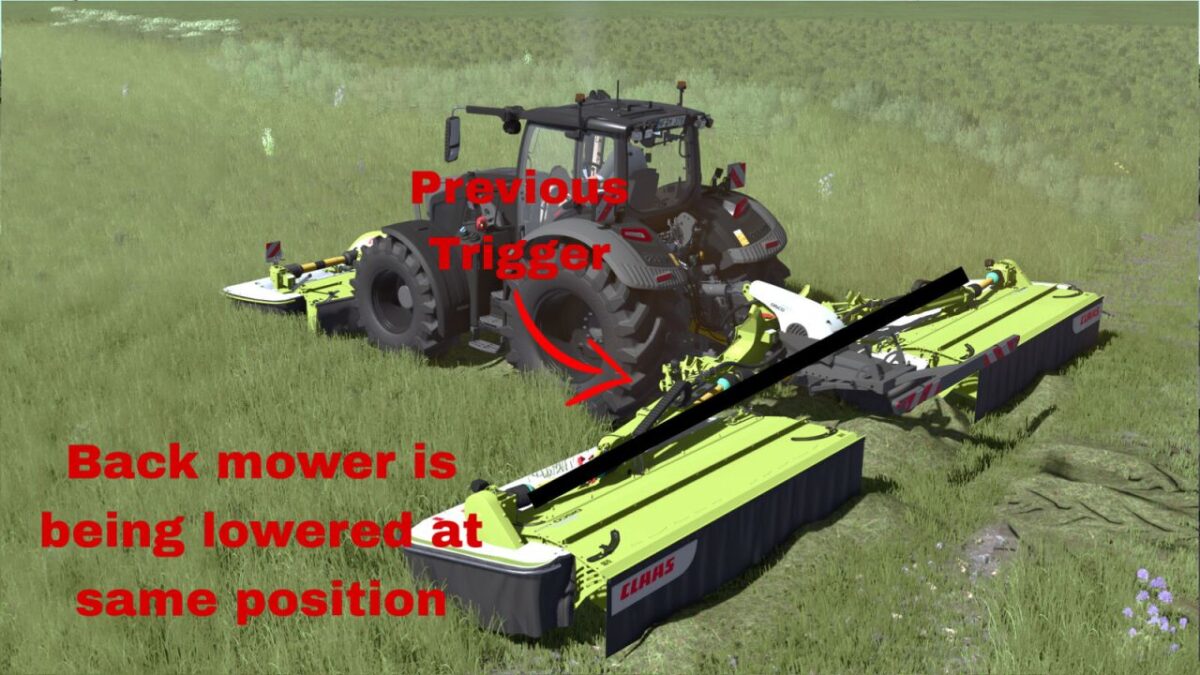
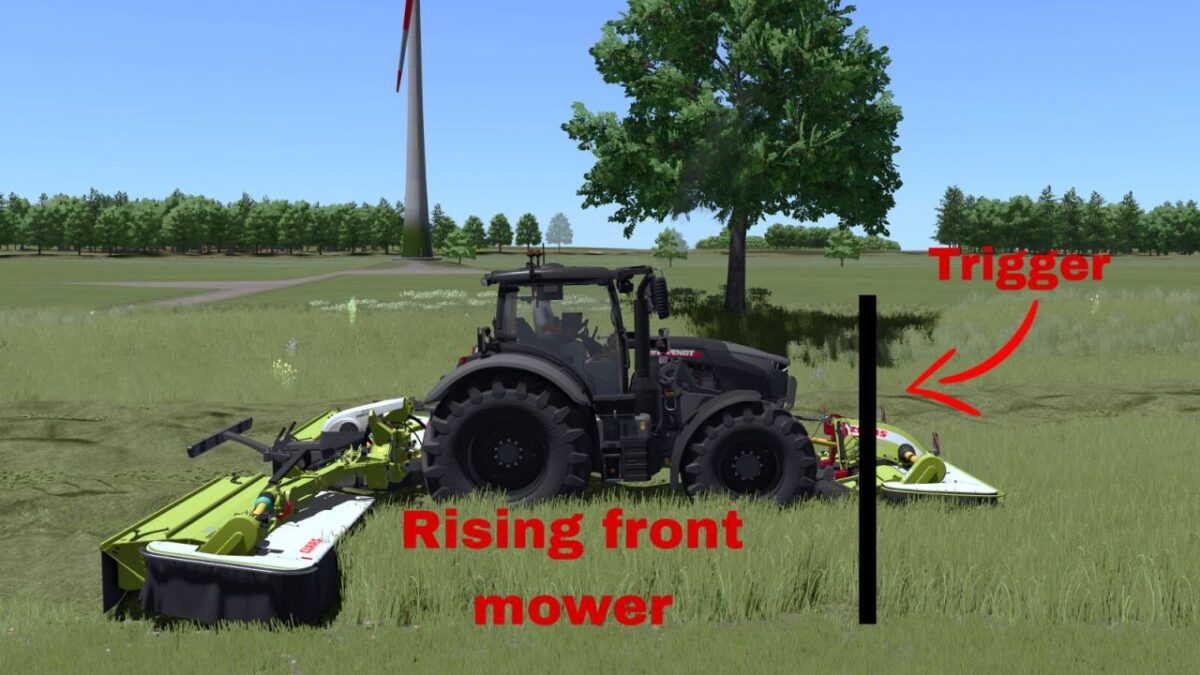
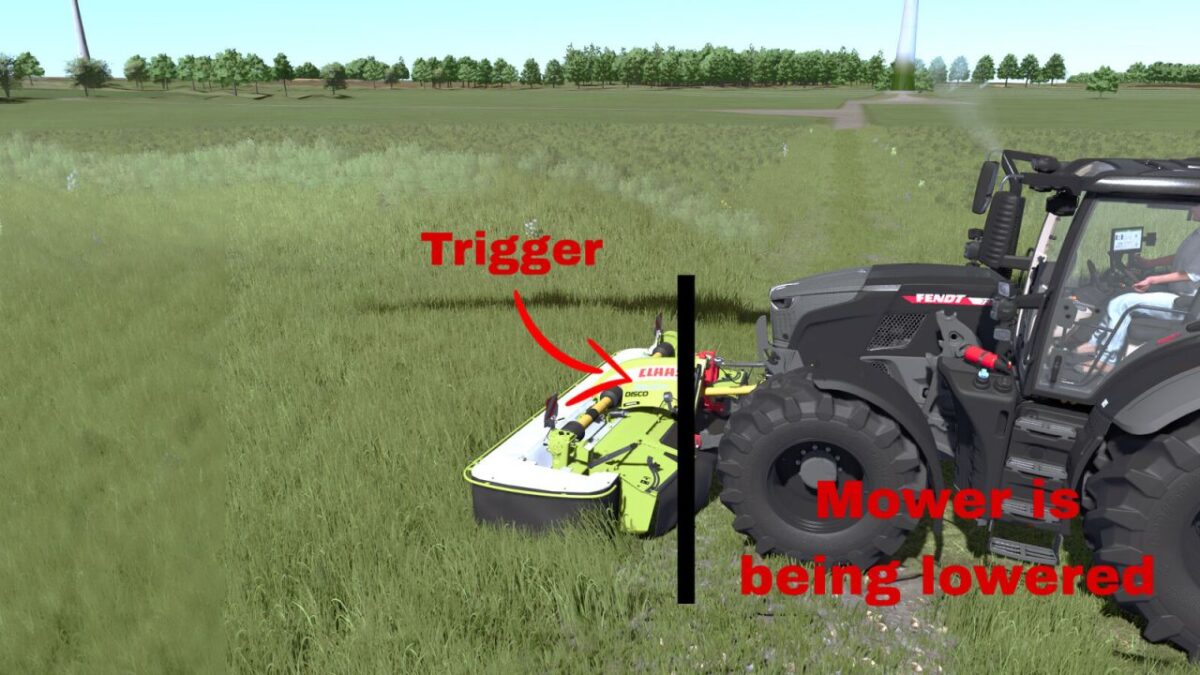
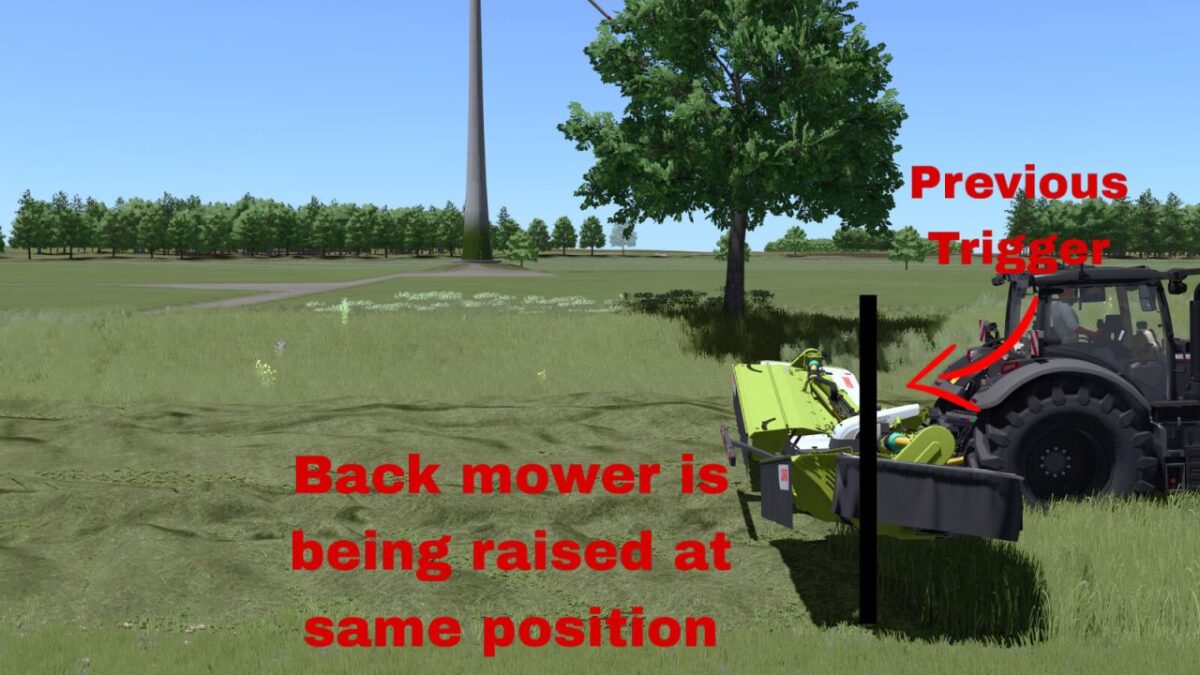
Linked Hydraulics synchronizes front and rear mower hydraulics by working position.
Lower or raise the front mower first.
The compatible rear mower will perform the same action automatically when it reaches the same working position.

Usage:
Left Alt + K – Toggle Linked Hydraulics.
Left Alt + J – Move the rear mower lowering lead forward.
Left Alt + N – Move the rear mower lowering lead backward.
Tap J/N for precise 0.10 m adjustment or hold the key for continuous adjustment.
The lowering lead is useful for mowers that lower slowly. It only affects lowering; raising always uses 0.00 m lead.
A temporary line shows the adjusted lowering position and disappears after 3 seconds.

All key bindings can be changed in the controls menu.
Linked Hydraulics is disabled by default.

Credits:
Jirka.T

How to install FS17 mods?

Firstly find a mod which you like and want to download. Then download a mod to your PC. Mods are usually in .zip format file. But sometimes it can be in .rar. If a mod file is a .zip format no needed additional actions. If a file is in .rar, then you must unarchive mod with software like WinRar or Zip7. Windows 10 users no need to use software for archives, Win10 itself has a feature to unarchive files.

The next step is to find mods folder in your PC. Usually, it is in Documents/My Games/Farming Simulator 17/2017. Open the "mods" folder and put downloaded .zip archive or unarchived .rar file to this folder.

Last step. Enjoy of FS17 mods!

Leave a Reply

Your email address will not be published. Required fields are marked *