

Fendt 700 Vario Series v1.5.0.0

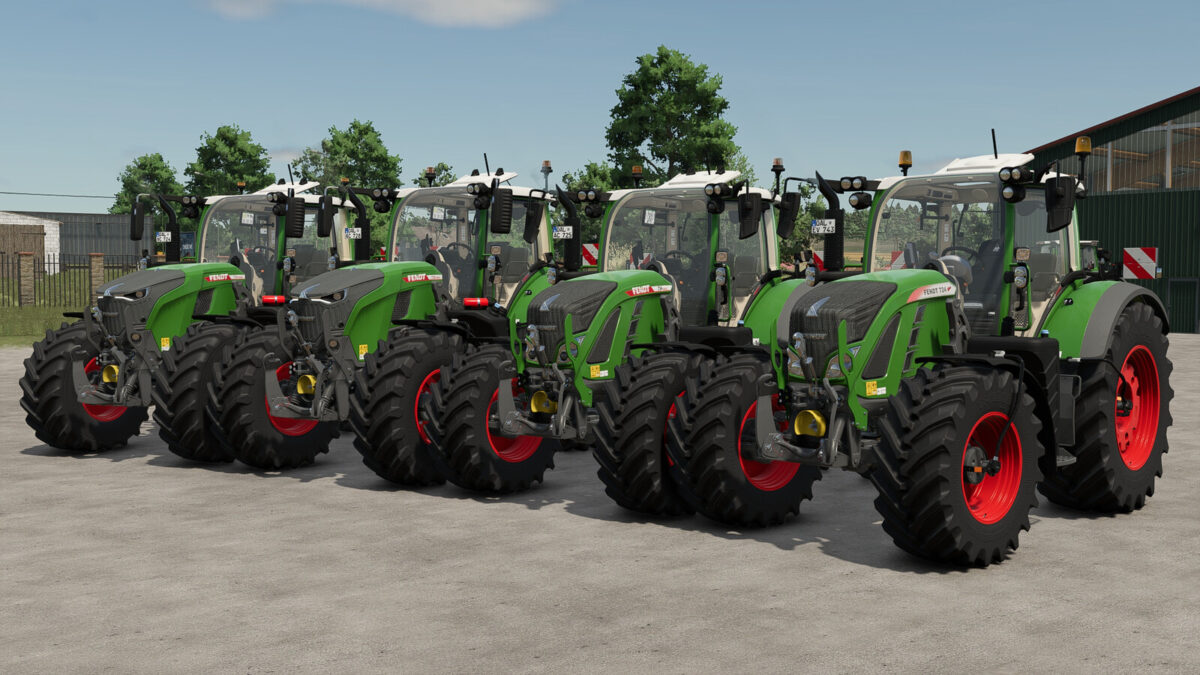
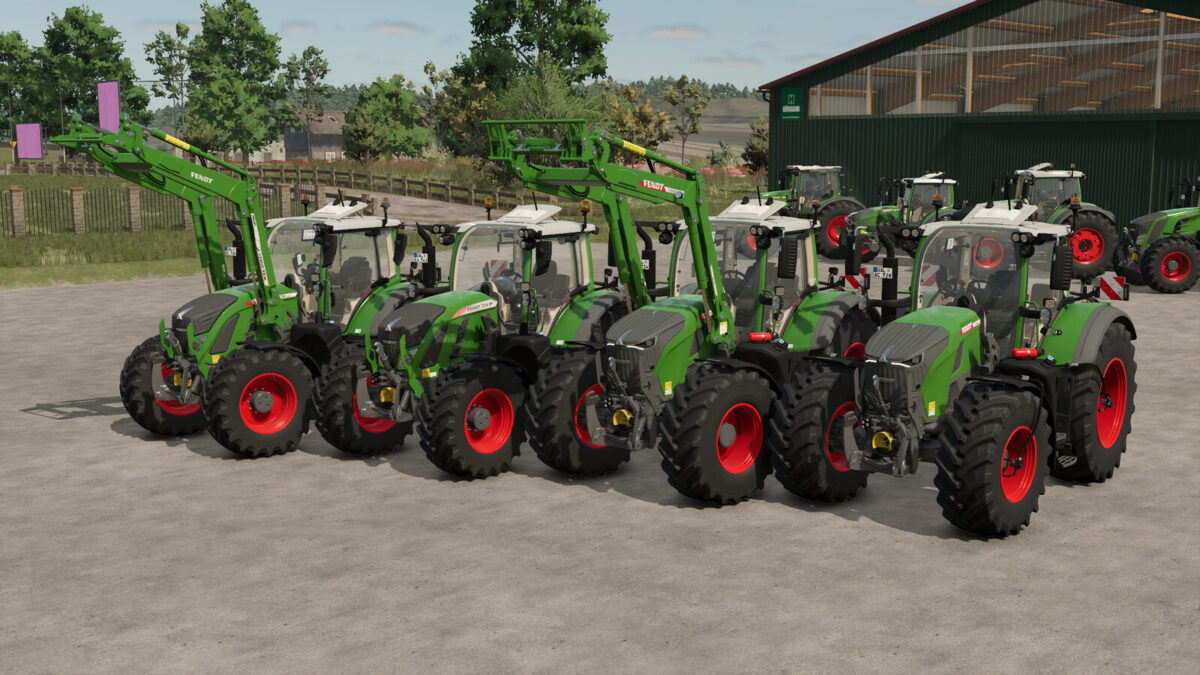
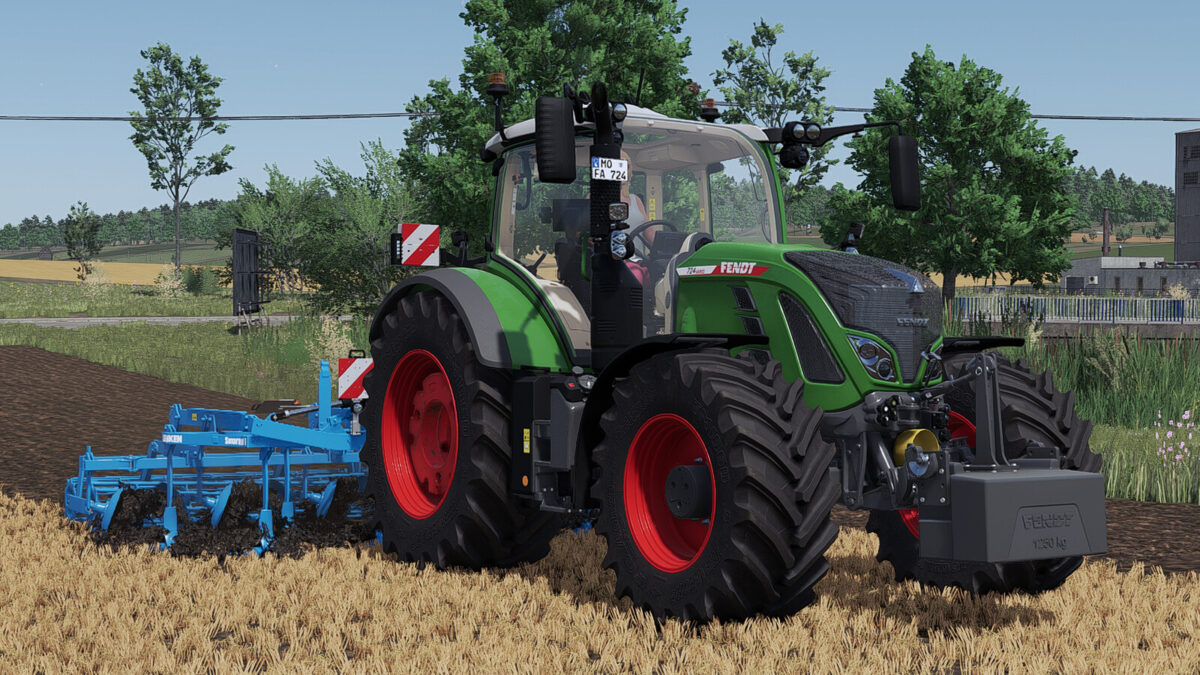
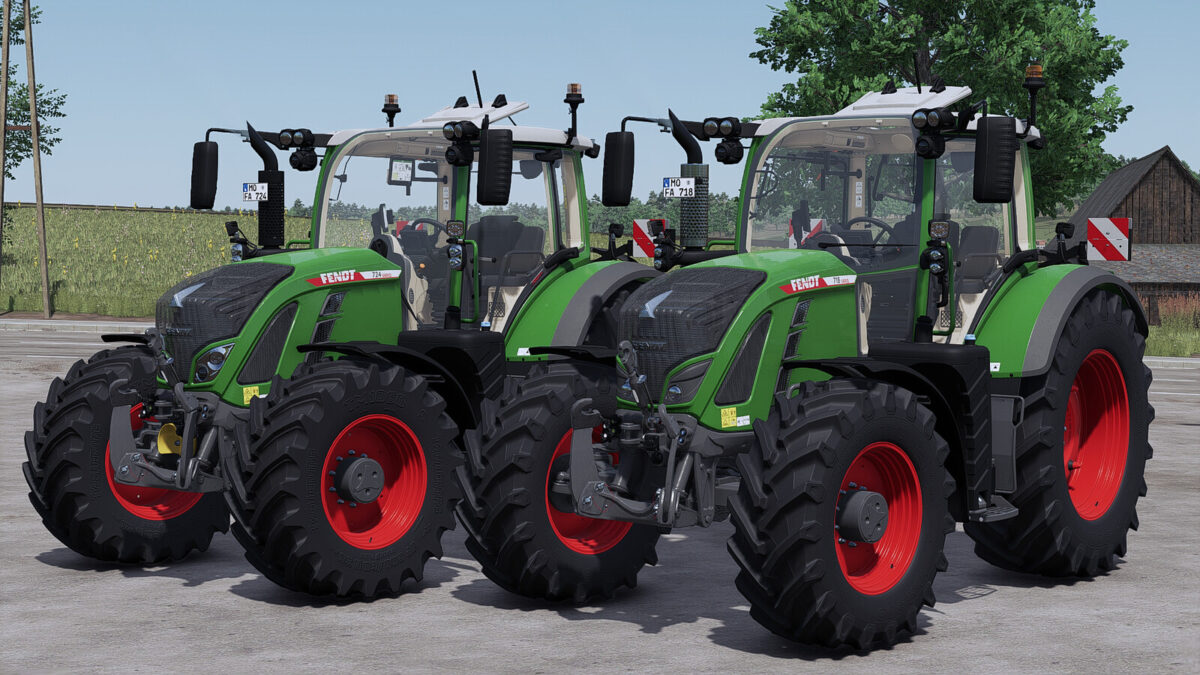
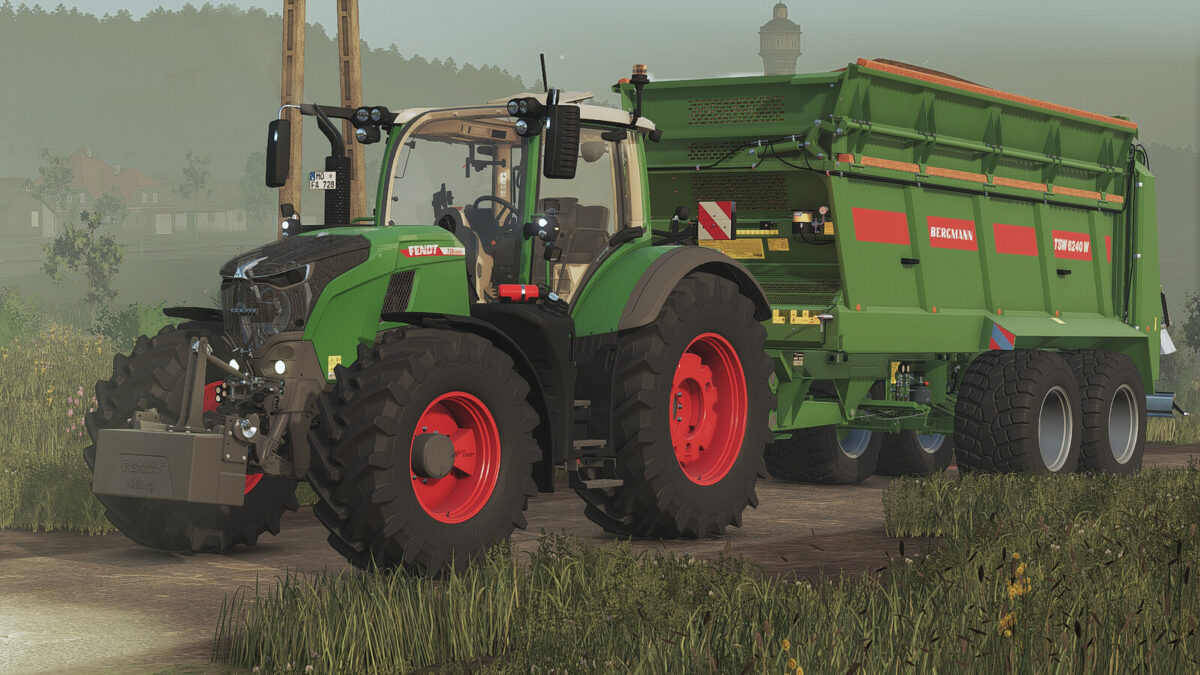
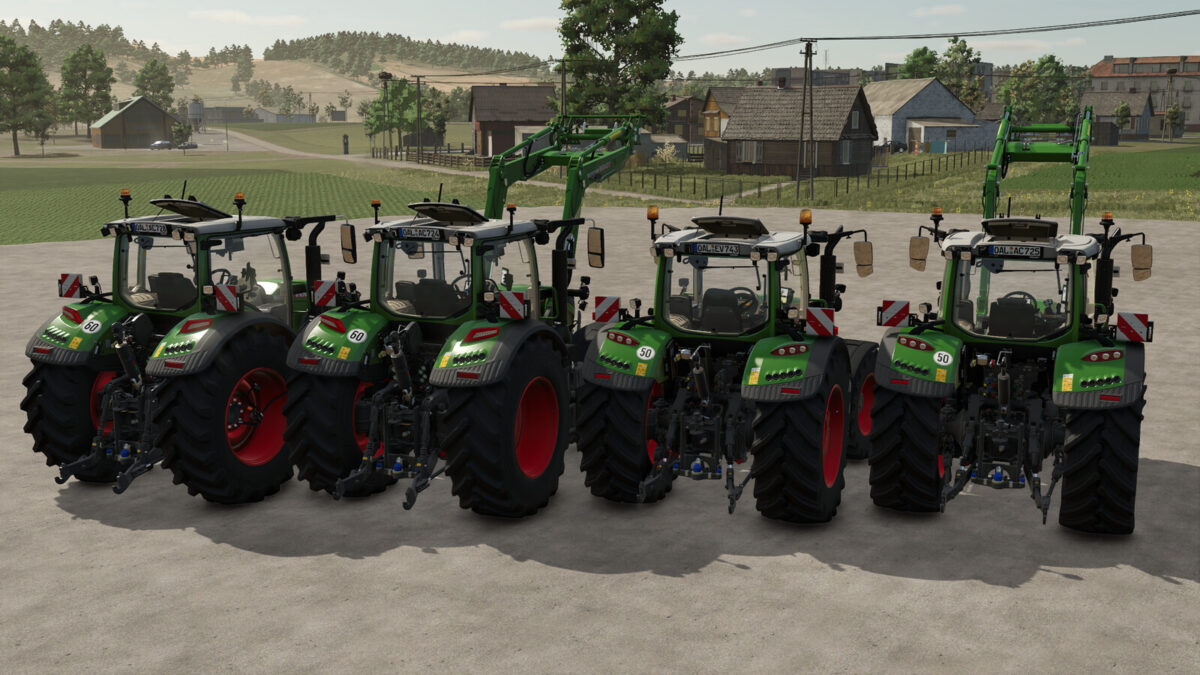
Fendt 700 Vario Series v1.5.0.0
Fendt 700 Vario S4
Category: Medium Tractors
Price: $153,500
Power: 150 – 246 hp
Max. speed: 50 kph
Fendt 700 Vario Gen6
Category: Medium Tractors
Price: $162,000
Power: 150 – 246 hp
Max. speed: 50 kph
Fendt 700 Vario Gen7
Category: Medium Tractors
Price: $205,500
Power: 203 – 303 hp
Max. speed: 60 kph
Fendt 700 Vario Gen7.1
Category: Medium Tractors
Price: $207,000
Power: 203 – 303 hp
Max. speed: 60 kph
Configurations:
– Wheel weights
– Line
– Beacon lights
– Warning signs
– Cabin
– Design Line
– Lighting
– Roof terminal
– Seat
– Speed Decal
– Displays
– Front PTO
– Front loader mount
– Isaria Pro Compact (Precision Farming)
– Passenger
– Base color
– Rim color
– Roof color
– Wheel weight color
Prepared for Interactive Control, Variable Tire Pressure & Dashboard Live
Thanks to BloodyRulez for the realistic sound and thanks to Entlibucher for the physics adjustments!
Changelog 1.5.0.0:
– added Fendt 700 Vario S4
– sound reworked (700 Gen7(.1))
– front axle suspension added for 700 Gen6/S4
– interior lighting added via IC
– front loader can be fully moved again
– permanent dark mode added as configuration (Gen6/Gen7(.1))
– prepared for the Samson Agro FAP
– many minor bugs fixed
Changelog 1.4.0.0:
– PTG tire pressure control system added (tire configuration + additional compressor configuration)
– Prepared for the Variable Tire Pressure script
– Key bindings adjusted
– 2.25 m narrow tire rims adjusted
– Speed sticker configuration added
– Passenger configuration removed (caused stuttering in multiplayer)
– Minor bugs fixed
Changelog 1.3.0.0:
– Added front loader configuration for the Fendt 700 Vario Gen7(.1) (Cargo 6 – Bayern-Agrar)
– Added Cargo front loader configuration for the 700 Gen6 (Cargo 5x – Bayern-Agrar)
– Completely reworked the 700 Vario Gen6
– Fully reworked sound
– Adjusted fuel consumption
– Added passenger configuration
– Added 1.50 m and 2.25 m track width (narrow and standard tires)
– Added cameras to the terminal
– Added new wide tire configuration
– Gen7(.1): added smaller tire sizes for 40- and 50-km/h versions
– Added the Fendt 728 Gen7.1
– Wheel weights are now paintable
– Minor visual improvements
Changelog 1.2.0.0:
– Added Generation 7.1 (720 – 726 G7.1)
– Added screen configuration / Dashboard Live compatibility (automatic dark mode, IC dark mode, DBL – requires ‘FS25_DashboardLive’ & ‘FS25_DashboardLive_VanillaVehicles’)
– Added IC animation for sun visor & passenger seat
– Adjusted glass texture (thanks to SirJoki80)
Changelog 1.1.0.1:
– fixed Terminal Dark Mode
– fixed Rims on Narrow Config & Mitas
– Minor errors fixed
Changelog 1.1.0.0:
– Added several new Configurations on 700 Vario Gen7 (Vario Grip, Wheel Weights, Line, Beacon Lights, Cabin, Light, Roof Terminal, Front PTO, Roof Color)
– Added interactive control support (Requires ‘FS25_interactiveControl’)
– Added Front PTO Config on 700 Gen6
– added Crop Sensor (Precision Farming)
– New Rims & Hubs
– Minor errors fixed