

The Rolling Farmlands Of Michigan v1.0.1.4

The Rolling Farmlands Of Michigan v1.0.1.4
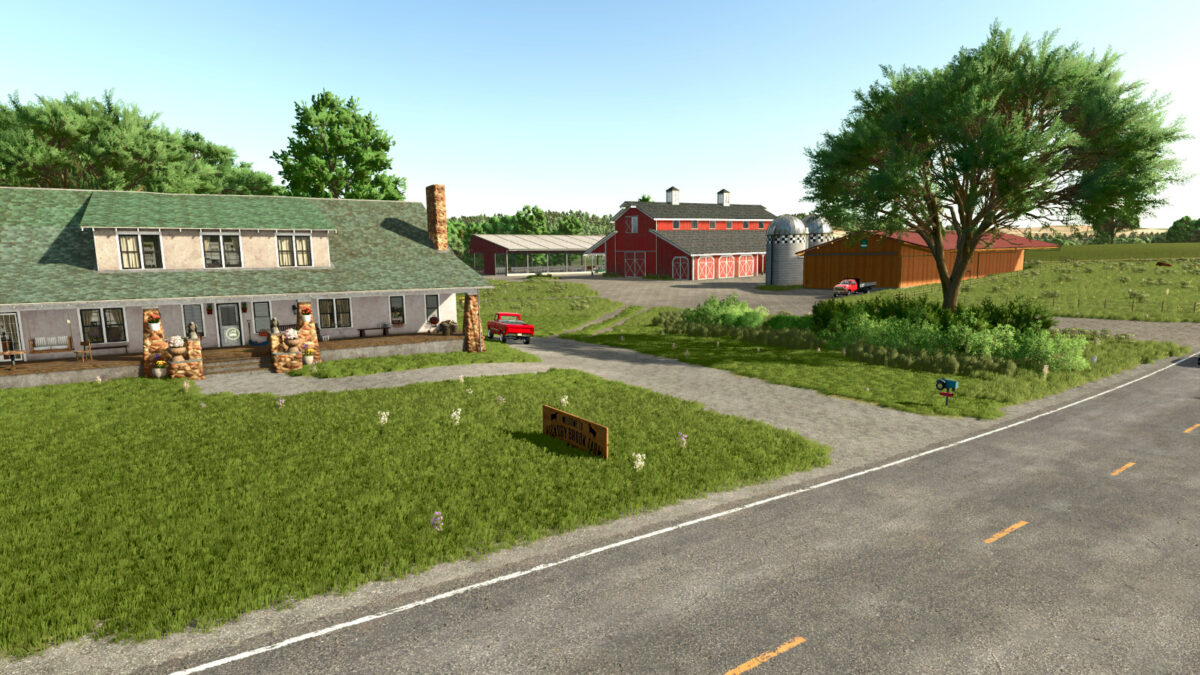
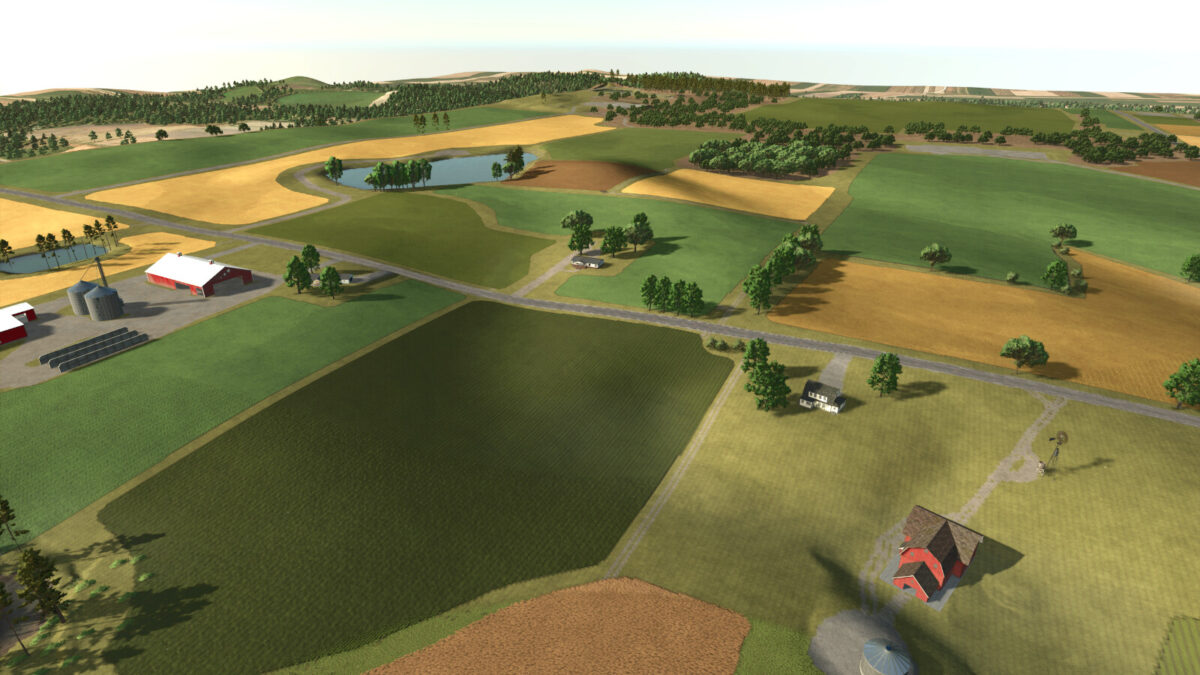
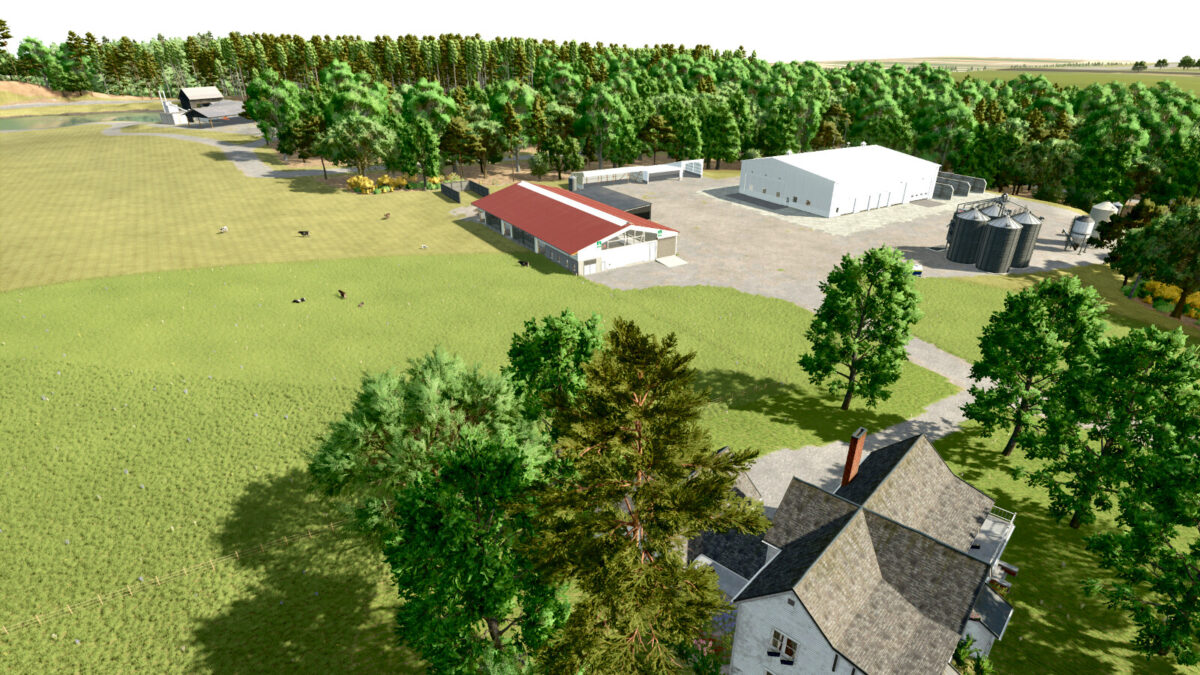
Welcome to the farmlands of rural northern Michigan. Here you will find rich soil, rolling hills and wide open fields. At the starter farm you will find all the equiptment needed to get you started.
The starter farm is setup as a beef cattle farm and has a small herd of Angus cattle roaming the pasture already. You start out with four fields, two of which will provide needed materials for your cattle. One is a hay field to produce food for your cattle.
There is also a field of wheat which you can produce straw from along with the ability to sell the grain for some income.
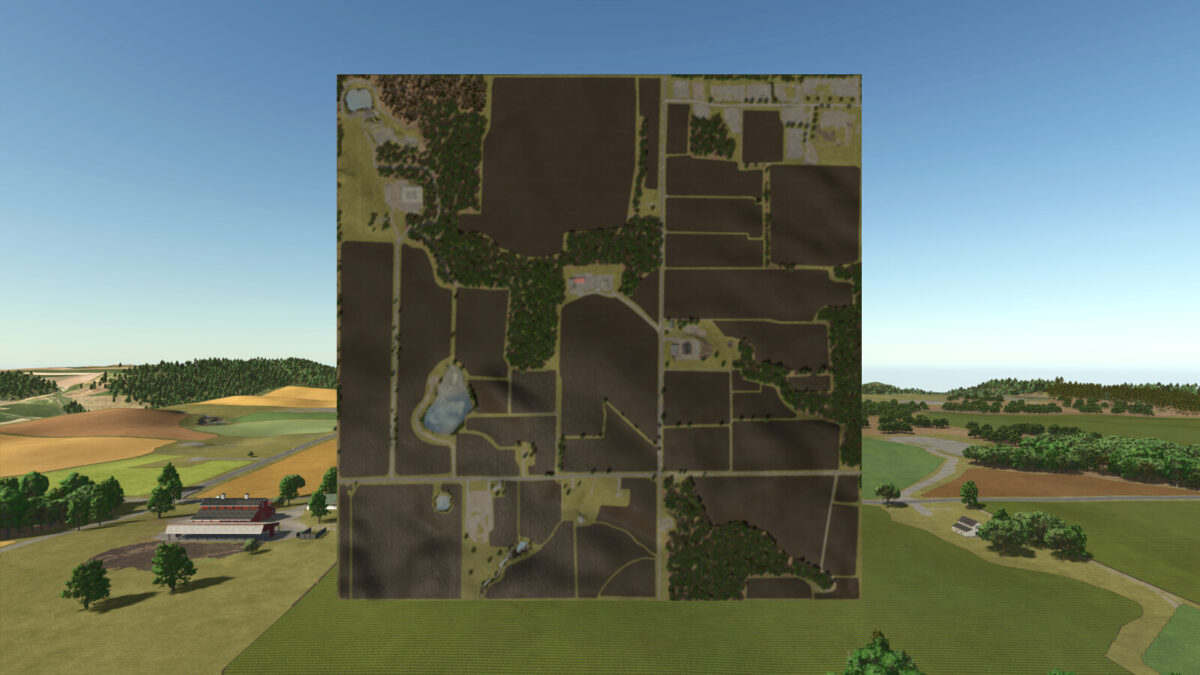
There are 70 farmlands available for purchase and 38 fields. There are 620 acres of farmable fields.
Aside from the starter farm there are three other buyable pre-built farms. One is a very basic small farm, the second is a small dairy farm and the third is a large dairy farm.
There is a forstry area at the north west corner of the map with a saw mill. There are also two supporting productions for forestry materials in the town area.
All productions include:
All In One Production
Bakery
Bakery US
Carpentry
Cooper
Dairy
Grain Mill
Greenhouse With Canned Foods Production
Sawmill
Spinnery
Tailor Shop
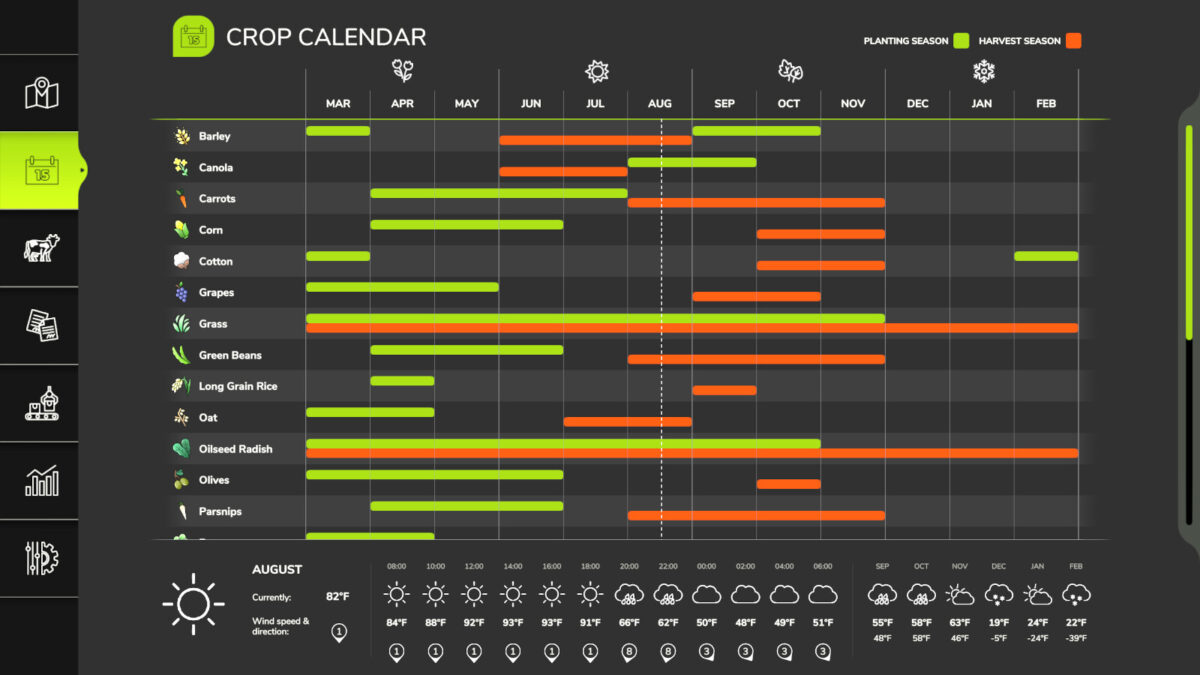
This map has custom weather patterns and a custom crop calendar to fit the area better. The custom crop calendar allows for harvesting two crops in one season if crop rotations are planned corretly.
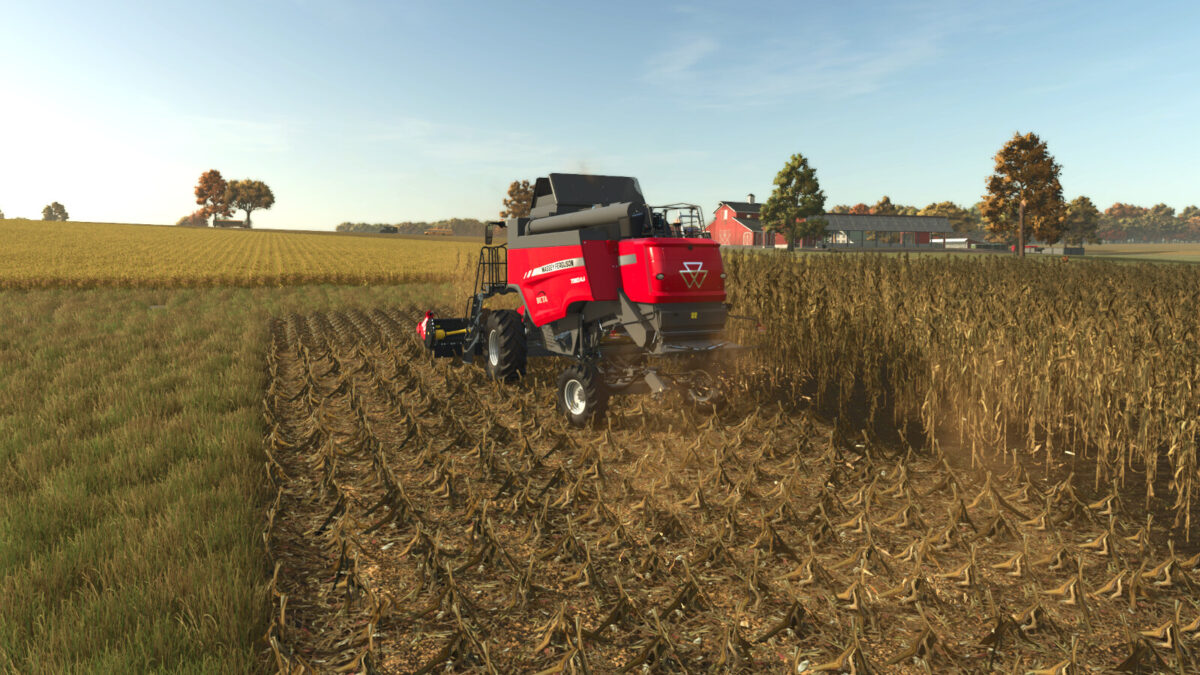
This map has updated crop textures for some crops along with stubble destruction.
I hope everyone enjoys the map, this is my first map.
*Special thanks to IKAS FanModding for allowing me to intergrate thier buildings into my map.
Change log 1.0.1.0
-Made sign at starter farm sellable with house
-Fixed floating trees
-Decreased traffic density to attempt to reduce traffic jams
-Adjusted water planes for ponds due to water being too close to the surface of surrounding fields
-Adjusted height of traffic lights to allow large trucks to pass under them
-Added custom lighting
-Added enhanced sunrises and sunsets
-Made nights very dark
Change log 1.0.1.1
-HOTFIX
-Fixed crop calendar for corn. Currently corn planted in June will get stuck in Harvestreadygreen2 and will not reach Harvestready3. Now corn planted in June will reach harvestready3 in December allowing for a December harvest.
-Added row crop sytem
Change log 1.0.1.2
-HOT FIX
-Fixed Canola calender so canola can be harvested. Before the fix canola will not be able to be harvested no matter when planted.
Change log 1.0.1.3 new save not required
-Added ground deformation
-Made painted bushes mowable
Change log 1.0.1.4
-Fixed rain effect at high speed