

Traktorsafe MTS / HTSP Front Weight Pack v1.0.0.0

Traktorsafe MTS / HTSP Front Weight Pack v1.0.0.0
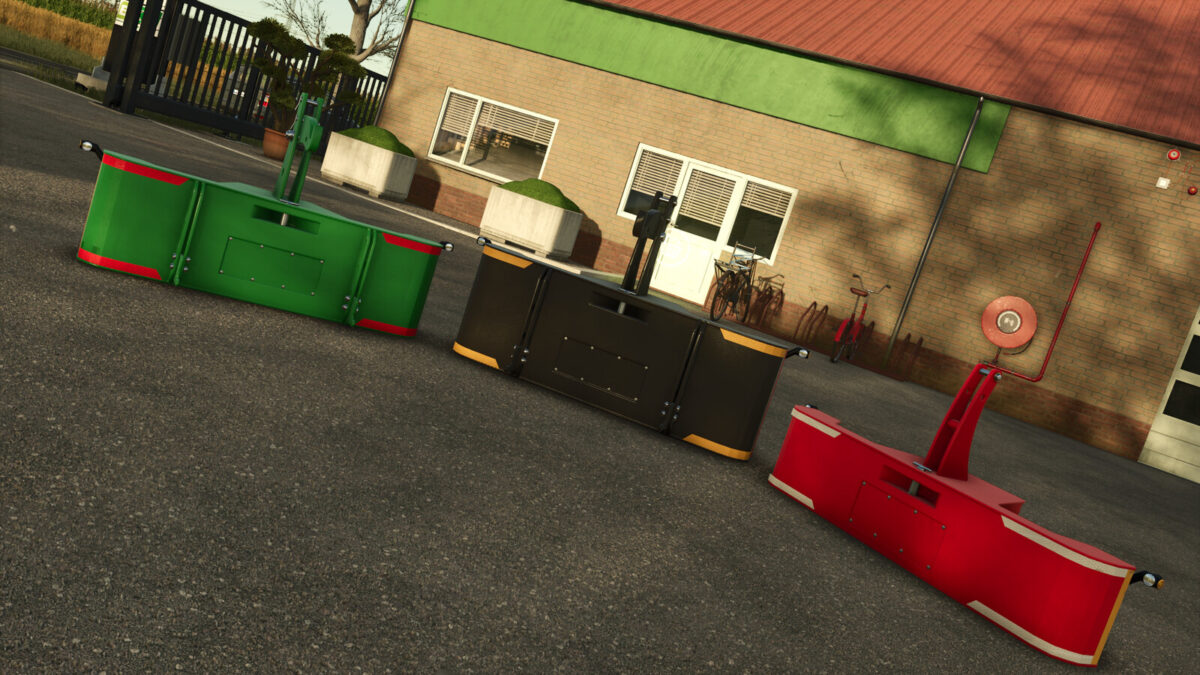
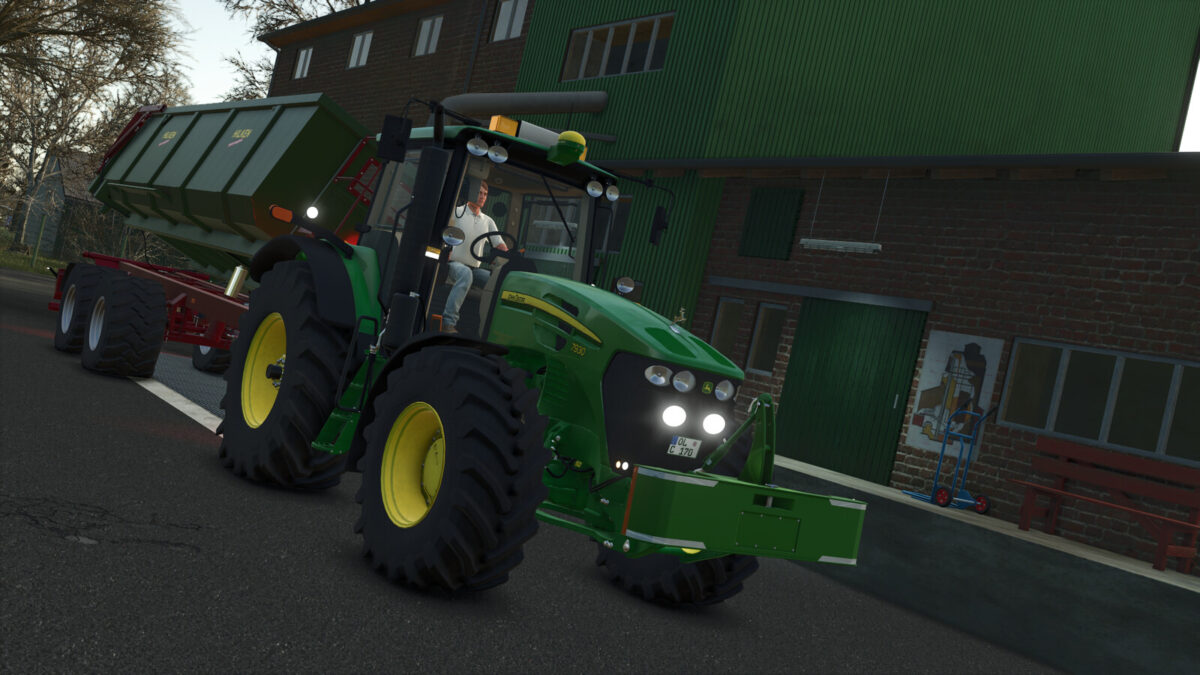
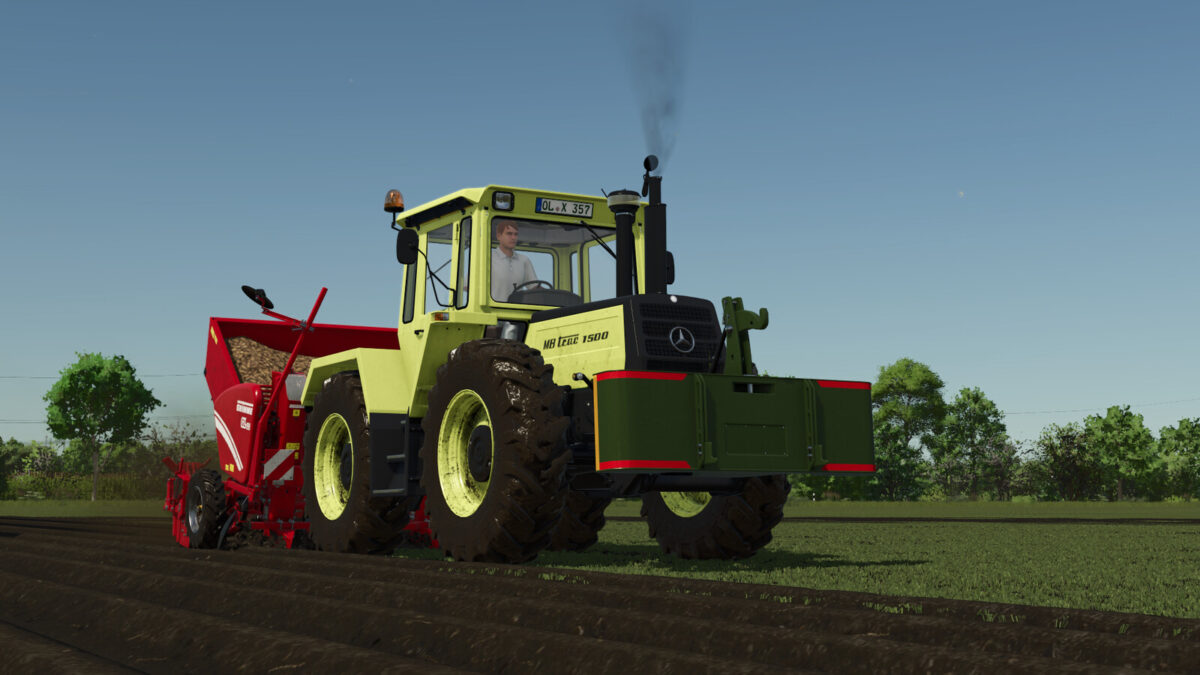
Eight front weights from Traktorsafe’s MTS and HTSP series. Four weight classes from 500 to 1,500 kg provide the right ballast for small, medium and heavy tractors.
MTS series
Compact front weights with a front hitch for attaching trailers.
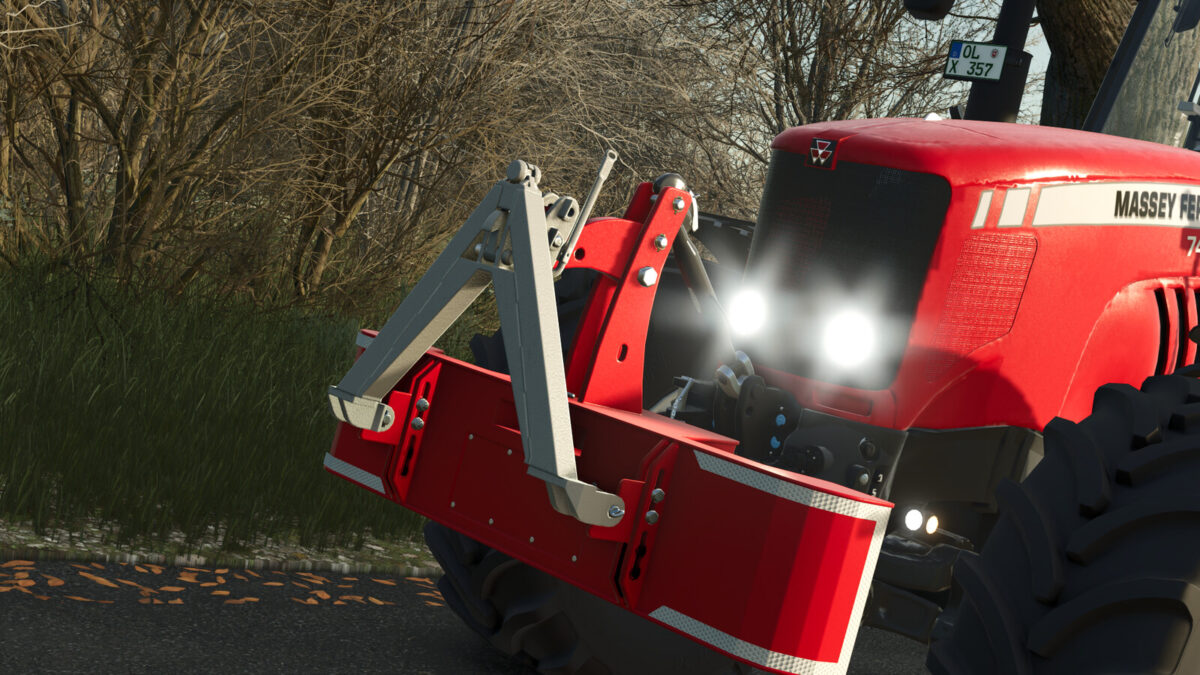
HTSP series
Front weights with an additional lower link, to which compatible implements can be attached directly at the front of the weight. A foldable locking hook with a safety pin is also included.
Features:
– 8 models in 4 weight classes: 500, 900, 1,200 and 1,500 kg
– Weight height and tilt (like a top link) can be adjusted by mouse control
– Configurable main color
– Individually configurable reflector colors (front and side)
– Working side marker lights
– Electric connection
– Dirt and wear effects
– Multiplayer compatible
Included models:
MTS 500 kg – $900
MTS 900 kg – $1,500
MTS 1200 kg – $2,000
MTS 1500 kg – $2,500
HTSP 500 kg – $900
HTSP 900 kg – $1,500
HTSP 1200 kg – $2,000
HTSP 1500 kg – $2,500