

Harvestmission Creator v1.0.0.0

Harvestmission Creator v1.0.0.0
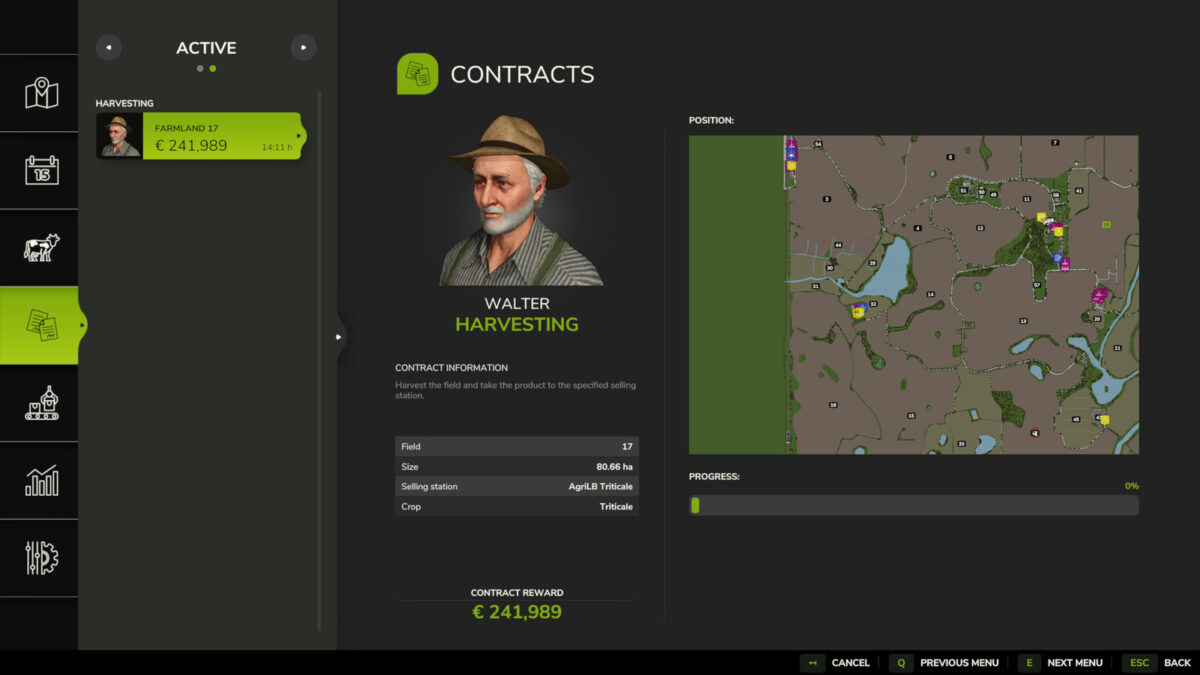
This script allows you to specifically create a harvesting contract for a field and crop of your choice.
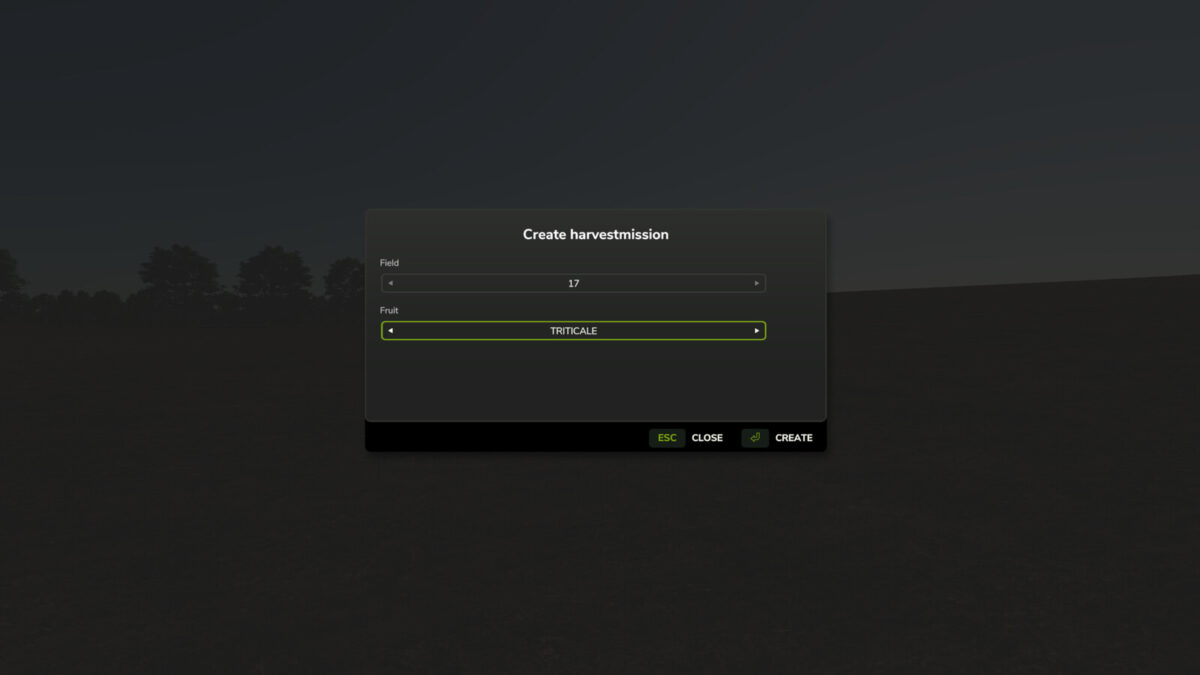
The script is operated via a dedicated menu that can be opened using a customizable key (default: SHIFT+H).
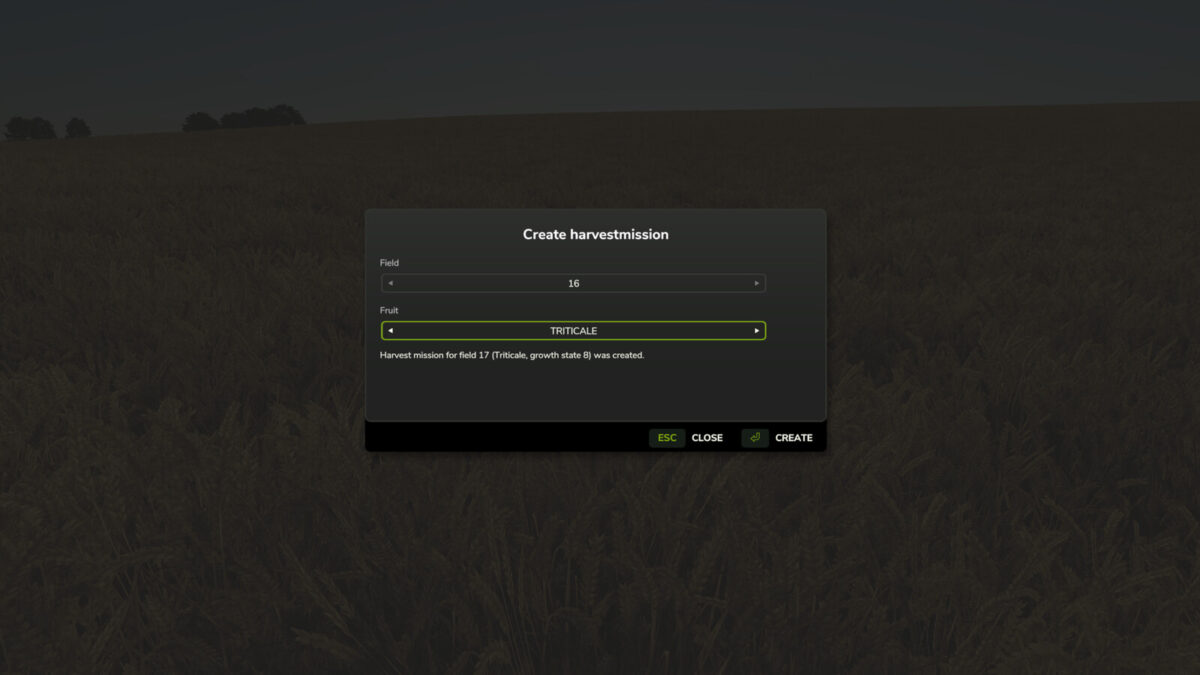
Within the menu, you can select the desired field and crop using dropdown lists. A harvesting contract must not already exist for the selected field.
To ensure maximum map compatibility, the script automatically detects which crops are available on the current map.
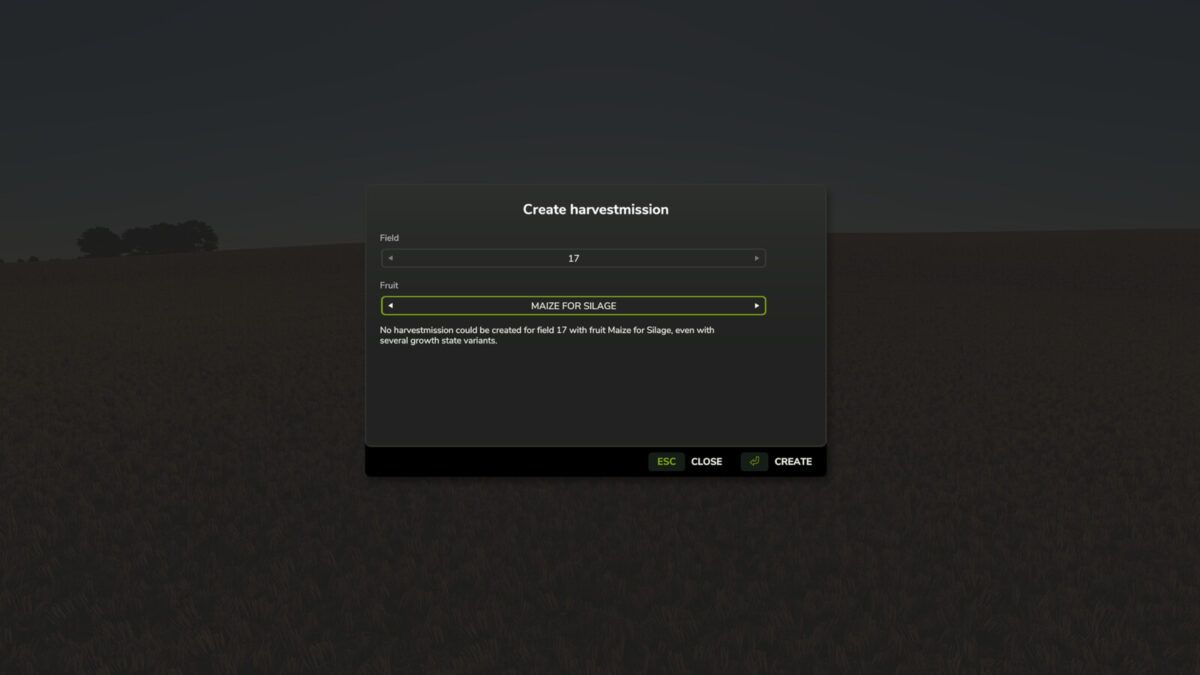
If a harvesting contract cannot be created for a specific crop—such as cover crops, grass, or poplars—a corresponding message is displayed in the menu.
Note:
If Precision Farming is in use, the script removes tramlines from NPC fields (but not from your own fields). This is necessary to prevent calculation errors on large fields.
Multiplayer mode is supported; however, the script can only be executed by the host.