

Fliegl ZPW 160 PL v1.0.0.2

Fliegl ZPW 160 PL v1.0.0.2
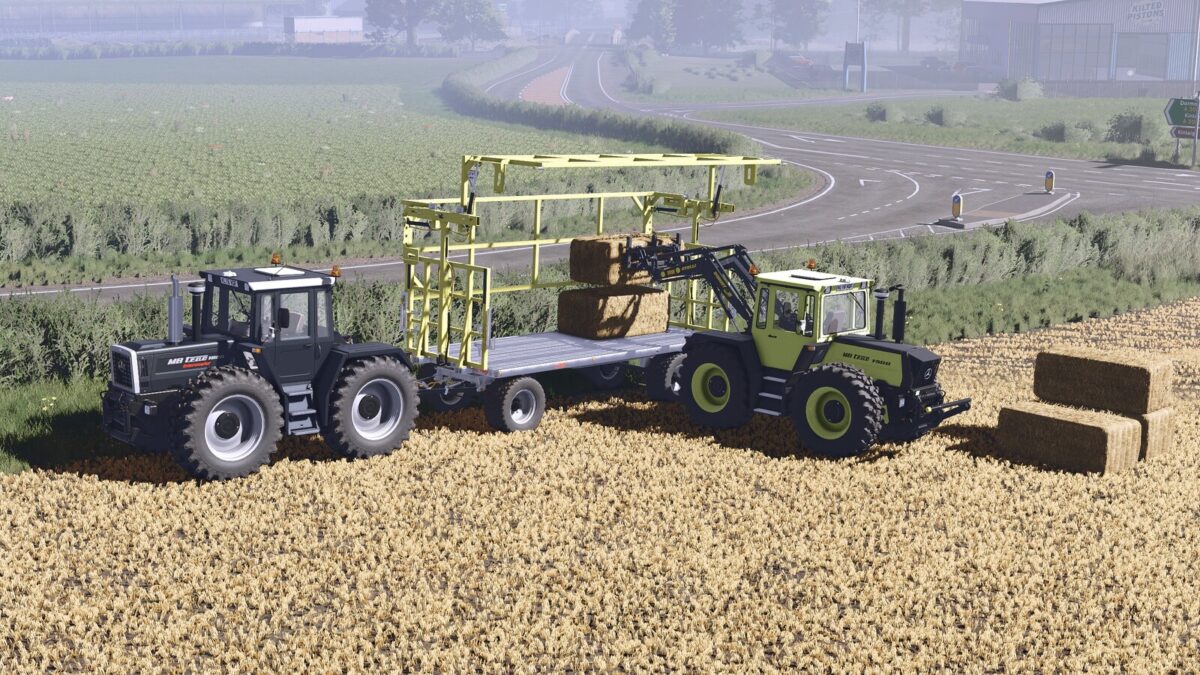
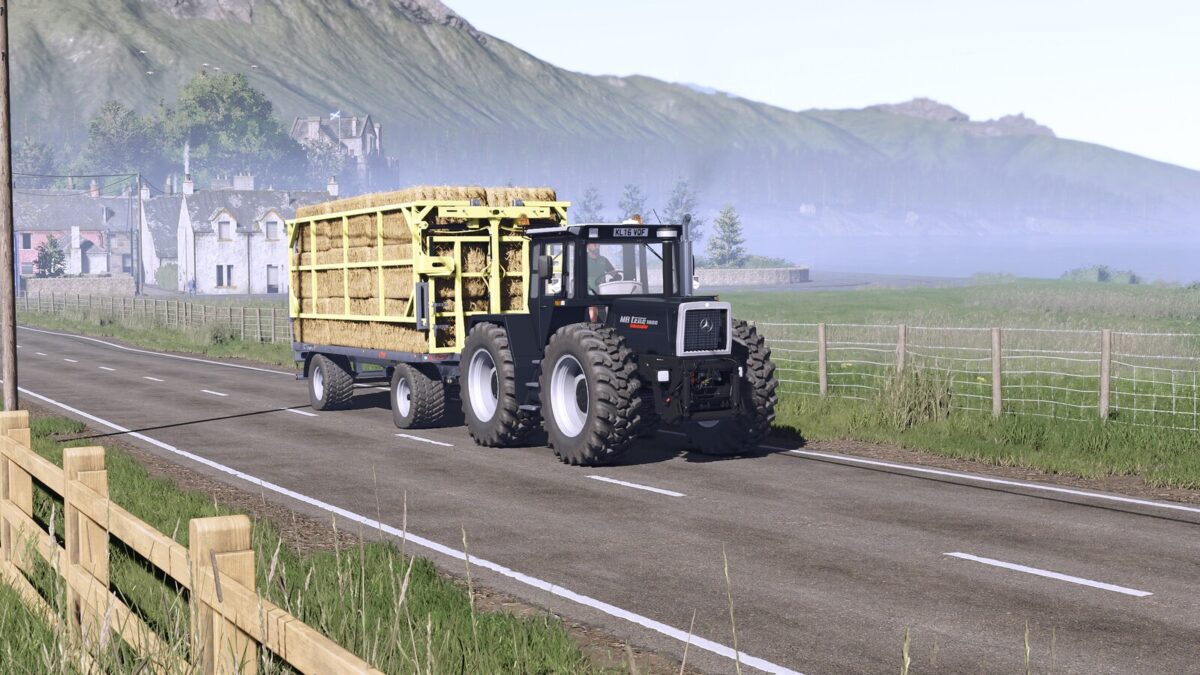
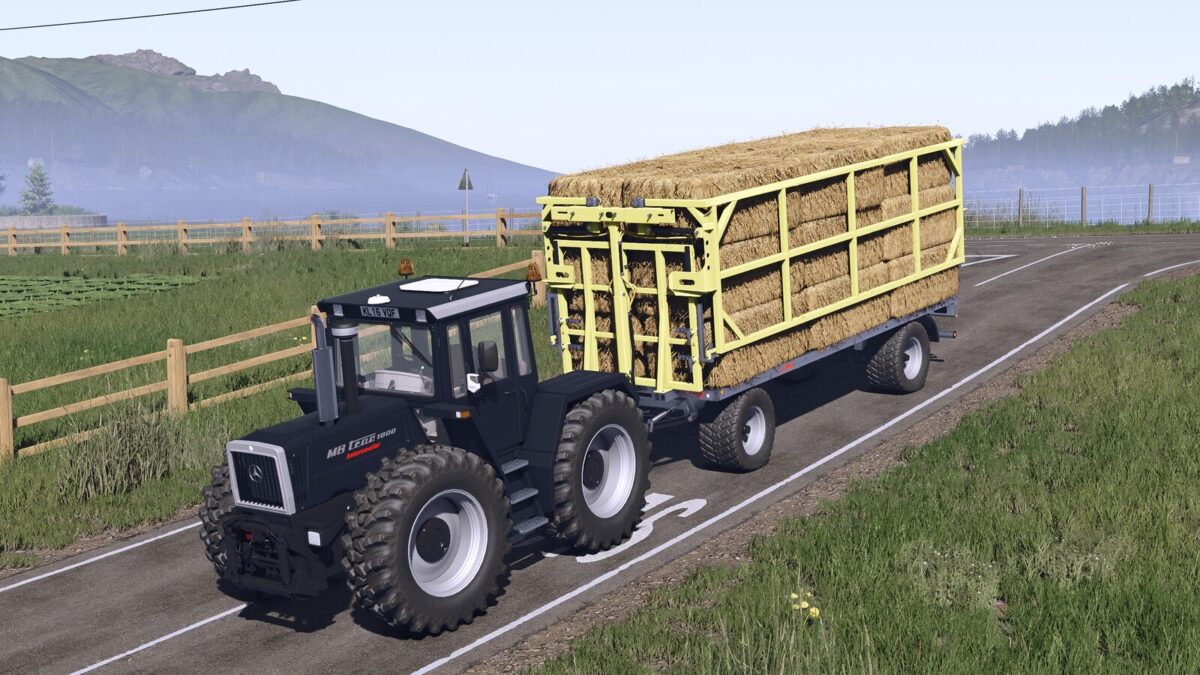
Fliegl ZPW160 PL bale wagon. This is characterized by the fact that the bales can be fixed without lashing tension belts.
Category: BaleLoaders / trailers Flatbed
Price: $20,000
Autoload options:
– round bales (125cm: 22 bales, 150cm: 18 bales, 180cm: 16 bales, cotton: 3 bales)
– square bales (180cm: 30 bales, 220cm & 240cm: 26 bales, cotton: 1 bale)
Changelog: 1.0.0.2
– Adjusted autoload icons
– Adjusted the position of the rear lights and replaced the model with that of Fliegl
Changelog: 1.0.0.1
– Added autoload option for round bales 125cm: 22 bales, 150cm: 18 bales, 180cm: 16 bales, cotton: 3 bales and square bales 180cm: 30 bales, 220cm & 240cm: 26 bales, cotton: 1 bale
– You no longer choose which door to open from the shop; now, using the in-game controls, you can choose to open either the right or left door.
– Added rim color configuration
– Increase modDesc to match to patch 1.23
Special thanks to Kooper 3d for the excellent work in FS19 and FS22!