

Liters to Tonnes v 1.1

Liters to Tonnes v 1.1
Displays fill levels and prices in tonnes instead of liters.
Affects:
The fill level display (HUD box on vehicles, trailers and silos)
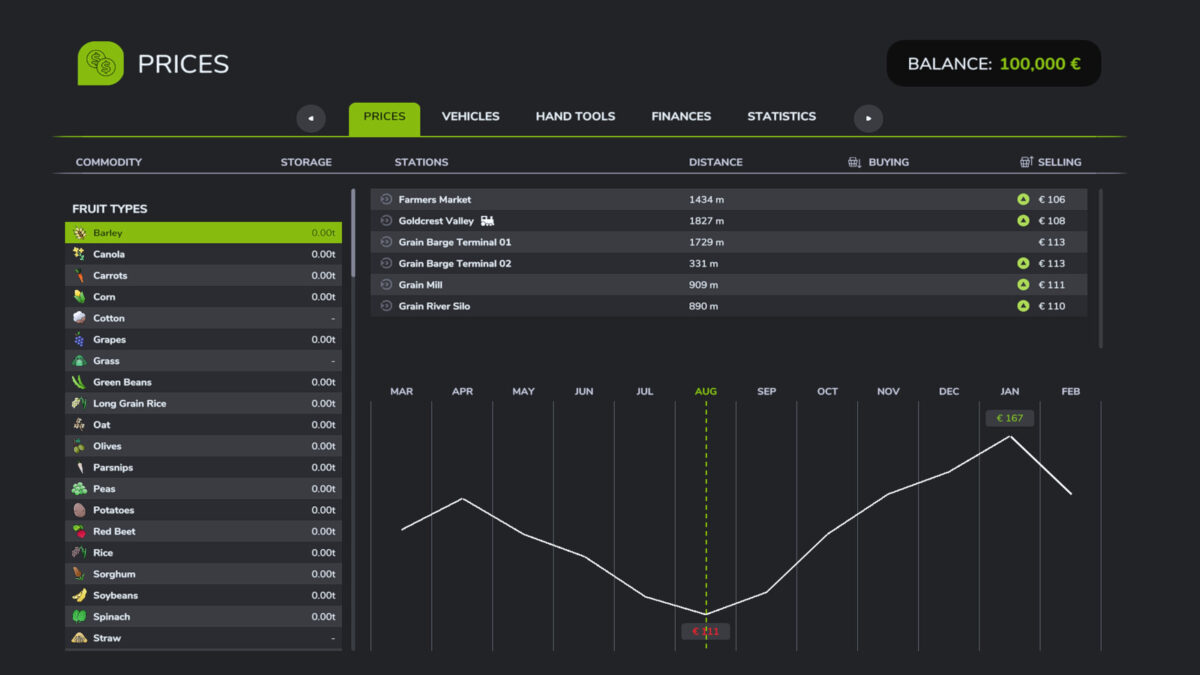
The Prices menu (storage amount and sell/buy prices)
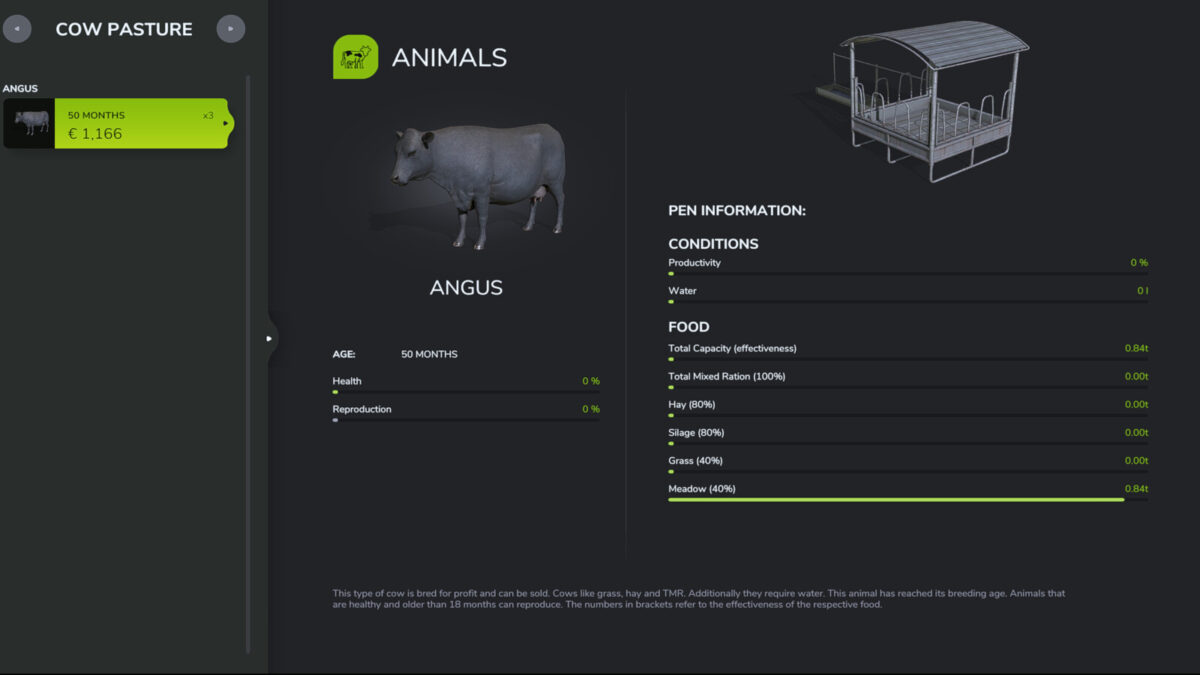
The Animals menu (food and condition)
Liquids such as water, slurry, milk or diesel are still shown in liters.
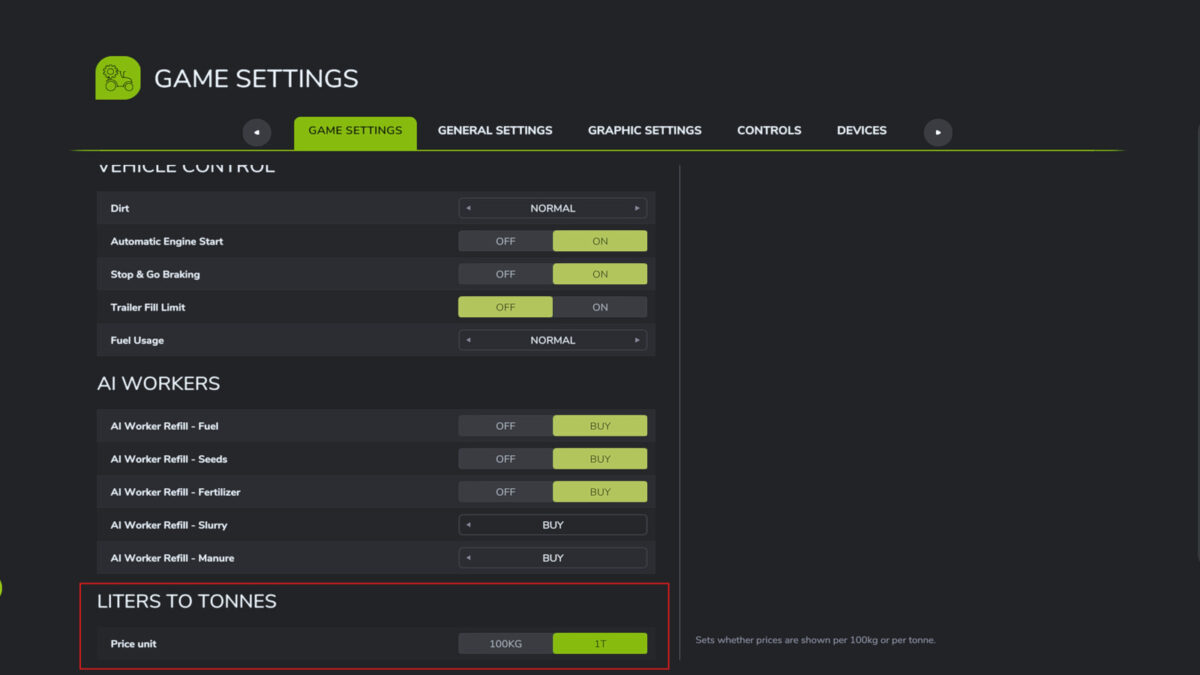
The game settings let you choose whether prices are shown per tonne (1 t = 1000 kg) or per 0.1 t (100 kg).
If the game’s measuring unit is set to Imperial, the mod shows short tons (2000 lb) and pounds (lb) instead of tonnes and kilograms; prices are then per short ton or per 100 lb.
Version 1.1:
* New: Imperial support with the Imperial unit system, values are shown in short tons and pounds (lb), with prices per short ton or per 100 lb
* The price unit setting updates immediately when the unit system is changed
* The Animals menu and work width display (kg/min or lb/min) also follow the unit system