

FarmSimMarket – Player Market & Rankings v 0.27

FarmSimMarket – Player Market & Rankings v 0.27
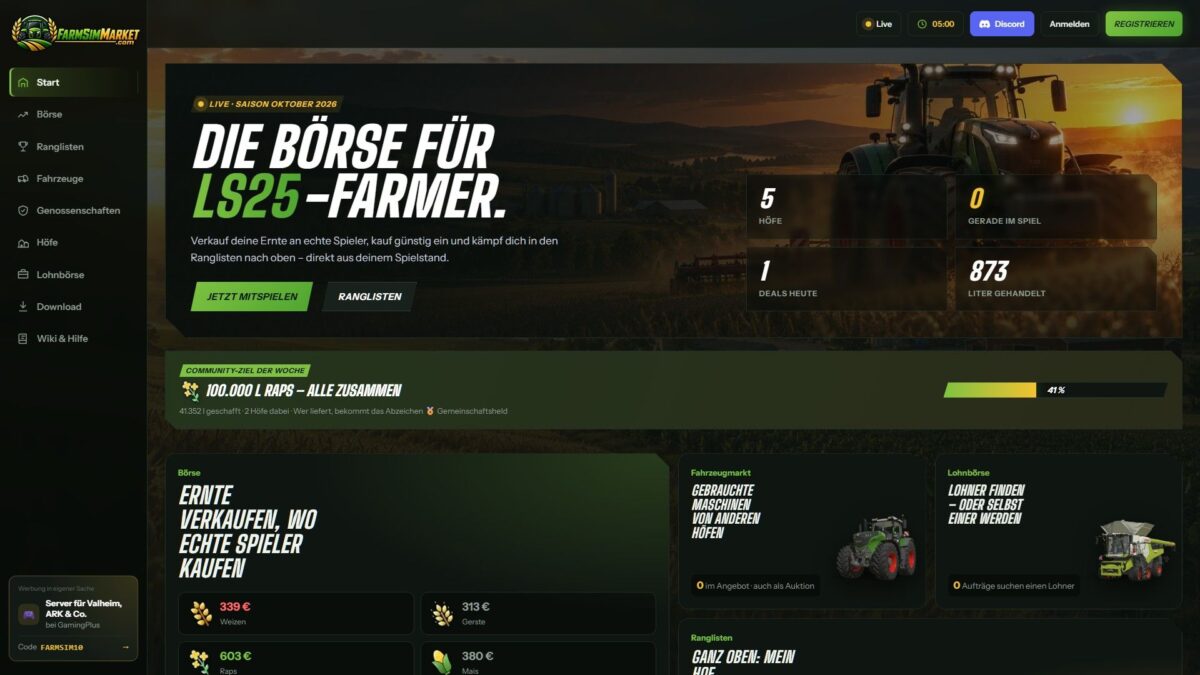
OPEN BETA – Trade with real players instead of only with the game! FarmSimMarket connects your farm with farmsimmarket.com – a marketplace for all LS25 players.
WHAT THE MOD CAN DO
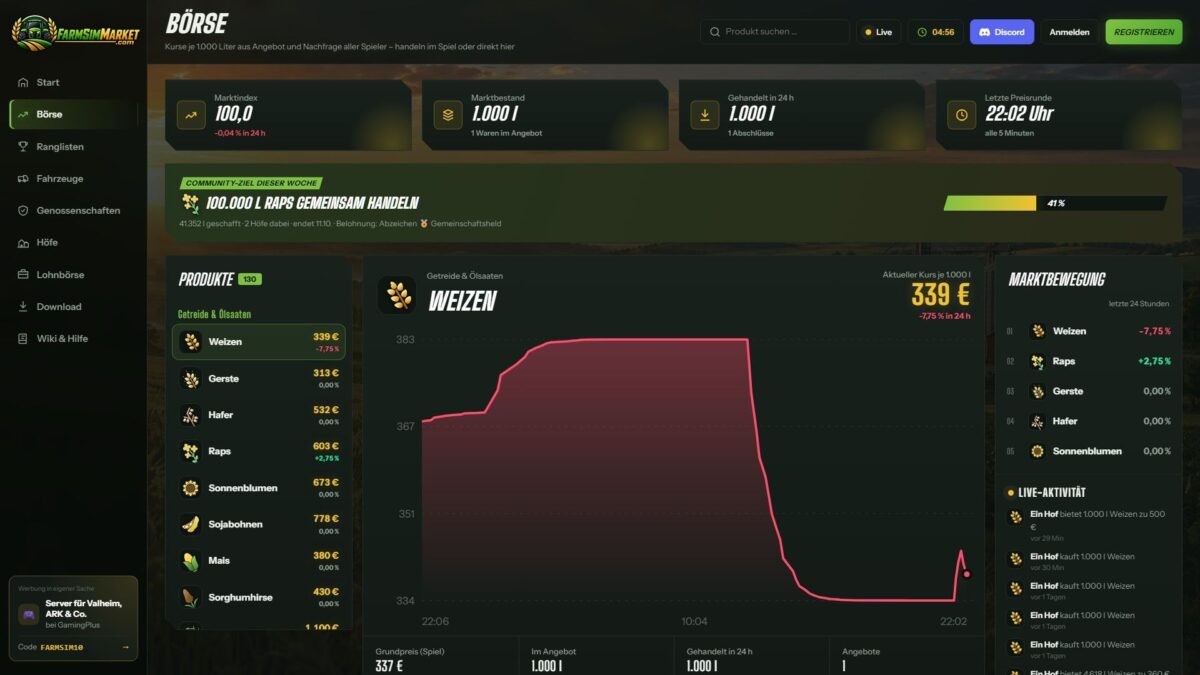
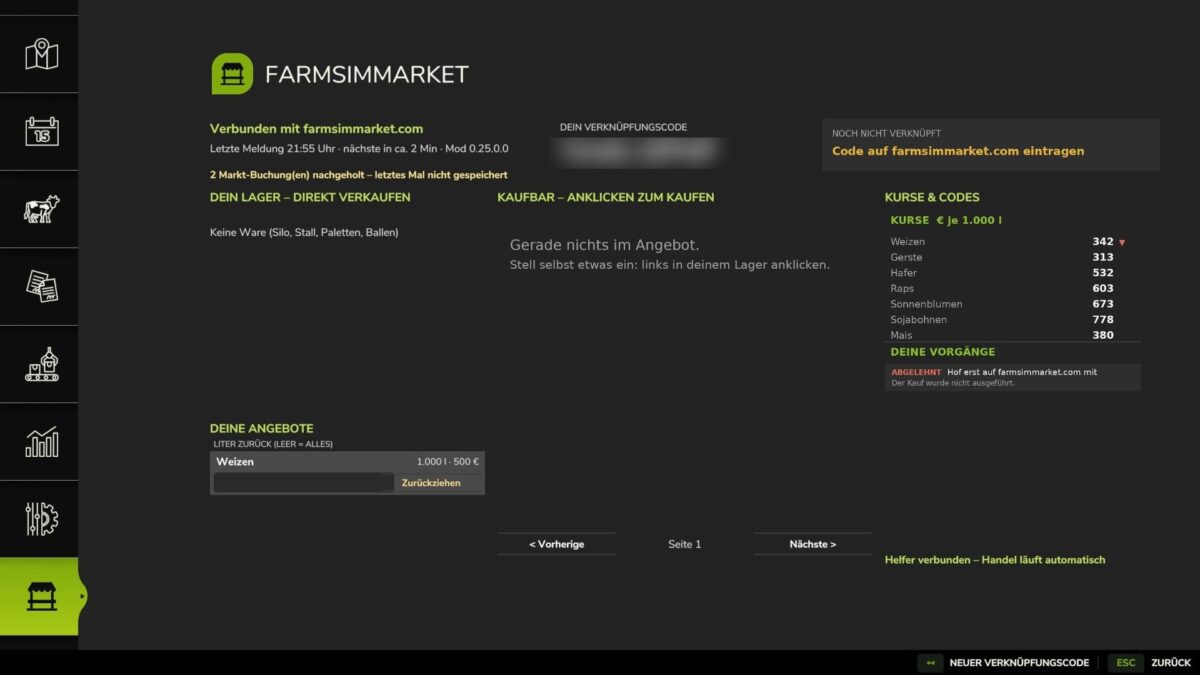
Player marketplace: Sell or buy crops, milk, pallets, bales and vehicles from other players – directly in the game (ESC → FarmSimMarket) or on the website.
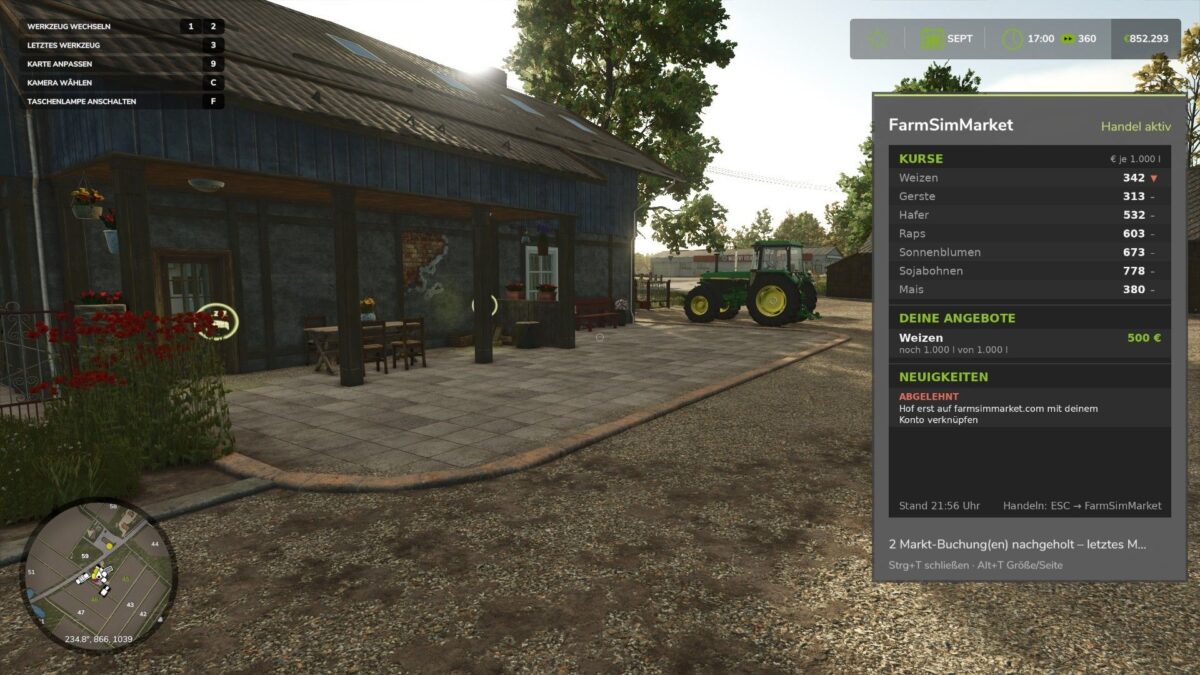
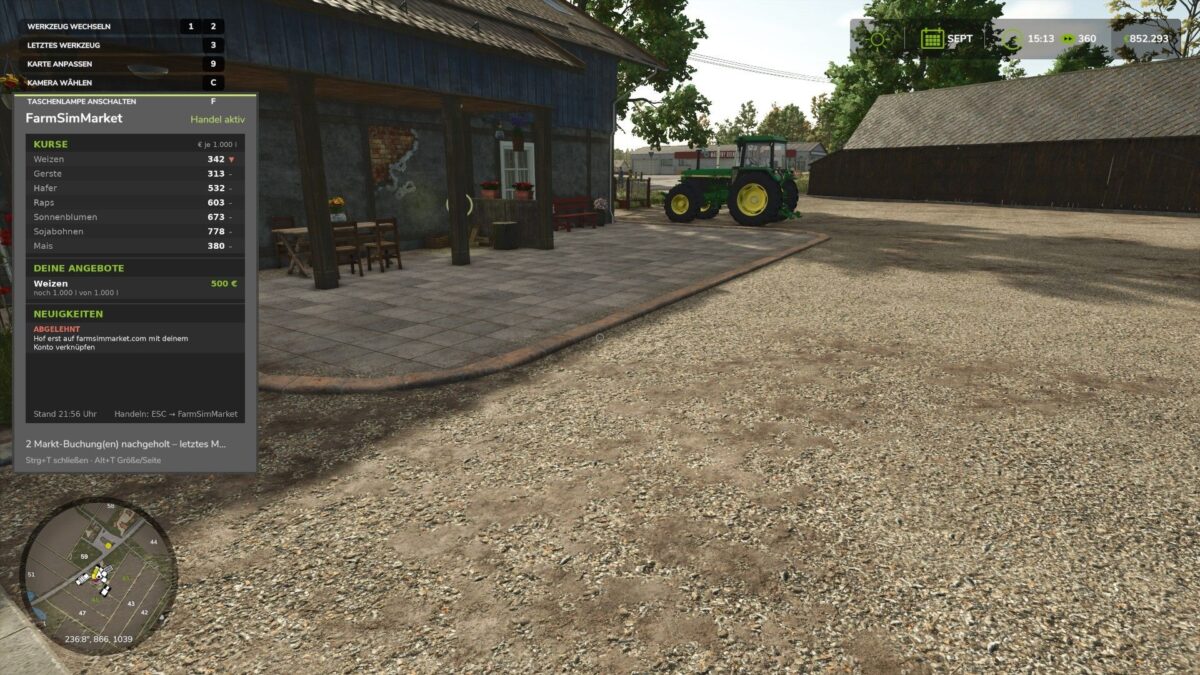
Market tablet (Ctrl+T): Prices, your offers and news at the edge of the screen while you keep playing – even in a vehicle.
No extra building required: Purchased goods go into your existing silos and storage facilities, or appear as pallets/bales at the shop’s drop-off area.
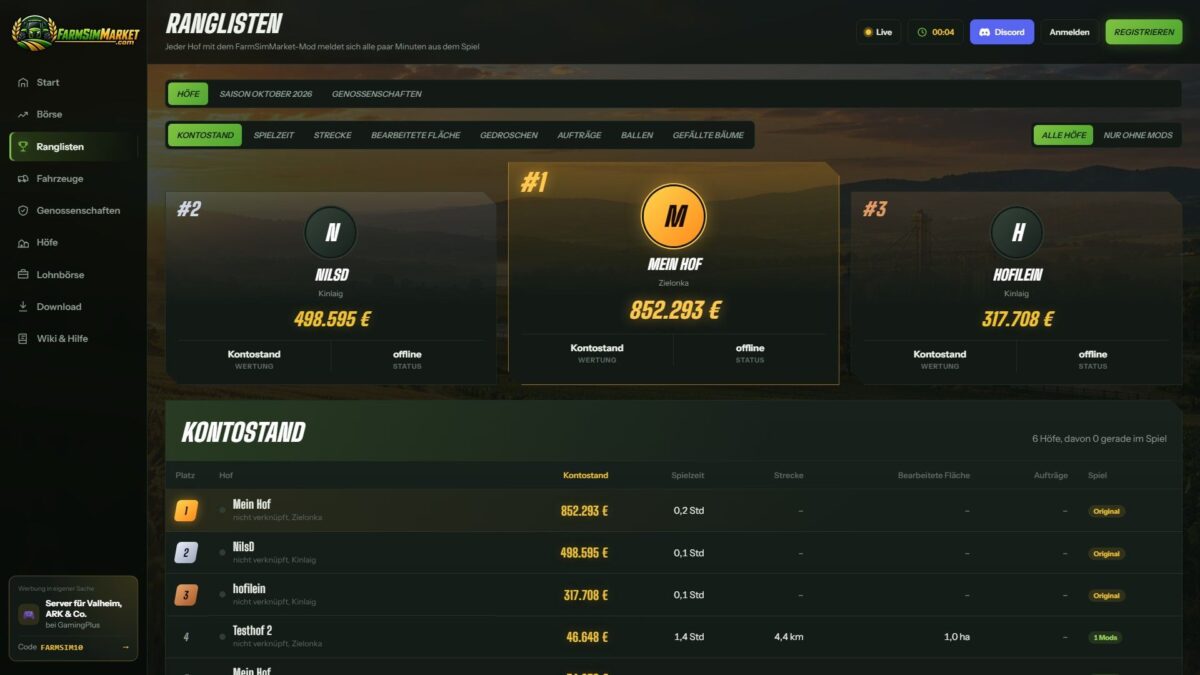
Leaderboards & farm profile: Compare your farm with other players.
Contract marketplace: Post or accept contract work – with field access permissions on shared servers.
Multiplayer & dedicated servers, rented servers (G-Portal, Nitrado …) via the server bridge.
HOW TO GET STARTED
1. Do not unpack the ZIP; place it in the Mods folder and activate it in your savegame.
2. Create an account at farmsimmarket.com and enter the code from the game.
3. To trade, start the small FarmSimMarket helper (farmsimmarket.com/download, Windows, no installation required).
OPEN BETA – PLEASE READ
FarmSimMarket is still at a very early stage. Most things work, but there may still be occasional errors or something may not work from time to time. Make a backup of your savegame before your first trade.
What does not work yet or has barely been tested:
PC (Windows) only – no consoles; the helper only runs on Windows.
Trading only works with the helper or server bridge (without one, the goods remain where they are; nothing is lost).
Multiplayer and the contract marketplace’s field access permissions have barely been tested.
Rented servers via the server bridge are still being tested.
Prices move very little at first – they are generated by player trading.
Website currently available only in German.
BETA 2
Version 0.27 New: fully in English when the game is not running in German
Bunker silo as a delivery destination (chaff/silage directly into the selected bunker silo, including multi-compartment bunker silos from DLCs)
Wood from the Holzlager Silo mod can be traded
Prize money from events
In-game stock market with mouse-wheel scrolling, commodity icons and bunker silo overview
Bales and pallets directly into your own object storage. Fixed: Goods in silo extensions (e.g. barley) are recognized
Goods now only go into storage facilities that accept them
German/English mixed together
Incorrect money suspicion after sales. Changed: Goods are no longer placed at the shop purchases are only possible if they fit into your own storage facility.