

MAN TGS Fliegl Bale Platform v1.0.0.2

MAN TGS Fliegl Bale Platform v1.0.0.2
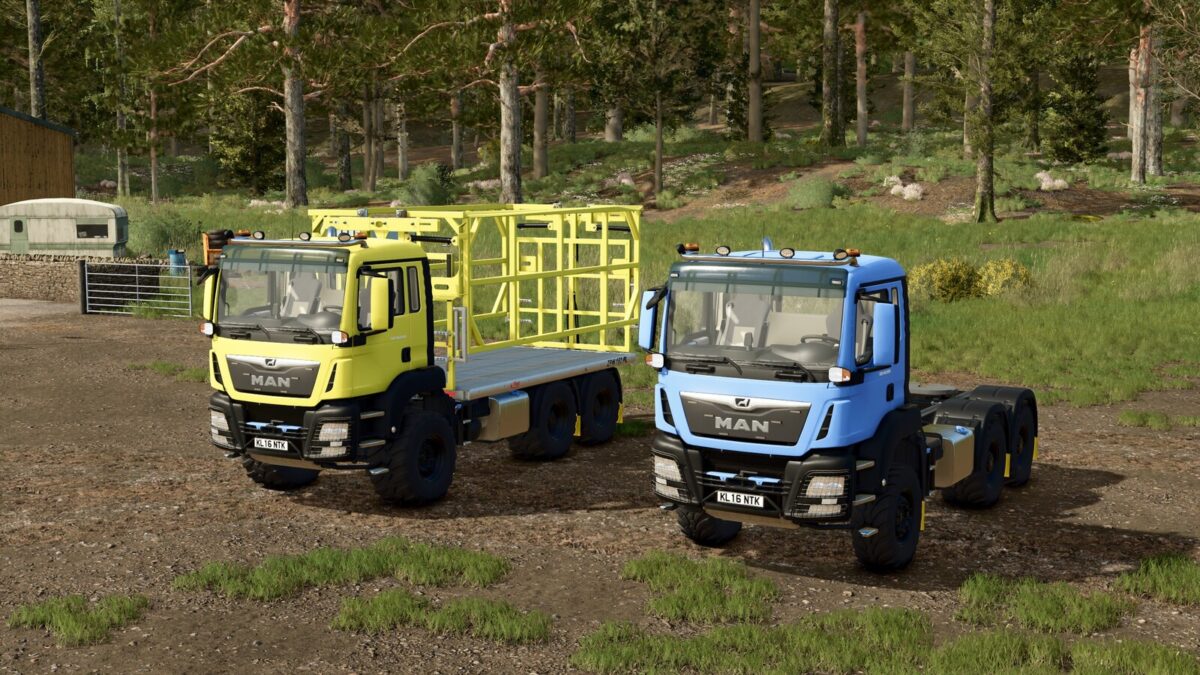
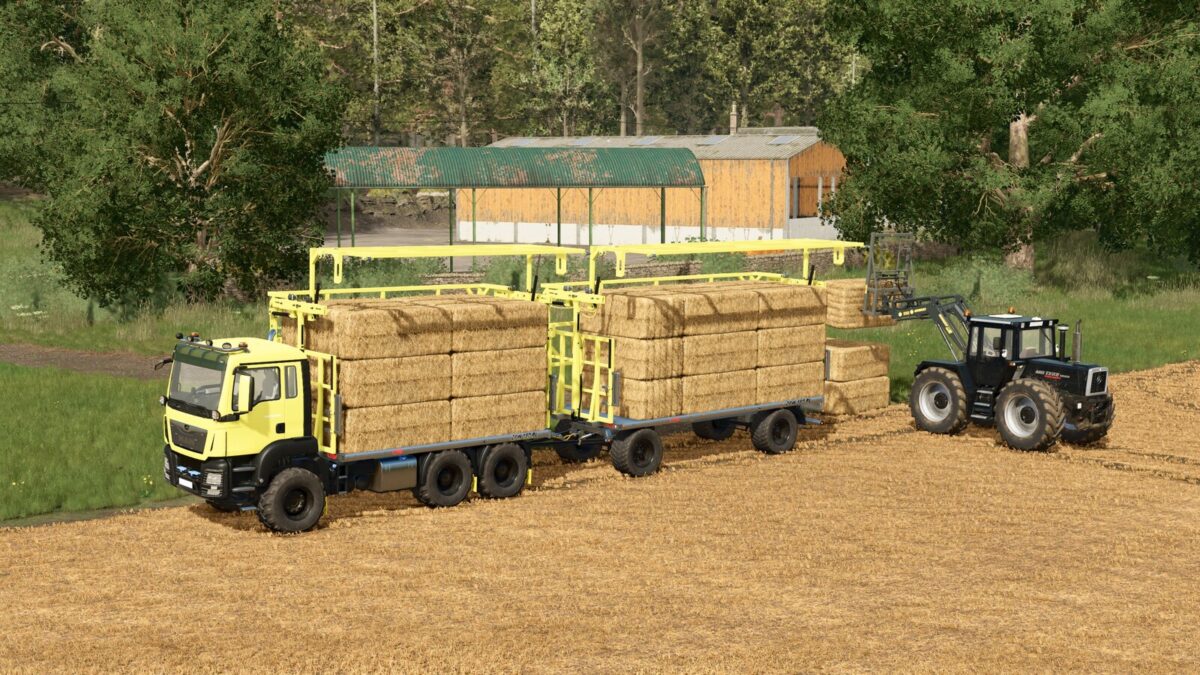
MAN TGS 18 6×6 with Fliegl ZPW160 bale platform.
Price: $115,000
Horsepower: 510 HP
Max Speed: 95 km/h
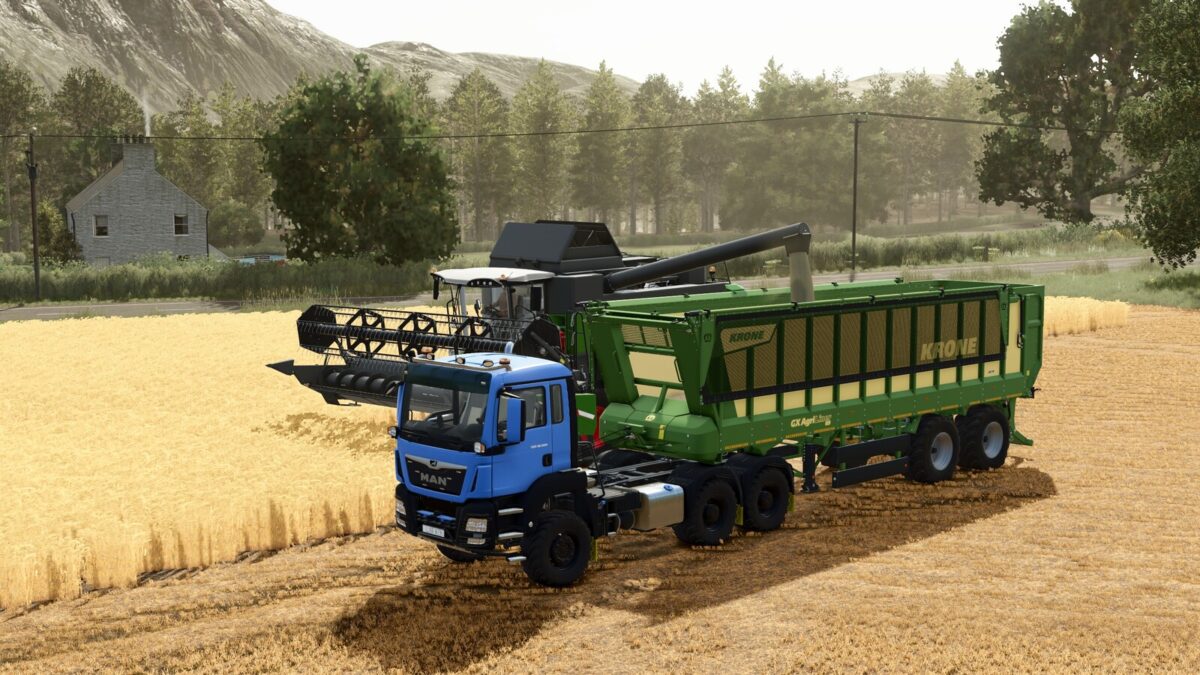
MAN TGS 18 6×6 Semi-trailer.
Price: $90,000
Horsepower: 510 HP
Max Speed: 95 km/h
The MAN TGS 18 is a versatile and powerful truck equipped with the renowned Fliegl ZPW160 bale platform.
FEATURES:
– 6×6 All-wheel drive traction
– Multiple wheel configuration options (Trelleborg, Continental, BKT)
– Multiple lighting configurations
– Customizable color schemes for truck and attachments
– Compatible with most trailer implements
Autoload Options:
– Round bales: 125 cm: 14 bales, 150 cm: 10 bales, 180 cm: 10 bales, cotton: 2 bales
– Square bales: 180 cm: 18 bales, 220 cm: 12 bales, 240 cm: 12 bales, cotton: 1 bale
Perfect for bale collection, hay transport, or general farming operations!
Special thanks to Kooper 3d for letting me use the Fliegl platform model for the truck
Changelog: 1.0.0.2
– Autoload icons have been adjusted
– Prices for each truck have been adjusted
– Wheel and wheel bolt colors have been adjusted
– Shop icons and the main mod icon have been replaced
– The sounds of the truck have been adjusted
Changelog: 1.0.0.1
– Updated description
– The option to automatically load square and round bales has been added (round bales: 125 cm: 14 bales, 150 cm: 10 bales, 180 cm: 10 bales, cotton: 2 bales; square bales: 180 cm: 18 bales, 220 cm: 12 bales, 240 cm: 12 bales, cotton: 1 bale)
– The flatbed bale truck has been separated from the semi-trailer; they are now two independent models.
– The way translations are handled has been changed to use separate files for each language.
– The wheel system has been changed from static to dynamic.
– The semi-trailer settings have been adjusted to allow selection of the saddle type and rear coupler.
– A new setting has been added to the semi-truck to select the type of rear fender.
– Increase modDesc to match to patch 1.23