

New Bartelshagen v2.0.0.0

New Bartelshagen v2.0.0.0
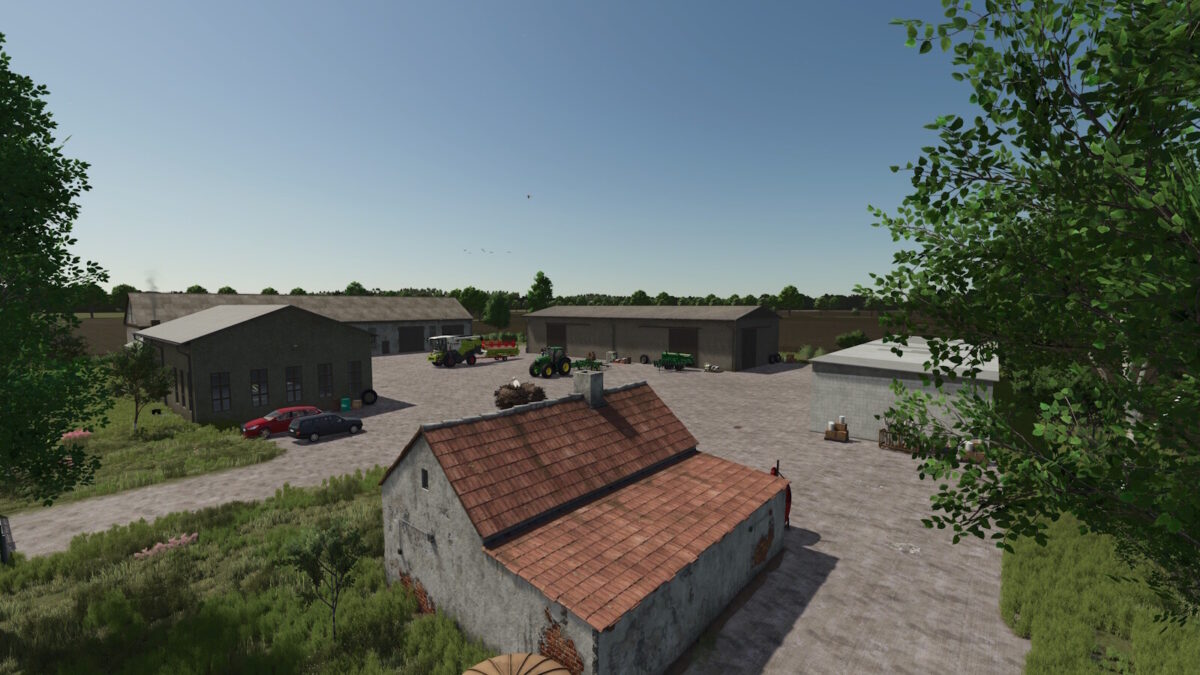
Welcome to Neu Bartelshagen, a small village on the Grabower Bodden.
All standard LS 25 features are included.
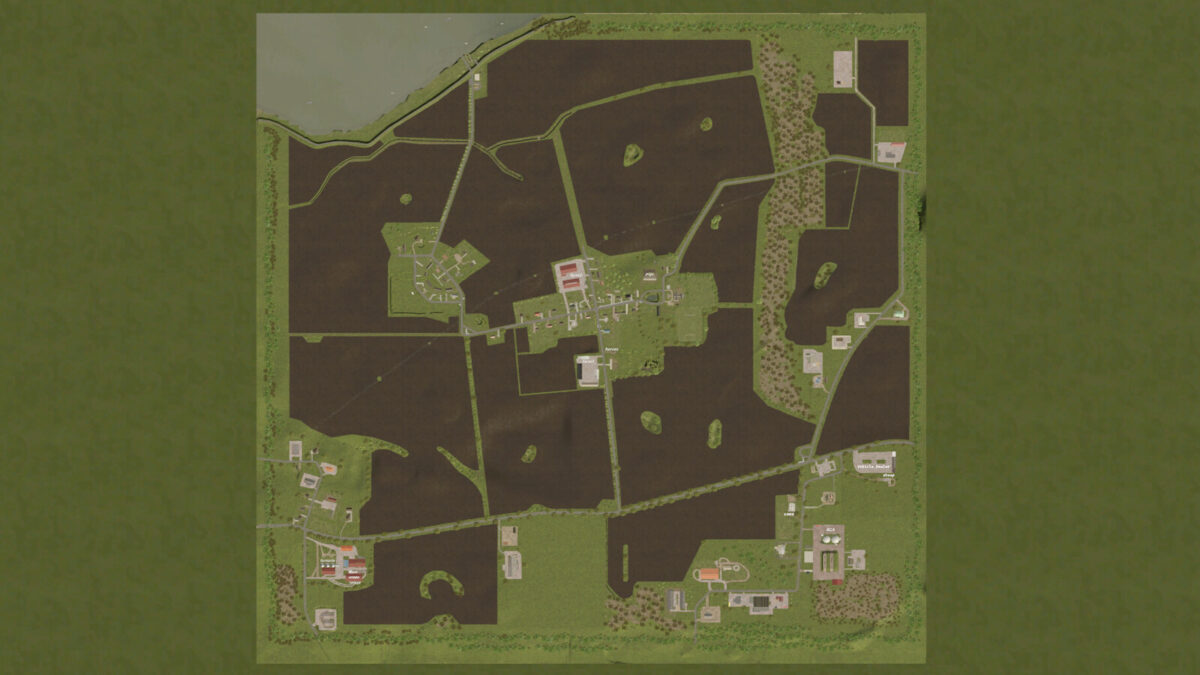
There are 19 fields.
17 production buildings.
9 purchasable farms.
6 purchasable forest plots.
3 purchasable building plots.
Horse pasture, pigsty, Sheep pasture, cow pasture, and a BGA (biogas plant).
Changelog 2.0.0.0
– A new game start is required for the changes to take effect.
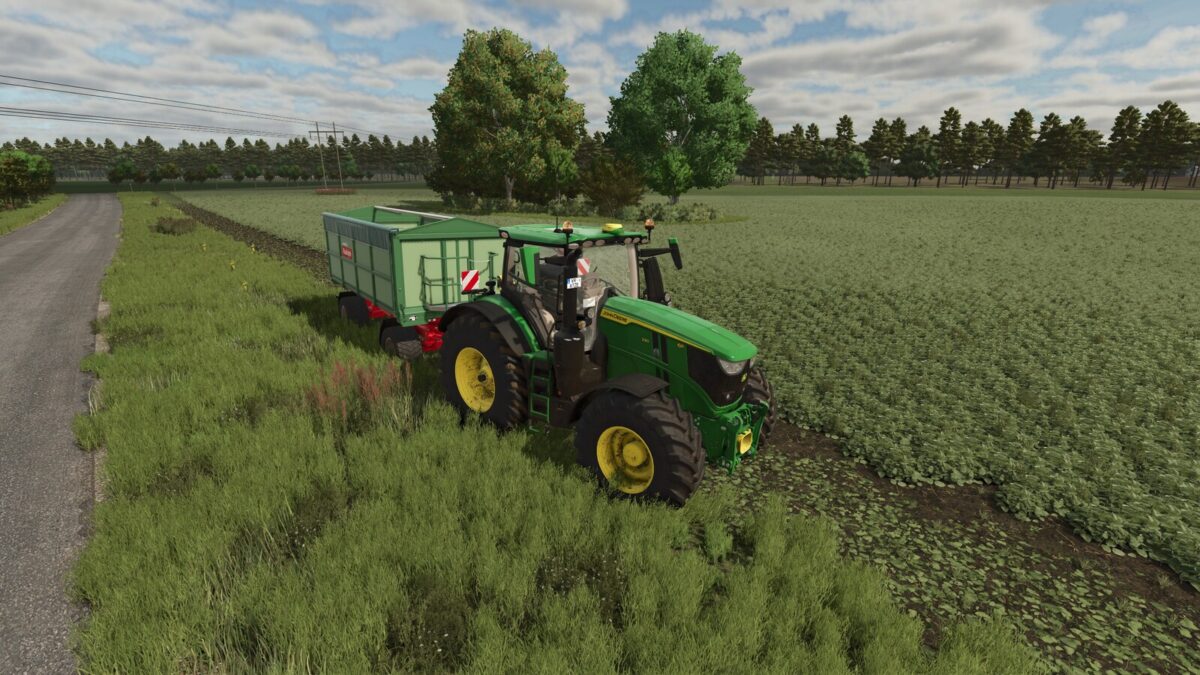
– Fields reworked; some enlarged.
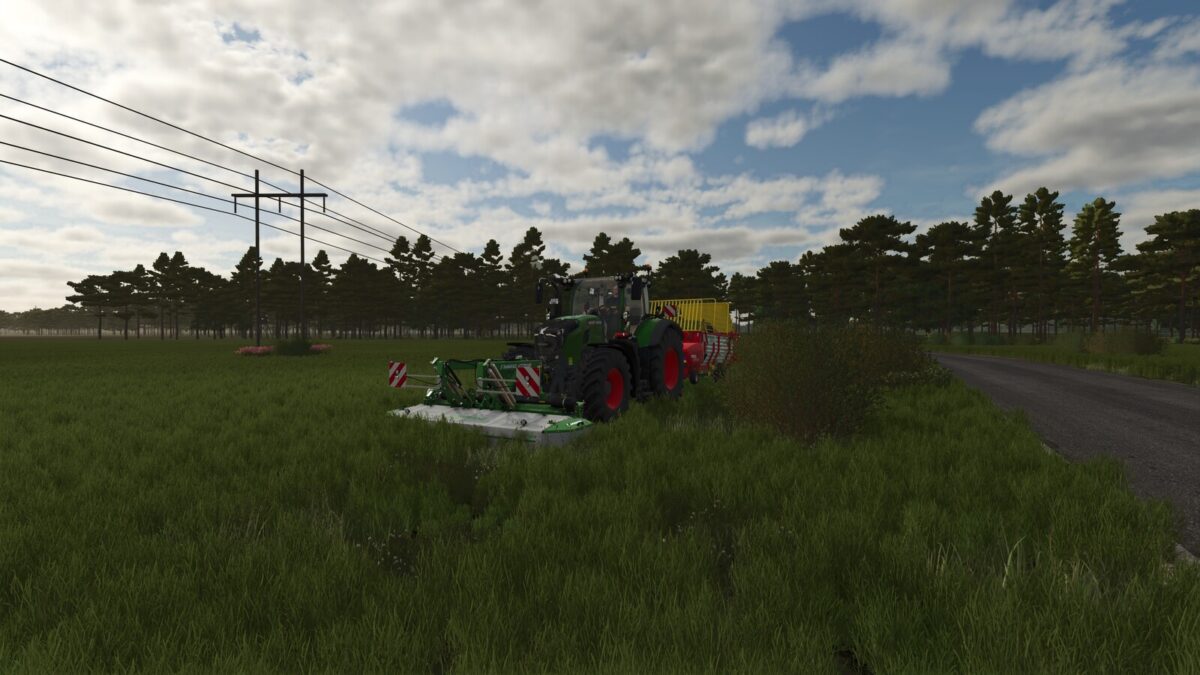
– New field shapes, including field islands and power pylons.
– New modular BGA and new farm sheds.
– New production facilities.
– Highlands and Fishing DLC (Fishing Boat, Highland cattle, fishing in any body of water while the DLC is active).
– Guided tour revised; now fully functional.
– Refined the lagoon area, made cosmetic adjustments, and added moving boats.
– Vehicle dealership relocated to a spacious new site.
– Several gates (entrances) that were too narrow have been modified and enlarged.
– New decorations, etc.