

Vegetable Container v1.0.0.6

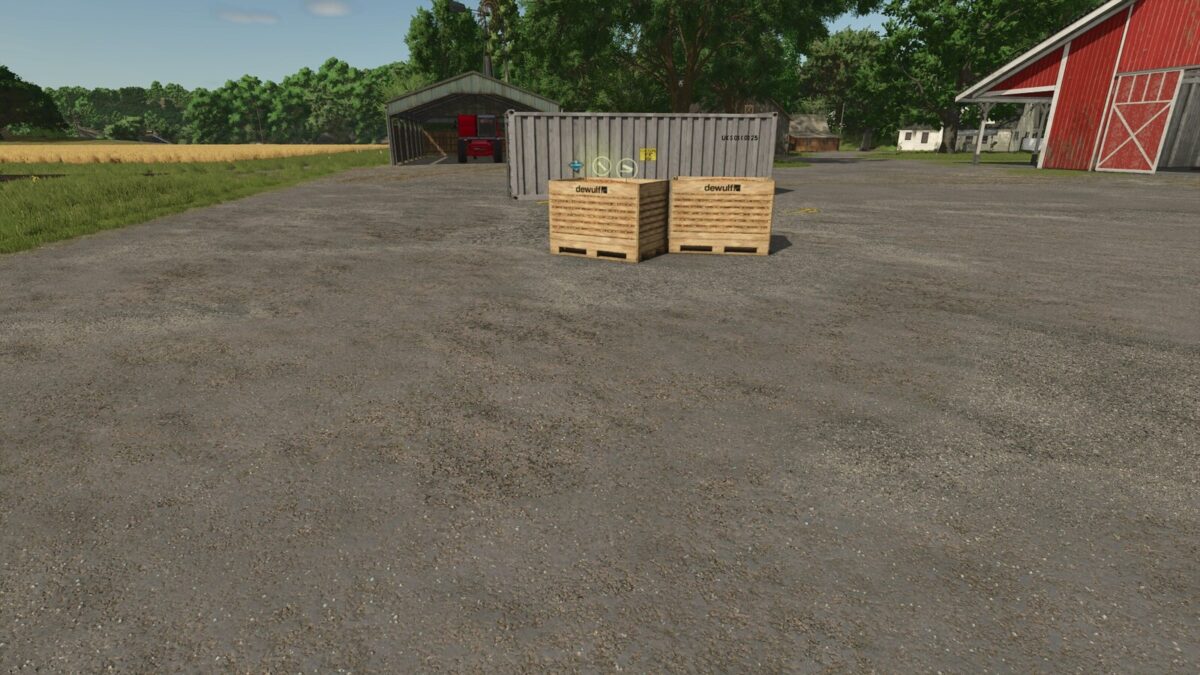
Vegetable Container v1.0.0.6
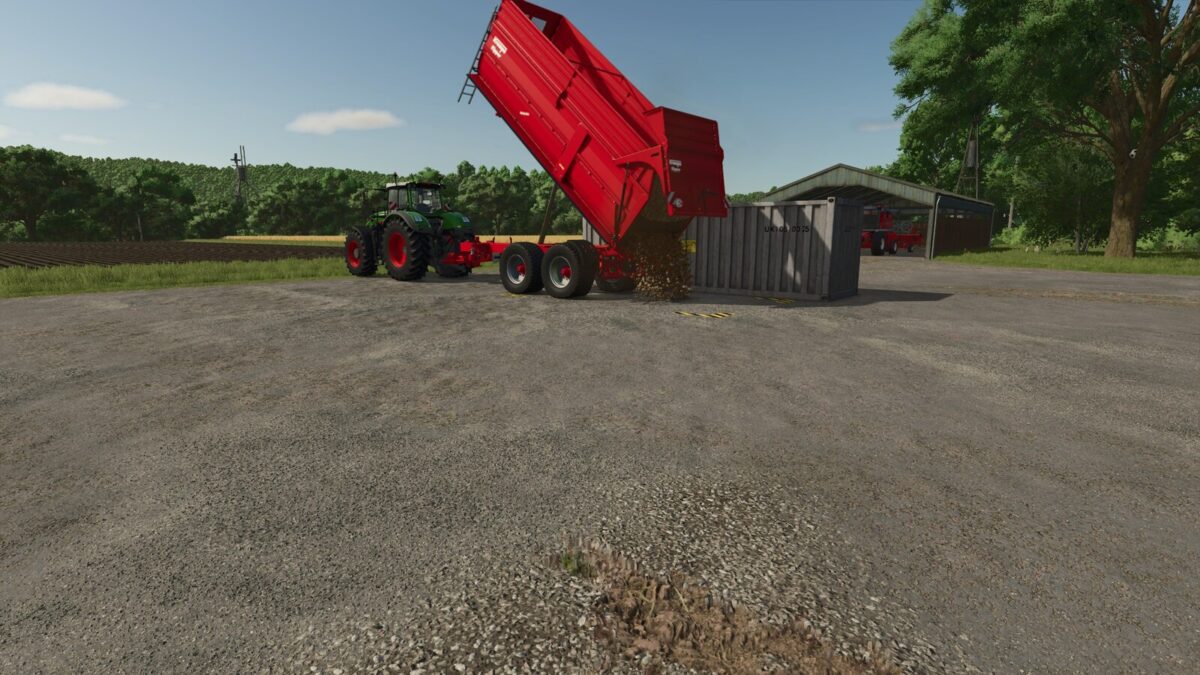
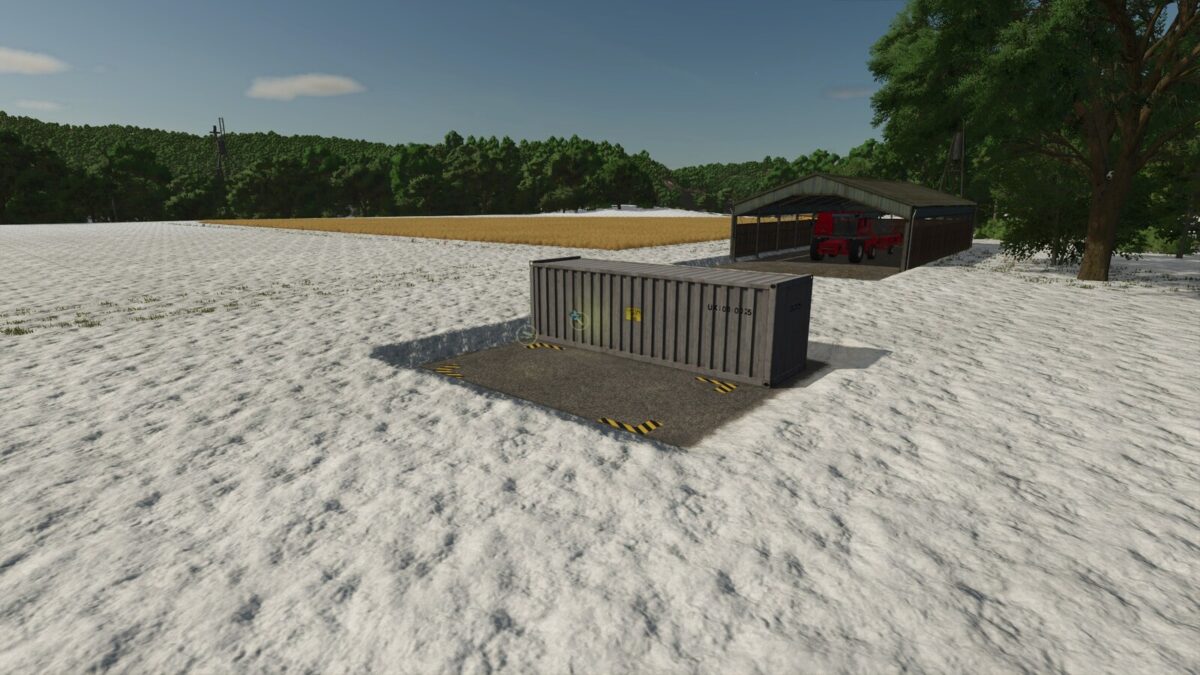
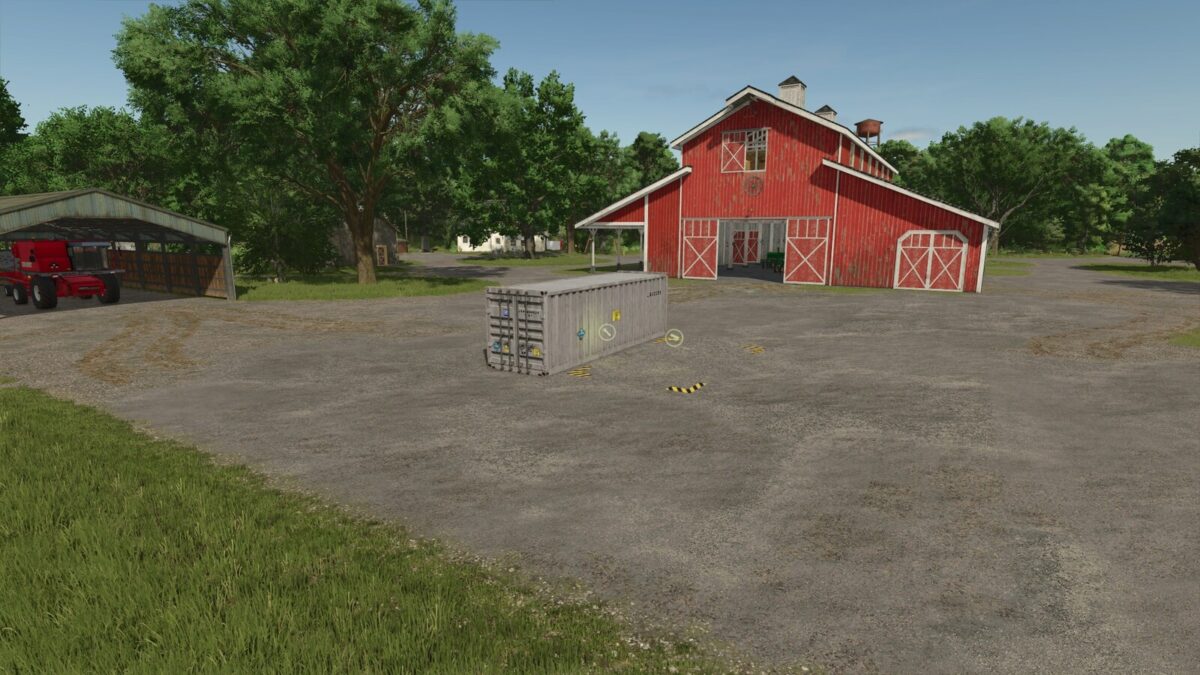
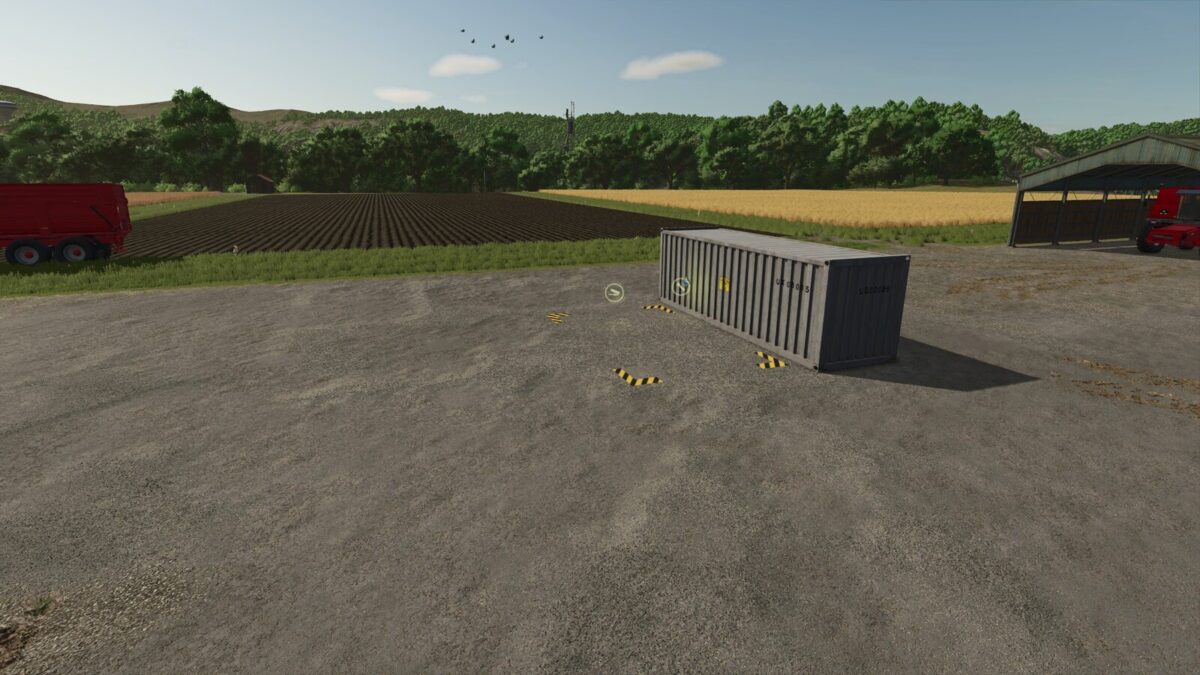
Placeable container for unloading, storing, distributing and selling bulk vegetables. Compatible with PC and consoles (crossplay).
Ideal for solo players: place the container near your harvest and avoid multiple truck trips to the factory or selling point.
Capacity: 1,000,000 L per crop.
To store, set the production chain to “Storing”.
To distribute among your factories, use the “Distributing” mode.
To sell directly from the menu, use the “Selling” mode.
Supported crops:
– Potato
– Sugar Beet
– Beetroot
– Carrot
– Parsnip
– Green Bean
– Spinach
– Sugar Cane
– Pea
– Onion (requires Highlands Fishing DLC)
– Rice
– Long Grain Rice
Category: Production Sites
Price: $5,000
Daily upkeep: $3
Total capacity: 1,000,000 L per crop
Changelog:
1.0.0.6: Added Pea, Onion, Rice and Long Grain Rice. Onion requires the Highlands Fishing DLC.
1.0.0.4: Updated total capacity to 1,000,000 L. Improved descriptions and translations for all languages. Added crossplay and solo player info.