
Göweil VARIO-Master V140 v1.0.0.0

FS25 mods

Göweil VARIO-Master V140 v1.0.0.0

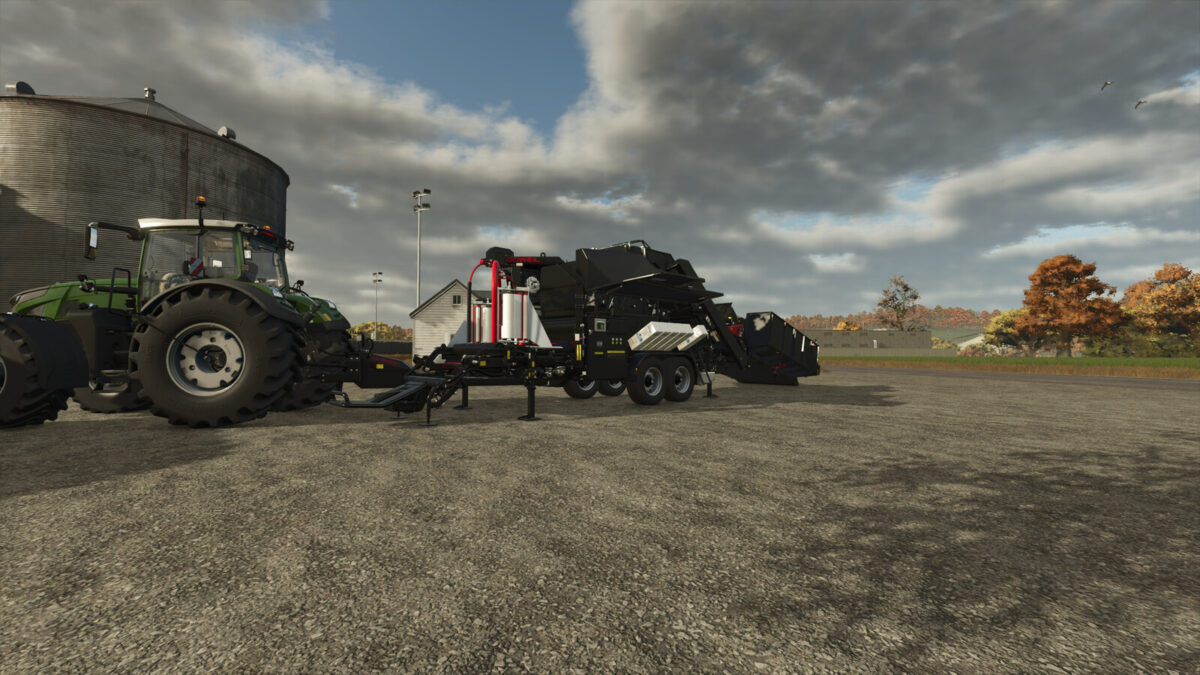
Göweil VARIO-Master V140 v1.0.0.0
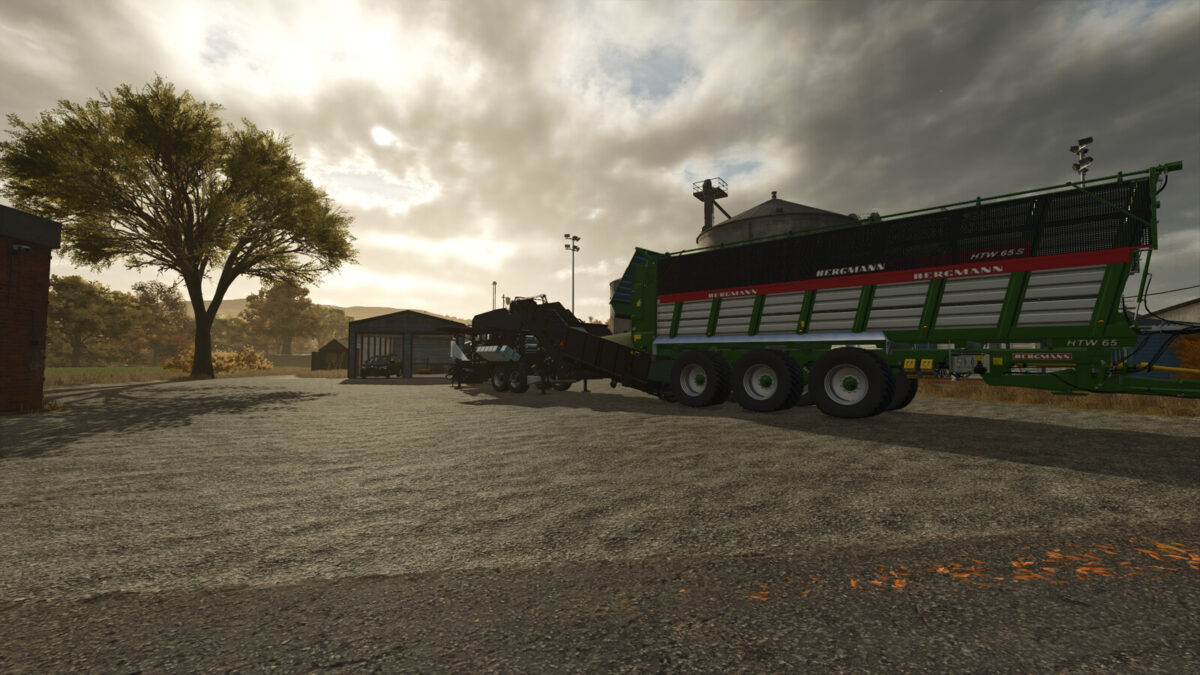
Göweil VARIO-Master V140 v1.0.0.0
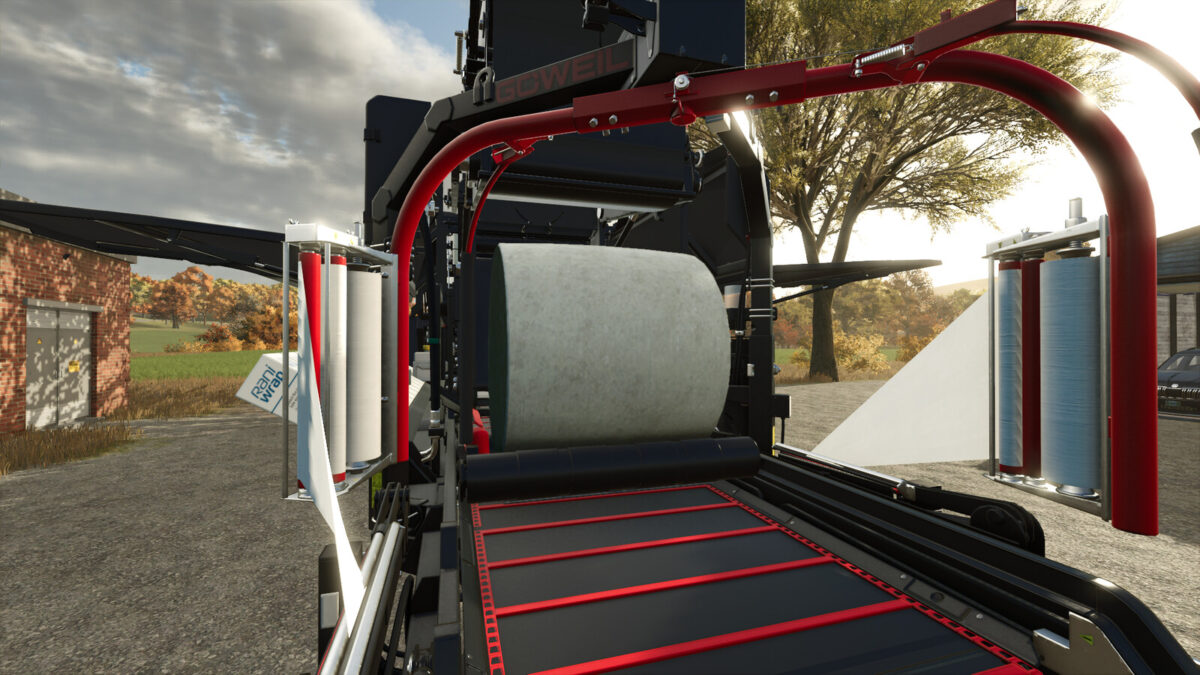
Göweil VARIO-Master V140 v1.0.0.0
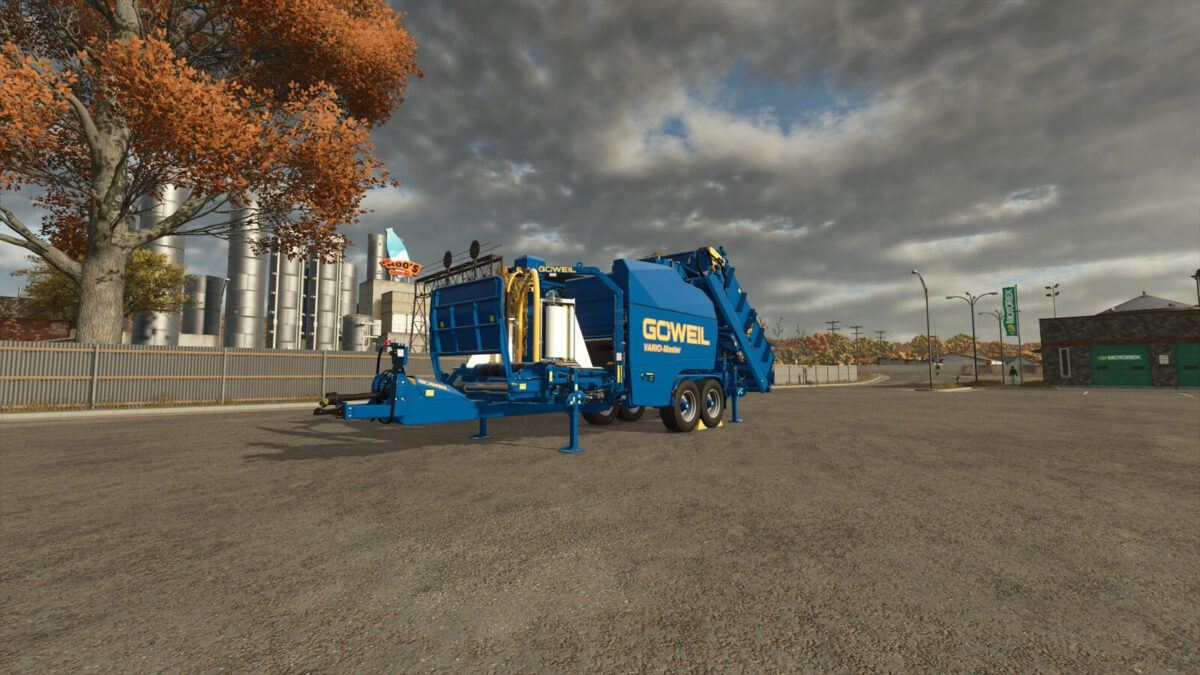
Göweil VARIO-Master V140 v1.0.0.0
Göweil VARIO-Master V140 v1.0.0.0
About the mod:

Göweil VARIO-Master V140
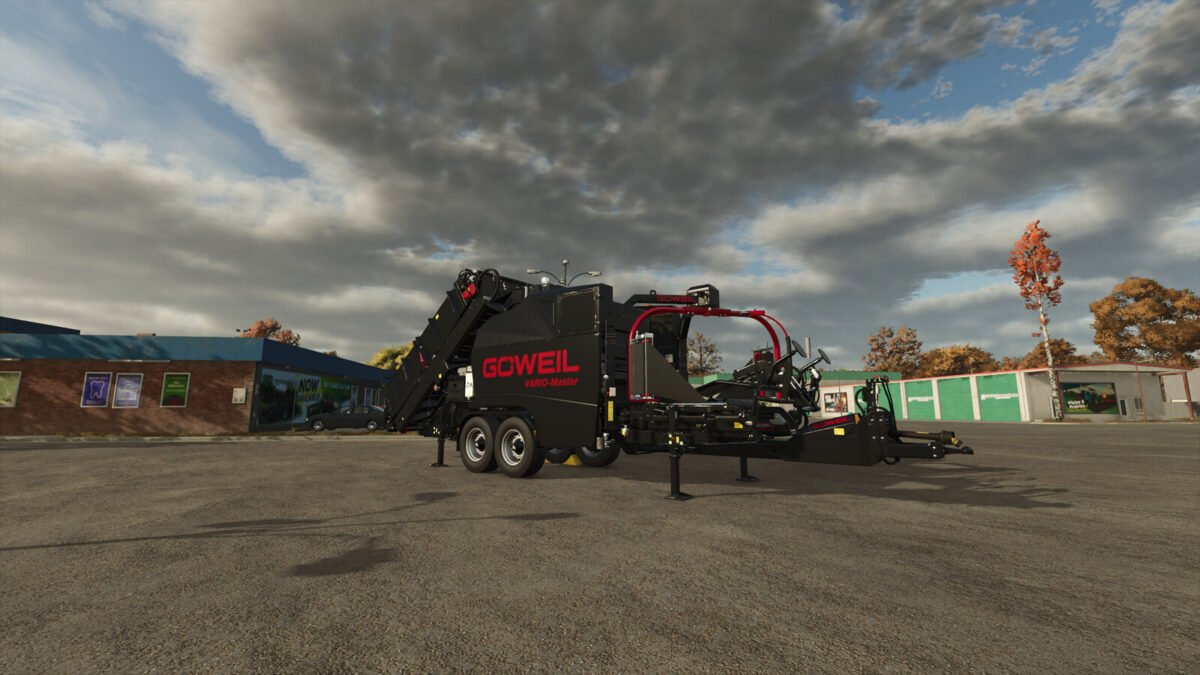
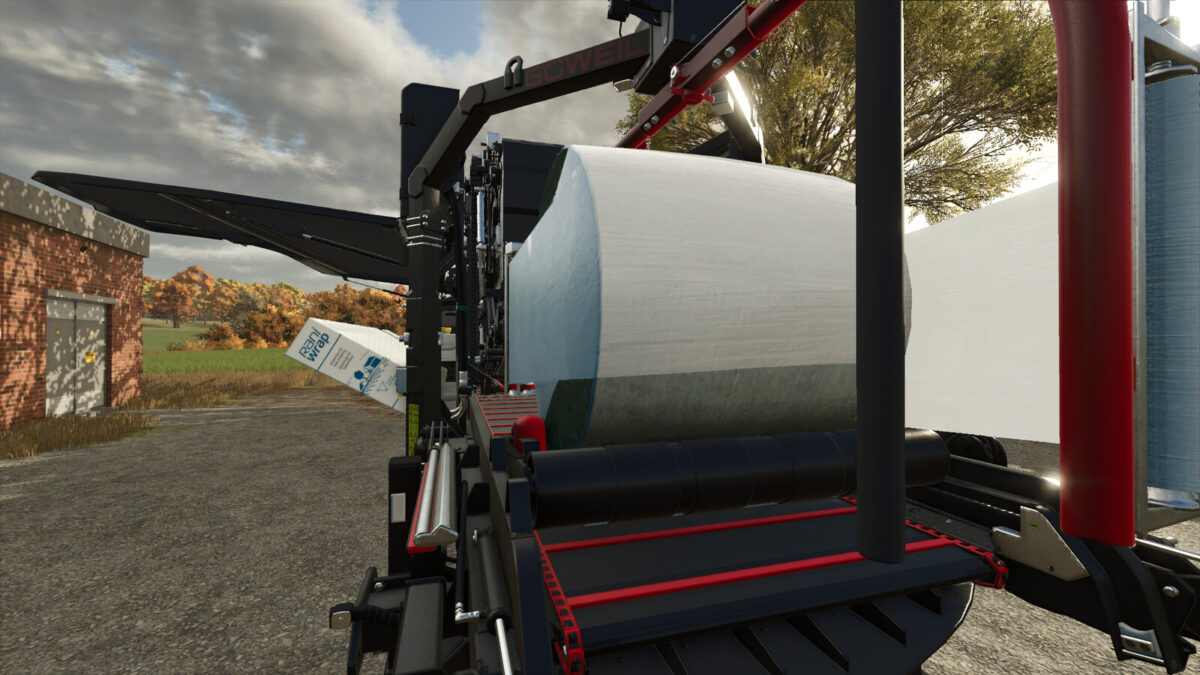
The Göweil VARIO-Master V140 is a powerful baler-wrapper combination designed for the efficient production and processing of round bales. Thanks to its variable bale chamber, bales with different diameters can be produced.
The machine is suitable for various materials and provides a fast and reliable workflow.
Features
– Price: $259,500
– Required Power: 120 HP
– Bale Size: 125–150 cm
– Capacity: 20,000 l
Existing Configurations
– Wrapping Version
– Wrapping Film
– Round Bale Net / Mantle Film
– Silage Additive Tank
New Configurations
– Color Choice – Main Color
– Color Choice – Secondary Color
– Color Choice – Rim Color
– Color Choice – Decal Color
– BPW Hubs
– Speed Sticker – 50 km/h
– Beacon Lights
– Cameras added (requires the Mercedes-Benz Trucks Pack) Tractors capable of displaying the cameras, such as Pauls

Credits:
Christopher

How to install FS17 mods?

Firstly find a mod which you like and want to download. Then download a mod to your PC. Mods are usually in .zip format file. But sometimes it can be in .rar. If a mod file is a .zip format no needed additional actions. If a file is in .rar, then you must unarchive mod with software like WinRar or Zip7. Windows 10 users no need to use software for archives, Win10 itself has a feature to unarchive files.

The next step is to find mods folder in your PC. Usually, it is in Documents/My Games/Farming Simulator 17/2017. Open the "mods" folder and put downloaded .zip archive or unarchived .rar file to this folder.

Last step. Enjoy of FS17 mods!

Leave a Reply

Your email address will not be published. Required fields are marked *