

Oregon Springs Map v 1.0


Oregon Springs Map v 1.0
About the mod:
– Cow farm
– Sheep farm
– Pig farm
– Chicken farm, here you can find eggs and sell your grass, hay and straw
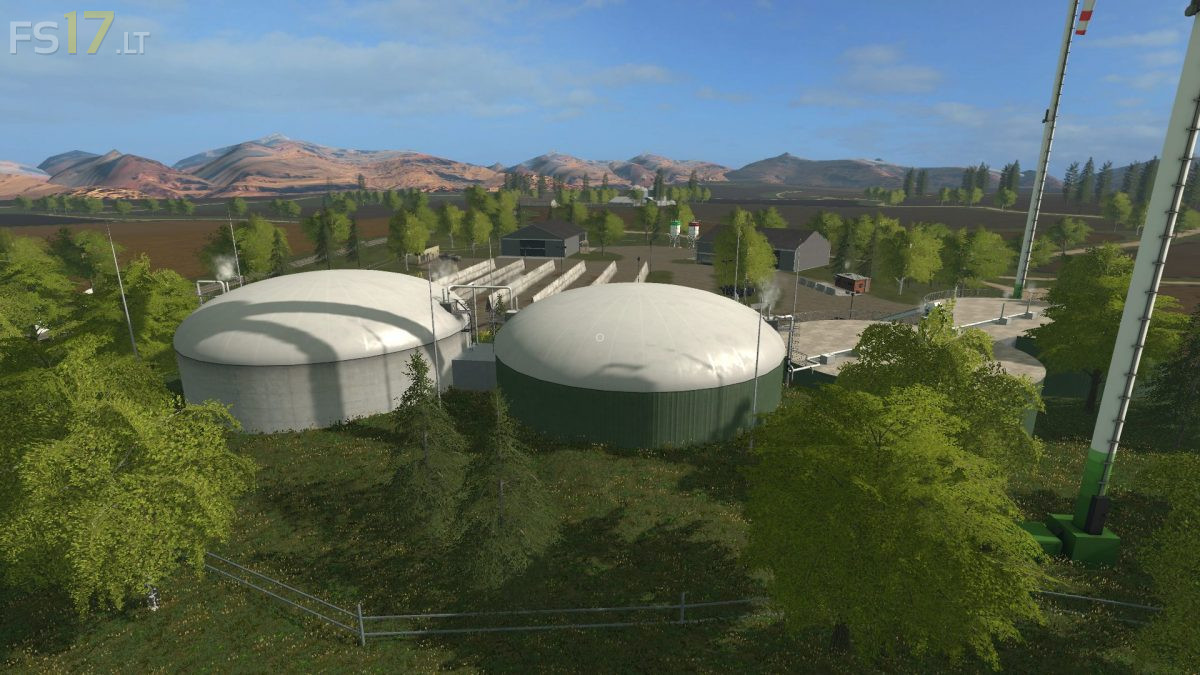
– Biogas plant
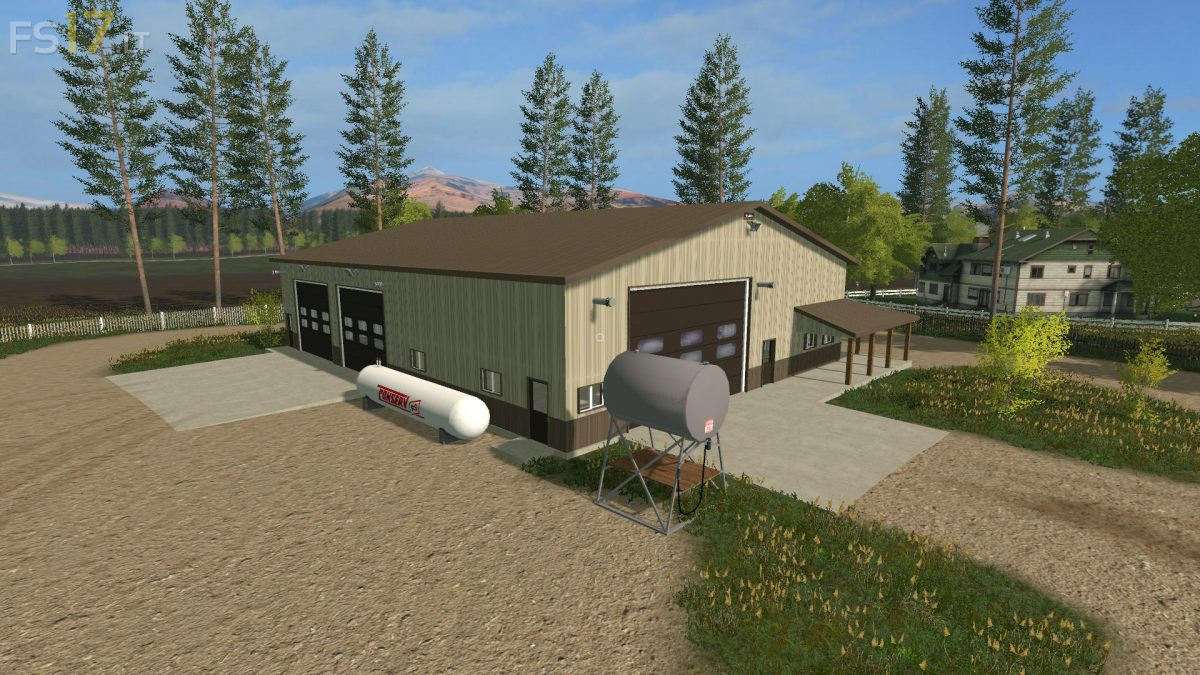
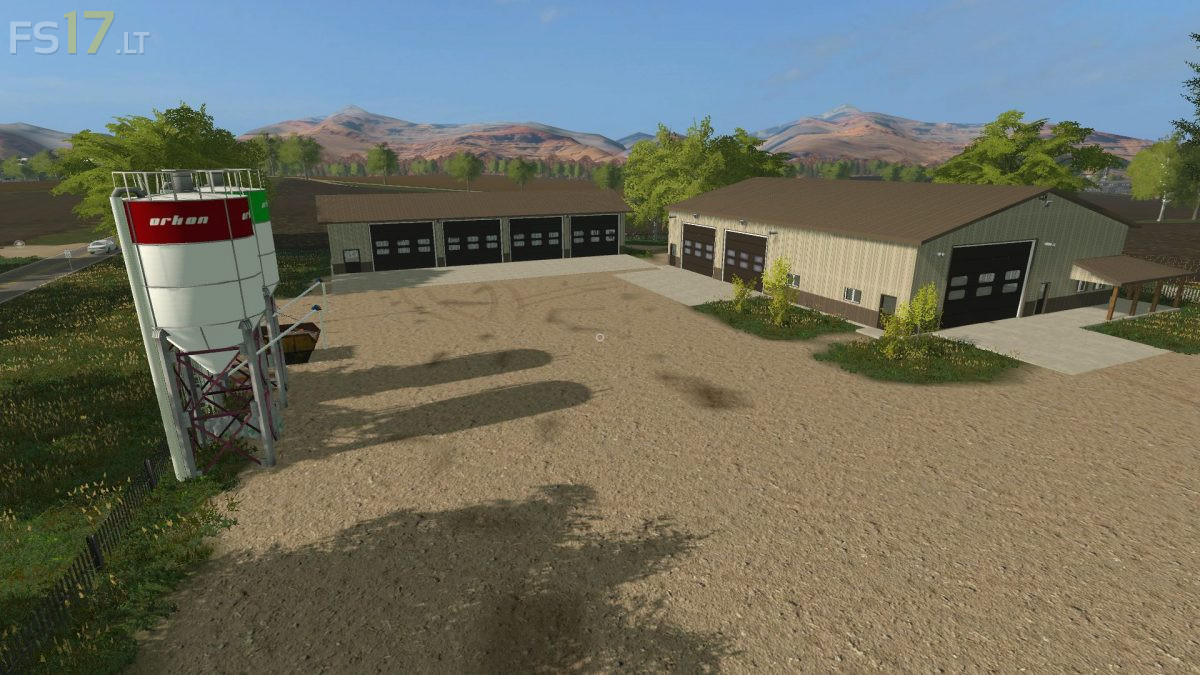
– 2 Contractor areas, the one with the white building has an extra storage point
– Vehicle shop
– Gardencenter, here you can sell wool, liquid manure and manure
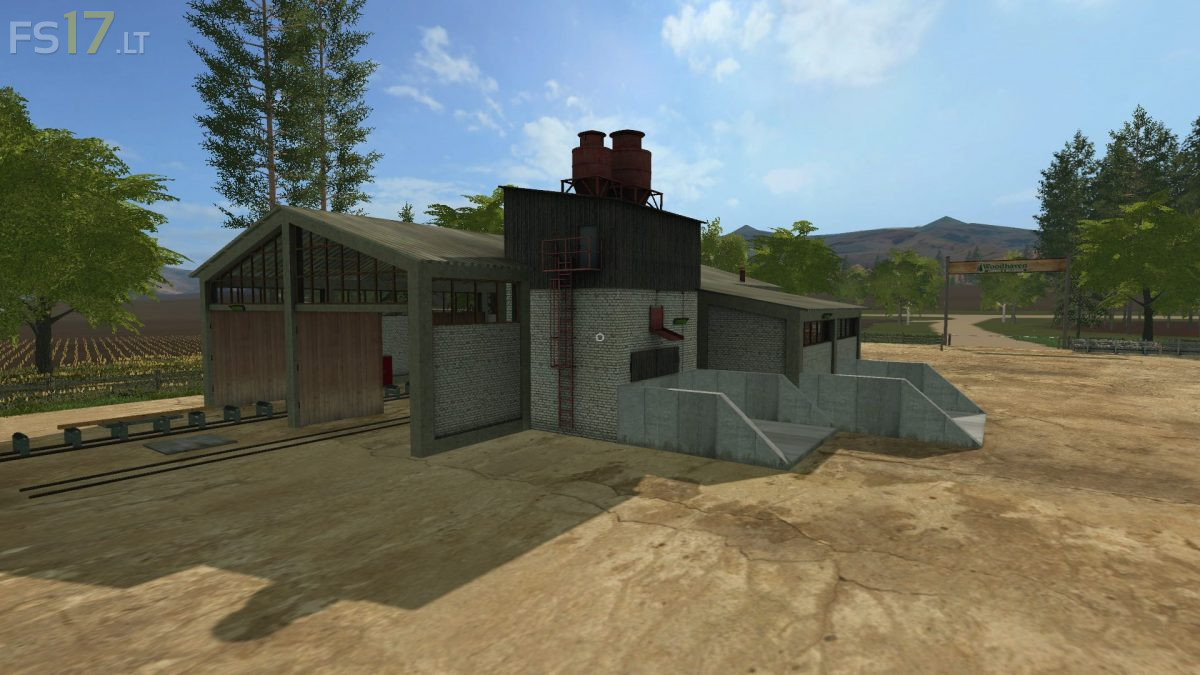
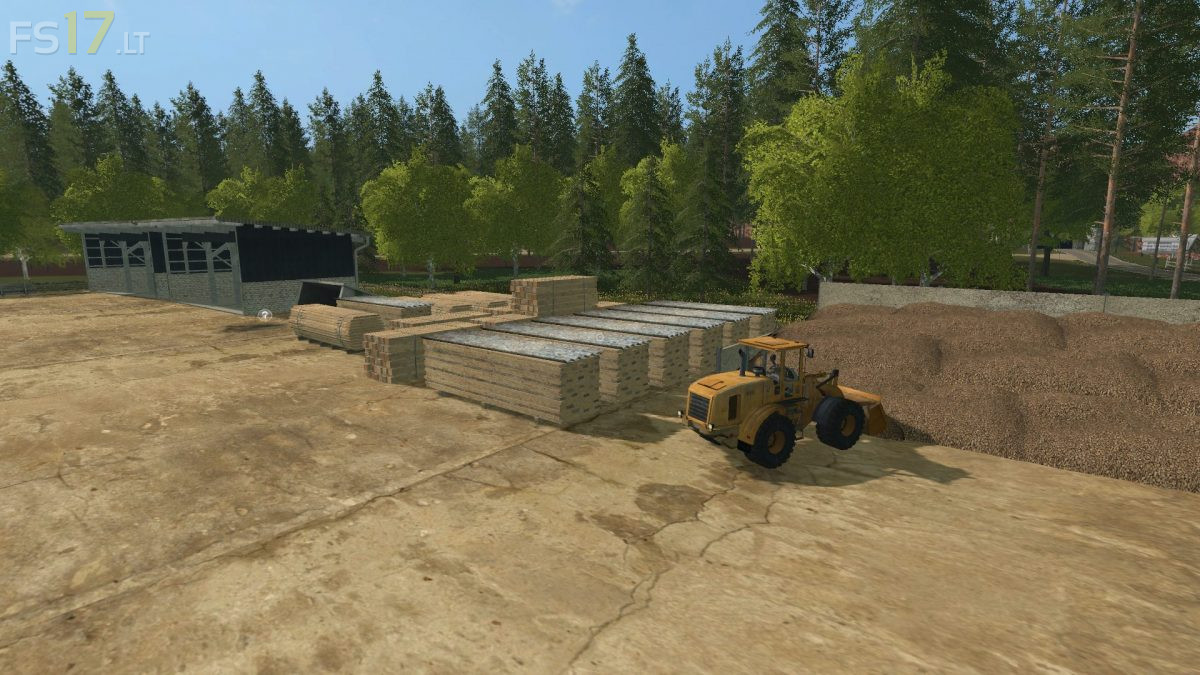
– Sawmill where you can bring trees that will be cut to planks, and on the same terrain you can sell woodchips
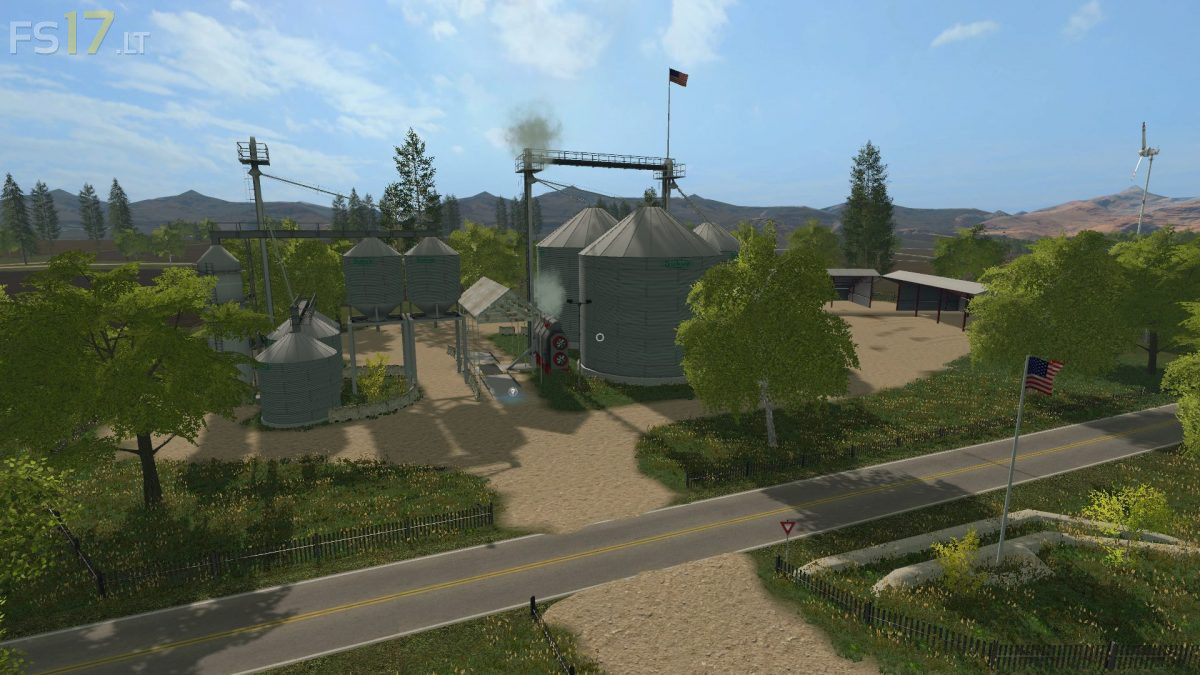
– OS Pacific Grain where you can sell standard crops
– Pete’s Diner where you can sell standard crops
– Blue Line Feeds where you can sell standard crops
– Train Station where you can sell standard crops, and on the other side you can sell trees and planks
– Standard crops: wheat, barley, rape, sunflower, soybean, maize, sugarbeet and potatos
Credits:
Richard - NLD Farmers