

Fendt Vario 500 Municipal v1.0.0.0



Fendt Vario 500 Municipal v1.0.0.0
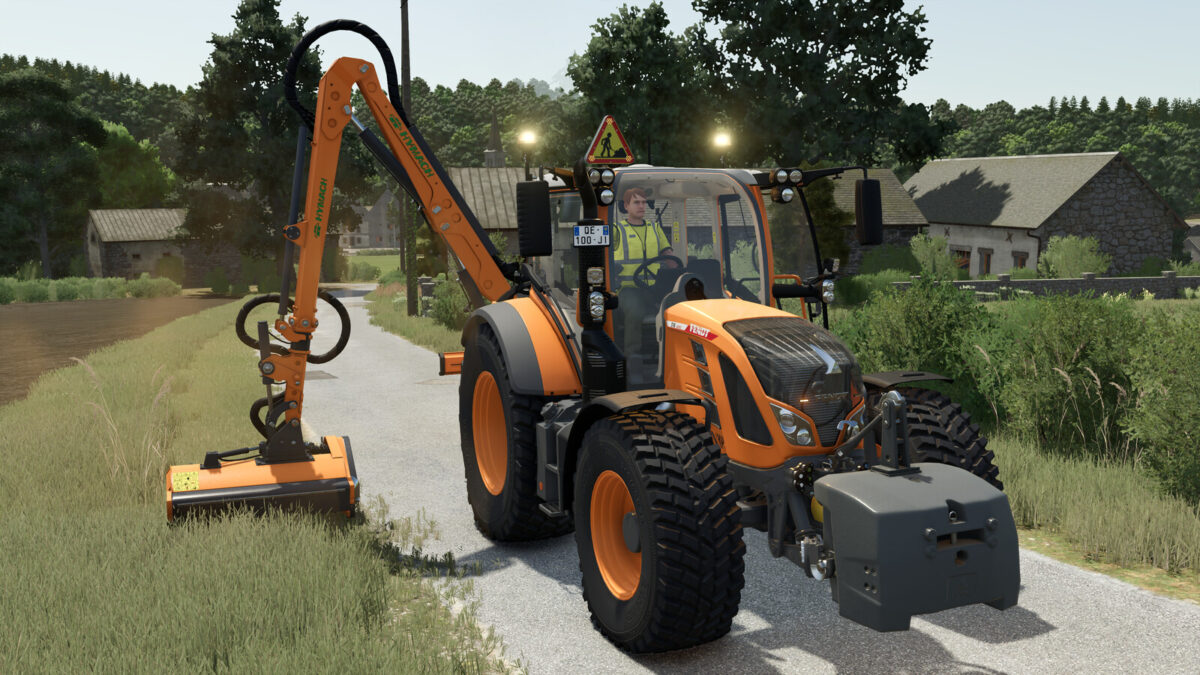
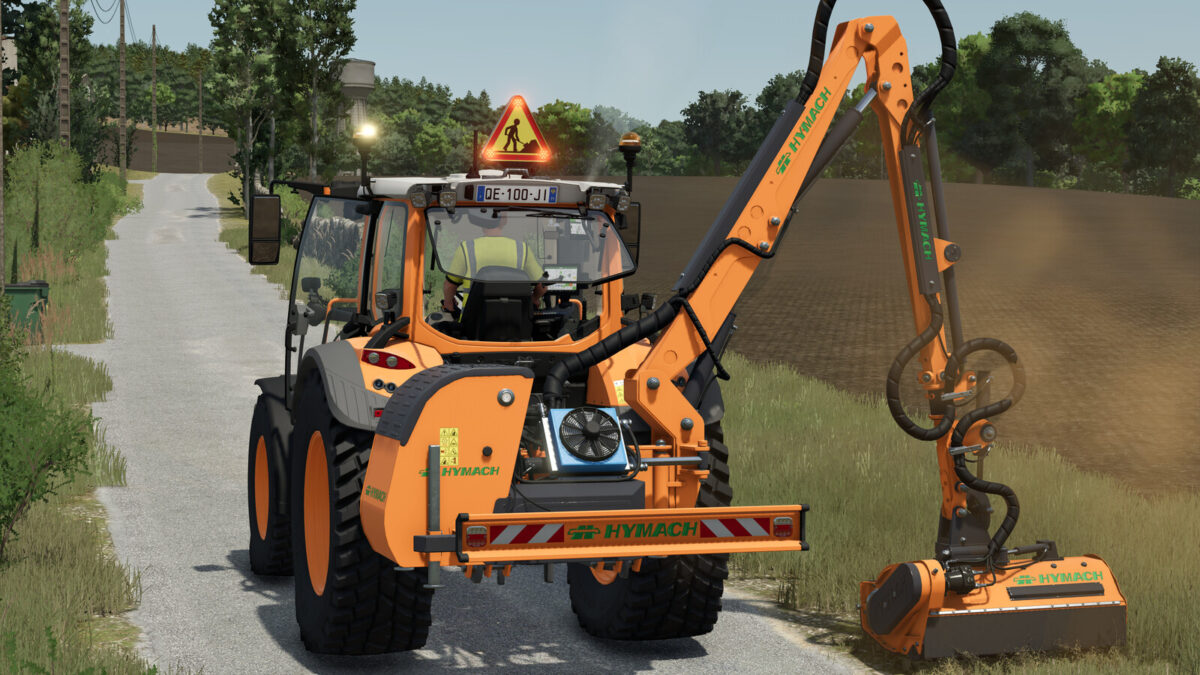
Discover the Fendt Vario 500 in its ‘Municipal’ edition.
Ideal for all your public works, road maintenance, mowing and snow clearance in Farming Simulator 25.
Specially modified to meet the requirements of local authorities, this tractor is equipped to ensure the safety of your workers and other road users.
With its advanced warning equipment, it is ready to tackle any urban or road worksite.
– Features:
Advanced safety warning system: addition of a triangular illuminated “Roadworks” sign (AK50 type) mounted on the roof, ideal for securing your work areas.
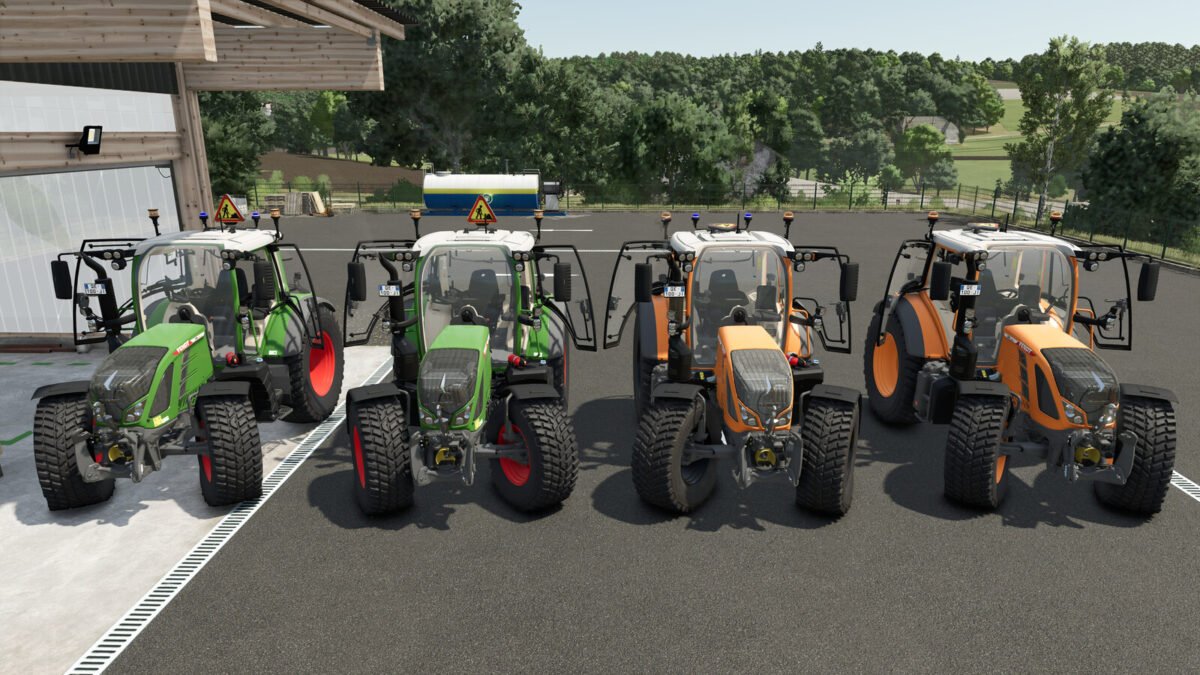
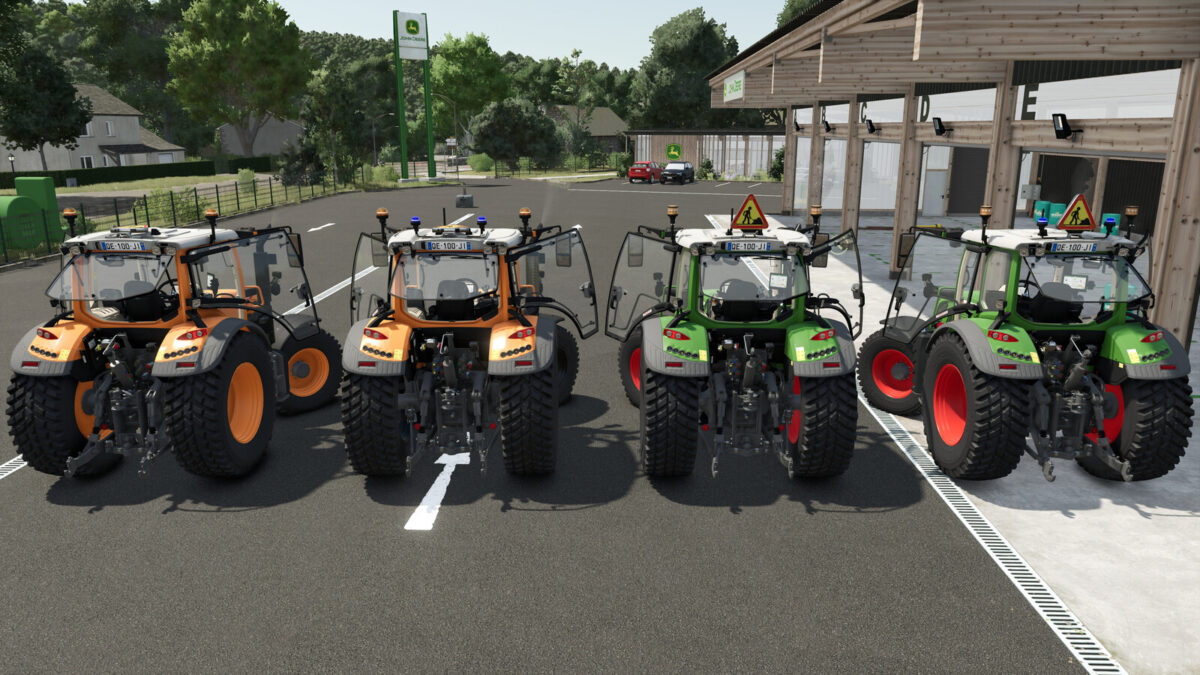
Work lighting: customised lighting configuration with the addition of orange rotating beacons and blue strobe lights for maximum visibility day and night.
Municipal styling: municipal orange paintwork.
Fendt styling: Fendt green paintwork.
Ready for work: Equipped with a front linkage and compatible with front loaders for easy attachment of snow ploughs, sweepers or brush cutters.
Suspension: softer suspension at the front and rear.
– Technical specifications:
Base price: 152,500 $.
Power: 131 – 171 hp.
Top speed: 31 mp/h.
– Manual actions:
Opening/closing: left door, right door and rear window.
– Configurations:
– Municipal.
– Rotating beacons.
– Flash LEDs.
– Construction site LEDs.
– Blue rotating beacons.
Recommended configurations:
– Tyre brand: Nokian Tyres.
– Wheel configuration: Municipal.
– Municipal: Yes.
– Rotating beacons: LEDs 1.
– Flash LEDs: All.
– Blue rotating beacons: Snow clearance.