

VOLVO FH16 MULTICUSTOM v1.0.0.6

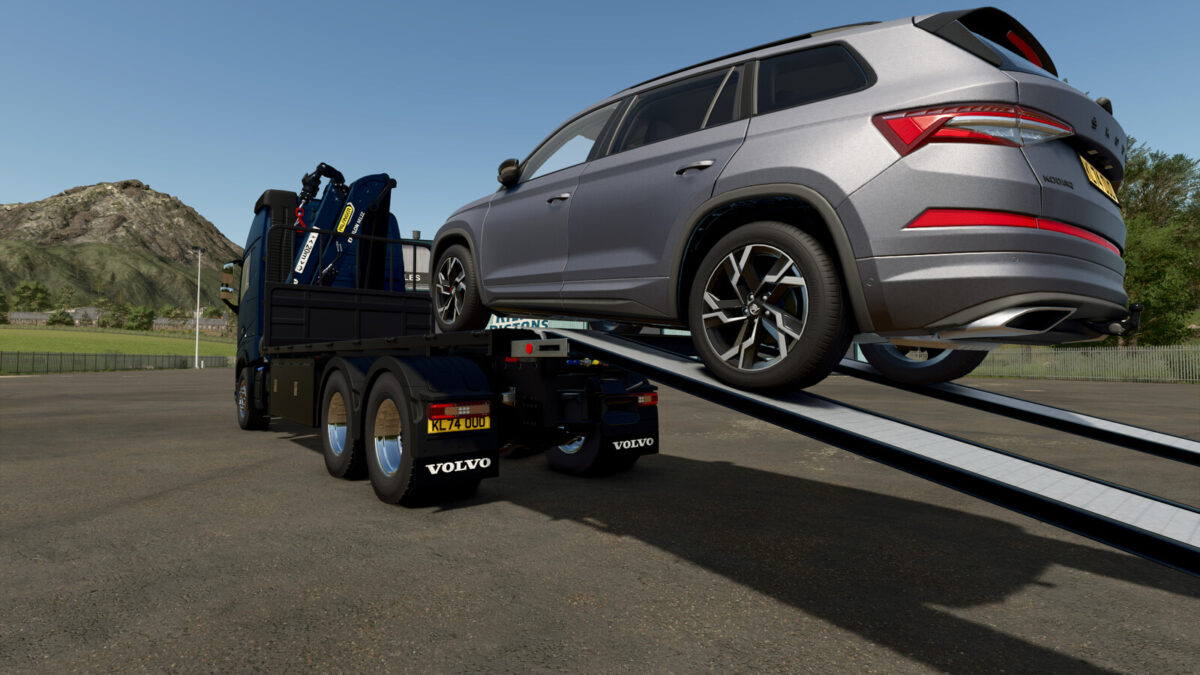
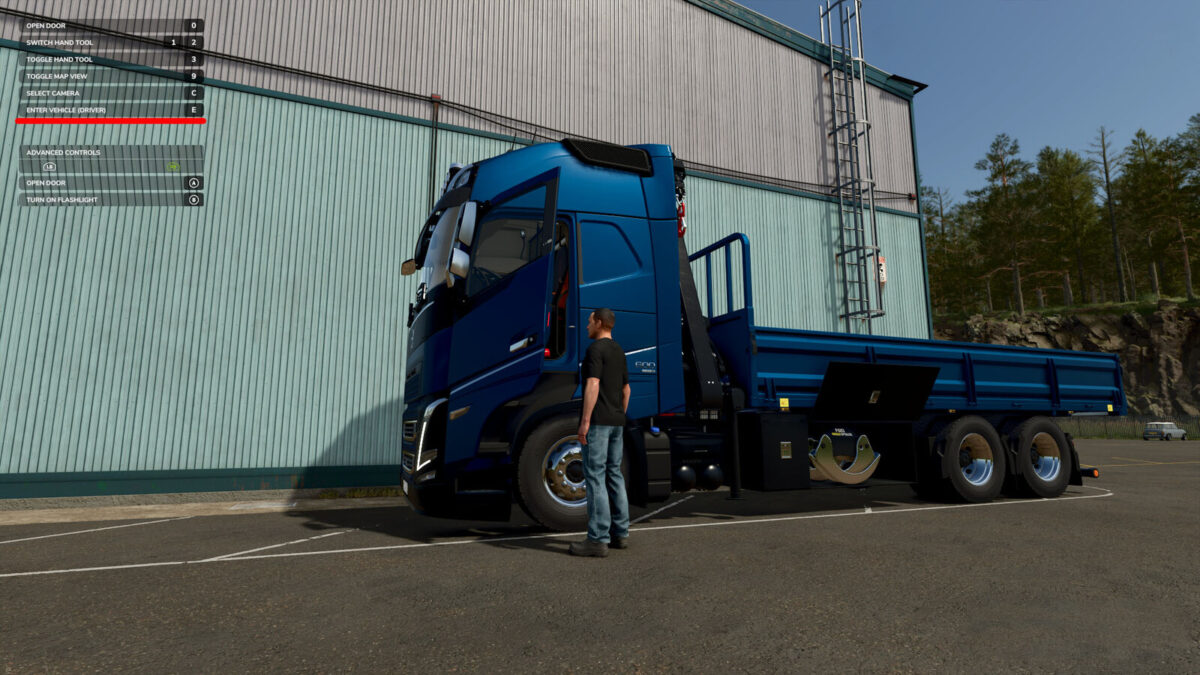
VOLVO FH16 MULTICUSTOM v1.0.0.6
VOLVO FH16 MULTICUSTOM
Configurations:
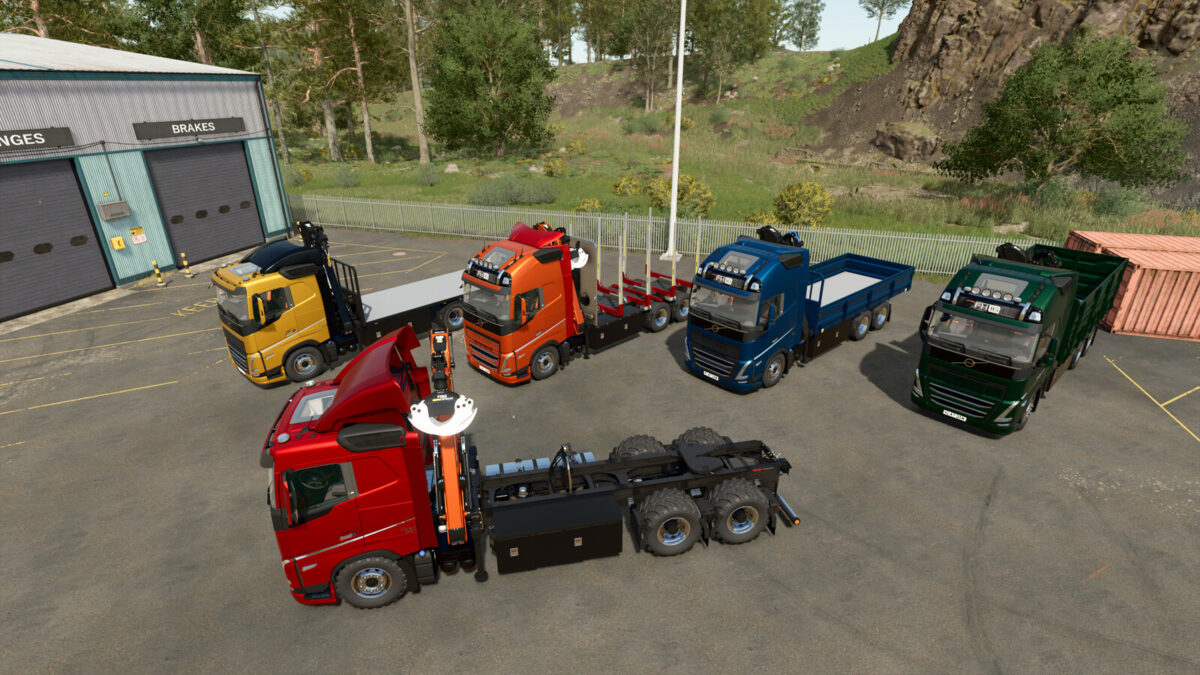
Semi-Truck
Semi-Truck with crane ($35 000).
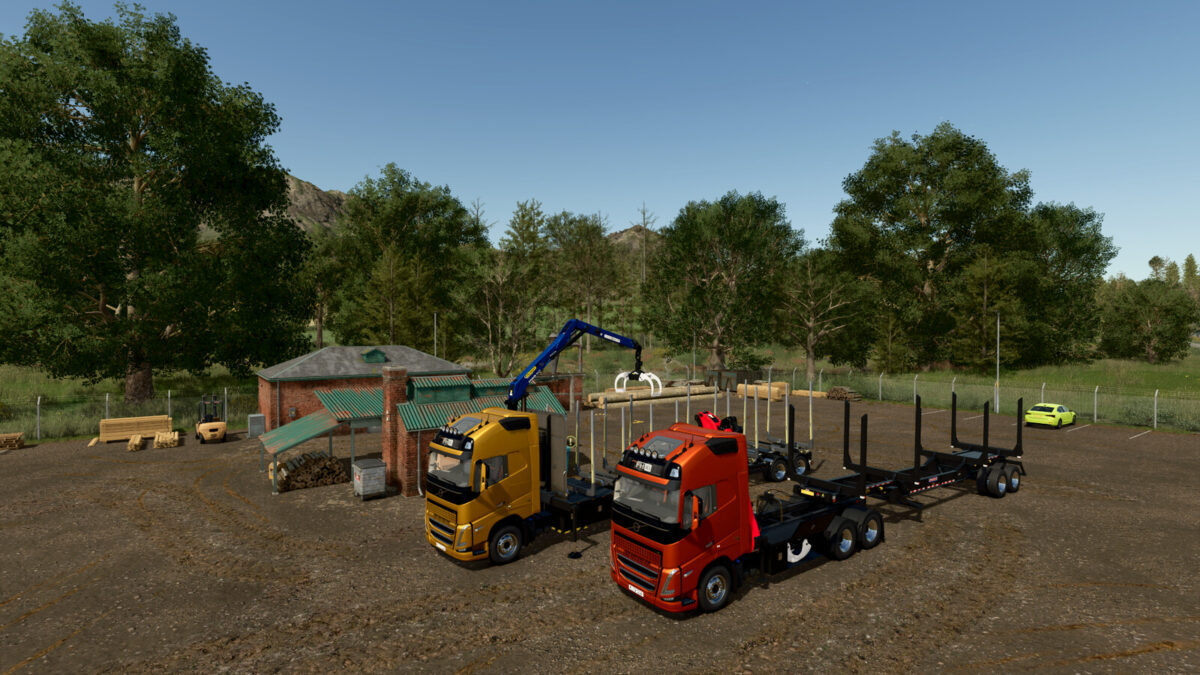
Wood transporter with crane ($53 000).
Flatbed with crane ($55 000).
Drop-side platform with crane ($62 000).
Extended drop-side platform with crane ($70 000).
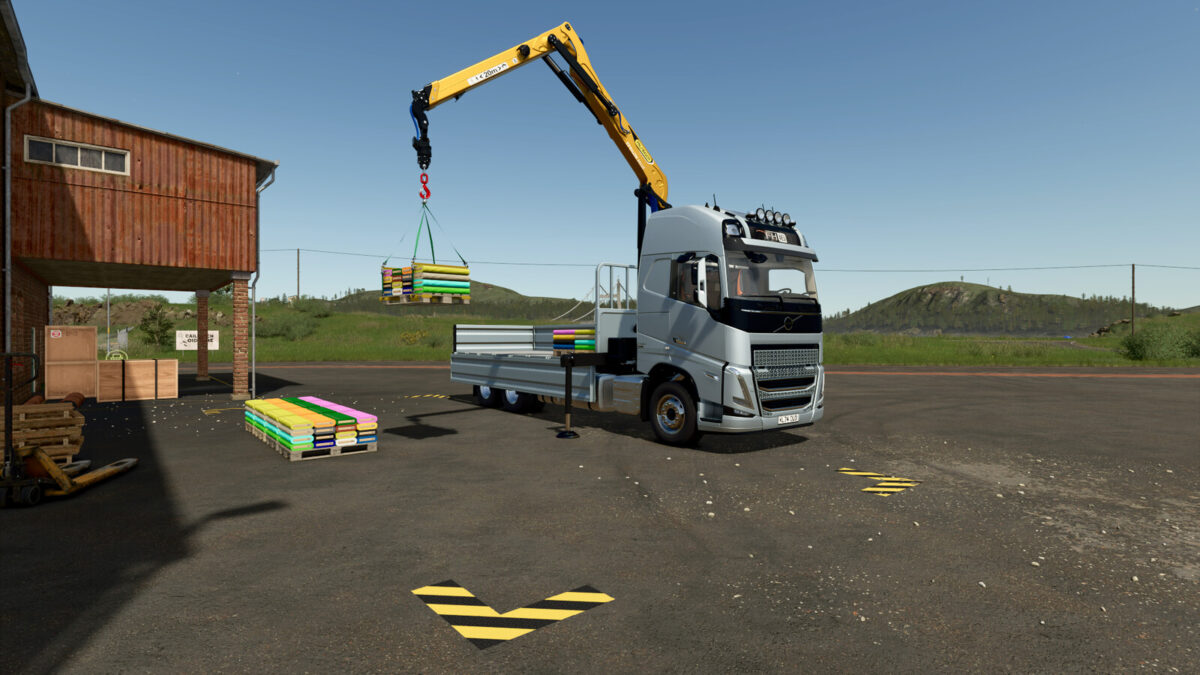
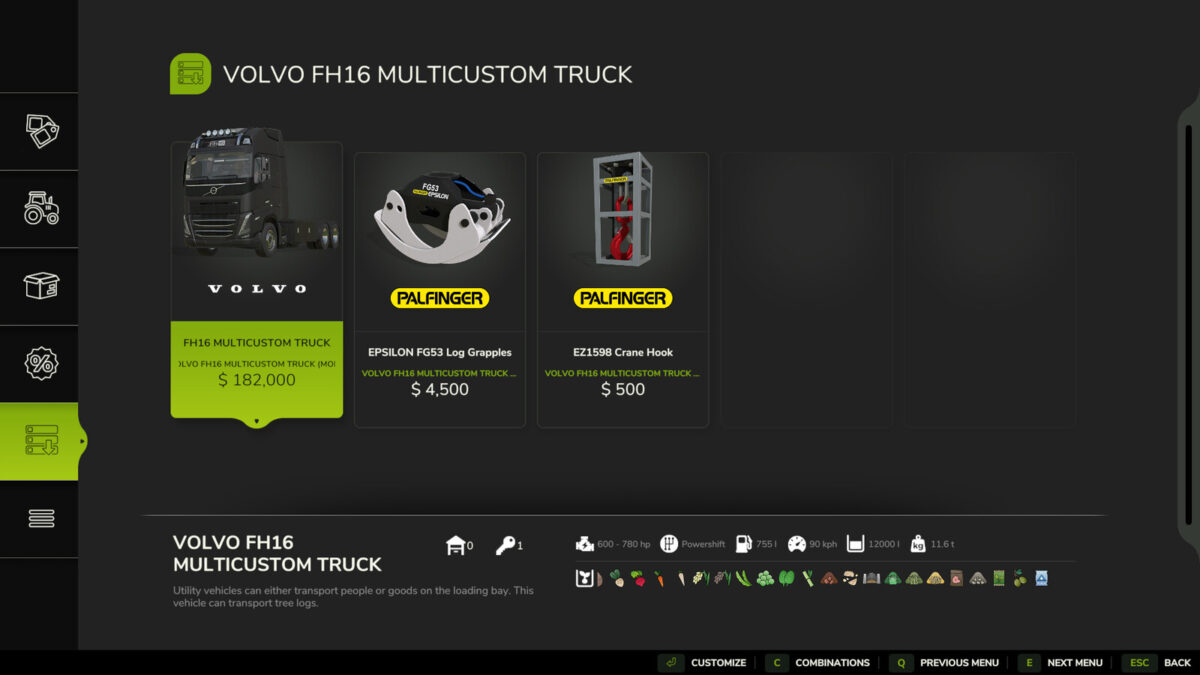
The crane requires interchangeable modules to be purchased separately in the shop: a log grapple and a hook for loading pallets and big bags.
Modules can be stored in the truck’s side boxes (U – select box, Y – open/close box).
The truck is equipped with a trailer hitch.
New tuning settings are available.
Added a rear-view camera (requires Mercedes-Benz Trucks Pack DLC to work).
Crane Operation with Hook:
To detach the hook, trailer, or big bag: Ctrl+Q (console players need to bind the button).
To attach a trailer or big bag, you must switch to the truck (G key).
Requires the Highlands Fishing Expansion DLC to work with pallets.
VOLVO FH16 MULTICUSTOM
Categories: Trucks, Wood Transport
Power: 600 – 780 hp
Max. speed: 90 kph
Capacity: 12 000 – 24 000 liters
Price: $182 000
PALFINGER EPSILON FG53 Log Grapple
Category: Misc
Price: $4500
PALFINGER EZ1598 Crane Hook
Category: Misc
Price: $500
Changelog Version 1.0.0.1:
Added new aerodynamic parts.
Added side marker lights for drop-side platform and flatbed.
Added SEMI-TRUCK configuration.
Added ground clearance adjustment (used to back under the semi-trailer).
Bug fixes:
Ramp issues fixed
Part color selection has been configured based on the chosen configuration.
Standard front grille paint has been fixed.
Collisions fixed.
Log Grapple fixed.
Changelog Version 1.0.0.2:
Improved ground clearance adjustment.
Added equipment for clearance adjustment of the rear air suspension.
Improved wheel selection.
Rear underrun protection added (by selectable).
Added physics to the drop-side platform door back.
Changelog Version 1.0.0.3:
Door moldings added (by selectable).
Changelog Version 1.0.0.4:
Added animations for doors and the spoiler.
Added vehicle icons for various configurations.
New color schemes.
New cabin design.
Bug fixes:
Crane operation sound added.
AI-Worker is fixed.
Changelog Version 1.0.0.5:
Bug fixes:
Fixed the hook functionality when handling big bags.
Door functionality has been reworked. (RB + A for the Gamepad)
Changelog Version 1.0.0.6:
Added separate controls for the support feet.
Relocated fifth-wheel hose connectors.
Added a rear-view camera (requires Mercedes-Benz Trucks Pack DLC to work).
Changed headlight mode switching, replaced auxiliary high beam roof-mounted lamps.
Changed the horn sound.
Bug fixes:
Collision bug fixes.
Fixed clearance issues.
Fixed localization errors and improved translations (EN, DE, FR, RU, UK, PL).